 ENEnglish
 LTLietuviškai
 DEDeutsch
 FRFrançais
 RUРусский
 ESEspañol
 PLPolski
 ITItaliano
 UKУкраїнська
 CSČeština
 PTPortuguês
 JA日本語
JA日本語 LVLatviešu valoda
 ETEesti
 HUMagyar
 IDBahasa Indonesia
 TRTürkçe
 HIहिन्दी
 ELΕλληνικά
 ARالعربية
 THไทย
THไทย VITiếng Việt
 RORomână
 MSBahasa Melayu
 BNবাংলা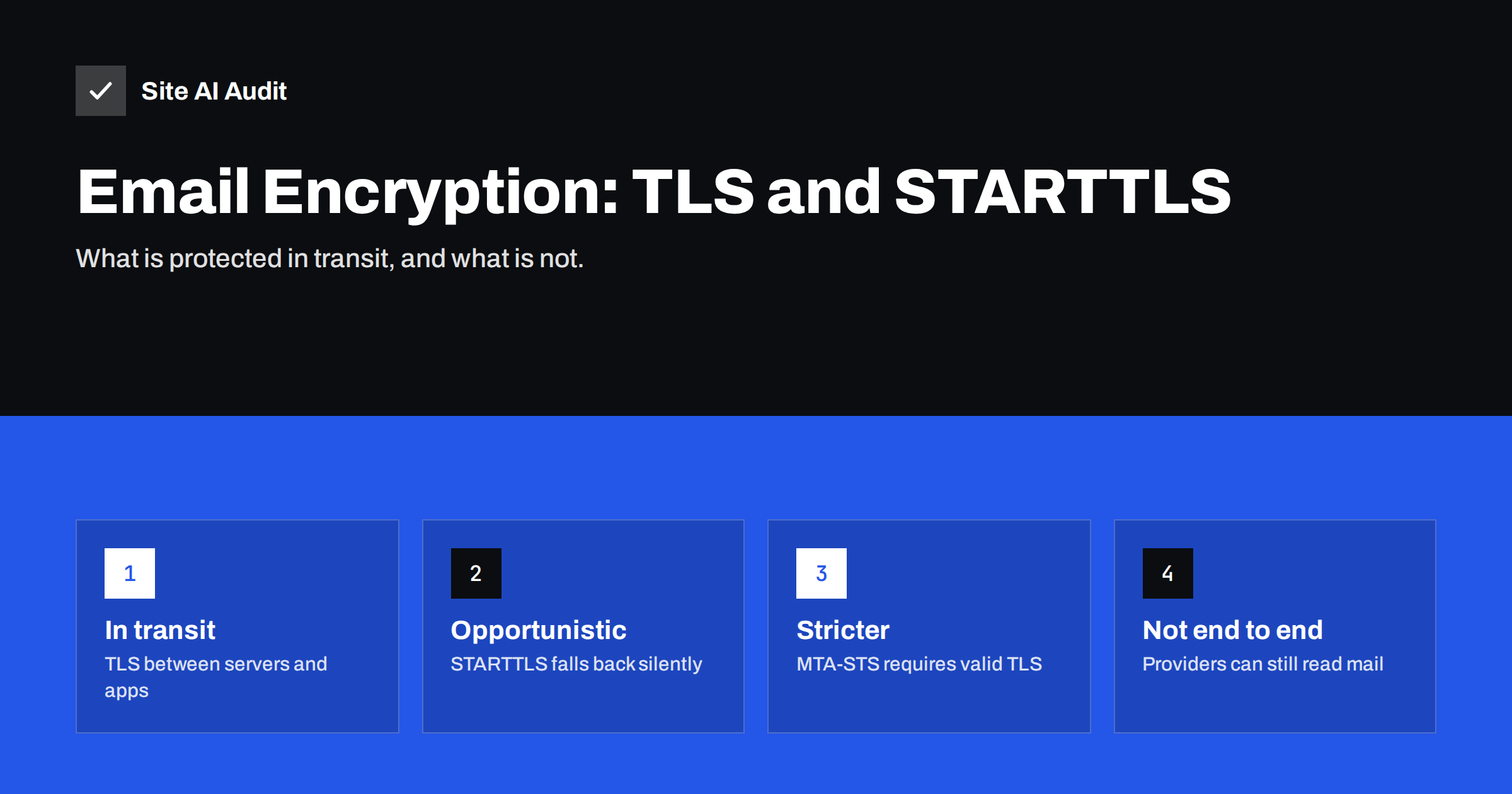
Short answer: Most e-mail today is encrypted while it travels, using TLS: between your mail app and your provider, and between mail servers through STARTTLS. That protects messages from being read on the network, but it is not end-to-end encryption, since the mail providers at each end can read the content. STARTTLS between servers is usually opportunistic and falls back to plain text if encryption fails. You can check TLS in message headers, and require it for your incoming mail with MTA-STS.
The three places encryption matters
An e-mail message passes through several stages, and each has its own protection:
- From your device to your mail provider. Your mail app or webmail connects to the provider over an encrypted connection. Modern providers require this, using HTTPS for webmail and TLS for IMAP, POP and SMTP submission.
- From your provider to the recipient’s provider. Mail servers talk to each other using SMTP. Encryption here is negotiated with STARTTLS and is the part that varies most.
- Stored in the mailboxes. Providers typically encrypt stored data on their systems, but they hold the keys, so they can technically access the content.
A message may also pass through more than two servers. Security gateways, forwarding services, mailing lists and internal relays each add a hop, and each hop negotiates encryption separately. One unencrypted hop is enough for the content to cross part of the network in plain text, even if every other connection was encrypted.
When people ask “is my e-mail encrypted?”, the honest answer is usually “yes in transit, very likely, but not end to end”.
How STARTTLS works between servers
When one mail server connects to another, the conversation begins in plain text. The receiving server lists its capabilities; if it supports encryption, it includes STARTTLS. The sending server then issues the STARTTLS command, both sides negotiate a TLS session, and the rest of the conversation, including the message itself, is encrypted.
Two weaknesses follow from this design:
- Silent fallback. If the receiving server does not offer STARTTLS, or if the TLS negotiation fails, most senders simply deliver the message unencrypted. An attacker who can tamper with the network connection can remove the STARTTLS offer and force this fallback.
- Weak certificate checking. Many senders accept any certificate during STARTTLS, including self-signed or mismatched ones, because refusing would break delivery to many legitimate but imperfectly configured servers. That leaves room for interception by a server pretending to be the recipient.
In practice, large providers encrypt the vast majority of their server-to-server traffic, and Google’s sender guidelines require TLS for mail sent to Gmail users. But “usually encrypted” is not a guarantee.
How to check whether a message was encrypted
- In Gmail, open the message and expand the details under the sender. A padlock icon with a note about standard encryption (TLS) shows that the message reached Google over an encrypted connection. A red open padlock indicates it did not.
- In the headers, the
Receivedlines often record the TLS version and cipher used on each hop, for exampleversion=TLS1_3. - For your own servers, test the MX hosts from outside with a TLS-aware SMTP test tool, or with
openssl s_client -starttls smtp -connect mx.yourdomain.com:25, and check that the certificate is valid for the host name and not expired.
Making incoming mail stricter with MTA-STS
MTA-STS lets your domain tell sending servers that mail for you must be delivered over TLS with a valid certificate to the MX hosts you list. Senders that support it, including major providers, fetch your policy over HTTPS, cache it and refuse to deliver if they cannot establish a verified TLS connection. That removes both weaknesses above for mail sent to your domain.
TLS-RPT complements it by asking senders to send you daily reports about TLS successes and failures when delivering to your domain. Even without MTA-STS enforcement, TLS reports can reveal certificate problems on your MX hosts that nobody would otherwise notice.
DANE, which publishes certificate information in DNS protected by DNSSEC, is an alternative approach used by some operators. It requires DNSSEC on the domain and support on the sending side, and is more common in some regions and among certain providers.
What TLS does not protect
| Threat | Protected by TLS in transit? |
|---|---|
| Someone reading traffic on a network between servers | Yes, if TLS was used on that hop |
| A mail provider reading stored messages | No |
| A compromised mailbox (stolen password) | No |
| A message forwarded to an unencrypted system | Only for hops that used TLS |
| Spoofed sender addresses | No; that is the job of SPF, DKIM and DMARC |
It is worth being precise when customers or auditors ask about e-mail security. “Our e-mail is encrypted in transit using TLS where the receiving server supports it” is accurate for most businesses; “our e-mail is fully encrypted” usually is not.
For sensitive content, such as medical records or confidential legal documents, consider end-to-end encryption (for example S/MIME or OpenPGP), a secure portal or a file-sharing service with access control, instead of relying on transport encryption alone.
Common TLS problems on mail servers
- Expired certificates. Automatic renewal was set up for the website but not for the mail server, or the mail software was never reloaded after renewal and still serves the old certificate.
- Name mismatch. The certificate covers
www.yourdomain.combut the MX host ismail.yourdomain.com. Strict senders and MTA-STS reject the connection. - Incomplete certificate chain. The server presents its own certificate without the intermediate certificate, so some senders cannot verify it.
- Obsolete protocol versions. Very old TLS versions still enabled, or modern versions missing, on long-running servers.
- Plain-text submission. Website plugins or office devices configured to send mail to the server on an unencrypted port with a password, exposing credentials on the network.
Hosted mail providers take care of the first four for their own servers. If you run your own mail server or gateway, add its certificate to the same monitoring you use for the website, because an expired mail certificate often goes unnoticed until MTA-STS reports or a strict partner start rejecting mail.
Encryption for devices and applications
The weakest link is often not the server-to-server hop but the first one: a scanner, an alarm system, a legacy application or a website plugin that sends mail through your provider. Some older devices support only outdated encryption or none at all, and administrators sometimes enable insecure settings to make them work. Where possible, update or replace such devices, use a dedicated account with a limited, app-specific password, and prefer the provider’s documented secure relay options over lowering security for the whole mailbox.
What businesses should do
- Use a reputable mail provider that supports TLS on all connections and requires it for your apps.
- If you run your own mail server, install a valid certificate for each MX host name, keep it renewed automatically, disable obsolete TLS versions and support modern ones.
- Make sure systems that send mail for you, such as website plugins and devices, connect to the mail server using TLS, not plain SMTP.
- Consider MTA-STS and TLS-RPT if you receive sensitive information by e-mail.
- Use end-to-end encryption or secure portals for content that must remain confidential even from mail providers.
- Combine with authentication. Encryption protects content in transit; SPF, DKIM and DMARC protect your identity. Both are needed.
Encryption and deliverability
TLS also plays a role in deliverability. Google lists TLS as a requirement for sending to Gmail users, and messages arriving without encryption stand out. A mail server with an expired or misconfigured certificate may still deliver, but it signals neglect, and some receivers treat it with more suspicion. For your website, the same principle applies: an expired certificate triggers browser warnings and drives visitors away.
Site AI Audit checks the SSL certificate and its expiry for your website, security headers, and your domain’s e-mail records (SPF with its lookup limit, DKIM, DMARC and MX) in one report, and explains each finding in plain words. A free check shows the current state; paid plans on the pricing page alert you before certificates expire and when e-mail records change.
Related reading
- MTA-STS and TLS-RPT: Enforcing Encrypted Email Delivery
- TLS 1.0 and 1.1 Are Obsolete: How to Disable Them Safely
- Email Spoofing: How to Stop People Sending Mail as Your Domain
The bottom line
Most e-mail is encrypted in transit today, from your app to your provider and usually between servers through STARTTLS. But server-to-server encryption can fall back silently, certificates are often not verified, and providers can still read stored mail. Check TLS in headers, keep certificates valid, consider MTA-STS for incoming mail, and use end-to-end encryption or secure portals for truly sensitive content.
FAQ
Is e-mail encrypted by default?
Connections between apps and major providers are encrypted, and most server-to-server traffic uses TLS through STARTTLS. It is not guaranteed on every hop and it is not end-to-end encryption.
What is STARTTLS?
It is the SMTP command that upgrades a plain-text connection between mail servers to an encrypted TLS connection when both sides support it.
How can I tell if an e-mail was sent with TLS?
In Gmail, check the padlock in the message details. In any client, look at the Received headers, which often show the TLS version used.
Does TLS protect e-mail from my mail provider?
No. TLS protects messages in transit. Providers can technically access stored messages unless you use end-to-end encryption.
What is the difference between MTA-STS and STARTTLS?
STARTTLS enables encryption opportunistically. MTA-STS tells senders that encryption with a valid certificate is required for your domain, preventing silent downgrades.
Should small businesses use end-to-end encrypted e-mail?
For routine mail, transport encryption is usually sufficient. For highly sensitive information, end-to-end encryption or a secure portal is safer.


