 ENEnglish
 LTLietuviškai
 DEDeutsch
 FRFrançais
 RUРусский
 ESEspañol
 PLPolski
 ITItaliano
 UKУкраїнська
 CSČeština
 PTPortuguês
 JA日本語
JA日本語 LVLatviešu valoda
 ETEesti
 HUMagyar
 IDBahasa Indonesia
 TRTürkçe
 HIहिन्दी
 ELΕλληνικά
 ARالعربية
 THไทย
THไทย VITiếng Việt
 RORomână
 MSBahasa Melayu
 BNবাংলা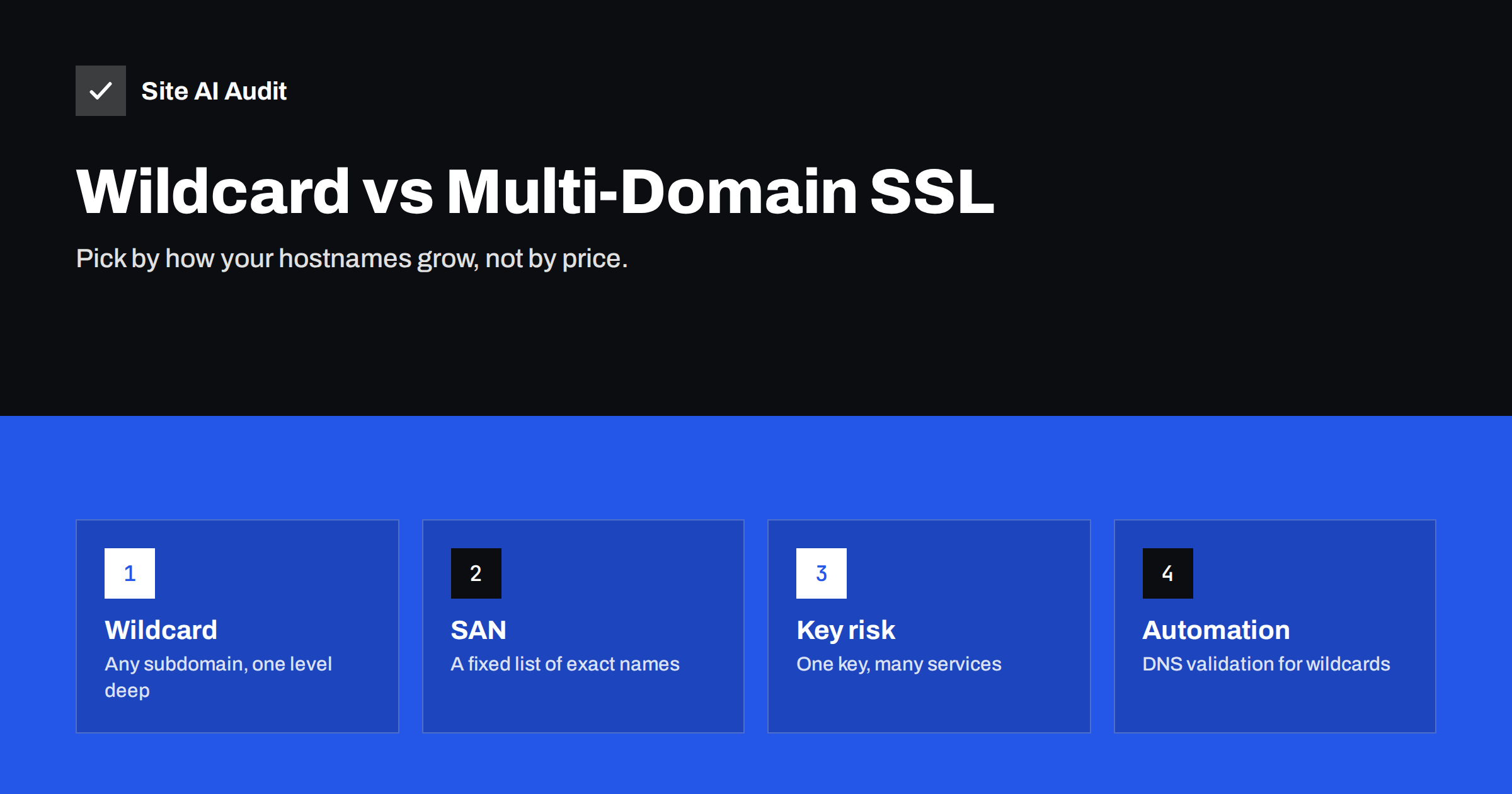
Short answer: A wildcard certificate (*.example.com) covers every subdomain one level below a domain, which suits sites that create subdomains often. A multi-domain or SAN certificate lists specific names – which can belong to different domains – and suits a fixed, known set of hostnames. Wildcards are convenient but share one private key across everything they cover and need DNS validation for automated issuance; SAN certificates are more explicit and limit the damage if a key leaks. Many sites are best served by separate certificates per service, issued automatically.
Once a business runs more than one hostname – www, a shop, a booking system, a customer portal, regional domains – the question of how to cover them all with certificates comes up. Certificate vendors offer wildcard and multi-domain products, hosting panels issue their own, and CDNs have yet another model. This guide compares the options on coverage, security, cost of management and automation, so you can choose based on how your hostnames actually work.
How certificate names work
Every certificate contains a list of hostnames in its Subject Alternative Name (SAN) field. Browsers accept the certificate only for names on that list. There are three ways to fill the list:
- Single-name certificate: one hostname, usually plus its www variant.
- Multi-domain (SAN or UCC) certificate: several explicitly listed names, for example
example.com,www.example.com,shop.example.comandexample.de. - Wildcard certificate: an entry such as
*.example.com, which matches any single label in that position:shop.example.com,mail.example.com,anything.example.com.
The two can be combined: a certificate can include example.com and *.example.com, or several wildcards for different domains.
What a wildcard does and does not cover
Wildcards follow strict matching rules that surprise many people:
shop.example.com– covered, one level below the domain.www.example.com– covered, www is just another subdomain.example.com– not covered; the bare domain must be listed separately.eu.shop.example.com– not covered, because wildcards match one level only.example.net– not covered, since it is a different domain.
Most providers add the bare domain automatically when you order a wildcard, but always check. For deeper levels you need another wildcard, such as *.shop.example.com, or explicit names.
Security differences
The encryption is identical. The difference lies in how the private key is shared.
A wildcard certificate is often installed on many servers and services – the website, the mail server, a staging environment, a third-party tool. They all hold the same private key. If any one of them is compromised or careless with the key, an attacker could impersonate every subdomain, including ones that did not exist when the key was stolen. Revoking and replacing the wildcard then means updating every place that uses it at once.
A multi-domain certificate has the same issue for the names it lists, but the list is explicit and usually shorter. Separate certificates per service go further: each service has its own key, and a problem stays contained.
Security guidance, including from national cybersecurity agencies, generally recommends limiting wildcard use to cases where the servers sharing it are managed together with the same level of care, and avoiding placing a wildcard key on less trusted or externally managed systems.
Validation and automation
With automated certificate authorities using the ACME protocol, the choice also depends on how validation works:
- Explicit names can be validated over HTTP: the CA fetches a token from each hostname’s web server. Simple, and supported by virtually every hosting panel.
- Wildcards require DNS validation: you prove control of the domain by creating a TXT record. Automating this needs API access to your DNS provider, or a DNS provider that integrates with your hosting.
If your DNS provider does not offer an API, automated wildcard renewal becomes difficult, which matters more every year as maximum certificate lifetimes shrink. In that case, individual certificates validated over HTTP are usually the more reliable choice.
Comparison at a glance
| Aspect | Wildcard | Multi-domain (SAN) | One certificate per service |
|---|---|---|---|
| Covers new subdomains automatically | Yes | No, reissue needed | No, issue a new one |
| Covers different domains | No | Yes | Yes |
| Key shared across services | Often widely | Across listed names | No |
| Validation for automation | DNS only | HTTP or DNS | HTTP or DNS |
| Reveals hostnames publicly | No, only the pattern | Yes, all listed names | Yes, each name |
| Best for | Many or dynamic subdomains on one platform | A fixed set of names, several domains | Services run by different teams or vendors |
A note on privacy and certificate transparency
All publicly trusted certificates are recorded in public certificate transparency logs. A SAN certificate therefore publishes every hostname it lists – including internal-sounding ones such as vpn.example.com or staging-newshop.example.com. Wildcards reveal only *.example.com. This is sometimes cited as a reason to prefer wildcards. It is a weak one: hostnames are not secrets, can be discovered in other ways, and security should never depend on nobody knowing a subdomain exists. Still, it is worth knowing that listing a name in a certificate makes it public.
Typical scenarios
Small business with www and one or two subdomains
Use free, automatically renewed certificates from your host, either one certificate listing all names or one per site. A wildcard adds complexity without real benefit.
SaaS or platform with customer subdomains
If you create customer1.example.com, customer2.example.com and so on automatically, a wildcard with automated DNS validation is the natural choice, installed only on the platform’s own load balancers.
Company with several country domains
A multi-domain certificate can cover example.com, example.de and example.fr on one server. With automation, separate certificates per domain are just as easy and avoid reissuing all names when one changes.
Subdomains hosted by different vendors
Your help centre, newsletter tracking domain and booking system each run on another company’s infrastructure. Let each vendor issue its own certificate for its hostname; never hand your wildcard key to a third party.
Moving away from a widely shared wildcard
Many organisations bought a wildcard years ago and copied it to every server that needed HTTPS. If that describes your situation, you do not have to change everything at once. A gradual approach works well:
- Find every place the wildcard is installed. Check web servers, load balancers, mail servers, VPN gateways, staging systems and any third-party service where it was uploaded. Certificate transparency logs and your own server inventory help.
- Start with third parties. Replace the wildcard on externally managed services first, by letting each vendor issue its own certificate for its hostname.
- Move internal services to automated certificates one at a time, testing each before removing the wildcard.
- Keep the wildcard only where it is genuinely useful, for example on a platform that creates subdomains dynamically.
- Replace the wildcard key once its use is reduced, so that copies left behind on old systems no longer match a valid certificate.
The result is fewer places where one leaked key could affect your whole domain, and renewals that no longer depend on copying files between systems by hand.
Managing many certificates without losing track
Before choosing, list every hostname you run today and the ones you expect to add in the next year. If the list is short and stable, explicit names are simplest. If it grows every week, a wildcard on a single platform may save real effort. If the names are spread across different providers, the decision is already made for you: each provider should issue its own certificate.
The main argument for wildcards used to be administrative: one purchase and one renewal instead of many. Automation has largely removed that argument, but it introduces a different job – knowing which certificates exist and whether they all renew. Keep a simple inventory of hostnames, where each certificate is issued, and who owns it. Check it after adding services or changing providers, and use external monitoring for the hostnames that matter to customers, so a failed renewal on one of them does not go unnoticed among the rest.
How Site AI Audit helps
Whatever type of certificate you use, Site AI Audit checks it from the outside at the start of every audit: whether it is valid for the address, when it expires and whether HTTP redirects to HTTPS. Paid plans monitor the site and alert you before a certificate expires; the Business and Agency plans cover several websites with daily SSL checks. See the plans for details.
Related reading
- SSL Certificate Name Mismatch: Causes and How to Fix It
- Free vs Paid SSL Certificates: Which Does Your Site Need?
- What Is an SSL Certificate and Why Does Your Website Need One?
The bottom line
Choose wildcards when you genuinely have many or frequently changing subdomains on infrastructure you control, and can automate DNS validation. Choose multi-domain certificates for a fixed set of names, including names on different domains. For services run by different teams or vendors, separate certificates are safest. In every case, automated renewal and outside monitoring matter more than the certificate type.
FAQ
Does a wildcard certificate cover the root domain?
Not by itself. *.example.com does not match example.com, so the bare domain must be listed as an additional name. Most providers include it automatically, but check the certificate details.
Can a wildcard certificate cover sub-subdomains?
No. A wildcard matches exactly one level, so *.example.com does not cover a.b.example.com. You need a separate wildcard for *.b.example.com or explicit names.
Are free wildcard certificates available?
Yes. Let’s Encrypt and other ACME-based authorities issue free wildcard certificates, but they require DNS validation, which is easiest when your DNS provider has an API your renewal tool can use.
Is a wildcard certificate less secure?
The encryption is the same. The risk is that one private key protects every subdomain, so if it leaks from any server that uses it, all subdomains can be impersonated until the certificate is replaced.
How many names can a multi-domain certificate hold?
It depends on the certificate authority. Let’s Encrypt currently allows up to 100 names per certificate, while commercial products vary and often charge per additional name.


