ENEnglish
 LTLietuviškai
 DEDeutsch
 FRFrançais
 RUРусский
 ESEspañol
 PLPolski
 ITItaliano
 UKУкраїнська
 CSČeština
 PTPortuguês
 JA日本語
JA日本語 LVLatviešu valoda
 ETEesti
 HUMagyar
 IDBahasa Indonesia
 TRTürkçe
 HIहिन्दी
 ELΕλληνικά
 ARالعربية
 THไทย
THไทย VITiếng Việt
 RORomână
 MSBahasa Melayu
 BNবাংলা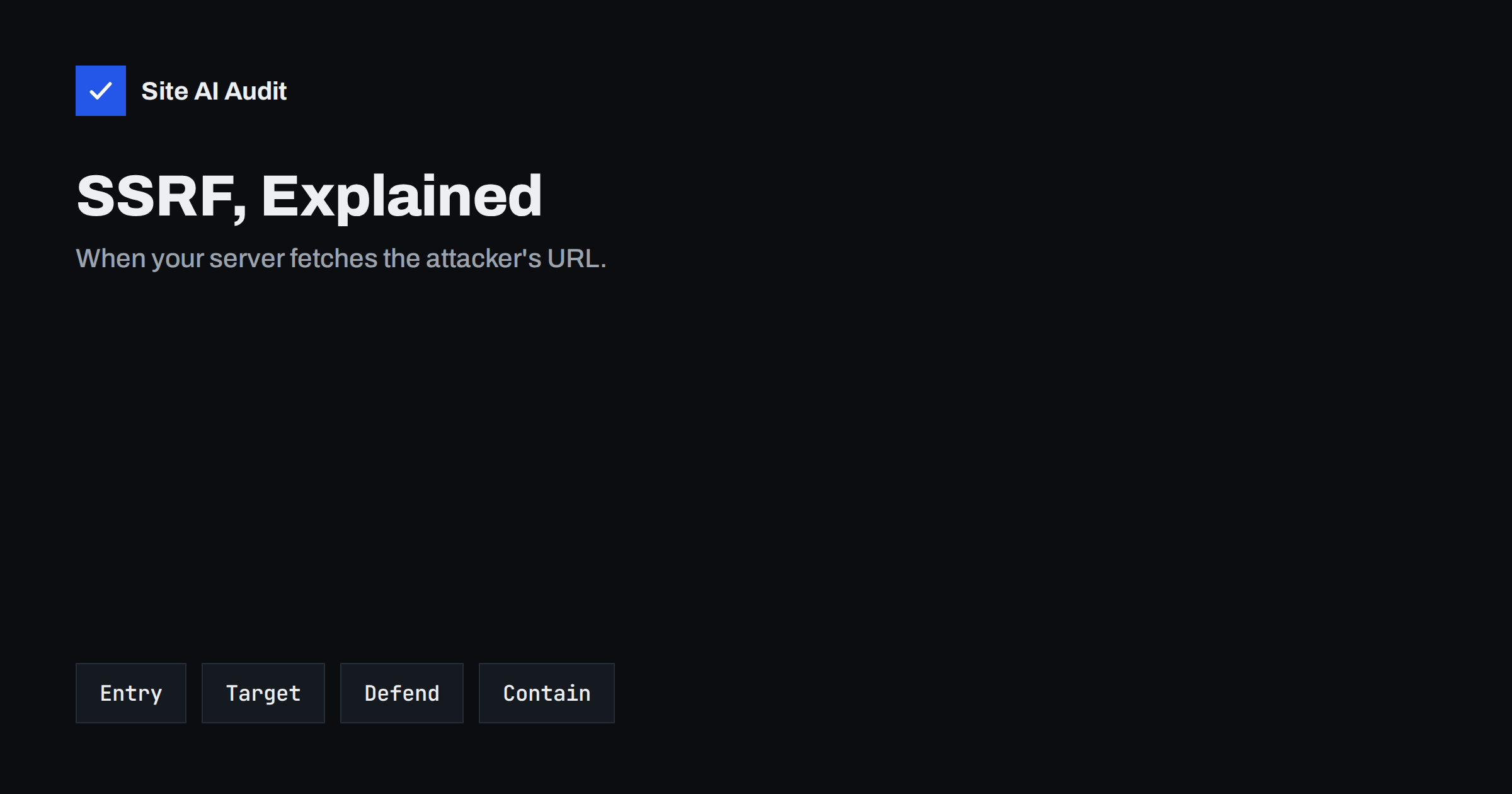
Short answer: Server-side request forgery (SSRF) is a vulnerability where an attacker makes your server send a request to an address of their choice. It appears in features that fetch a URL on the user’s behalf, such as link previews, “import from URL”, webhooks, image fetchers and PDF generators. Because the request comes from inside your network, it can reach internal admin panels, databases and cloud metadata services that are closed to the internet. Prevent it with strict allowlists, validation of the resolved IP address, limited protocols and outbound firewall rules.
What SSRF is, in plain words
Many websites and apps ask the server to fetch something from another address. A user pastes a link and the site shows a preview. A form lets you import a product image from a URL. A plugin downloads a feed. A webhook setting lets you enter a URL that the server will call later.
In each case the server, not the visitor’s browser, makes the request. If the application does not check which address it is asked to fetch, the attacker can replace a harmless URL with one that points somewhere the attacker cannot reach directly, for example:
http://127.0.0.1:8080/admin, an admin interface listening only on the server itself;http://192.168.1.10/, a device or service on the internal network;http://169.254.169.254/, the metadata service that cloud providers offer to virtual machines, which can hand out configuration and temporary credentials.
The server trusts itself and its network, so the request succeeds. The attacker either sees the response directly or learns something from timing and error messages.
SSRF is serious enough that it has its own place in the OWASP Top 10 list of web application risks. A well-known example is the 2019 breach at a large US bank, in which an SSRF weakness in a cloud setup was used to obtain credentials from a metadata service and read stored customer data.
Where SSRF hides in real websites
Look for any feature where a URL, host name or IP address comes from outside and the server then connects to it:
- Link previews and unfurling in comments, chats and CMS editors.
- Import from URL for images, files, feeds or product catalogues.
- Webhooks and “notify this URL” settings in plugins and SaaS dashboards.
- PDF and screenshot generators that render a page or HTML that may contain links, images or iframes.
- Image processing that fetches remote images for resizing or optimisation.
- Integrations where users enter an API endpoint or server address.
- XML parsers that resolve external entities, which can make the server fetch URLs too.
Older WordPress sites have a classic case: the pingback feature in xmlrpc.php can be abused to make a site send requests to other addresses. Our guide to xmlrpc.php explains when to switch it off.
What an attacker can do with SSRF
The impact depends on what the server can reach. Typical outcomes are:
- Stealing cloud credentials. On cloud servers, the metadata service may return temporary keys for the server’s role. With them, an attacker can act on your cloud account with the same permissions.
- Reaching internal admin tools. Monitoring dashboards, database interfaces, caches and admin panels that listen only on internal addresses often have weak or no authentication, because they were “not exposed”.
- Scanning your network. By trying addresses and ports and watching responses or timing, an attacker maps what runs inside.
- Reading local files. If the fetching library accepts schemes such as
file://, the attacker may read files from the server itself. - Attacking others from your IP. Your server becomes a proxy for requests to third parties, and the abuse reports reach you.
Blind SSRF and why it still matters
Sometimes the application never shows the fetched response. A webhook, for example, only reports “sent” or “failed”. This is called blind SSRF. It is harder to exploit, but still useful to attackers: differences in response time and error messages reveal which internal hosts and ports exist, and requests that change state, such as a call to an internal admin URL that restarts a service, work even when the response is never seen.
Treat blind SSRF as a real vulnerability and fix it the same way.
How to prevent SSRF
No single check is enough, because attackers have many ways to disguise an address. Combine several layers.
- Allow only what you need. If a feature only needs to call a few known services, allow exactly those host names and nothing else. An allowlist is far stronger than trying to block bad addresses.
- Validate the resolved IP address, not the text. Resolve the host name, check that every resulting IP is public, and refuse loopback (
127.0.0.0/8,::1), private ranges (10.0.0.0/8,172.16.0.0/12,192.168.0.0/16,fc00::/7), link-local addresses (169.254.0.0/16,fe80::/10) and other reserved ranges. Then connect to the IP you checked, so that a second DNS answer cannot switch the target. This blocks tricks such as decimal or hexadecimal IP formats and DNS rebinding. - Handle redirects carefully. A public URL can redirect to an internal one. Either disable redirects or validate every hop with the same rules.
- Restrict protocols and ports. Allow only
httpandhttps, and only the ports you expect. Refusefile,gopher,ftpand similar schemes. - Do not return raw responses. Show the user only what the feature needs, such as a title and an image for a preview, not the full body or detailed errors.
- Limit outbound traffic. Configure the server or network firewall so that the web application can reach only the destinations it needs. If the fetch feature runs in a separate, isolated service with no access to internal networks, a missed check does far less damage.
- Harden cloud metadata. Use the provider’s protected metadata mode where available, such as version 2 of the AWS instance metadata service, which requires a session token that a simple forged request cannot obtain. Give server roles only the permissions they need.
The OWASP SSRF prevention cheat sheet describes these defences in more depth for developers.
Common mistakes in SSRF filters
- Blocking only “localhost” and “127.0.0.1”. Attackers use other loopback addresses, IPv6, alternative number formats or host names that resolve to internal IPs.
- Checking the URL string with a regular expression. URL parsers disagree about unusual inputs. Parse the URL with the same library that makes the request, then validate the resolved IP.
- Validating before the request but resolving again during it. The DNS answer can change between the two lookups.
- Following redirects after validating only the first URL.
- Trusting a web application firewall alone. A WAF can catch obvious patterns in parameters, but it cannot see what your application does with a URL, so the fix belongs in the code and network.
What site owners can check without writing code
If you run a CMS rather than your own code, you can still reduce the risk:
- List the plugins and features that fetch remote URLs: importers, feed readers, link previews, image optimisers, form integrations and webhooks. Remove the ones you do not use.
- Keep those plugins updated. SSRF fixes appear regularly in plugin changelogs and security advisories.
- Ask your host whether outbound connections from the web server are restricted, and whether internal services such as databases and caches listen only where they must.
- On cloud servers, check that the metadata service uses its protected mode and that the server role has minimal permissions.
SSRF belongs to the same family of input-handling flaws as SQL injection and open redirects: the application trusts a value it should have checked.
How Site AI Audit helps
SSRF can only be found by testing an application’s features from the inside, and Site AI Audit does not attempt attacks. It checks the security basics that are visible from outside: a valid SSL certificate and its expiry, HTTP to HTTPS redirects, mixed content, HSTS, X-Content-Type-Options, protection against framing, and whether the server or WordPress reveals its version number, which tells attackers which known flaws to try. You can run a free check and compare plans with monitoring on the pricing page.
Related reading
- CSRF Explained: How Cross-Site Request Forgery Works
- Cross-Site Scripting (XSS) Explained for Website Owners
- CORS Explained: The Misconfigurations That Expose Your Data
- Website Security Scan vs Penetration Test: What You Need
The bottom line
SSRF turns your server’s trust in its own network against you. Find every feature that fetches a URL from user input, allow only the destinations it needs, validate the resolved IP address and every redirect, allow only web protocols, and limit outbound traffic so that one missed check cannot reach internal systems or cloud credentials.
FAQ
What is the difference between SSRF and CSRF?
CSRF tricks a logged-in user’s browser into sending a request to your site. SSRF tricks your server into sending a request to an address the attacker chooses. One abuses the visitor’s trust, the other abuses the server’s.
Is blocking 127.0.0.1 enough to stop SSRF?
No. Attackers can use other loopback addresses, IPv6, alternative number formats, internal host names or redirects. Validate the resolved IP against all private and reserved ranges, or better, use an allowlist.
Why is the cloud metadata address so dangerous?
On many cloud servers, 169.254.169.254 returns configuration and temporary credentials for the server’s role. An SSRF that reaches it can give an attacker access to your cloud account with those permissions.
Can a WordPress site have SSRF?
Yes. Plugins that import from URLs, fetch remote images, call webhooks or generate previews can be vulnerable, and the pingback feature of xmlrpc.php can be abused for outbound requests. Keep plugins updated and remove unused ones.
Does a web application firewall prevent SSRF?
Only partly. It can block obvious internal addresses in parameters, but it cannot see redirects, DNS tricks or what the application does internally. The main fix belongs in the code and in outbound network rules.