 ENEnglish
 LTLietuviškai
 DEDeutsch
 FRFrançais
 RUРусский
 ESEspañol
 PLPolski
 ITItaliano
 UKУкраїнська
 CSČeština
 PTPortuguês
 JA日本語
JA日本語 LVLatviešu valoda
 ETEesti
 HUMagyar
 IDBahasa Indonesia
 TRTürkçe
 HIहिन्दी
 ELΕλληνικά
 ARالعربية
 THไทย
THไทย VITiếng Việt
 RORomână
 MSBahasa Melayu
 BNবাংলা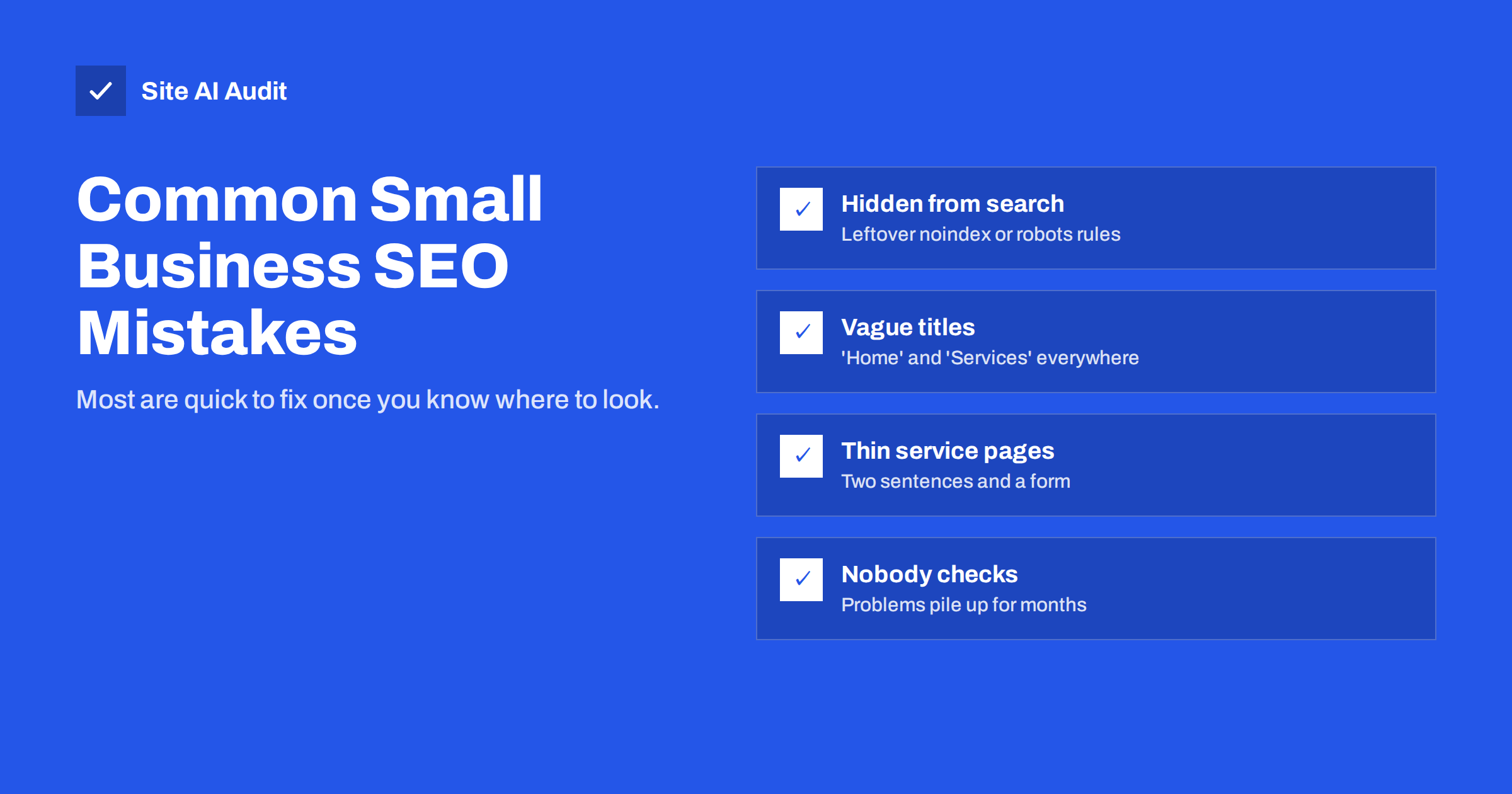
Short answer: The most common SEO mistakes on small business websites are simple: pages accidentally hidden from search, vague or duplicate titles, thin service pages, no clear location information, broken links after changes, ignoring mobile visitors, and never checking the site after launch. None of them require an SEO agency to fix. They require knowing where to look, fixing the issues that affect the most important pages first, and checking regularly.
Why small business sites make the same mistakes
Most small business websites are built once, often quickly and on a limited budget, then left alone while the owner runs the business. The website builder or theme makes many decisions by default. Content is written in the owner’s words rather than the customer’s. Changes are made by different people over the years. Nobody is responsible for checking whether search engines can still find and understand the site.
The result is a familiar pattern of problems. The good news is that because they are common, they are well understood, and most can be fixed in hours rather than weeks.
Mistake 1: The site is partly or fully hidden from search
A noindex setting from the development phase, a robots.txt rule that blocks everything, or a password left on the live site can hide pages from search engines completely. It sounds unlikely, but it is one of the most damaging findings in audits, precisely because the site looks perfect to visitors.
Fix: In WordPress, check that “Discourage search engines” is unticked under Settings › Reading. Open /robots.txt and make sure it does not contain Disallow: /. Search the source of your key pages for “noindex”. In Google Search Console, check that important pages are listed as indexed.
Mistake 2: Vague, missing or duplicate titles
Titles such as “Home”, “Services”, “About” or just the company name on every page waste the most visible line of your search listing and make pages hard to tell apart.
Fix: Give each important page a unique title that starts with what the page offers, adds a specific detail such as location or audience, and ends with the brand: “Bookkeeping for Small Businesses in Leeds | Company Ltd”. Aim for roughly 50–60 characters. If a theme repeats the same title everywhere, fix the template.
Mistake 3: Thin service pages
Many service pages consist of a heading, two sentences and a contact form. They give search engines little to understand and visitors little reason to get in touch.
Fix: For each main service, explain what is included, who it is for, how the process works, typical timescales, the area you cover and the questions customers usually ask. Add real photos of your work where possible. Give each service its own page rather than listing everything on one “Services” page.
Mistake 4: Writing in your language, not the customer’s
Businesses often describe services using industry jargon or internal names. Customers search in plain words: “boiler not working”, not “heating system diagnostics”; “wedding cake”, not “celebration confectionery”.
Fix: Look at the Queries report in Search Console, listen to how customers describe their problems on the phone, and use those words in titles, headings and text. Keep the professional terms where they help, but lead with the words people search for.
Mistake 5: No clear location information
For local businesses, search engines need to understand where you are and which area you serve. Addresses shown only in an image or a map widget, inconsistent phone numbers and no mention of the towns you serve all weaken local visibility.
Fix: Put your business name, address and phone number as text on the contact page and in the footer. Make sure they match your Google Business Profile and directory listings exactly. Mention the areas you serve naturally in your content. Claim and complete your Business Profile.
Mistake 6: Copy-paste location pages
The opposite mistake is creating dozens of pages like “Plumber in Leeds”, “Plumber in York” and “Plumber in Bradford” with identical text apart from the town name. They rarely perform well and can look like doorway pages.
Fix: Create separate location pages only when you have something specific to say about each place, or a real branch there. Otherwise, one well-written “areas we cover” page is more honest and often more effective.
Mistake 7: Broken links and missing redirects after changes
When pages are renamed, products removed or a new website launched, old URLs often start returning errors. Links from other sites, bookmarks and your own menus lead to dead ends, and the search history of those pages is lost.
Fix: Crawl the site to find broken links and fix them. Add 301 redirects from every old URL to its closest new equivalent. Make redirects part of every URL change from now on.
Mistake 8: One H1 for the logo, none for the page
Many themes mark the logo or site name as the main H1 on every page, while the real page heading is an H2 or just bold text. Search engines and screen readers then get a confusing outline.
Fix: Each page should have one H1 that names its topic, with H2 and H3 headings for sections. Fix it once in the theme template, and every page benefits.
Mistake 9: Ignoring images
Large, uncompressed photos slow pages down, especially on phones. Images without alt text are invisible to screen readers and search engines. File names like IMG_4032.jpg waste an easy signal.
Fix: Resize and compress images before uploading, use modern formats where your platform supports them, give meaningful images descriptive alt text and rename files to describe their content.
Mistake 10: A poor experience on phones
Most local searches happen on mobile. Tiny text, buttons too close together, pop-ups that cover the page and slow loading all push visitors away.
Fix: Test your key pages on a real phone. Make phone numbers tappable, keep forms short, remove intrusive pop-ups and check mobile speed with Google PageSpeed Insights.
Mistake 11: Chasing tricks instead of basics
Buying cheap links, stuffing keywords into pages, publishing large numbers of auto-generated articles, or adding fake reviews can seem like shortcuts. They tend to waste money, and some can lead to penalties or removal of reviews.
Fix: Spend the same effort on basics: clear pages, useful content, a sound technical setup, genuine reviews and real local connections. They are slower but they keep working.
Mistake 12: Never checking after launch
The single most common mistake is not checking at all. Certificates expire, plugins update, pages are added and removed, and problems pile up unnoticed for months.
Fix: Set up Google Search Console and look at it monthly. Run a full audit every few months and after every significant change. Use monitoring that alerts you when something critical breaks.
Mistake 13: The agency owns everything
When a web agency or freelancer sets up the domain, hosting, Search Console and Business Profile under their own accounts, the business can lose access, history and control if the relationship ends. This is not strictly an SEO problem, but it often turns into one during a handover or migration.
Fix: Make sure the business is the owner of its domain, Google Search Console property, Google Business Profile and analytics, and give the agency user access rather than the other way round. Keep a short document listing where each account lives and who can log in.
Mistake 14: Outdated content left to rot
Old prices, discontinued services, staff who left years ago and blog posts about events long past make a site look neglected and can mislead customers.
Fix: Review key pages at least once a year. Update facts, merge or remove outdated posts with redirects where needed, and show a “last updated” date on guides that you maintain.
How Site AI Audit helps
Site AI Audit is built to find exactly these problems. In one to two minutes it checks titles and descriptions, headings and alt texts, broken links and redirects, sitemap, robots.txt and noindex rules, mobile speed, SSL, security headers and e-mail authentication, then ranks the findings by impact and explains each fix in plain words. The first check of every website is free, with full instructions for the three most important findings. Check your website now, and if you would rather have someone fix the problems for you, the report includes a “Fix it for me” option for an estimate.
Related reading
- SEO Audit Checklist for Small Business Websites
- How to Write Title Tags: A Practical Guide for Small Sites
- Local SEO Basics: How Small Businesses Get Found Nearby
- How Often Should You Audit Your Website’s SEO?
The bottom line
Small business SEO usually goes wrong in predictable ways: hidden pages, vague titles, thin service pages, missing location details, broken links, weak mobile experience and no ongoing checks. Fix the issues that hide pages from search first, then the ones that affect your most valuable pages, and make checking a routine. Most of the gains come from doing the basics properly and consistently.
FAQ
What is the biggest SEO mistake for a small business?
Accidentally hiding the website from search engines, through a leftover noindex setting or robots.txt rule. It is rare but has the biggest impact, and it is invisible to visitors.
Can I fix SEO mistakes myself?
Many of them, yes: titles, descriptions, content, alt text and local details are editable in most website builders. Template, redirect and server issues may need a developer.
How quickly will fixes improve my results?
Search engines need to recrawl pages first, which takes days to weeks. Fixes that unblock hidden pages can show effects quickly; content improvements usually take longer.
Do I need to pay for SEO tools?
Not to start. Google Search Console is free, and a free website audit covers the most common technical and on-page issues. Paid tools help with ongoing monitoring and larger sites.
Is it worth hiring an SEO agency?
It can be, especially for competitive markets. But fix the basic mistakes first; they are cheap to solve and make any later investment more effective.


