ENEnglish
 LTLietuviškai
 DEDeutsch
 FRFrançais
 RUРусский
 ESEspañol
 PLPolski
 ITItaliano
 UKУкраїнська
 CSČeština
 PTPortuguês
 JA日本語
JA日本語 LVLatviešu valoda
 ETEesti
 HUMagyar
 IDBahasa Indonesia
 TRTürkçe
 HIहिन्दी
 ELΕλληνικά
 ARالعربية
 THไทย
THไทย VITiếng Việt
 RORomână
 MSBahasa Melayu
 BNবাংলা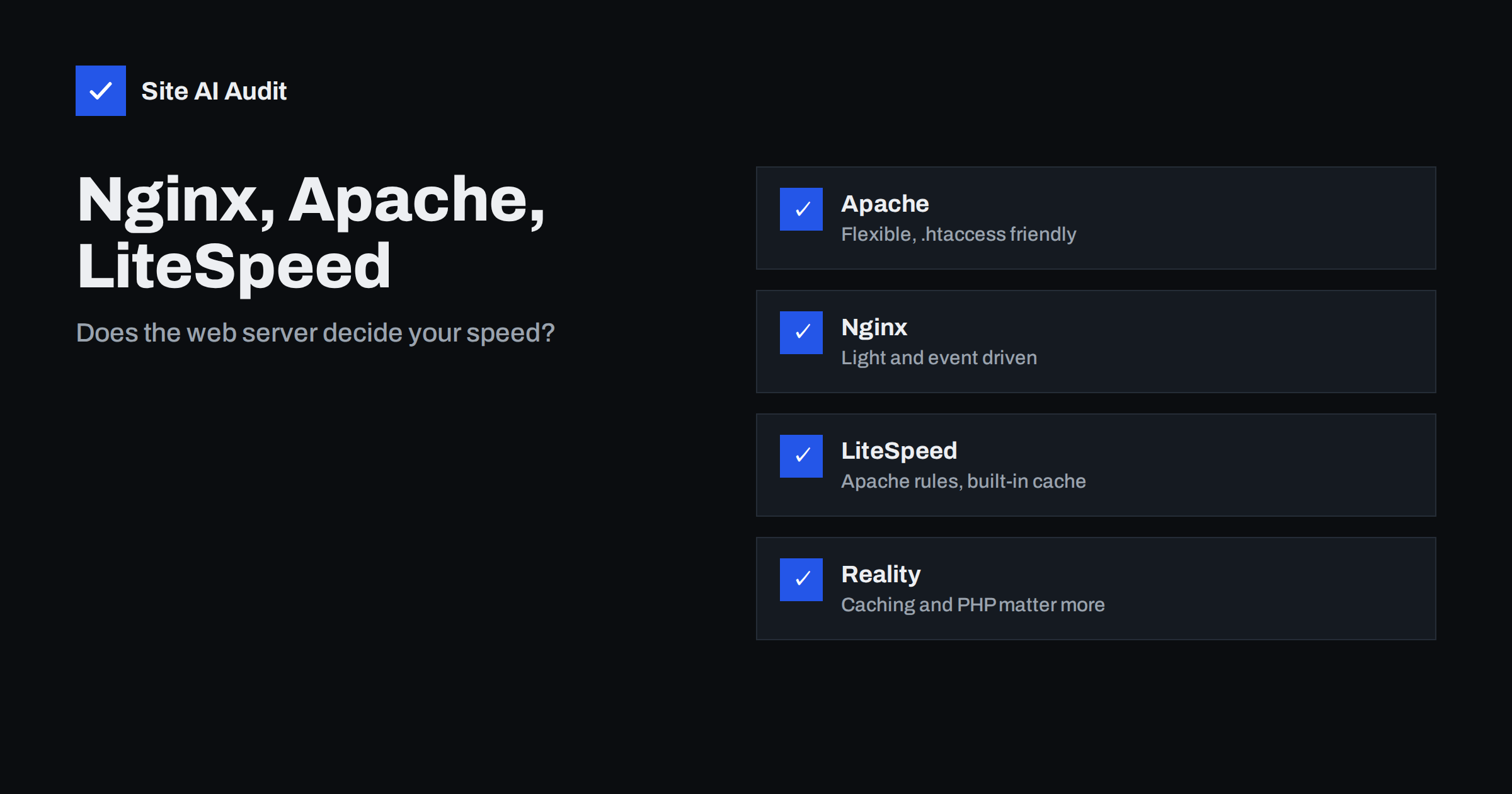
Short answer: Nginx, Apache and LiteSpeed can all serve a fast website. The differences show up mainly under heavy traffic and in how easily they cache pages, not in a small site’s day-to-day speed. For most websites, page caching, a current PHP version, a healthy database, optimised images and a CDN change load times far more than the server brand. Choose the software that your host supports well and that your team can manage, then measure results instead of trusting benchmarks.
What a web server does
A web server is the program that receives a visitor’s request and sends back a response. For a static file such as an image or a stylesheet, it reads the file and sends it. For a dynamic page, such as a WordPress post, it hands the request to another program, usually PHP, waits for the finished HTML and passes it on. It also handles encryption, compression, redirects, headers and caching rules.
Because a web server sits in front of every request, its design affects how many visitors it can serve at once, how much memory it needs and how quickly it can answer. Those are different from the time your application needs to build a page, which is often the larger part. Our guide to reducing server response time explains how to see which part is slow.
Apache in brief
Apache HTTP Server has been around since the 1990s and is still widely used, especially on shared hosting. Its strengths are flexibility and familiarity:
- Per-folder configuration through
.htaccessfiles, which lets website owners and plugins change rules without touching the main server settings. - A very large set of modules and plenty of documentation.
- Good compatibility with control panels and WordPress plugins that write rewrite rules.
The trade-off is efficiency. Apache can read .htaccess files on every request, which costs time, and older configurations that create a process or thread for each connection use more memory under heavy load. Modern setups use the event processing module together with PHP-FPM, which narrows the gap considerably.
Nginx in brief
Nginx was designed to handle many simultaneous connections with a small, steady amount of memory. It uses an event-driven design, where a few worker processes manage thousands of connections. This makes it excellent for serving static files, acting as a reverse proxy and sitting in front of other servers.
- Strong at high concurrency and low memory use.
- Does not use
.htaccess. All rules live in central configuration files, which are fast but need access to the server and a reload after changes. - Runs PHP through PHP-FPM and can cache full pages with its built-in FastCGI cache.
- Supports HTTP/2 and HTTP/3. See HTTP/2 vs HTTP/3 for what that means for speed.
The trade-off is that people who depend on .htaccess rules from plugins must translate them into Nginx syntax, which is a common source of mistakes.
LiteSpeed in brief
LiteSpeed is a commercial server that is designed as a drop-in replacement for Apache. It reads Apache configuration and .htaccess files, so existing sites usually move over without rewriting rules, and it uses an event-driven design like Nginx. Its best-known feature is a server-level page cache (LSCache) that works with a free WordPress plugin. There is also OpenLiteSpeed, a free edition with some differences, notably in how it handles .htaccess rules.
- Combines Apache compatibility with event-driven efficiency.
- Integrated caching that WordPress and WooCommerce can use directly.
- Requires a licence for the full edition, which is why it appears mostly in hosting offers rather than on self-managed servers.
Side by side
| Feature | Apache | Nginx | LiteSpeed |
|---|---|---|---|
| Design | Process or event based | Event driven | Event driven |
| .htaccess support | Yes | No | Yes |
| Static files under load | Good with event module | Very good | Very good |
| Built-in page cache | No, uses modules or plugins | FastCGI cache | LSCache |
| Cost | Zdarma | Zdarma | Commercial, with a free edition |
Treat the table as a map of the typical case. Real results depend on configuration, hardware and the application on top.
When the choice makes a visible difference
For a small business site with a few thousand visits a day, the web server rarely decides whether a page loads in one second or three. The brand starts to matter when:
- Traffic spikes. A campaign or a mention can send hundreds of visitors at once. A server and cache that handle concurrent requests efficiently keep response times steady. See why sites slow down during traffic spikes.
- Dynamic sites without caching. Shops, memberships and logged-in areas cannot use full-page caching for every request, so efficient PHP handling and object caching count more.
- Limited memory. On a small VPS, a lean server leaves more memory for PHP and the database.
- Many static files. Media-heavy sites benefit from a server that serves files with little overhead, although a CDN often does this job better.
It also helps to separate two ideas that are often mixed up. Throughput is how many requests a server can finish per second under pressure, and latency is how long a single visitor waits. A small site needs good latency far more than record throughput, and latency is mostly decided by caching and the application, not by the web server. A host that advertises the fastest server software but oversells its machines will still feel slow at busy hours.
Finally, think about who will maintain the setup. A configuration that only one person understands is a risk. Choose the stack your host, agency or team can support well, because good maintenance beats a theoretical advantage.
What usually matters more than the server
Before changing the web server, check these first, because they are cheaper and more effective:
- Page caching. A cached page skips PHP and the database altogether. Read how page caching works and how to choose a caching plugin for your hosting.
- PHP version. Newer versions run WordPress noticeably faster, as described in why upgrading PHP matters.
- Hosting resources. A crowded shared server hurts more than any software setting. See shared hosting vs VPS.
- Compression and protocols. Enable Brotli or gzip and HTTP/2 or newer. Compare them in gzip vs Brotli.
- A CDN. It moves static files close to visitors and shields the origin from load. See whether you need a CDN.
How to compare servers honestly
Vendor benchmarks often use setups that do not match your site. If you are deciding between hosts, run your own test:
- Measure time to first byte for the same page, from the same location, at several times of day. Take the median of at least ten runs.
- Test both with a warm cache and with a cache miss, since they show different things.
- Try a realistic load, for example with a free load-testing tool, on a staging copy and never on a live shop during business hours.
- Compare the results with identical PHP versions and the same plugins, so that you test the server and not the configuration.
Keep notes of what you changed and what the numbers were, so you can judge whether a migration was worth the effort.
Security and maintenance. Whichever server you use, keep it updated, hide the version number from public headers and add security headers. Our guides show how to hide server software versions and add security headers on Apache and Nginx. A fast server that is not patched is a worse choice than a slower one that is.
How Site AI Audit helps
Site AI Audit cannot tell you which web server is best, but it shows the effects that matter to visitors: how long your server takes to respond, whether compression is enabled, Google’s mobile PageSpeed score with LCP, CLS and INP, and whether the server reveals its software version. Run a free check before and after a change, and use the plans on the pricing page if you want re-checks to confirm the result.
Related reading
- How to Reduce Server Response Time (TTFB) for Faster Pages
- Object Caching with Redis: When Your Website Needs It
- How to Fix a Slow WordPress Site: A Step-by-Step Guide
- How to Speed Up a Slow WooCommerce Store Without Breaking It
The bottom line
All three servers are mature and can be fast. Let your host, your skills and your application decide, and spend your effort on caching, PHP, hosting resources and a CDN first. If you are moving anyway, LiteSpeed is a convenient step for Apache-based WordPress hosting, while Nginx suits teams comfortable with central configuration. Measure before and after, and keep what the numbers support.
FAQ
Is Nginx faster than Apache?
Nginx often uses less memory and handles many simultaneous connections well, especially for static files. A tuned Apache with the event module and PHP-FPM is close for many sites, so the difference is often small in practice.
Is LiteSpeed worth paying for?
It can be, mainly for WordPress and WooCommerce sites that benefit from its integrated cache and Apache compatibility. Many people get it through a host rather than buying a licence themselves.
Will changing my web server fix a slow website?
Rarely on its own. Slow sites are usually limited by missing caching, old PHP, heavy plugins, large images or weak hosting. Fix those first, then consider the server.
Can Nginx and Apache work together?
Yes. A common setup puts Nginx in front as a reverse proxy for static files and caching, while Apache runs the application behind it. It combines Nginx efficiency with Apache compatibility.
How can I see which web server a site uses?
The Server response header sometimes names it, but many hosts hide or change it. Revealing the version is a security risk, so it is better to hide it than to rely on it.