 ENEnglish
 LTLietuviškai
 DEDeutsch
 FRFrançais
 RUРусский
 ESEspañol
 PLPolski
 ITItaliano
 UKУкраїнська
 CSČeština
 PTPortuguês
 JA日本語
JA日本語 LVLatviešu valoda
 ETEesti
 HUMagyar
 IDBahasa Indonesia
 TRTürkçe
 HIहिन्दी
 ELΕλληνικά
 ARالعربية
 THไทย
THไทย VITiếng Việt
 RORomână
 MSBahasa Melayu
 BNবাংলা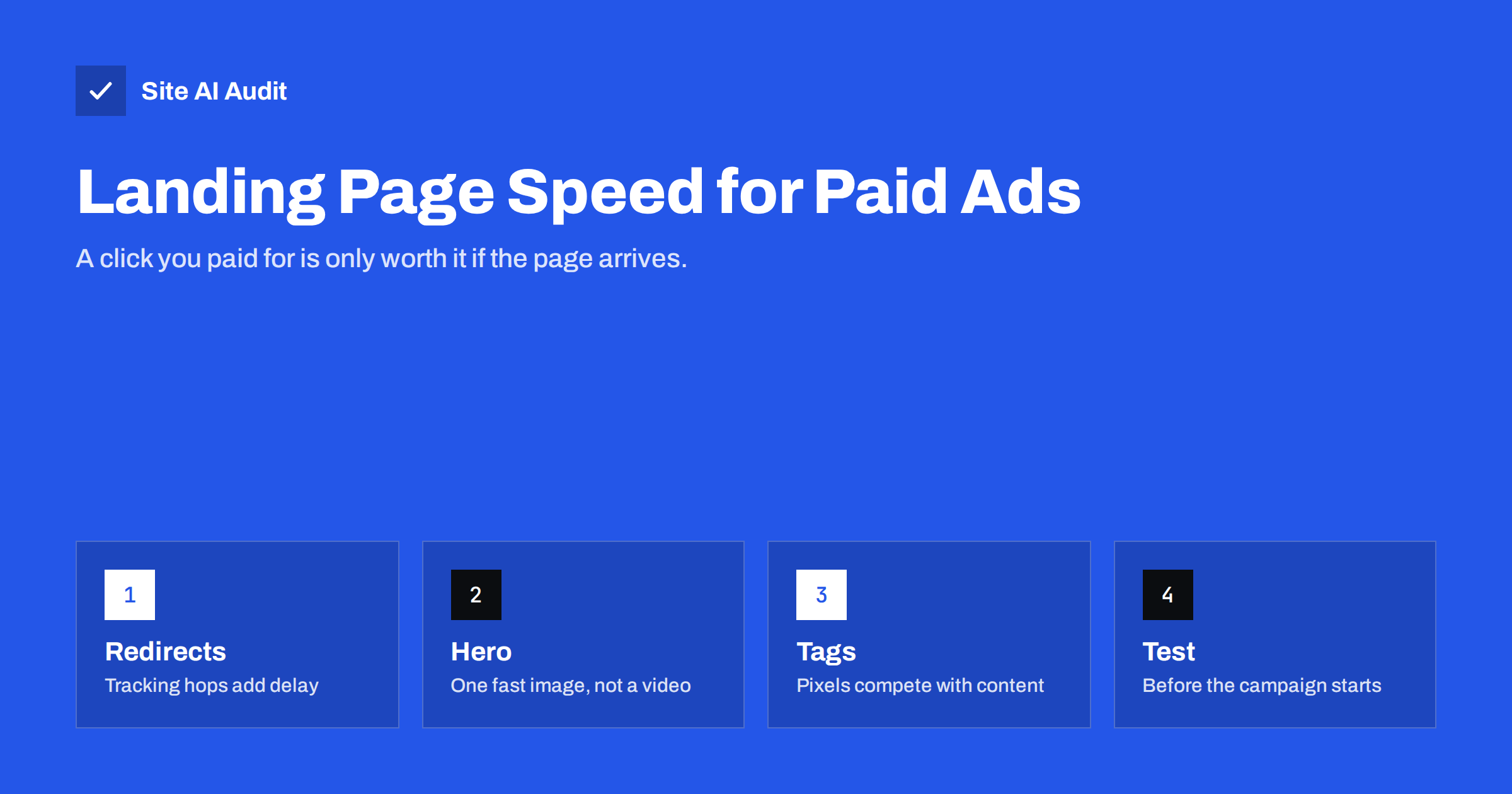
Short answer: Landing page speed matters for paid advertising because you pay for every click, and visitors who leave before the page loads are budget spent for nothing. Google Ads also considers landing page experience, which includes how quickly the page loads, when assessing ad quality. To make campaign landing pages fast, keep them simple, send clicks directly to the final URL without redirect chains, use one optimised hero image instead of video or sliders, limit tracking tags to what the campaign needs, and test the exact ad URL on a mobile connection before the campaign starts.
Most businesses optimise their ads carefully: keywords, bids, copy, audiences. The page the ad points to often gets less attention, and campaign pages are frequently among the slowest on a site. They are built quickly, stuffed with persuasive elements, loaded with tracking for every platform, and reached through a chain of tracking redirects. The result is that a share of carefully bought clicks never becomes a visit at all.
Why speed matters more for paid traffic
- Every click has a price. With organic traffic, a lost visitor is a missed opportunity. With paid traffic, it is money spent without any chance of return.
- Intent is fragile. Ad visitors are often comparing several options. If your page is slow, the next ad is one tap away.
- Most ad clicks come from phones. Many paid campaigns, especially on social platforms and search, get the majority of clicks on mobile, where slow pages hurt most.
- Ad platforms evaluate landing pages. Google Ads includes landing page experience as one of the components of ad quality, and its guidance mentions load speed and mobile-friendliness. Poor experience can affect how your ads perform.
- Analytics under-report the loss. Visitors who leave before your analytics script loads never appear as sessions. The gap between ad clicks and recorded sessions can hint at how many never arrived.
Why campaign landing pages are often slow
- Redirect chains from click trackers, URL shorteners and http-to-https or www redirects before the page even starts loading.
- Heavy hero elements: autoplaying background videos, large sliders and animated graphics.
- Many tracking tags: pixels for several ad platforms, analytics, heatmaps, call tracking and conversion scripts, all loaded at once.
- Page builders and templates designed for flexibility rather than speed.
- Uncached pages, because campaign URLs carry parameters that some caching setups treat as unique pages.
- Pop-ups and chat widgets that load heavy scripts and cover the content on mobile.
- Built in a hurry for a launch date, never tested on a phone over a mobile connection.
Parameters and caching: a hidden problem
Ad clicks arrive with tracking parameters such as gclid, fbclid or utm_source added to the URL. Some caching setups treat every URL with a different query string as a separate page, so every ad click misses the cache and the page is built from scratch. Many caching plugins, hosts and CDNs can be configured to ignore common marketing parameters when looking up the cache, while leaving them in the URL for analytics. Check that your campaign URLs are served from cache by testing the full ad URL, including parameters, and looking at the response headers.
How to build a fast campaign landing page
- Keep the page focused. One offer, one clear headline, the key benefits, proof such as reviews, and one call to action. Every extra section adds weight and distraction.
- Use a single optimised hero image, sized for mobile, in WebP or AVIF, loaded with high priority and not lazy-loaded.
- Avoid background video and sliders above the fold. If video is essential, use a click-to-play preview.
- Limit fonts to one or two families with few weights, self-hosted.
- Keep forms short and light. Load only the form script needed, and make sure the submit button responds immediately on a phone.
- Reserve space for images, reviews widgets and consent banners so nothing jumps.
- Serve the page from cache, including with ad parameters.
Tracking without slowing the page
Conversion tracking is essential for paid campaigns, but it does not require loading everything at once:
- Load only the tags for the platforms actually running this campaign.
- Use a tag manager with page-specific triggers instead of firing all tags everywhere.
- Remove tags from past campaigns.
- Consider server-side tagging, where the browser sends one request and a server forwards data to ad platforms, reducing scripts in the browser.
- Respect consent: tags that require consent should not load before it is given, which also helps speed.
Redirects: count the hops
Test the exact URL used in the ad. Every redirect before the landing page adds a round trip, which on mobile networks can add a noticeable delay per hop. Typical avoidable redirects include ads pointing to http:// instead of https://, to the non-www version when the site uses www, to a URL without a trailing slash when the site adds one, or through a third-party click tracker. Use the final URL directly in the ad wherever the platform allows it, and use the platform’s own tracking templates instead of extra redirect services where possible.
Pre-launch speed checklist for campaigns
| Check | Target |
|---|---|
| Redirects from the ad URL | None, or at most one |
| Mobile LCP (lab) | Within the good range, ideally well under 2.5 s |
| Layout shift | No visible jumps; CLS under 0.1 |
| Hero element | One optimised image, eagerly loaded |
| Štítky | Only this campaign’s platforms |
| Cache | Hit, even with ad parameters |
| Form | Submits quickly on a throttled phone |
An example: a service business campaign
A local renovation company runs search and social ads to a “free quote” landing page. The page was built with the site’s page builder and includes an autoplaying background video, a slider of past projects, a reviews widget, a chat widget and pixels for three ad platforms, even though only two are running. The ad links use the non-www address, which redirects to www, and then to a trailing-slash version. On a phone over a mobile connection, the form is not usable for several seconds.
The rebuilt page keeps the message and the proof but changes the delivery: a single compressed photo of a finished project replaces the video, three short testimonials in plain text replace the widget, the slider becomes a small gallery further down with lazy-loaded images, the chat widget loads after the page has settled, and only the two active platforms’ tags fire, through the tag manager. Ads now point directly to the final URL. The form appears almost immediately and responds at once when tapped. The company then compares the ratio of clicks to sessions and the form completion rate over the following weeks, keeping bids and targeting unchanged so the comparison stays fair. The same approach works for shops, events and software sign-ups: keep the promise of the ad, remove the weight around it, and test again before every new campaign.
Measuring the effect
Compare metrics before and after improving a landing page: the ratio of ad clicks to recorded landing page sessions, bounce or engagement rate on mobile, and conversion rate. If possible, run an A/B test between the old and a lighter version of the page with the same ads. Keep in mind that seasonality and bids also change results, so compare similar periods and look at several weeks of data.
How Site AI Audit helps
Before you launch a campaign, Site AI Audit checks the landing page’s site the way visitors reach it: Google PageSpeed for mobile with Core Web Vitals, server response time, compression and page weight, redirects and the HTTP to HTTPS setup, plus SSL and other basics that affect trust. Findings are explained in plain words and ranked by impact. With a paid plan, you can re-check after each change to the page.
Related reading
- How Website Speed Affects Sales, Leads and Conversions
- Why Your Website Is Slow on Mobile and How to Fix It
- How Third-Party Scripts Slow Down Your Website (and Fixes)
- Redirect Chains and Loops: How to Find and Fix Them
The bottom line
A paid click only pays off if the page arrives quickly. Keep campaign landing pages focused and light, send ads straight to the final URL, serve the page from cache even with tracking parameters, load only the tags the campaign needs, and test the exact ad URL on a phone before launch. Faster landing pages make every euro of ad spend work harder.
FAQ
Does landing page speed affect Google Ads?
Landing page experience is one of the components Google Ads uses to assess ad quality, and Google’s guidance includes load speed and mobile usability. Slow pages also lose visitors who clicked, which wastes budget regardless of ad quality.
How fast should an ad landing page be?
Aim for good Core Web Vitals on mobile, with Largest Contentful Paint well under 2.5 seconds in tests. Campaign pages should be among the fastest pages on your site, because every visitor on them has a cost.
Why does my landing page load slowly only from ads?
Ad URLs often include tracking parameters that bypass the page cache, and they may pass through redirect chains. Test the exact ad URL, check the number of redirects and confirm the response is served from cache.
Do tracking pixels slow down landing pages?
Yes, each pixel and tag adds requests and JavaScript. Loading only the tags needed for the current campaign, using page-specific triggers and considering server-side tagging reduces the impact.
Should landing pages use video?
Video can help explain an offer, but autoplaying background video is heavy, especially on mobile. Use a click-to-play preview with an optimised poster image so the page stays fast for visitors who do not watch.


