 ENEnglish
 LTLietuviškai
 DEDeutsch
 FRFrançais
 RUРусский
 ESEspañol
 PLPolski
 ITItaliano
 UKУкраїнська
 CSČeština
 PTPortuguês
 JA日本語
JA日本語 LVLatviešu valoda
 ETEesti
 HUMagyar
 IDBahasa Indonesia
 TRTürkçe
 HIहिन्दी
 ELΕλληνικά
 ARالعربية
 THไทย
THไทย VITiếng Việt
 RORomână
 MSBahasa Melayu
 BNবাংলা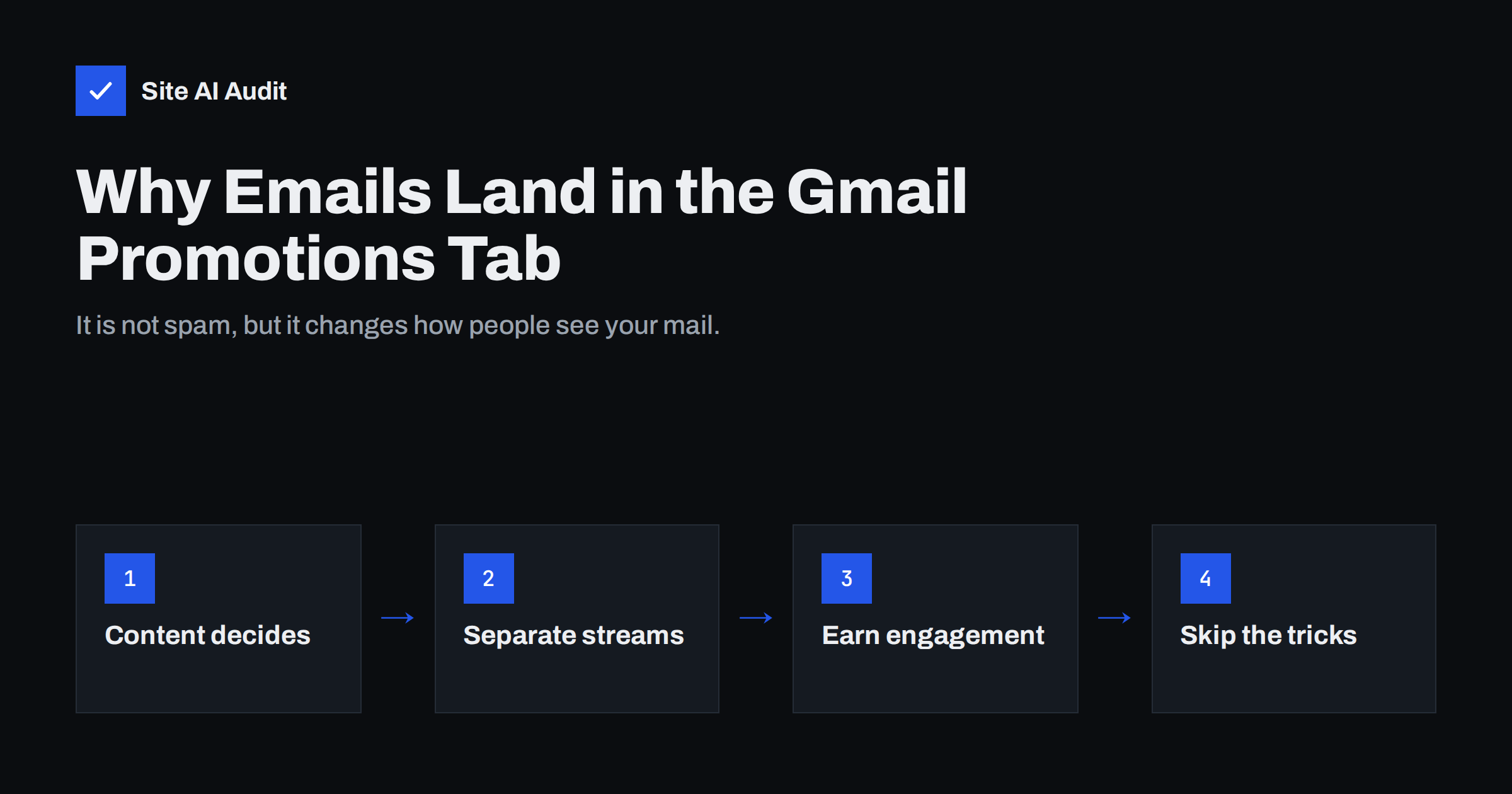
Short answer: Gmail sorts messages into tabs based on what they look like and how recipients treat them. Mail with offers, discounts, newsletters and marketing design is usually placed in Promotions, which is still the inbox, not spam. You cannot force a marketing e-mail into Primary, but you can keep important messages such as invoices and password resets separate from marketing, authenticate everything properly and send mail people want, so they open it wherever it lands.
What the Promotions tab actually is
Gmail can split the inbox into tabs: Primary, Promotions, Social, Updates and Forums. Users can turn tabs on or off, and many use the default layout in the web and mobile apps. Each incoming message is placed into one tab automatically.
The important distinction is that Promotions is part of the inbox. A message in Promotions has been accepted, passed the spam filters and been delivered. It is not the same as the spam folder, where messages are hidden, marked as dangerous and deleted after 30 days.
What changes is attention. People often check Primary first and scan Promotions later, in batches, or when they are looking for a deal. For a newsletter that people signed up for, that can be perfectly fine. For an order confirmation or a meeting reply, it is a problem.
Why Gmail puts a message in Promotions
Google does not publish the exact rules, but its tabs are designed to group similar mail, and the signals are fairly clear from experience:
- Commercial content. Words and elements typical of marketing: prices, discounts, “shop now” buttons, product grids and limited-time offers.
- Bulk sending patterns. The same message sent to many recipients at once, often through an e-mail marketing platform.
- Marketing headers. List-Unsubscribe headers and other signs of a mailing list, which are required for bulk mail and are correct to include.
- Design. Heavy HTML templates with many images and links resemble promotions more than a personal message does.
- The sender’s history. Mail from a domain or address that mostly sends marketing tends to be treated the same way.
- Recipient behaviour. If a user regularly moves your mail to Primary, Gmail learns that preference for that user.
In other words, a promotional e-mail in the Promotions tab is Gmail working as intended. The sorting reflects the message, not a penalty.
It also helps to remember that placement is personal. Two subscribers can see the same campaign in different tabs, because Gmail takes each user’s own behaviour into account. A reader who always opens and replies to your messages may see them in Primary, while someone who ignores them sees them in Promotions. That is why a single test inbox never tells the whole story.
Promotions tab vs spam folder
| Promotions tab | Spam folder | |
|---|---|---|
| Delivered to the inbox? | Yes | No |
| Caused by | Commercial content and bulk patterns | Failed authentication, poor reputation, complaints |
| User sees it | When they open the tab | Rarely; often never |
| Warning shown | No | Often a warning banner |
| What to fix | Separation of mail types, relevance, engagement | Authentication, list quality, sending practices |
If your messages are going to spam rather than Promotions, that is a different and more serious problem. Our guide on why emails go to spam covers the causes and the fixes.
Make sure important e-mails are not mixed with marketing
The biggest practical gain is not moving newsletters to Primary. It is keeping transactional and personal mail out of the marketing stream. When invoices, order confirmations and password resets share the same sending address, platform and template style as your promotions, they are more likely to be sorted the same way.
- Send transactional mail from a transactional service or your normal mail server, not from the newsletter platform.
- Use different From addresses. For example,
orders@for receipts andnews@for campaigns. Some businesses also use a separate subdomain for marketing, as discussed in our article on sending marketing mail from a subdomain. - Keep transactional templates simple. A clear order summary works better than a receipt full of product recommendations and discount codes.
- Do not add promotions to receipts. A small cross-sell block can turn a transactional message into something that looks like marketing.
Separation has a second benefit. If a marketing campaign ever causes complaints, the reputation damage stays mostly with the marketing stream, while receipts and password resets keep arriving normally. Mixing both in one stream means a bad campaign can delay the messages customers need most.
Authentication is the foundation either way
Tab placement assumes the message was delivered. Delivery depends on authentication and reputation. Every sending service you use needs to be covered by SPF, sign mail with DKIM for your domain and align with your DMARC policy. Gmail’s email sender guidelines list these requirements, and senders of large volumes must also offer one-click unsubscribe and keep spam complaints low, as explained in our guide to the Gmail and Yahoo bulk sender requirements.
A simple way to confirm the result is to open a received message in Gmail, choose “Show original” and look for PASS next to SPF, DKIM and DMARC. Do this for each tool that sends mail in your name, because a newsletter platform and a shop platform are configured separately.
Without that foundation, the question is not which tab your mail reaches but whether it reaches the inbox at all.
What you can honestly do about Promotions placement
Some messages are genuinely more personal than promotional, such as a service update, a personal follow-up or a newsletter written like a letter. For those, a few changes can help Gmail and the reader see them that way:
- Write like a person. Plain text or light HTML, a real sender name and a message addressed to the reader.
- Limit links and images. A handful of links is normal; dozens look like a catalogue.
- Keep offers out of messages that are not offers. If the purpose is information, do not add a discount banner.
- Invite replies. Replies are a strong sign that a conversation is taking place.
- Ask subscribers to move you to Primary if they want your mail there. When a user drags a message to Primary, Gmail asks whether to do the same for future messages from that sender.
What does not work in the long run are tricks: sending marketing from a personal mailbox, hiding unsubscribe links, stripping List-Unsubscribe headers or disguising promotions as personal notes. These tend to increase complaints and can move your mail from Promotions into spam, which is far worse.
Is the Promotions tab really bad for results?
Not necessarily. People who want offers look in Promotions, and a message there competes with fewer personal e-mails for attention. Many brands see steady results from Promotions placement when their list is made of people who actually signed up.
Open rates are also a less reliable way to judge placement than they used to be, because some mail apps load images automatically and register opens that did not happen. Clicks, replies, purchases and complaint rates tell you more about whether your mail is reaching and interesting the right people.
So measure what matters. If a campaign in Promotions produces the clicks and sales you expect, there is nothing to fix. If important service messages are landing there, fix the separation described above.
A quick diagnostic checklist
- Send a test to a Gmail address that has never received your mail, and one that has engaged with it.
- Note the tab for each type of message: receipts, password resets, newsletters, campaigns.
- Open “Show original” in Gmail and confirm SPF, DKIM and DMARC all pass.
- Check that transactional mail uses a different sender and service from marketing.
- Check spam complaint rates in Google Postmaster Tools if you send in volume.
- Review your templates for promotional content in messages that are not promotions.
How Site AI Audit helps
Site AI Audit checks your domain’s e-mail authentication as part of every website audit: the SPF record and its DNS lookup limit, DKIM signatures, the DMARC policy and MX records. Missing or broken records are the most common reason mail goes to spam instead of any inbox tab, and the report explains each finding in plain words with the exact fix. You can check your domain for free.
Related reading
- One-Click Unsubscribe: How List-Unsubscribe Headers Work
- How to Reduce Spam Complaints and Keep Your Spam Rate Low
- Links in Emails: Tracking Domains, Shorteners and Deliverability
The bottom line
The Gmail Promotions tab is where marketing mail is supposed to go, and landing there means your message was delivered. Focus on keeping transactional and personal mail separate from marketing, authenticating every sender and sending mail people want. Avoid tricks that hide what your mail is, because they risk the spam folder, which is a real problem, unlike the Promotions tab.
FAQ
Is the Gmail Promotions tab the same as spam?
No. Messages in Promotions have been delivered to the inbox and passed spam filtering. The spam folder is separate, hides messages and deletes them after 30 days.
Why do my order confirmations land in Promotions?
Usually because they are sent from the same address or platform as your marketing, or contain product recommendations and discounts. Send them through a transactional service with a separate sender and a simple template.
Can I force my newsletter into the Primary tab?
No sender can control tab placement. Recipients can move your mail to Primary and tell Gmail to remember that choice, and personal, plain messages are more likely to be sorted there.
Does the Promotions tab lower open rates?
It can reduce attention compared with Primary, but results depend on the audience. Subscribers who want your offers often look in Promotions, so judge by clicks, replies and sales rather than opens alone.
Will removing the unsubscribe link keep my mail out of Promotions?
No, and it is a bad idea. Bulk senders must offer easy unsubscribing, and hiding it leads to more spam complaints, which harms delivery far more than tab placement.


