 ENEnglish
 LTLietuviškai
 DEDeutsch
 FRFrançais
 RUРусский
 ESEspañol
 PLPolski
 ITItaliano
 UKУкраїнська
 CSČeština
 PTPortuguês
 JA日本語
JA日本語 LVLatviešu valoda
 ETEesti
 HUMagyar
 IDBahasa Indonesia
 TRTürkçe
 HIहिन्दी
 ELΕλληνικά
 ARالعربية
 THไทย
THไทย VITiếng Việt
 RORomână
 MSBahasa Melayu
 BNবাংলা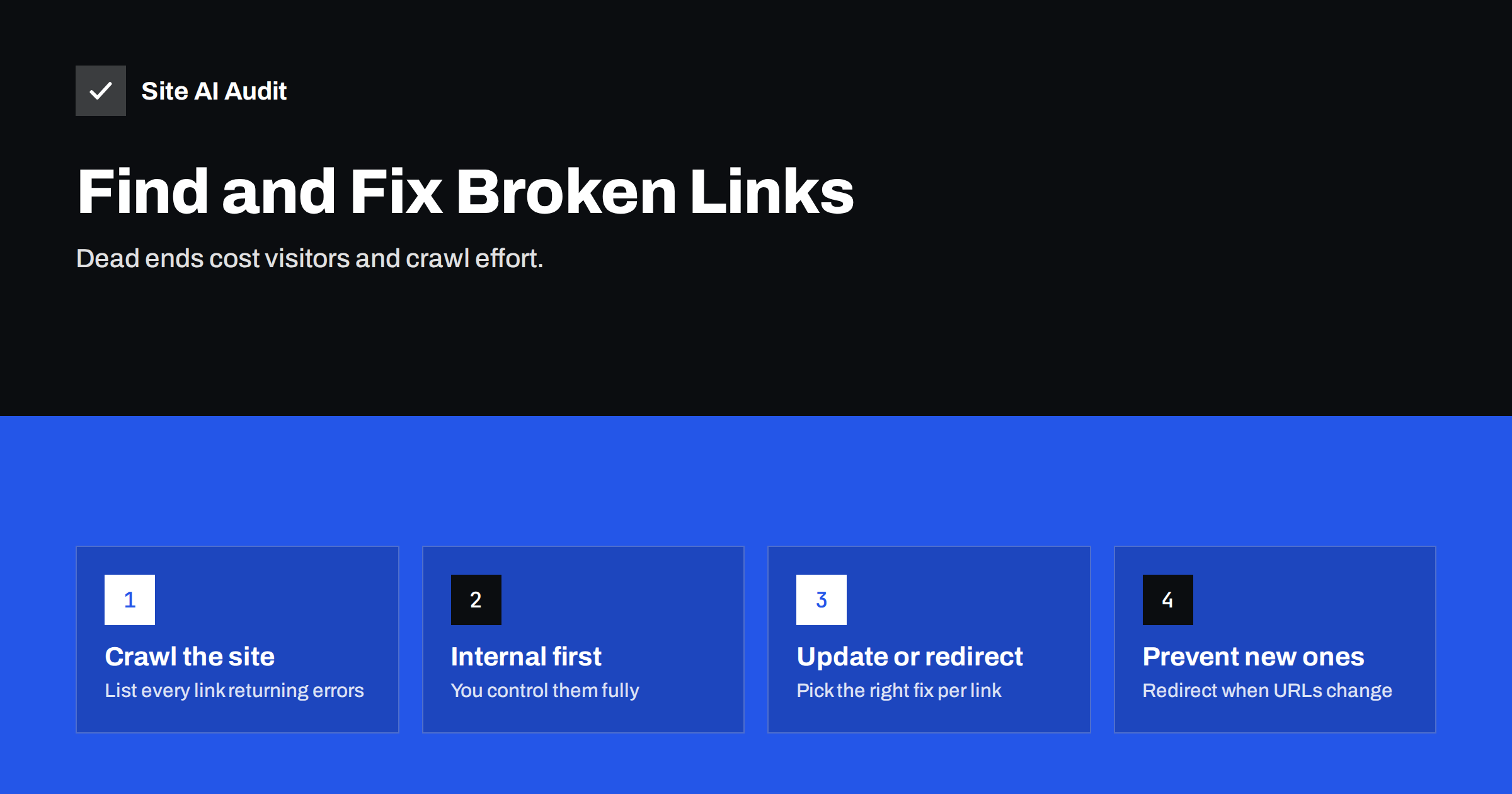
Short answer: A broken link points to a page that no longer works, usually returning a 404 “not found” error. To fix broken links, crawl your site to list every link that returns an error, then update each internal link to the correct URL, add a 301 redirect where an old page has moved, and replace or remove dead external links. Prevent new ones by redirecting every URL you change or delete.
What counts as a broken link
A link is broken when clicking it does not lead to a working page. In technical terms, the server at the other end returns an error status instead of a normal “200 OK” response. The most common cases are:
- 404 Not Found. The page does not exist at that address. It was deleted, renamed, or the link was mistyped.
- 410 Gone. The page was removed on purpose and will not come back.
- 5xx server errors. The server failed to deliver the page, either temporarily or because of a bug.
- Timeouts and DNS errors. The linked site does not respond or the domain no longer exists, which is common for old external links.
Links can be broken in several places: in the text of pages and posts, in menus and footers, in images and downloadable files, in the XML sitemap, and in canonical or hreflang tags. Menu and footer links deserve special attention because they appear on every page, so one broken footer link may show up hundreds of times in a crawl.
Why broken links matter
A few broken links will not sink a website, but they are worth fixing for practical reasons:
- Visitors hit dead ends. Someone who clicks “Delivery information” and lands on an error page may simply leave, especially on mobile.
- Crawlers waste effort. Search engine bots follow links to discover pages. Each broken link is a wasted request and a dead end in the path through your site.
- Link value is lost. When other websites link to a page that no longer exists, the value of those links is lost unless the old URL redirects to a relevant new page.
- Trust suffers. Many broken links make a site look neglected, which matters for businesses whose website is their shop window.
Broken links are also a symptom. When a site has dozens of them, it usually means pages were renamed or removed without redirects, which may also have cost search visibility for those pages.
Internal vs external broken links
It helps to split broken links into two groups, because they are fixed differently:
| Internal broken links | External broken links | |
|---|---|---|
| Where they point | To pages on your own site | To other websites |
| Typical cause | Renamed or deleted pages, typos, old menus | Other sites removed or moved content |
| Who can fix the target | You | Only the other site’s owner |
| Usual fix | Update the link or add a redirect | Replace with a working source or remove |
| Priority | High, especially in menus and key pages | Medium, higher on important pages |
Start with internal links. They are entirely under your control, they affect how search engines move through your site, and fixing one menu link can remove hundreds of findings at once.
How to find broken links
There are three reliable sources, and each shows a different side of the problem:
- A site crawl. An audit tool or crawler starts at your home page, follows every link, and reports each link that returns an error, along with the page where it was found. This is the most complete way to find broken links that visitors can actually click.
- Google Search Console. The page indexing report lists URLs that Google tried to crawl and found to be “Not found (404)”. These may come from old links on other websites, outdated sitemaps or links that no longer exist on your site. It shows problems a crawl of your current pages cannot see.
- Server logs or analytics. Logs and analytics can show which missing URLs real visitors request most often. That tells you which old URLs deserve a redirect first.
For a small site, a crawl plus a look at Search Console covers almost everything. Larger sites benefit from all three.
How to fix each type of broken link
Each broken link needs one of a few fixes. Decide based on where the link points and whether a replacement exists:
- The page moved to a new URL. Update the link to point directly to the new URL, and add a 301 redirect from the old URL to the new one so that bookmarks and external links keep working.
- The link has a typo. Correct the link. There is no need for a redirect if the typo URL never existed publicly.
- The page was deleted and there is a close replacement. Redirect the old URL to the replacement, such as a discontinued product to its successor, and update internal links.
- The page was deleted and there is no replacement. Remove or reword the link. Let the old URL return a 404 or 410. Do not redirect everything to the home page, which search engines tend to treat like a 404 anyway and which confuses visitors.
- An external page disappeared. Find the same content at its new address, link to a different authoritative source, or remove the link. Web archives can help you find what the page used to say.
- A temporary server error. Check the link again later. If the error persists, treat it as broken.
After fixing, crawl again. Redirects fix the user experience, but internal links should point straight to the final URL rather than through a redirect, which keeps things fast and clean.
Prioritising a long list
A first crawl of an older site can return a long list. Work through it in this order:
- Broken links in the main menu, header and footer, because they repeat on every page.
- Broken links on the home page, main service and category pages, and checkout or contact paths.
- Old URLs that receive traffic or have links from other websites, found in Search Console or analytics. Redirect them to the best matching page.
- Broken links inside popular blog posts and guides.
- Broken external links on important pages.
- Everything else, including old archive pages that few people visit.
This order puts the fixes that affect the most visitors and the most crawling first.
How to prevent new broken links
Fixing broken links is a one-off job; preventing them is a habit:
- Redirect every changed URL. Whenever you rename a page slug, move a product or restructure a section, add a 301 redirect from the old address at the same time.
- Avoid changing URLs without a reason. Short, descriptive URLs that do not include dates or temporary campaign names rarely need to change.
- Be careful when deleting content. Before deleting a page, check which pages link to it and whether it has external links or traffic.
- Link to stable external sources. Official documentation and well-established organisations move pages less often than small blogs.
- Re-crawl regularly. A scheduled crawl catches new broken links soon after they appear, rather than months later.
Plan migrations carefully. Redesigns and platform changes create more broken links than any other event, because many URLs change at once.
Make your 404 page helpful
Even with careful maintenance, some visitors will reach a missing page through an old bookmark or a mistyped address. A good 404 page limits the damage:
- Say clearly that the page could not be found, in plain words rather than a technical error.
- Offer a search box and links to the most useful sections, such as main services, popular products and contact details.
- Keep the normal header, menu and footer so the visitor still feels inside your site.
- Make sure the page actually returns a 404 status code. A “not found” message served with a 200 status is called a soft 404, and it confuses search engines because the missing page looks like a real one.
You can check the status code with your browser’s developer tools on the Network tab, or with any online HTTP header checker.
How Site AI Audit helps
Site AI Audit crawls up to 50 pages on the free check and reports broken links and redirects as part of its SEO section, listing the affected pages and explaining how to fix each finding. Paid plans add unlimited re-checks, so you can confirm that fixes worked, and weekly monitoring with alerts when a page breaks. See what each plan includes, or start with a free check from the home page.
Related reading
- Heading Tags for SEO: How to Use H1, H2 and H3 Properly
- Image Alt Text: How to Write It for SEO and Accessibility
The bottom line
Broken links are easy to find and usually easy to fix. Crawl your site, start with internal links in menus and key pages, update links to their correct targets, redirect moved pages with 301s, and remove links to content that no longer exists. Then make redirects part of every URL change and re-check regularly so new dead ends are caught early.
FAQ
Do broken links hurt SEO?
A few broken links are normal and do not cause a penalty. Many broken links waste crawl effort, lose the value of links pointing to removed pages and create a poor experience. Fixing them keeps your site easier to crawl and use.
Should I redirect all 404 pages to the home page?
No. Search engines often treat mass redirects to the home page like errors, and visitors are confused when they land somewhere unrelated. Redirect only to a closely matching page; otherwise, let the old URL return a 404 or 410.
How often should I check for broken links?
For most small sites, a monthly check is enough, plus a check after any redesign or large content change. Sites that change daily, such as shops with frequent product updates, benefit from weekly checks.
What is the difference between a 404 and a 410?
A 404 means the page was not found, without saying whether it will return. A 410 means it was removed permanently. Both tell search engines to drop the page; a 410 may be processed slightly faster.
Do broken external links matter?
They matter less than internal ones, but they frustrate readers and make content look outdated. Replace them with a working source or remove them, starting with your most visited pages.


