 ENEnglish
 LTLietuviškai
 DEDeutsch
 FRFrançais
 RUРусский
 ESEspañol
 PLPolski
 ITItaliano
 UKУкраїнська
 CSČeština
 PTPortuguês
 JA日本語
JA日本語 LVLatviešu valoda
 ETEesti
 HUMagyar
 IDBahasa Indonesia
 TRTürkçe
 HIहिन्दी
 ELΕλληνικά
 ARالعربية
 THไทย
THไทย VITiếng Việt
 RORomână
 MSBahasa Melayu
 BNবাংলা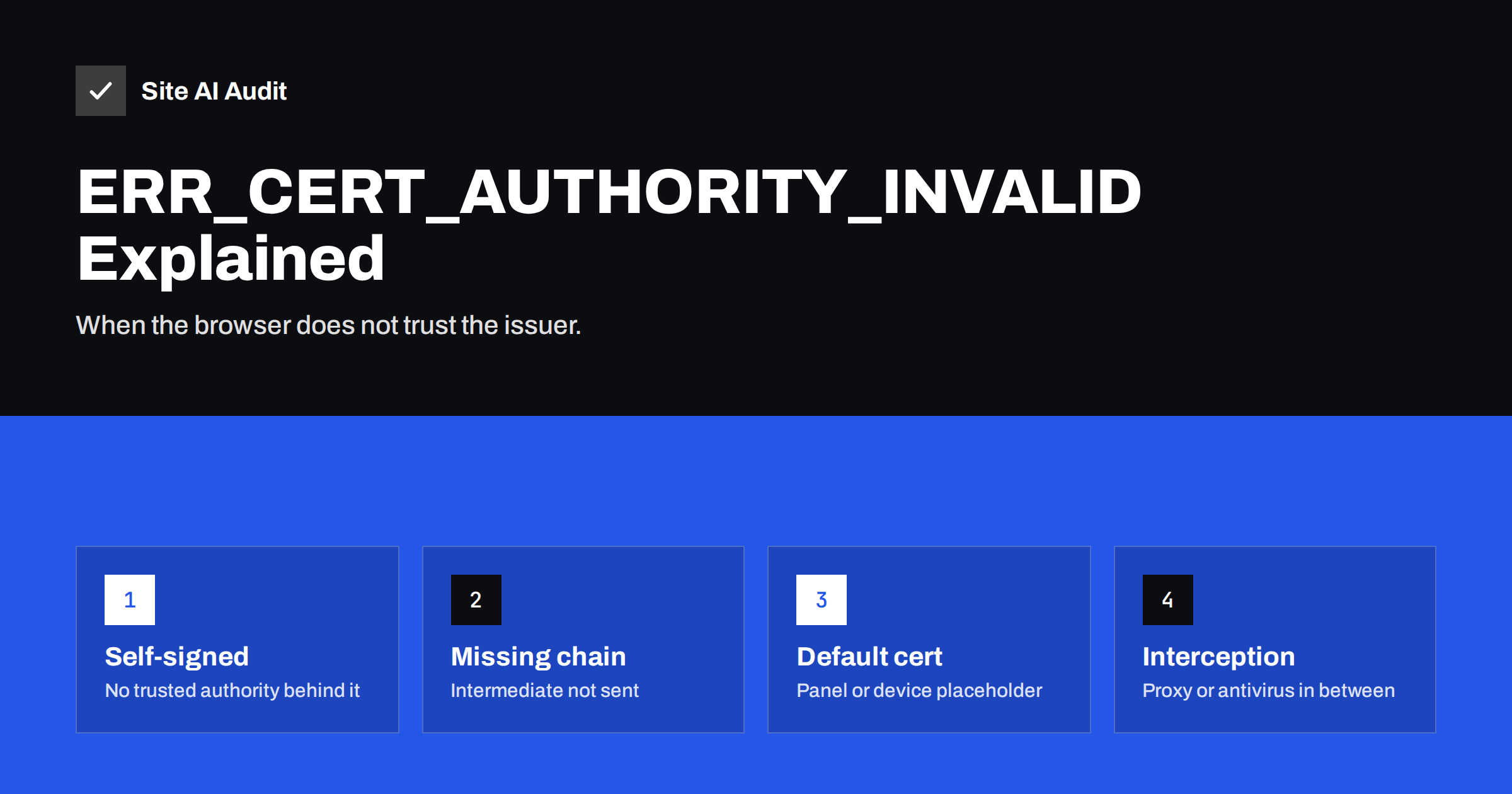
Short answer: NET::ERR_CERT_AUTHORITY_INVALID means the browser could not link your site’s certificate to a certificate authority it trusts. On a public website the usual causes are a self-signed or placeholder certificate (often the hosting panel’s default), a missing intermediate certificate, or a certificate from a private or distrusted CA. If only some visitors see it, a company proxy or antivirus that intercepts HTTPS is the likely cause. The fix is to install a certificate from a publicly trusted CA – free ones work – with its full chain, for every hostname.
Chrome shows this error as “Your connection is not private” with the code NET::ERR_CERT_AUTHORITY_INVALID; Firefox uses SEC_ERROR_UNKNOWN_ISSUER or MOZILLA_PKIX_ERROR_SELF_SIGNED_CERT, and Safari says the certificate is “not trusted”. Whatever the wording, it means the same thing: the browser checked who vouches for your certificate and did not find anyone it trusts. This guide explains the possible reasons and how to fix each one.
How browsers decide whom to trust
Operating systems and browsers ship with a list of trusted root certificate authorities. When your server presents a certificate, the browser tries to build a chain from it, through one or more intermediate certificates, to one of those roots. If the chain ends at a root it trusts, the connection proceeds. If it ends somewhere unknown – at the certificate itself, at a private CA, or at a gap where an intermediate should be – the browser reports an invalid authority.
Six common causes
Cause 1: A self-signed certificate
A self-signed certificate is signed by its own key rather than by a CA. It encrypts traffic just fine, but nobody vouches for its identity, so browsers reject it. Self-signed certificates appear on public sites more often than you might expect:
- Hosting control panels and web servers generate a self-signed placeholder during installation, used until a real certificate is issued.
- A developer created one for testing and it was never replaced.
- Network devices, NAS boxes and admin panels ship with self-signed certificates by default.
How to recognise it: in the certificate viewer, “Issued to” and “Issued by” are the same, or the issuer is the server’s hostname, “localhost”, or a panel name.
Fix: issue a free certificate from Let’s Encrypt or another public CA through your hosting panel or an ACME client, or install a purchased one. There is no reason to use a self-signed certificate on a public website.
Cause 2: The server sends the wrong certificate
On shared servers, when no configuration matches the requested hostname, the server falls back to a default certificate – often a self-signed one for the server’s own name. The result looks like cause 1, but the real problem is that your domain is not correctly set up for HTTPS on that server.
Fix: make sure the domain or subdomain is added to the hosting account or virtual host with its own certificate, then reload the server. Check each hostname you use, including www.
Cause 3: Missing intermediate certificate
If the server sends only your leaf certificate without the intermediate, some clients cannot build the chain and report an unknown issuer. Desktop browsers often fetch or cache the missing intermediate and hide the problem; mobile browsers, apps and command-line tools are less forgiving.
How to recognise it: the certificate is from a well-known CA and valid, but some devices or tools fail. openssl s_client -connect example.com:443 -servername example.com shows only one certificate and a verify error such as “unable to verify the first certificate”.
Fix: configure the server with the full chain file – with Certbot, fullchain.pem; with purchased certificates, the certificate followed by the CA bundle.
Cause 4: A private or distrusted certificate authority
Some organisations run their own internal CA for intranet services. Its certificates are trusted only on devices where the organisation installed its root – company laptops, for example. Visitors from outside get an authority error. Similarly, browsers occasionally remove trust from a public CA after serious compliance failures; certificates from that CA then stop being trusted in new browser versions.
Fix: for anything public, use a certificate from a CA that is trusted by all major browsers. If you received a notice that your CA is being distrusted, replace the certificate before the deadline.
Cause 5: HTTPS interception on the visitor’s side
Antivirus software with “HTTPS scanning”, corporate security proxies and some public Wi-Fi systems intercept encrypted connections by presenting their own certificates. If the device does not trust the interceptor’s root – or the interceptor mishandles a site – visitors see an authority error even though your certificate is perfectly fine.
How to recognise it: only some people or one network are affected; the issuer shown in the browser is the antivirus product or company proxy, not your CA.
Fix: nothing on your server. The visitor needs to update or configure the security software, or their network administrator must adjust the proxy.
Cause 6: Outdated devices and root stores
Very old phones, operating systems and embedded devices may not have newer root certificates. When a CA moves to a new root, such devices can start reporting authority errors for certificates that work everywhere else. The long-term fix is updating the device; site owners with a large audience on old devices can check their CA’s compatibility guidance and chain options.
Quick diagnosis table
| What you see in the certificate viewer | Likely cause |
|---|---|
| Issuer equals subject, or issuer is the server name | Self-signed or placeholder certificate |
| Certificate for a different domain or the host’s name | Server sends a default certificate |
| Well-known CA, but only some clients fail | Missing intermediate or old devices |
| Issuer is a company or internal CA name | Private CA |
| Issuer is an antivirus or proxy product | HTTPS interception on the visitor’s side |
Step-by-step fix for site owners
- Open the site from two networks and devices, and view the certificate details.
- Identify the issuer and compare it with the table above.
- Issue or install a certificate from a public CA for every hostname you use.
- Configure the full chain and reload the web server.
- Verify with
openssl s_client(look for “Verify return code: 0 (ok)”) andcurl -v https://example.com, which fails on untrusted chains. - Set up automatic renewal and outside monitoring so the problem does not return at the next renewal.
Checking every hostname and service
Authority errors often hide on hostnames nobody tests regularly. After fixing the main site, go through the rest of your list: the bare domain and www, shop and booking subdomains, customer portals, webmail, API endpoints used by apps, and admin panels. Placeholder certificates are especially common on services that were set up quickly – a staging copy that became production, a mail server installed with defaults, a new subdomain added before its certificate was issued. For each hostname, open it in a private browser window and run curl -v, which fails loudly on any trust problem. Anything customers or partners can reach should present a publicly trusted certificate with a complete chain, and should be added to your monitoring so its next renewal is watched as closely as the main site’s.
Why you should never ask visitors to click through
It can be tempting to tell customers “just click Advanced and continue” while you sort out the certificate. Avoid it. It teaches people to ignore the one warning designed to protect them from impersonated sites, and many will not follow the instruction anyway. Sites that use HSTS do not even offer the option. A proper certificate takes minutes to issue with modern hosting, so the time is better spent fixing the cause.
Self-signed certificates for internal use
Self-signed or private-CA certificates still have a place: development machines, test servers on internal networks, and devices that only administrators access. Even there, a private CA whose root is installed on the team’s devices is better than individual self-signed certificates, because people learn to expect a clean connection instead of clicking through warnings. For anything a customer or partner might open, use a publicly trusted certificate.
How Site AI Audit helps
Site AI Audit connects to your website at the start of every check and verifies whether the SSL certificate is valid for the address, when it expires and whether HTTP redirects to HTTPS, reporting problems in plain language with the fix. Monitoring on paid plans repeats the check and alerts you when a certificate problem appears. Run a free check.
Related reading
- Incomplete SSL Certificate Chain: How to Find and Fix It
- SSL Certificate Name Mismatch: Causes and How to Fix It
- ERR_SSL_PROTOCOL_ERROR: What It Means and How to Fix It
The bottom line
ERR_CERT_AUTHORITY_INVALID means the browser cannot trace your certificate back to a trusted authority. On public websites it almost always comes down to a self-signed or default certificate, a missing intermediate, or interception on the visitor’s side. Install a publicly trusted certificate with its full chain for every hostname, verify with a strict tool, and never ask visitors to click through the warning.
FAQ
Is a self-signed certificate less secure?
The encryption can be just as strong, but nobody verifies the identity behind it, so visitors cannot tell your site from an impersonator. That is why browsers reject self-signed certificates on public sites.
Why do I see the error only on my work computer?
Your company network or security software probably intercepts HTTPS with its own certificate. If other networks and devices work, the site is fine and the issue lies with that network’s configuration.
Can I fix the error by installing the certificate on my computer?
That only makes your own device trust it and does nothing for visitors. For a public site, the fix is a certificate from a publicly trusted certificate authority.
Is Let’s Encrypt a trusted certificate authority?
Yes. Let’s Encrypt certificates are trusted by all major browsers and operating systems and are widely used on production websites.
Why does the error appear in my app but not in the browser?
Apps and server libraries usually do not repair missing intermediate certificates the way desktop browsers do. Configuring the server with the full certificate chain typically fixes it.


