 ENEnglish
 LTLietuviškai
 DEDeutsch
 FRFrançais
 RUРусский
 ESEspañol
 PLPolski
 ITItaliano
 UKУкраїнська
 CSČeština
 PTPortuguês
 JA日本語
JA日本語 LVLatviešu valoda
 ETEesti
 HUMagyar
 IDBahasa Indonesia
 TRTürkçe
 HIहिन्दी
 ELΕλληνικά
 ARالعربية
 THไทย
THไทย VITiếng Việt
 RORomână
 MSBahasa Melayu
 BNবাংলা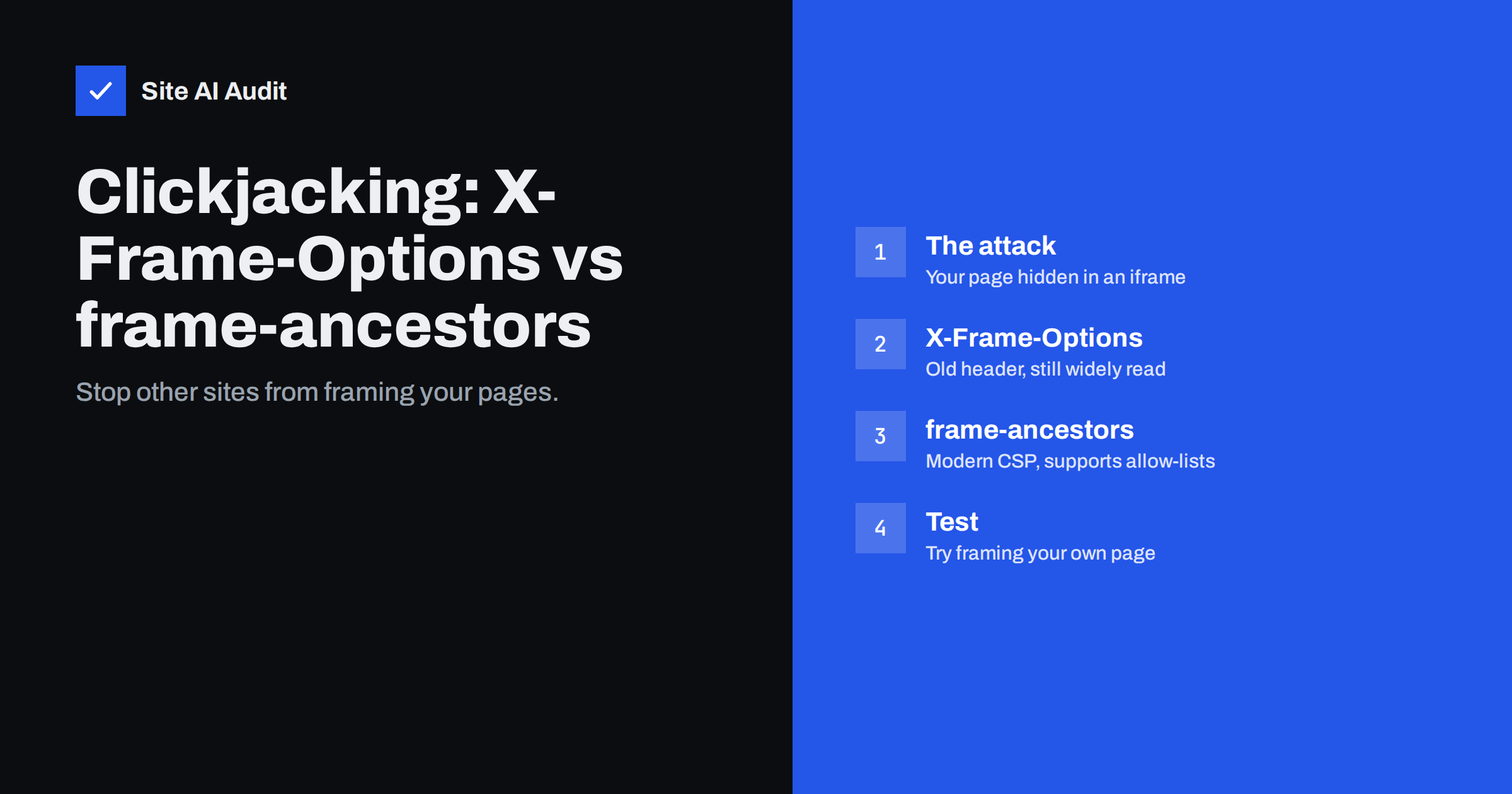
Short answer: Clickjacking is an attack in which another website loads your page in a hidden or disguised iframe and tricks visitors into clicking buttons on it. You prevent it by telling browsers who may frame your pages: send Content-Security-Policy: frame-ancestors 'self' (the modern method, which also supports a list of trusted sites) and, for older browsers, X-Frame-Options: SAMEORIGIN. If no one needs to embed your site at all, use frame-ancestors 'none' and X-Frame-Options: DENY.
Missing clickjacking protection is one of the most common findings in security header checks. The fix is two short lines, yet many sites skip it because the attack sounds exotic. It is not: clickjacking has been used to trick people into changing account settings, confirming purchases, granting permissions and liking or sharing content. Any page where a single click does something important – an admin panel, an account page, a checkout, a “delete” button – is a potential target. This guide explains how the attack works, the two headers that stop it, and how to choose between them.
How a clickjacking attack works
The attacker builds a page that looks harmless – a game, a prize draw, a video with a “play” button. Underneath, invisible to the visitor, the attacker’s page loads your website in an iframe, positioned so that an important button on your page sits exactly under the fake button. The iframe is made transparent with CSS. When the visitor clicks “play”, the click actually lands on your page.
Because the visitor is often already logged in to your site in the same browser, the click is performed with their session. Depending on your site, that click might:
- change an e-mail address or security setting in the visitor’s account;
- confirm an order, a subscription or a payment step;
- grant a third-party application access to the account;
- delete content or publish a post in a CMS admin area;
- enable a camera, microphone or other browser permission on a site that uses them.
Variants include “likejacking” (tricking people into social actions) and attacks that capture keystrokes by positioning a framed form field under a fake one. All of them depend on one thing: the browser agreeing to display your page inside someone else’s page. Remove that, and the attack does not work.
X-Frame-Options: the original defence
X-Frame-Options is a response header introduced by browser vendors around 2009 specifically against clickjacking. It has two useful values:
X-Frame-Options: DENY– the page may not be displayed in a frame anywhere, not even on your own site.X-Frame-Options: SAMEORIGIN– the page may be framed only by pages from the same origin (same scheme, host and port).
A third value, ALLOW-FROM uri, was meant to allow one specific site, but modern browsers no longer support it. That is the main limitation of X-Frame-Options: it cannot express “my own site plus these two partners”. It is also a separate, non-standardised header, which is why the standards community moved the feature into Content Security Policy.
CSP frame-ancestors: the modern replacement
The frame-ancestors directive of Content Security Policy does the same job with more flexibility:
Content-Security-Policy: frame-ancestors 'self'
Content-Security-Policy: frame-ancestors 'none'
Content-Security-Policy: frame-ancestors 'self' https://partner.example https://*.trusted.example
'none' equals DENY, 'self' equals SAMEORIGIN, and you can add specific origins that are allowed to embed your pages. When a browser supports CSP and receives both headers, frame-ancestors takes priority over X-Frame-Options. The directive is documented in detail on MDN’s frame-ancestors reference.
You do not need a full, complex Content Security Policy to use it. A policy that contains only frame-ancestors is valid and does not restrict scripts, styles or images at all. That makes it one of the easiest CSP directives to deploy.
Which one should you use?
| X-Frame-Options | CSP frame-ancestors | |
|---|---|---|
| Block all framing | DENY | ‘none’ |
| Allow own site only | SAMEORIGIN | ‘self’ |
| Allow specific partner sites | Not supported in modern browsers | List of origins |
| Browser support | Very old and new browsers | All modern browsers |
| Set via meta tag | No | No (header only) |
| Priority when both present | Ignored by modern browsers | Wins |
The practical recommendation is to send both, with matching meaning: frame-ancestors 'self' plus X-Frame-Options: SAMEORIGIN. Modern browsers use the CSP rule; very old ones fall back to the header. If you need to allow partners, put them in frame-ancestors and keep X-Frame-Options at SAMEORIGIN for old browsers, accepting that partners will not be able to embed you in those rare old browsers.
Choosing the right policy for your site
- Typical business website or shop:
'self'/ SAMEORIGIN. Your own pages can still use iframes of your own content, for example previews in the admin area. - Banking, admin panels, account pages:
'none'/ DENY where possible, since nothing needs to frame them. - Widgets and embeddable content: if you offer a booking widget, a form or a video that customers embed on their sites, allow framing only for those specific pages (for example
/embed/), not for the whole site, and keep account and checkout pages locked down. - Sites inside page builders or preview tools: some CMS preview features and marketing tools load your site in an iframe. Add their origins deliberately if you use them.
How to add the headers
Apache (virtual host or .htaccess, with mod_headers):
Header always set X-Frame-Options "SAMEORIGIN"
Header always set Content-Security-Policy "frame-ancestors 'self'"
Nginx (server block):
add_header X-Frame-Options "SAMEORIGIN" always;
add_header Content-Security-Policy "frame-ancestors 'self'" always;
If you already send a Content-Security-Policy header, add frame-ancestors to the existing policy instead of sending a second header, so that you do not accidentally combine two policies. WordPress sends X-Frame-Options: SAMEORIGIN on its login and admin pages by default, but not on public pages; set the headers at the server level to cover everything. Many CDNs and security plugins can add them too – just make sure only one place sets each header.
Related protections that work alongside framing headers
Framing headers stop the classic attack, but sensitive actions deserve more than one layer. A few design habits make clickjacking and similar tricks much less effective even if a header is missing on some page:
- Confirm important actions. Changing an e-mail address, a password, payout details or deleting an account should require re-entering the password or confirming by e-mail. A single hidden click is then not enough.
- Use SameSite cookies. Session cookies with
SameSite=LaxorStrictare not sent when your page is loaded inside a frame on another site, so the framed page often appears logged out. - Protect forms with anti-CSRF tokens. They prevent other sites from submitting actions on the visitor’s behalf in the background.
- Restrict browser permissions. A Permissions-Policy header limits which features, such as camera or geolocation, framed content can request.
Together with the headers, these measures turn clickjacking from a realistic risk into a theoretical one.
How to test your protection
- Check the headers with
curl -sI https://example.comand confirm both lines appear on several page types, including login and checkout. - Create a simple local HTML file containing
<iframe src="https://example.com/"></iframe>and open it in a browser. The frame should stay empty, and the console should report that framing was refused. - If you allow partners, ask them to confirm that their embed still works.
- Re-check after CMS updates, server moves and CDN changes, since headers are easy to lose.
Common mistakes
- Using
ALLOW-FROM, which modern browsers ignore – leaving the page unprotected in them. - Setting the header only on the home page or only in one Nginx location block.
- Sending two different X-Frame-Options values from the server and a plugin; browsers may treat conflicting values as invalid.
- Trying to set
frame-ancestorsin a meta tag, where browsers ignore it. - Relying on JavaScript “frame-busting” code, which older sites used; it can be bypassed and is no substitute for the headers.
How Site AI Audit helps
Site AI Audit checks the security headers your site sends as part of every report, including protection against framing, together with the SSL certificate, the HTTPS redirect and exposed software versions. Each missing header is explained in plain words, with the exact line to add. Check your headers for free.
Related reading
- HTTP Security Headers Explained: What Each One Does
- Content Security Policy for Beginners: A Practical Setup Guide
- Exposed Software Versions: How to Hide Server and CMS Details
The bottom line
Clickjacking works only when browsers agree to show your page inside someone else’s. Two headers take that away: frame-ancestors in Content Security Policy for modern browsers, and X-Frame-Options for old ones. For most sites 'self' and SAMEORIGIN are the right values; lock sensitive areas down with 'none', and allow specific partners only on the pages they actually embed.
FAQ
Is X-Frame-Options deprecated?
It has been superseded by CSP frame-ancestors, which takes priority in modern browsers, but it is still supported and useful as a fallback for older browsers. Sending both with the same meaning is the common recommendation.
Will these headers break my embedded YouTube videos or maps?
No. They control who may frame your pages, not which content your pages may frame. Embedding videos or maps on your site is governed by other CSP directives such as frame-src.
Does a small website really need clickjacking protection?
Any site with logins, forms, an admin area or a checkout can be targeted, and automated attacks do not pick targets by size. The protection is two header lines with virtually no risk, so it is worth adding everywhere.
How do I allow a partner site to embed one page?
Send a frame-ancestors directive listing your own origin and the partner’s origin on that specific page or path, and keep stricter values for the rest of the site. X-Frame-Options cannot express this for modern browsers, so rely on CSP for the partner rule.
Can I set frame-ancestors with a meta tag?
No. Browsers ignore frame-ancestors in meta tags, so it must be sent as an HTTP response header from the server, CDN or application.


