 ENEnglish
 LTLietuviškai
 DEDeutsch
 FRFrançais
 RUРусский
 ESEspañol
 PLPolski
 ITItaliano
 UKУкраїнська
 CSČeština
 PTPortuguês
 JA日本語
JA日本語 LVLatviešu valoda
 ETEesti
 HUMagyar
 IDBahasa Indonesia
 TRTürkçe
 HIहिन्दी
 ELΕλληνικά
 ARالعربية
 THไทย
THไทย VITiếng Việt
 RORomână
 MSBahasa Melayu
 BNবাংলা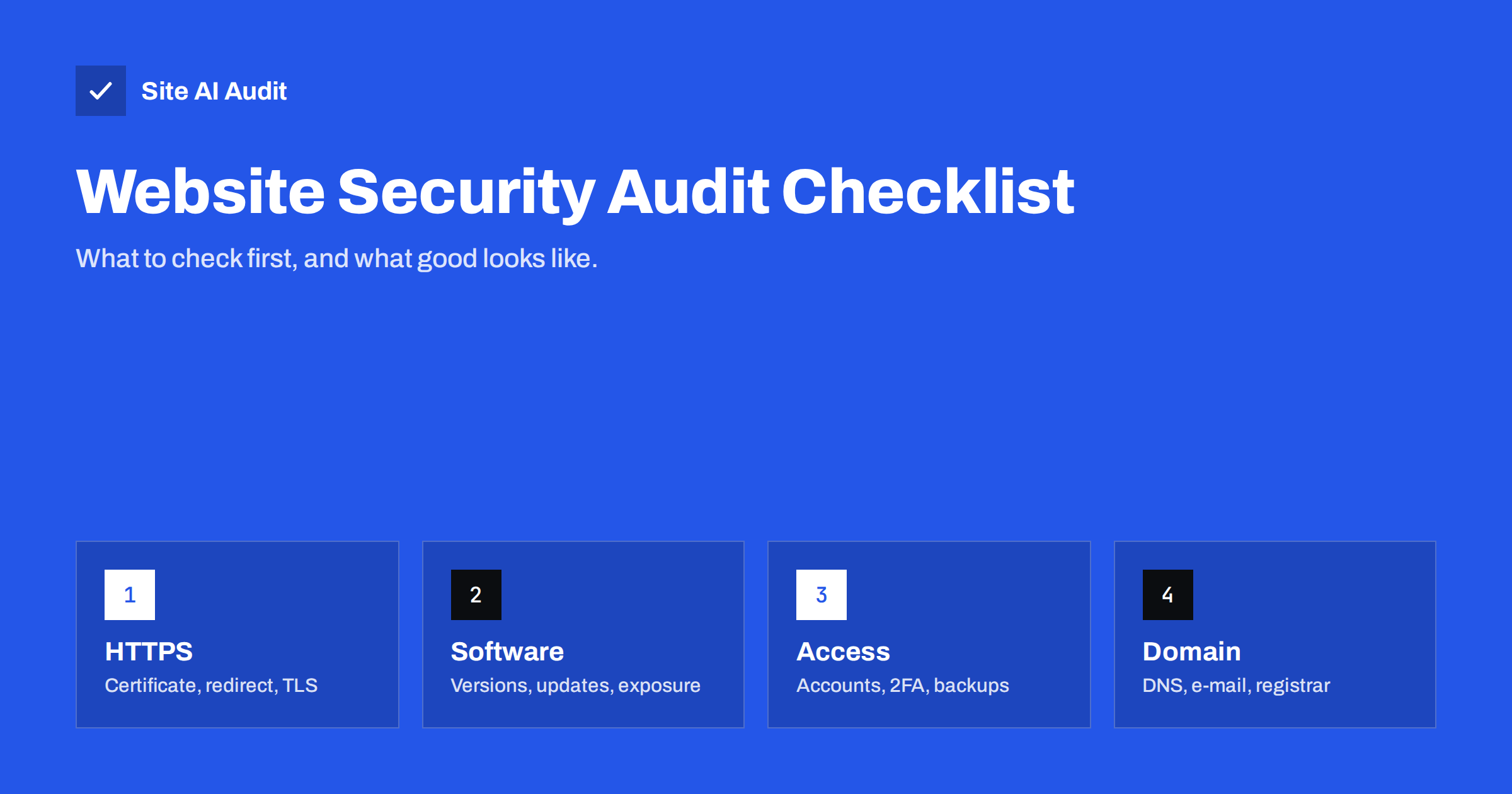
Short answer: A practical website security audit checks, in order of impact: HTTPS and the SSL certificate (validity, expiry, redirect, TLS versions); software currency and exposure (CMS, plugins, PHP, visible versions, leftover files); access (admin accounts, two-factor authentication, hosting and registrar security); resilience (backups and restore tests); browser protections (security headers and cookie flags); and the domain (DNS, registrar lock, e-mail authentication). Start with the external checks that take minutes, fix what can cause outages or break-ins first, and repeat the audit after every major change.
“Is our website secure?” is a question every business owner, marketer and agency eventually hears. Answering it does not require a penetration test on day one. A structured audit of the basics, done in the right order, finds the issues behind most real incidents and gives you a clear to-do list. This checklist is designed for small and medium business sites – company websites, blogs, shops and portals – and explains what to check, how, and what a good result looks like.
Before you start: access, scope and a record
A little preparation makes the audit faster and its results more useful. First, define the scope: the main domain and www, every subdomain that serves customers or staff, and any separate shop, booking or portal systems. Second, gather read access to the places you will need to look – the CMS admin area, the hosting control panel, the domain registrar and DNS provider, and the e-mail service – or arrange for the people who hold that access to be available. Third, decide where you will record the results: a simple table with the check, the finding, its priority, the owner and the date is enough.
Finally, run the external checks first. They need no access at all, take only minutes, and often reveal the most urgent problems – an expiring certificate, a missing redirect, an exposed backup file – before you spend time on anything else. Their results also give you a baseline to compare against after fixes, which is the simplest way to show that the work made a measurable difference.
1. HTTPS and the SSL certificate
Problems here are visible to every visitor and often cause outright outages.
- Certificate valid and trusted for every hostname you use, including www and subdomains. Good: no browser warnings anywhere.
- Expiry date and renewal method. Good: automated renewal, more than two weeks remaining, monitoring in place.
- Complete chain. Good:
openssl s_clientreports “Verify return code: 0 (ok)”. - HTTP to HTTPS redirect for all variants, in one permanent hop. Good: every
http://URL lands on the same page over HTTPS. - TLS versions. Good: only TLS 1.2 and 1.3 accepted.
- No mixed content. Good: no insecure resource warnings in the browser console.
2. Software currency and exposure
- CMS core, plugins, themes on current versions. Good: no pending security updates; update routine documented.
- Abandoned or unused components. Good: none installed, including inactive ones.
- PHP and server software on supported branches. Good: the PHP version still receives security fixes.
- Exposed versions in headers and page code. Good: no version numbers in
Server,X-Powered-Byor generator tags. - Leftover files:
.env,.git, backups,phpinfo.php, readme files. Good: all return 403 or 404. - Directory listing. Good: disabled; folders without index files return 403.
For each outdated component, note whether the available update is a security release. That single detail usually decides whether it belongs in today’s work or next week’s routine.
3. Access and accounts
- Admin users in the CMS. Good: only people who need it, each with a personal account.
- Two-factor authentication for admins and editors. Good: enforced.
- Hosting, registrar, DNS and CDN accounts. Good: unique passwords, 2FA, no former staff or agencies with access.
- Login protection. Good: rate limiting or lockouts; legacy endpoints such as XML-RPC blocked if unused.
- FTP and database access. Good: SFTP or SSH keys only; database not reachable from the internet; admin tools not publicly exposed.
4. Backups and recovery
- Automatic backups of files and database. Good: daily for active sites.
- Off-site copies with separate credentials. Good: at least one copy outside the hosting account.
- History. Good: several weeks of versions.
- Restore test. Good: a successful test restore within the last few months, with written steps.
5. Browser protections
- Strict-Transport-Security. Good: present with a long max-age once HTTPS works everywhere.
- X-Content-Type-Options: nosniff. Good: present on all responses.
- Frame protection (X-Frame-Options or CSP frame-ancestors). Good: SAMEORIGIN or ‘self’, or stricter.
- Referrer-Policy. Good: strict-origin-when-cross-origin or stricter.
- Permissions-Policy. Good: unused features such as camera, microphone and geolocation disabled.
- Content-Security-Policy. Good: at least a basic policy, ideally a tested allow-list for scripts.
- Cookie flags on session cookies. Good: Secure, HttpOnly and SameSite set.
Check these headers on several page types – the home page, a content page, the login page, a static file and an error page – because server rules and CDN settings often apply them unevenly. A header present on the home page but missing on the checkout or login page protects less than it seems. Note also where each header is set, so the next person who changes the server or CDN configuration does not remove it by accident.
6. Domain, DNS and e-mail
- Registrar lock and auto-renewal. Good: transfer lock on, auto-renew with a valid payment method, expiry more than a few months away.
- Domain ownership. Good: registered to the company, not an individual or agency.
- Dangling DNS records. Good: no records pointing to services you no longer use.
- SPF, DKIM, DMARC and MX. Good: valid records; DMARC at least monitoring, ideally enforcing.
- CAA and DNSSEC. Good: configured where supported, matching the CAs you use.
Many of the items in sections 3, 4 and 6 cannot be seen from outside, which is why an external scan alone never gives the complete picture. Plan a short conversation with whoever manages hosting, the domain and e-mail – often three different people or companies – and walk through those items together. Write down the answers, including “we don’t know”, because unknowns are findings too.
How to prioritise the findings
| Priority | Examples | Timeframe |
|---|---|---|
| Critical | Certificate expiring or invalid, exposed .env or backups, known exploited vulnerability, unknown admin user | Today |
| High | Outdated plugins with security fixes, no 2FA on admin or registrar, no off-site backups, domain near expiry | This week |
| Medium | Missing basic security headers, exposed versions, directory listing, old TLS versions, no DMARC | This month |
| Improvement | Full CSP, DNSSEC, CAA, registry lock, restore drills | Planned |
Critical findings can put visitors at risk or take the site offline; high findings are the usual causes of compromises; medium ones reduce exposure; improvements raise the baseline further.
How often to audit
Run the full checklist when you take over a site, after major changes such as a redesign, migration, new hosting or new CDN, and at least once or twice a year otherwise. The external items – certificate, redirect, headers, exposed versions, e-mail records – should be monitored continuously, because they change without anyone intending it: a renewal fails, a server rebuild loses a header, a DNS change breaks e-mail. Keep each audit report so you can compare results over time and show progress to management or clients. For deeper assurance on custom applications, add vulnerability scans and periodic penetration tests; guidance such as the OWASP Top 10 describes the application-level risks those deeper tests look for.
How Site AI Audit helps
Site AI Audit automates the external parts of this checklist in one run: SSL certificate and expiry, HTTP to HTTPS redirect, security headers, exposed software versions, and e-mail authentication (SPF, DKIM, DMARC, MX), alongside SEO and speed. Every finding is explained in plain words and ranked by impact, with how to fix it. The free check shows where you stand; paid plans add the full report with affected pages, unlimited re-checks, monitoring with alerts and PDF reports – with your own logo on the Agency plan. Start with a free check.
Related reading
- Website Security for Small Businesses: Where to Start
- Website Security Scan vs Penetration Test: What You Need
- WordPress Security Checklist: 20 Steps That Actually Matter
- How to Add Security Headers on Apache, Nginx, WordPress and CDNs
The bottom line
A website security audit does not need to be complicated to be valuable. Work through HTTPS, software, access, backups, browser protections and the domain in that order, fix critical and high findings first, and keep the external checks under continuous monitoring. Repeated regularly, this checklist catches the problems behind most real-world incidents long before they turn into one.
FAQ
How long does a website security audit take?
The external checks take minutes with an automated tool. A complete audit including accounts, backups and DNS typically takes a few hours for a small business site, longer for complex platforms.
Can I audit my website’s security myself?
Yes, for most of this checklist. External tools cover HTTPS, headers and exposed versions, and the account, backup and domain checks mainly require access and attention rather than specialist skills.
What is the most common problem found in audits?
Outdated software and missing security headers are among the most frequent findings, while expired or soon-to-expire certificates are the most common cause of visible outages.
How often should a website be audited?
Fully at least once or twice a year and after major changes, with continuous monitoring of certificates, HTTPS, headers and e-mail records in between.
Is a security audit the same as a penetration test?
No. An audit checks configuration and hygiene against a checklist, while a penetration test has specialists actively try to break into the application. Most small businesses should start with audits and add penetration tests for custom or sensitive applications.


