 ENEnglish
 LTLietuviškai
 DEDeutsch
 FRFrançais
 RUРусский
 ESEspañol
 PLPolski
 ITItaliano
 UKУкраїнська
 CSČeština
 PTPortuguês
 JA日本語
 LVLatviešu valoda
 ETEesti
 HUMagyar
 IDBahasa Indonesia
 TRTürkçe
 HIहिन्दी
 ELΕλληνικά
 ARالعربية
 THไทย
 VITiếng Việt
 RORomână
 MSBahasa Melayu
 BNবাংলা
#Troubleshooting
Troubleshooting is the step-by-step process of finding the real cause of a problem instead of guessing at fixes. For websites and e-mail that means reading error messages, headers, logs and DNS records carefully. A good troubleshooting routine starts with the simplest checks and changes one thing at a time. It also records what was changed, so that a fix can be confirmed or reversed. The articles under this tag walk through common failures and the checks that reveal their causes.
 ১৬ অক্টো, ২০২৬ · 7 মিনিটে পড়া
How to Read Web Server Access Logs to Spot Attacks
Your access log records every request to your site. Learn what each line means and which patterns reveal scanners, brute force and injection attempts.
 ১০ অক্টো, ২০২৬ · 7 মিনিটে পড়া
Slow WordPress Admin Dashboard: Causes and Practical Fixes
A slow WordPress admin wastes time on every edit, even when the public site is fast. Learn the usual causes, from plugins to Heartbeat,…
 ১ অক্টো, ২০২৬ · 8 মিনিটে পড়া
SMTP Ports 25, 587 and 465: Which One Should You Use?
Port 25, 587 or 465? Learn what each SMTP port is for, which to use for your website or mail app, and how to…
 ১ অক্টো, ২০২৬ · 8 মিনিটে পড়া
CORS Explained: The Misconfigurations That Expose Your Data
CORS decides which other websites may read your responses. Learn how it works, the common misconfigurations that leak data, and how to set it…
 ১ অক্টো, ২০২৬ · 8 মিনিটে পড়া
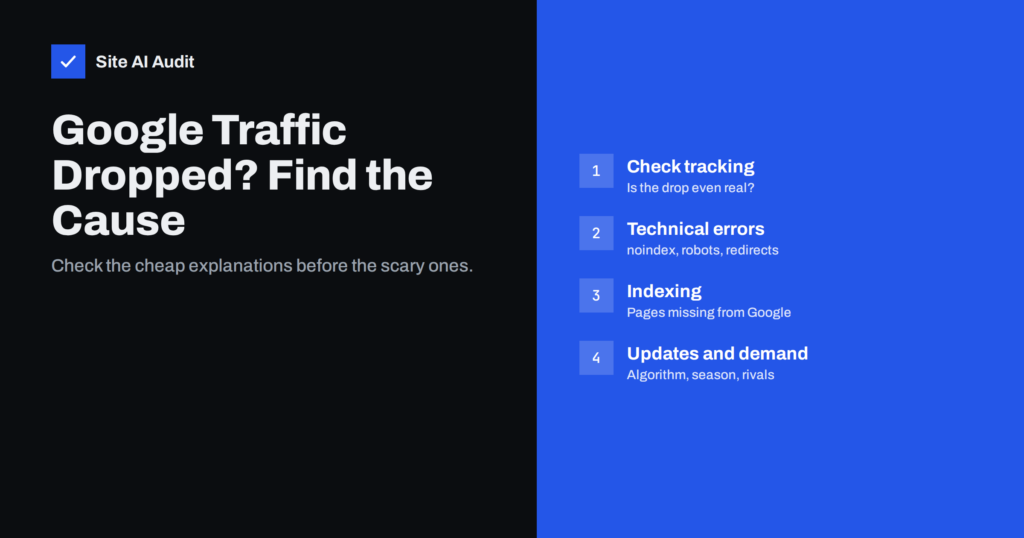
Google Traffic Dropped? How to Find the Cause Step by Step
Organic traffic fell suddenly? Work through tracking, technical errors, indexing, updates and competition in order to find the real cause before fixing.
 ১ অক্টো, ২০২৬ · 9 মিনিটে পড়া
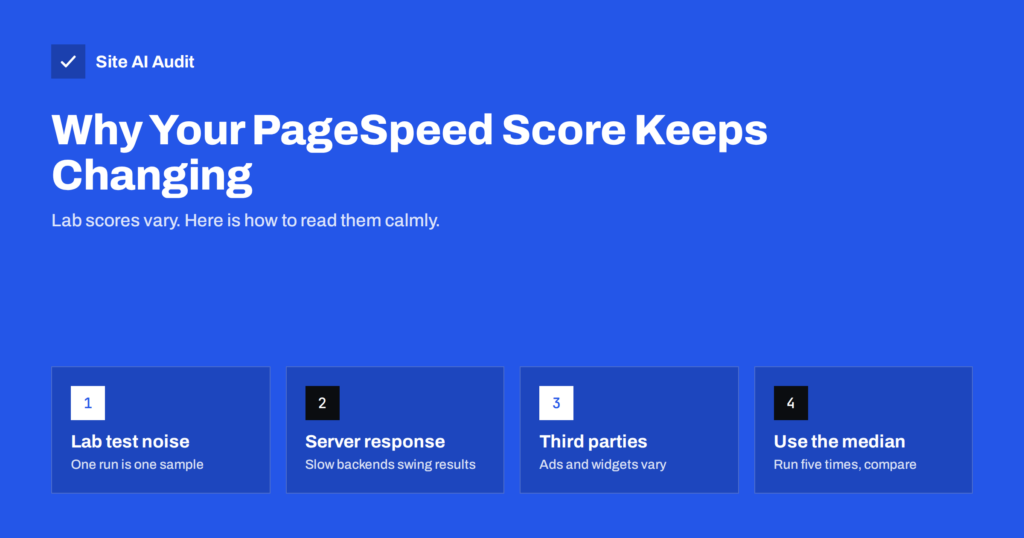
Why Your PageSpeed Score Changes Every Time You Test
Your PageSpeed score jumps between tests even when nothing changed. Here is why lab scores vary, what is normal, and how to measure speed…
 ৩০ সেপ, ২০২৬ · 8 মিনিটে পড়া
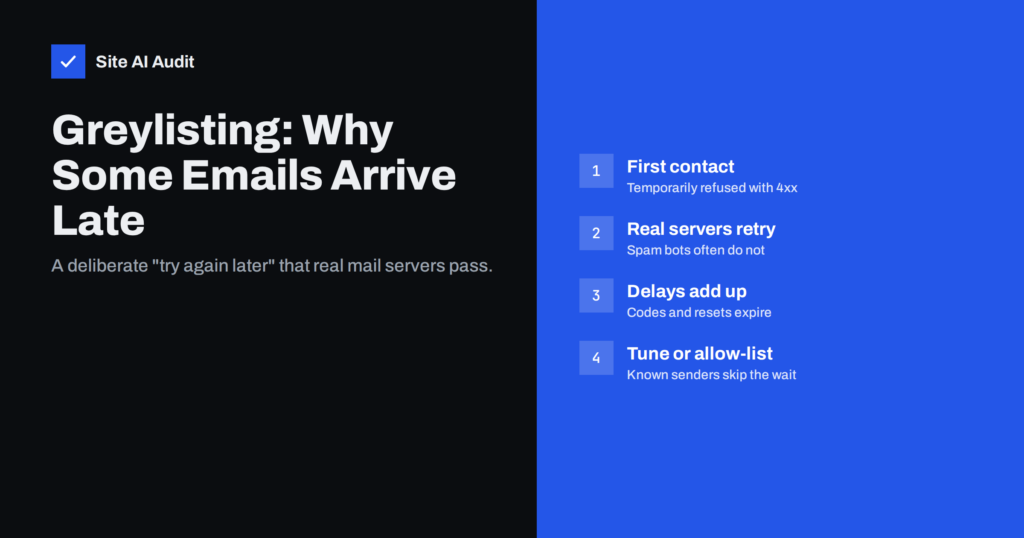
Greylisting Explained: Why Some Emails Arrive Late
Greylisting makes a mail server refuse the first message from an unknown sender until it retries. Learn how it works, why it delays email…
 ২৯ সেপ, ২০২৬ · 8 মিনিটে পড়া
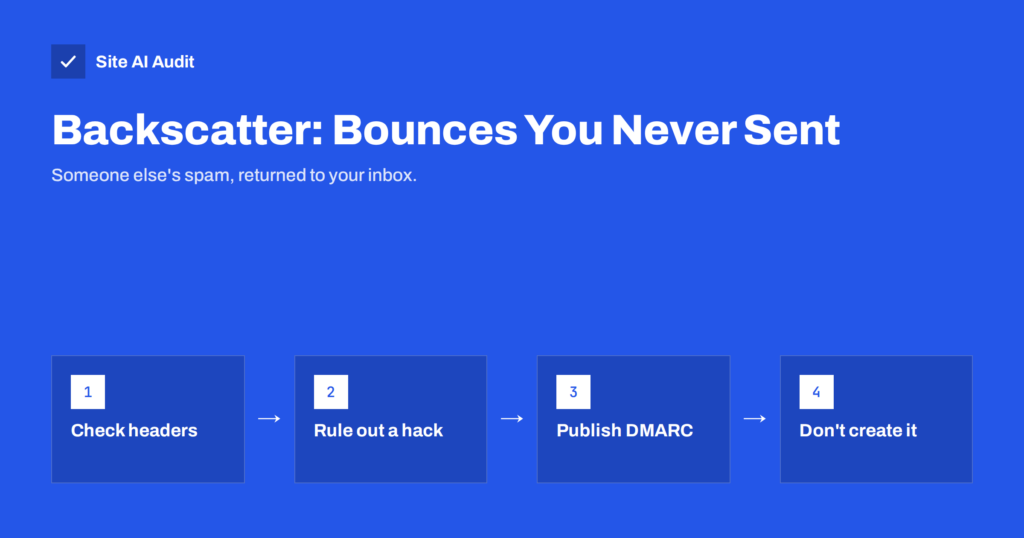
Backscatter: Why You Get Bounces for Emails You Never Sent
Getting bounce messages for emails you never sent? That is backscatter from spoofed spam. Learn how to tell if you were hacked and how…
 ১৩ সেপ, ২০২৬ · 7 মিনিটে পড়া
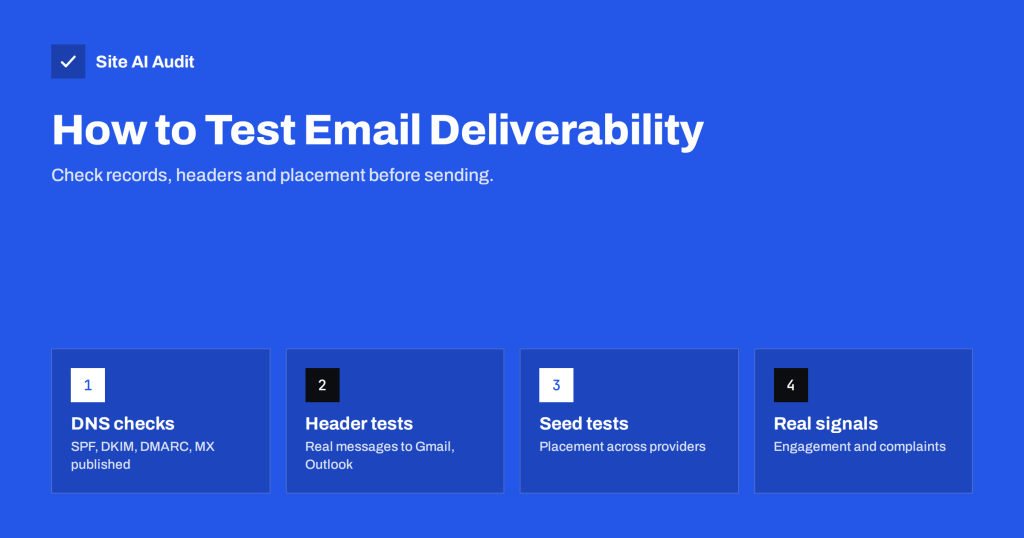
How to Test Email Deliverability Before You Hit Send
How to test whether your e-mails will reach the inbox: header checks, seed tests across providers, DNS checks and the limits of each method,…
 ১১ সেপ, ২০২৬ · 8 মিনিটে পড়া
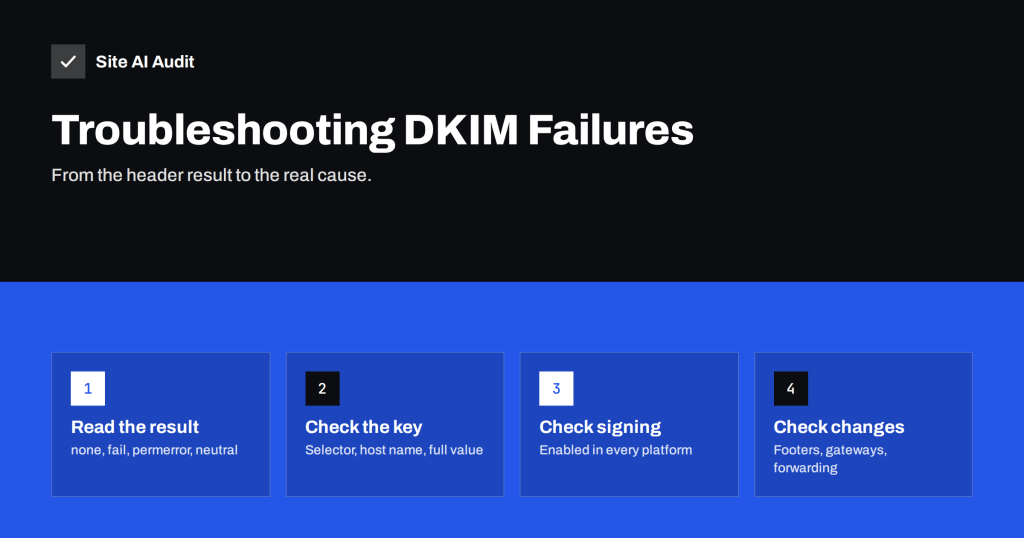
DKIM Failing? How to Troubleshoot dkim=fail and dkim=none
A step-by-step guide to fixing DKIM failures: missing keys, wrong selectors, truncated records, modified messages and signatures that use the wrong domain.
 ৩১ আগ, ২০২৬ · 7 মিনিটে পড়া
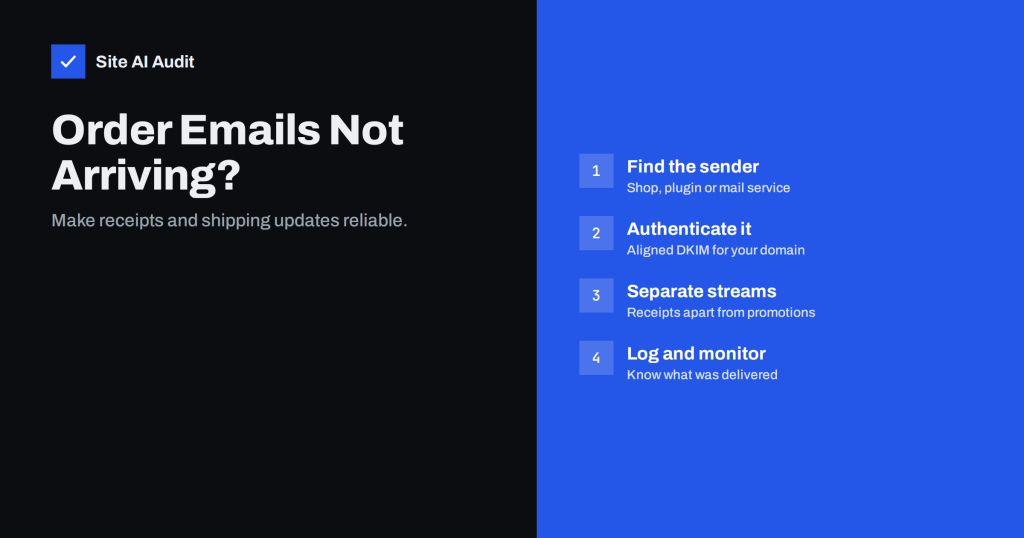
Order Confirmation Emails Not Arriving? Fix Your Shop’s Mail
Online shop order and shipping e-mails missing or in spam? Learn why transactional mail fails, how to authenticate it and how to separate it…
 ২৮ আগ, ২০২৬ · 8 মিনিটে পড়া
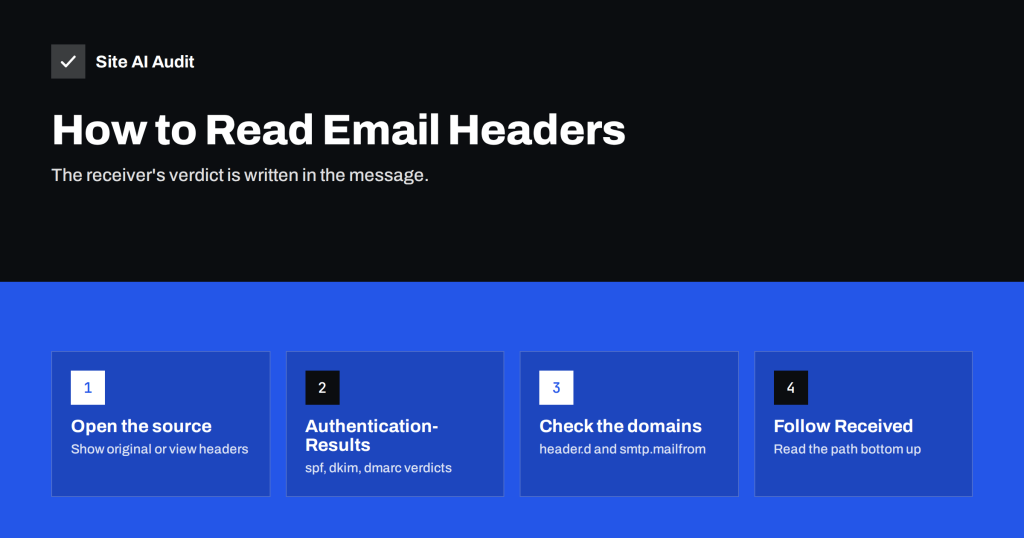
How to Read Email Headers to Check SPF, DKIM and DMARC
E-mail headers show exactly why a message passed or failed authentication. Learn how to open them in Gmail and Outlook and read Authentication-Results.