 ENEnglish
 LTLietuviškai
 DEDeutsch
 FRFrançais
 RUРусский
 ESEspañol
 PLPolski
 ITItaliano
 UKУкраїнська
 CSČeština
 PTPortuguês
 JA日本語
JA日本語 LVLatviešu valoda
 ETEesti
 HUMagyar
 IDBahasa Indonesia
 TRTürkçe
 HIहिन्दी
 ELΕλληνικά
 ARالعربية
 THไทย
THไทย VITiếng Việt
 RORomână
 MSBahasa Melayu
 BNবাংলা
#Hacked website
A hacked website can send visitors to scams, show spam in search results or quietly steal data. Articles tagged here explain how to recognise the signs of a compromise early. They describe the first steps to take, how to clean a site and how to close the hole that let attackers in. You will also learn how to remove browser and search engine warnings after the cleanup. The guides are written for owners who need calm, ordered instructions under pressure. Prevention advice is included so the same problem does not return.
 ১ অক্টো, ২০২৬ · 7 মিনিটে পড়া
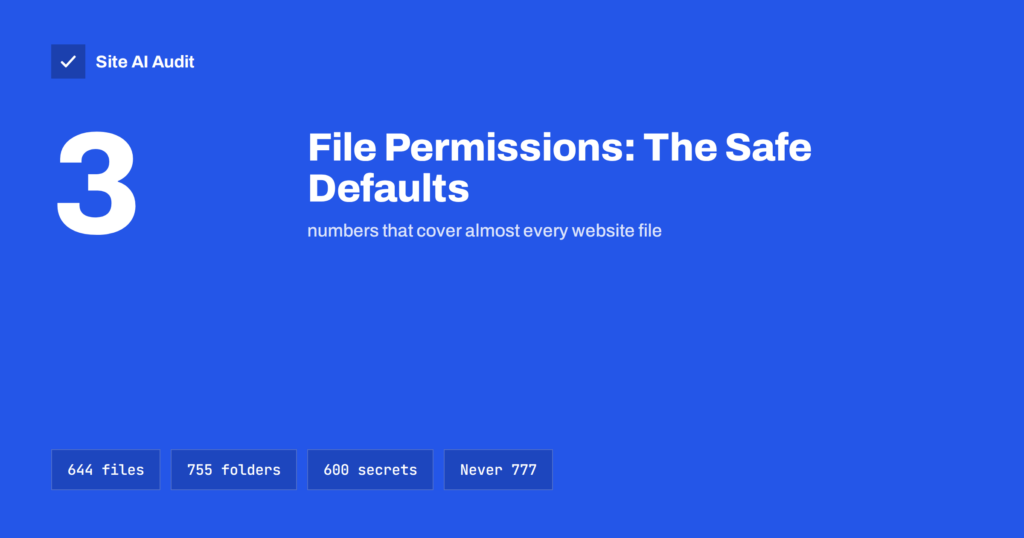
File Permissions on a Web Server: Safe Settings Explained
Wrong file permissions let attackers change your site, while 777 hides deeper problems. Learn what 644, 755 and 600 mean and how to set…
 ৩০ সেপ, ২০২৬ · 8 মিনিটে পড়া
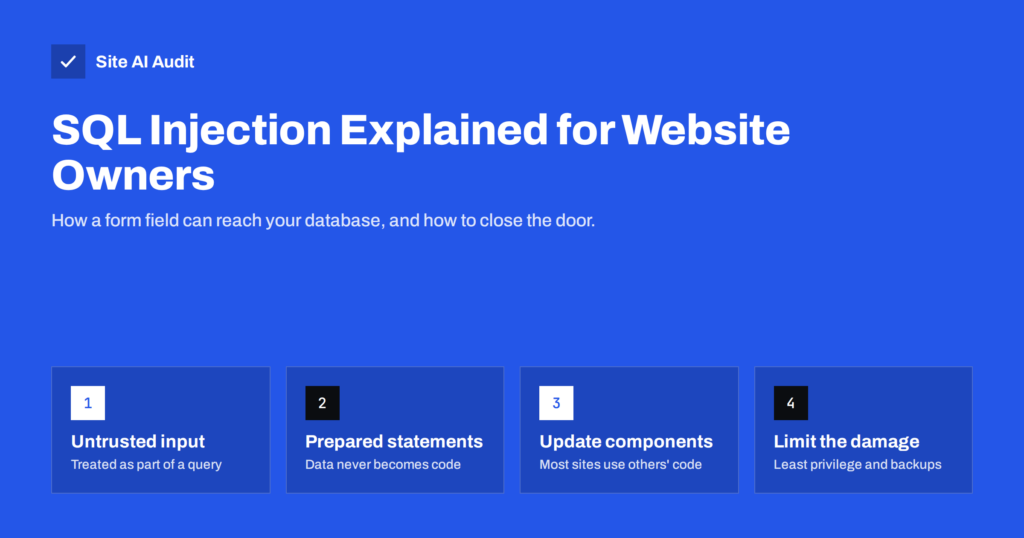
SQL Injection Explained: How Sites Get Breached and Protected
SQL injection lets attackers read or change your website's database through a form or URL. Learn how it works, where the risk comes from…
 ৩০ সেপ, ২০২৬ · 8 মিনিটে পড়া
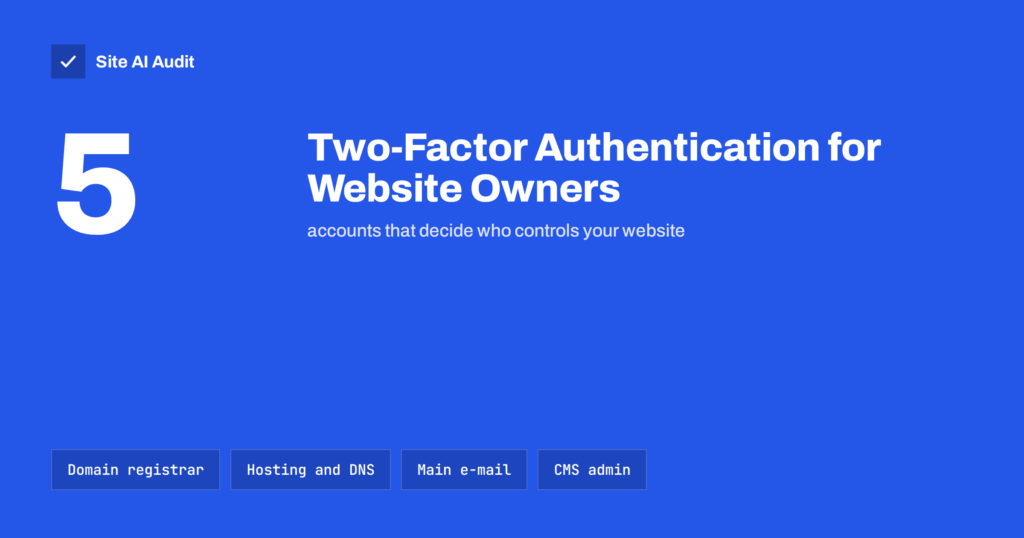
Two-Factor Authentication for Website Owners: What to Protect
Two-factor authentication stops most stolen-password takeovers. See which website accounts to protect first, which 2FA methods to use and how to avoid lockouts.
 ২৯ সেপ, ২০২৬ · 8 মিনিটে পড়া
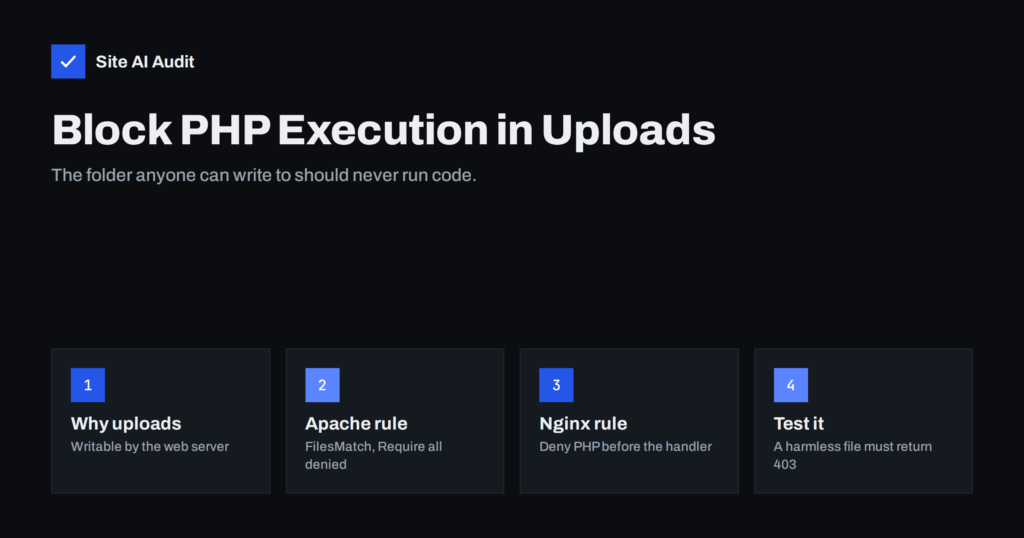
Uploads Folder Security: How to Block PHP Execution
Attackers love hiding scripts in the uploads folder. Learn why, how to block PHP execution there on Apache and Nginx, and how to test…
 ২৯ সেপ, ২০২৬ · 7 মিনিটে পড়া
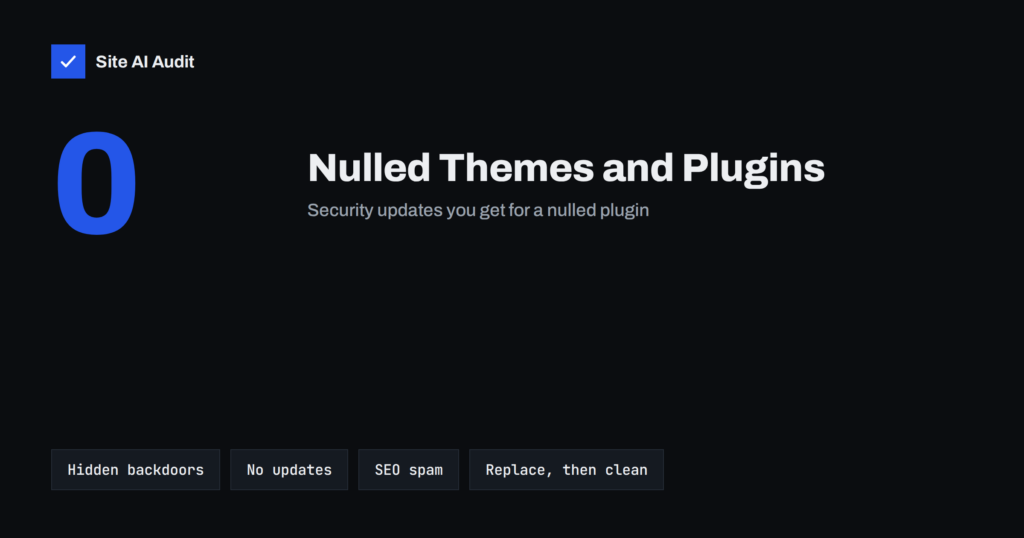
Nulled Themes and Plugins: The Real Cost of Free Premium
Nulled themes and plugins often hide backdoors, spam links and redirects, and never get security updates. Learn the risks, the signs and how to…
 ২৩ সেপ, ২০২৬ · 7 মিনিটে পড়া
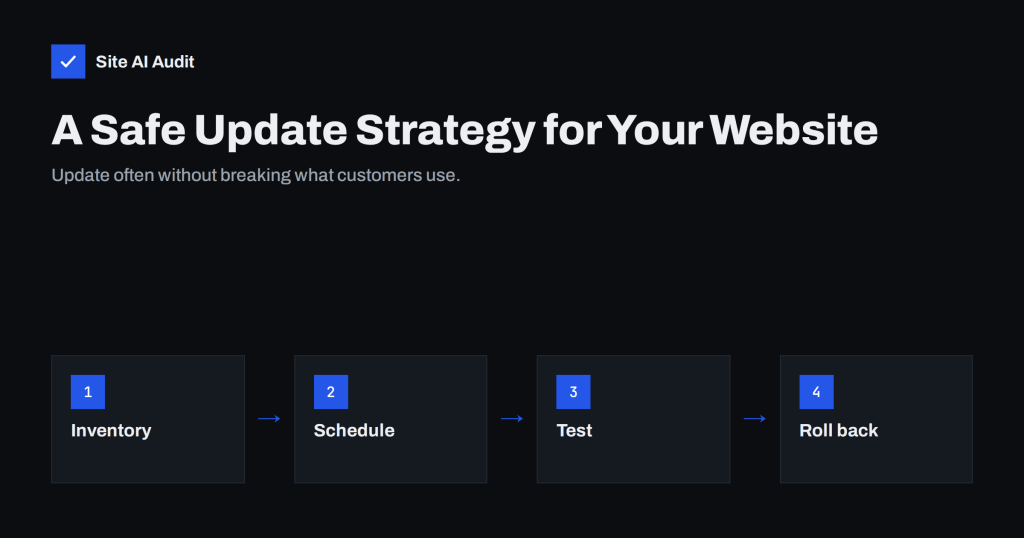
Outdated Plugins and CMS Versions: A Safe Update Strategy
Outdated plugins are the most common way websites get hacked. Learn how to update the CMS, plugins, themes and PHP safely, often, and without…
 ২১ সেপ, ২০২৬ · 7 মিনিটে পড়া
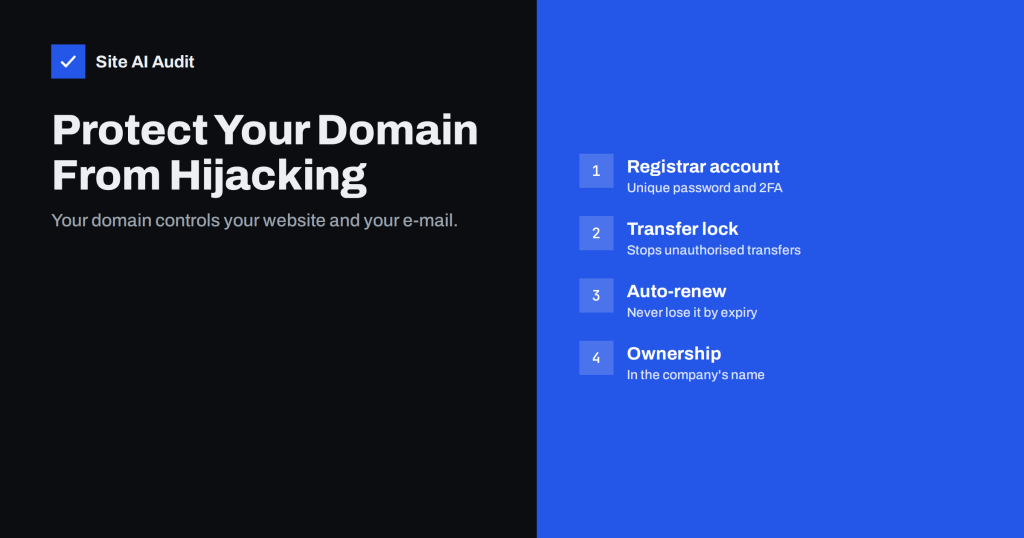
Domain Hijacking: How to Protect Your Domain Name and DNS
Losing control of your domain takes down your website and e-mail at once. Learn how domains get hijacked or expire and how to lock…
 ১৭ সেপ, ২০২৬ · 8 মিনিটে পড়া
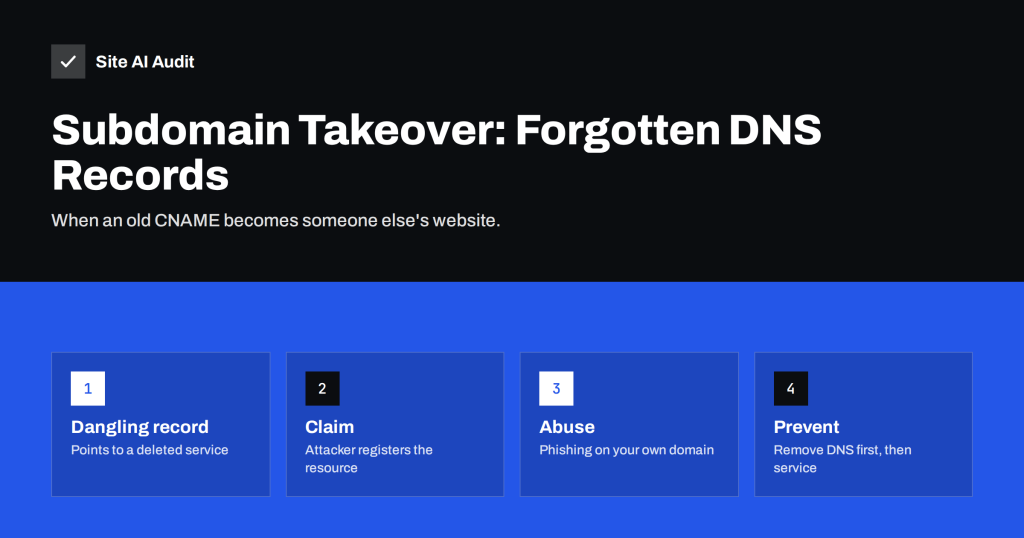
Subdomain Takeover: How Forgotten DNS Records Get Hijacked
A DNS record pointing to a service you no longer use can let attackers take over your subdomain. Learn how subdomain takeover works and…
 ১২ সেপ, ২০২৬ · 8 মিনিটে পড়া
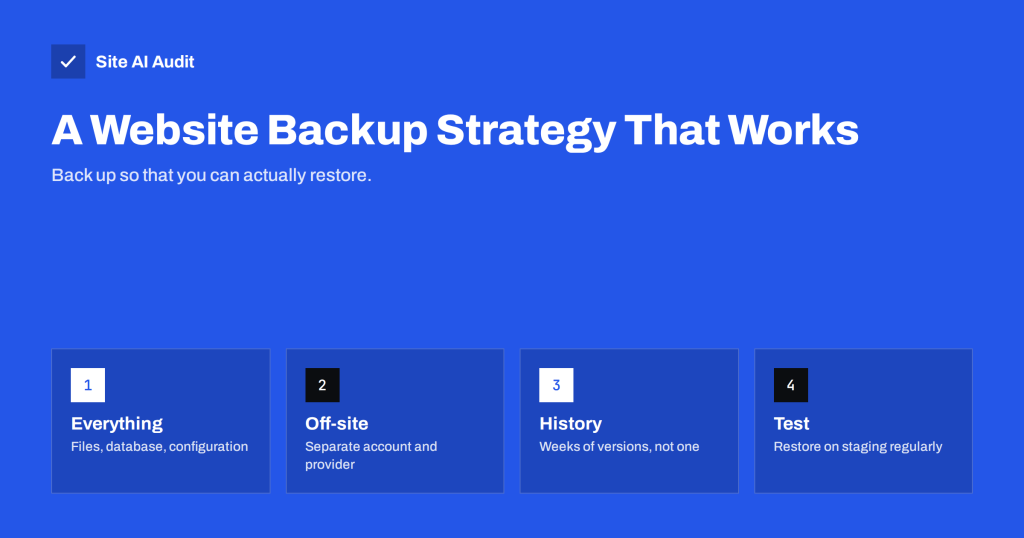
Website Backup Strategy: How to Back Up So You Can Restore
Backups only matter if you can restore them. Learn what to back up, how often, where to store copies and how to test restores…
 ১১ সেপ, ২০২৬ · 7 মিনিটে পড়া
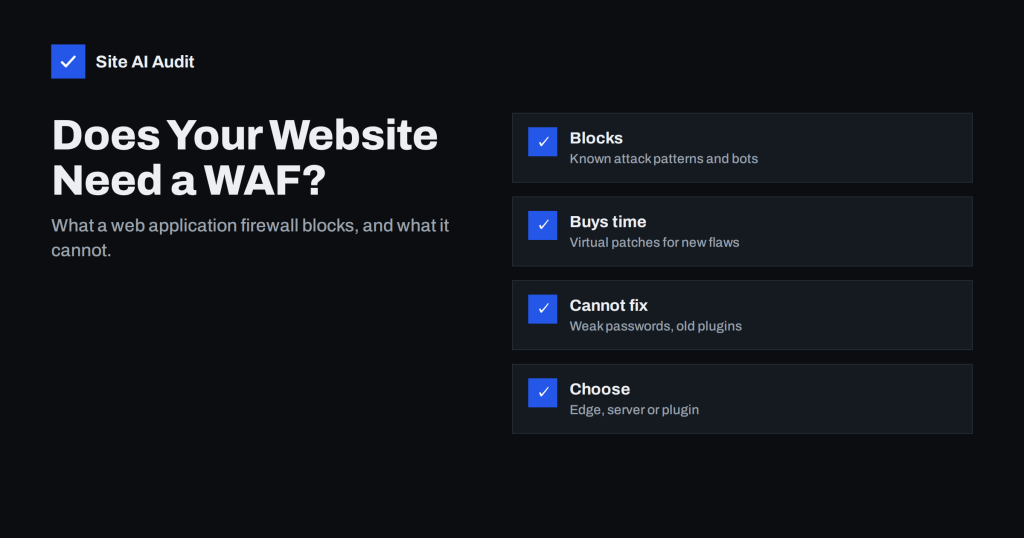
Web Application Firewall (WAF): Does Your Website Need One?
A web application firewall filters malicious requests before they reach your site. Learn what a WAF blocks, what it cannot do, and which type…
 ১০ সেপ, ২০২৬ · 8 মিনিটে পড়া
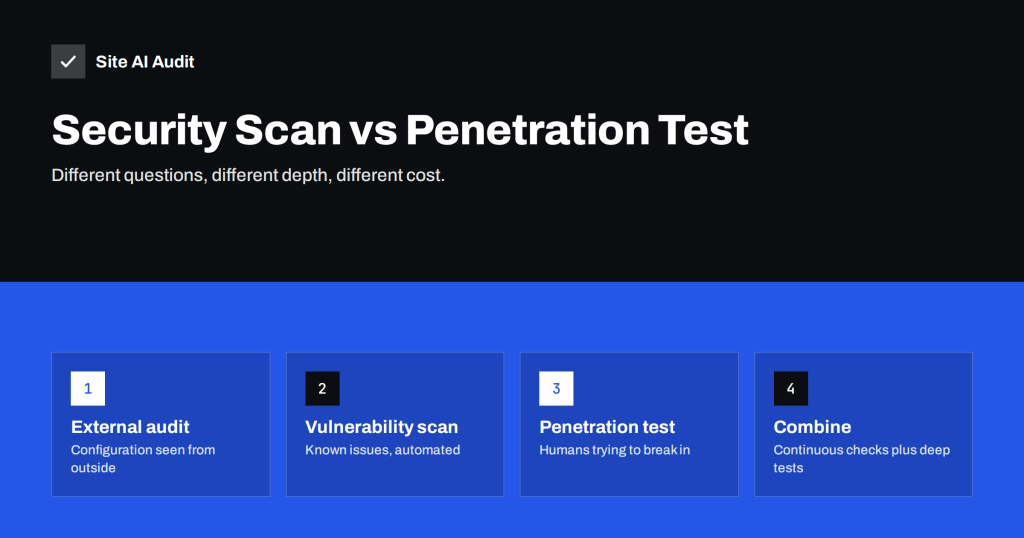
Website Security Scan vs Penetration Test: What You Need
Automated security scans, audits and penetration tests answer different questions at very different costs. Learn what each covers and when you need which.
 ৯ সেপ, ২০২৬ · 7 মিনিটে পড়া
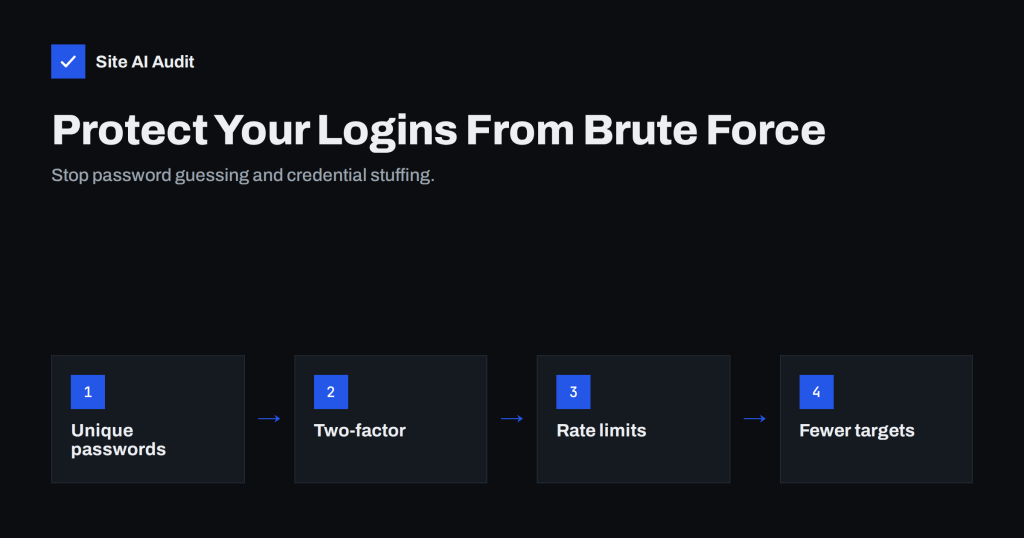
Brute-Force Login Attacks: How to Protect Your Website Logins
Bots try thousands of passwords on website logins every day. Learn how brute-force and credential stuffing work and which protections actually stop them.