 ENEnglish
 LTLietuviškai
 DEDeutsch
 FRFrançais
 RUРусский
 ESEspañol
 PLPolski
 ITItaliano
 UKУкраїнська
 CSČeština
 PTPortuguês
 JA日本語
JA日本語 LVLatviešu valoda
 ETEesti
 HUMagyar
 IDBahasa Indonesia
 TRTürkçe
 HIहिन्दी
 ELΕλληνικά
 ARالعربية
 THไทย
THไทย VITiếng Việt
 RORomână
 MSBahasa Melayu
 BNবাংলা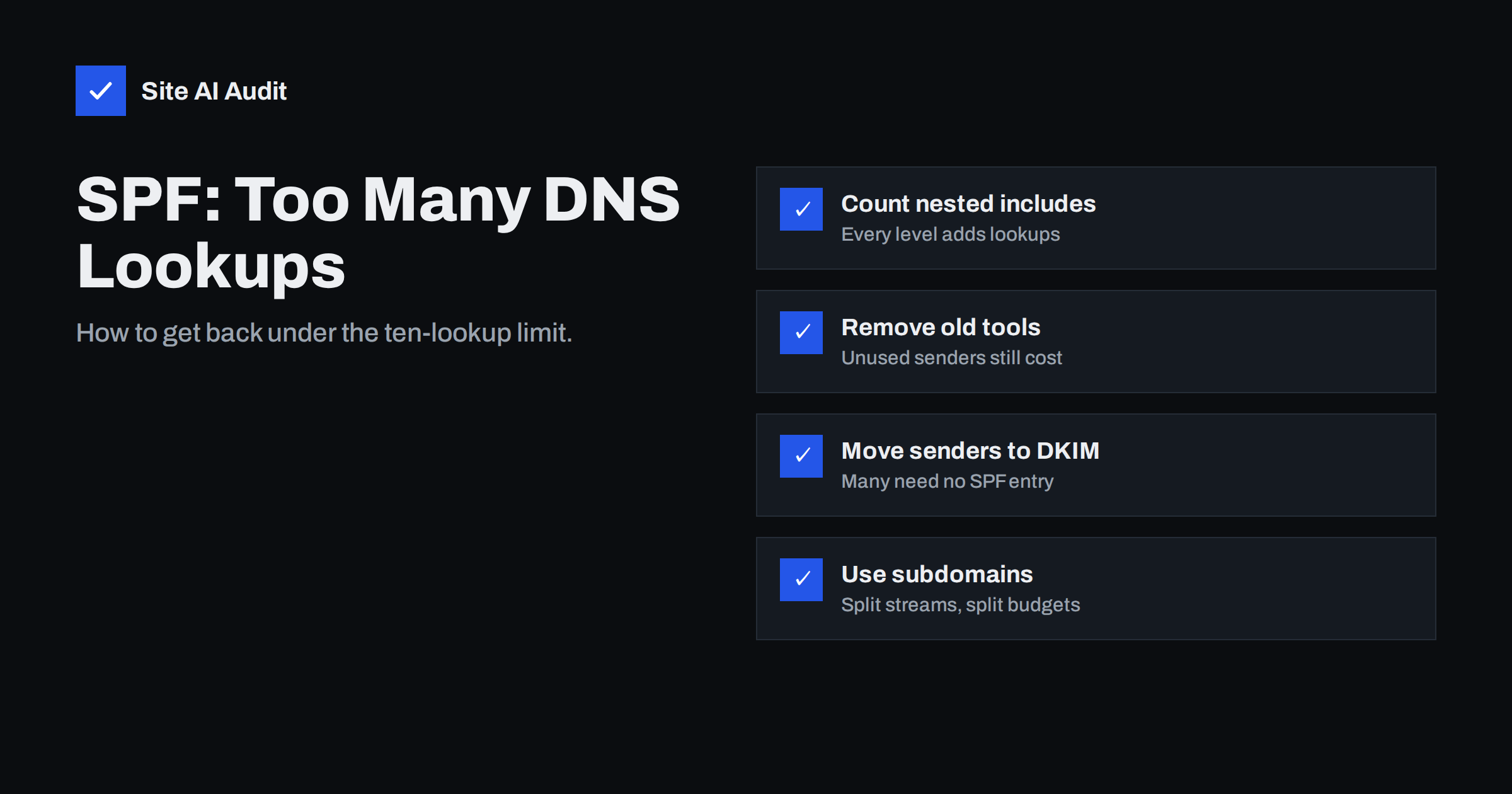
Short answer: SPF allows at most ten DNS lookups while a receiver evaluates your record, and nested includes count toward that total. When the limit is exceeded, the result is a permanent error (permerror), which many receivers treat as a failure. Fix it by removing services you no longer use, dropping a, mx and ptr mechanisms you do not need, moving third-party senders to aligned DKIM or their own subdomain, and only then considering careful flattening.
Why the limit exists
Every time a receiving server checks SPF, it may have to make more DNS queries to resolve your record. An include: requires fetching another domain’s SPF record, which may include others in turn. Without a cap, a single incoming message could trigger dozens of lookups, and attackers could use SPF records to amplify traffic against DNS servers. The SPF standard, RFC 7208, therefore limits the number of mechanisms and modifiers that cause DNS queries to ten per evaluation.
The limit is strict. Going over does not produce a warning or a partial pass: evaluation stops with permerror. DMARC then treats SPF as failed, and your mail must rely on DKIM alone. If DKIM is also missing or unaligned for some streams, those messages fail authentication entirely.
The problem is common for a simple reason: every software vendor’s setup guide says “add our include to your SPF record”, and none of them knows what else is already there. After a few years of trying tools, a growing business can easily end up with a dozen includes, several of which belong to services nobody uses any more. The record keeps working until the day one more include tips it over the limit, and then all mail that relied on SPF fails at once. Because nothing shows an error on your side, the first sign is usually a customer asking why your invoice was in their spam folder.
What counts as a lookup and what does not
Not every part of an SPF record costs a lookup. The ones that do:
include:one lookup, plus whatever the included record itself needs.aanda:hostone lookup each.mxone lookup, and resolving the MX host names can add more work; the standard also limits MX records considered to ten.ptrone lookup, and it is discouraged by the standard.exists:one lookup.redirect=one lookup, plus the target record’s own lookups.
The ones that do not: ip4:, ip6:, all and the initial fetch of your own record. That is why listing IP addresses directly avoids the limit, and also why it is tempting (see flattening below).
There is a second, lesser-known limit: no more than two “void” lookups, meaning lookups that return no records or a non-existent domain. An include pointing to a service that shut down, or a typo in a host name, can break your record even if the total count is low.
How to count your lookups
Counting by eye is unreliable because of nesting. A record like this looks harmless:
v=spf1 include:_spf.google.com include:spf.protection.outlook.com include:sendgrid.net include:mail.zendesk.com include:_spf.salesforce.com mx a ~all
It has seven lookup mechanisms at the top level, but some of those includes contain further includes. The real total depends on how each provider structures its record today, and providers change their records without telling you. To count properly:
- Use an SPF checker that expands the full tree and shows the total, or query each include manually with
dig TXTand follow the chain. - Note which include is the most expensive. Large providers sometimes need three or four lookups on their own.
- Aim for a total of eight or fewer, leaving room for providers to add a nested include later.
If you already get spf=permerror in message headers, or DMARC reports show SPF errors across all sources, you are over the limit or have a syntax problem.
Step 1: remove what you do not need
Most oversized records carry history. Go through every mechanism and ask whether it still sends mail today:
- Tools you stopped using. The old newsletter platform, a trial CRM, a previous helpdesk. Remove them.
- Duplicate providers. Both Google and Microsoft included after a migration that finished long ago.
aandmx. These authorise your web server and your inbound mail servers. If your web server does not send mail directly and your inbound servers are not also your outbound servers, they are unnecessary. With hosted mail, the provider’s include already covers outbound mail.ptr. Remove it; it is slow and discouraged.- Services that do not need SPF. Many platforms send using their own bounce domain. Their SPF check passes for their domain, not yours, so including them in your record does nothing for alignment. Check the platform’s documentation: if it tells you to set up DKIM or a custom return-path, it may not need an include at all.
This step alone solves the problem for many small businesses, and it makes the record easier to understand.
Step 2: rely on DKIM for third-party senders
DMARC needs only one aligned pass, from SPF or from DKIM. A service that signs with a DKIM key for your domain passes DMARC even if it is not in your SPF record. DKIM keys cost nothing in SPF lookups, and each lives at its own selector.
So the sustainable pattern is:
- Keep SPF for your main mailbox provider and perhaps one transactional sender.
- For every other platform, configure custom domain DKIM, and if the platform supports it, a custom bounce domain on a subdomain.
- Remove their includes from your root SPF record once DKIM is confirmed passing and aligned in DMARC reports.
Test carefully before removing an include: send mail from that service and confirm dkim=pass with header.d= showing your domain and dmarc=pass in the headers.
Step 3: split mail streams onto subdomains
Each subdomain has its own SPF record and therefore its own budget of ten lookups. Sending marketing mail from news.yourdomain.com and support mail from help.yourdomain.com lets each carry only the includes it needs. With relaxed DMARC alignment, a subdomain’s SPF and DKIM still align with a From address on that subdomain, and your organisational DMARC policy still applies.
Subdomains have another benefit: they separate reputation. A marketing campaign that causes complaints affects the marketing subdomain more than the address your accountant uses to send invoices.
Step 4: flattening, with care
SPF flattening replaces includes with the IP ranges they currently resolve to, so the record uses ip4: and ip6: entries that cost no lookups. It works, but it has real risks:
| Approach | Advantage | Risk |
|---|---|---|
| Manual flattening | No lookups, no dependency on a service | Providers change IP ranges; your record silently goes stale and mail fails |
| Automated flattening service | Ranges are updated for you | You depend on a third party for a critical DNS record |
| Partial flattening | Only stable, self-owned IPs are flattened | Still requires discipline when your own servers change |
| Subdomains and DKIM instead | Sustainable, no stale IP lists | Needs some setup in each platform |
Large cloud mail providers change their sending ranges regularly, and they publish them through their include for exactly that reason. Flattening their include by hand is the most common way a working SPF record turns into a broken one months later. If you flatten, flatten your own static servers first, and use automation with monitoring for anything else.
Also watch record length. A flattened record can become very long; it must be split into strings of at most 255 characters, and very large TXT responses can create their own DNS problems.
Keep it fixed
An SPF record that is fine today can exceed the limit next month because a provider added a nested include. Recheck the lookup count after adding any new service, and periodically even when nothing changed on your side. Site AI Audit checks SPF including the lookup limit as part of its e-mail section, together with DKIM, DMARC and MX, so a record that has crept over ten shows up as a finding with a plain explanation. A free check shows the current state, and paid plans repeat the check automatically.
Related reading
- SPF Record Explained: What It Does and How to Set It Up
- What Is DKIM and How to Set It Up for Your Domain
- Why Are My Emails Going to Spam? 12 Causes and Fixes
The bottom line
The ten-lookup limit is not a guideline; exceeding it breaks SPF for every message. Count the full expanded tree, remove unused senders and needless a, mx and ptr mechanisms, move third-party platforms to aligned DKIM or their own subdomains, and treat flattening as a last resort that needs upkeep. Then keep an eye on the count, because providers change their records over time.
FAQ
What happens when SPF exceeds ten lookups?
The receiver stops evaluating and returns permerror. Many receivers treat that as an SPF failure, so DMARC can only pass through an aligned DKIM signature. Messages without one may be filtered or rejected.
Do ip4 and ip6 entries count toward the limit?
No. Only mechanisms that need a DNS query count, such as include, a, mx, ptr, exists and redirect. That is why listing IP addresses directly is a way to reduce lookups, although it needs maintenance.
Is SPF flattening safe?
It can be, if the flattened IP lists are updated automatically and monitored. Manual flattening of large providers’ ranges is risky, because those ranges change and your record silently becomes wrong.
Can I use two SPF records to get twenty lookups?
No. Two SPF records on the same name cause a permerror by themselves. To get a separate budget, use a subdomain with its own record for a different mail stream.
Why did my SPF record break when I did not change it?
Because a provider you include changed its own record, often by adding a nested include or retiring a domain. Your lookup count depends on records you do not control, which is why periodic checks matter.


