 ENEnglish
 LTLietuviškai
 DEDeutsch
 FRFrançais
 RUРусский
 ESEspañol
 PLPolski
 ITItaliano
 UKУкраїнська
 CSČeština
 PTPortuguês
 JA日本語
JA日本語 LVLatviešu valoda
 ETEesti
 HUMagyar
 IDBahasa Indonesia
 TRTürkçe
 HIहिन्दी
 ELΕλληνικά
 ARالعربية
 THไทย
THไทย VITiếng Việt
 RORomână
 MSBahasa Melayu
 BNবাংলা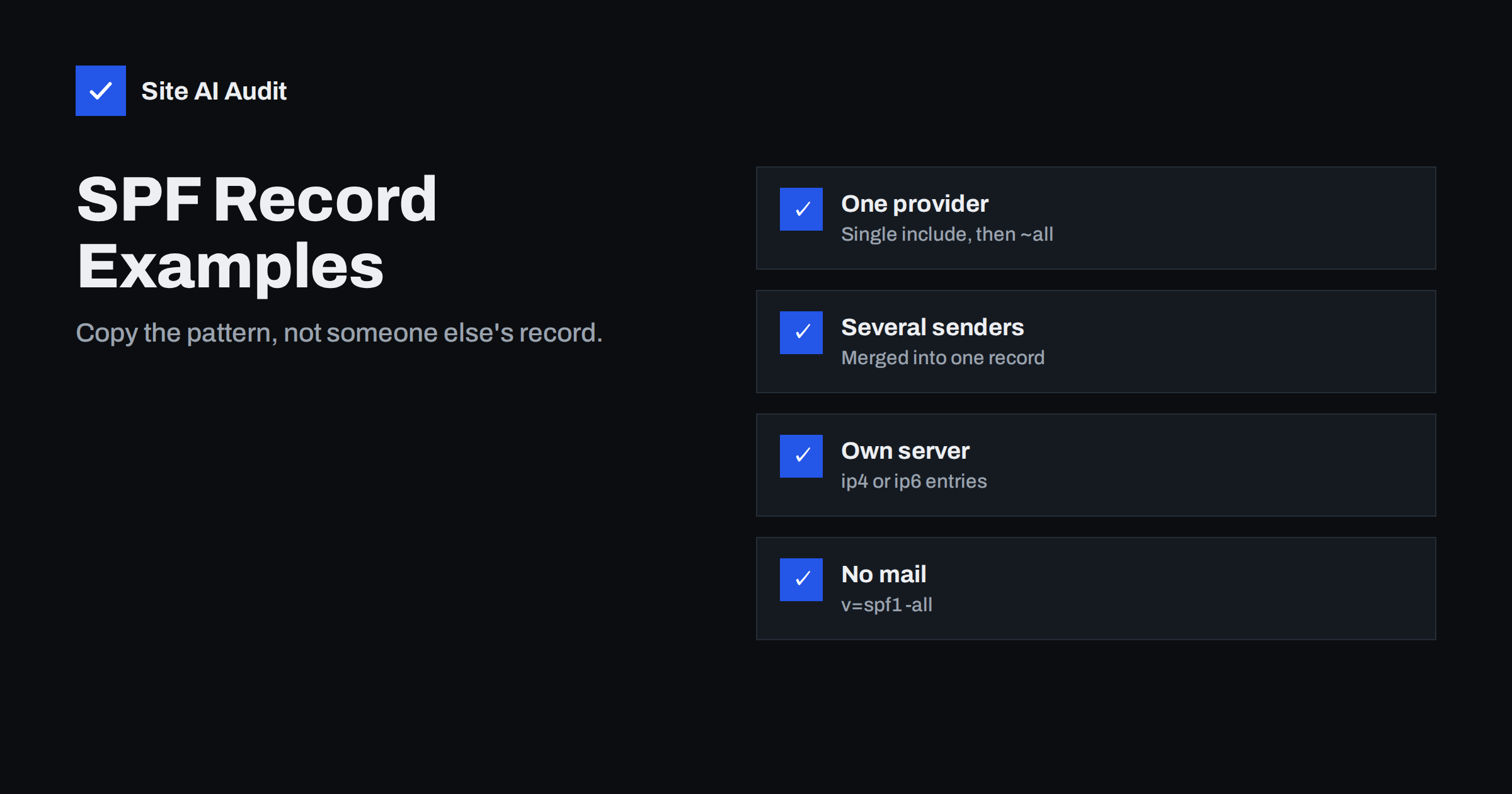
Short answer: A domain’s SPF record is one TXT record that starts with v=spf1, lists every service allowed to send its mail and ends with ~all or -all. For Google Workspace alone it is v=spf1 include:_spf.google.com ~all; for Microsoft 365 alone, v=spf1 include:spf.protection.outlook.com ~all; additional services are added as extra mechanisms in the same record; and domains that never send mail use v=spf1 -all. Always take include values from each provider’s own documentation.
Before you copy any example
SPF examples are patterns, not records to paste blindly. Three rules apply to every example below:
- One record per domain. If you already have an SPF record, edit it; never add a second one.
- Ten DNS lookups at most. Every
include,a,mx,existsandredirectcounts, including nested includes inside providers’ records. - Use the provider’s official value. Include names differ by provider and sometimes by region or account type, and providers occasionally change them. The values for services other than Google Workspace and Microsoft 365 are shown below as placeholders ending in
.example; replace them with the exact values from your providers’ documentation.
Also decide on the ending deliberately. ~all is a forgiving choice while you are still discovering senders and when your DMARC policy does the enforcing; -all is stricter and the right choice for domains that never send mail.
Publish the record as a TXT record at the root of the domain, often shown as @ in DNS panels, and test with a real message afterwards.
Examples 1 and 2: a single mailbox provider
Google Workspace only:
v=spf1 include:_spf.google.com ~all
Suitable when all mail, including website notifications sent through Google’s SMTP, goes through Google Workspace. Add DKIM in the Admin console and a DMARC record to complete the setup.
Microsoft 365 only:
v=spf1 include:spf.protection.outlook.com ~all
Suitable when Exchange Online sends all mail. Microsoft’s documentation often shows -all; either ending works once DMARC is in place. Enable DKIM for the custom domain in the Microsoft Defender portal.
These two are the simplest and most common records, and they are also where many businesses stop. The typical problem is not the record itself but what it leaves out. A website contact form that sends directly from the hosting server, an invoicing tool that uses the company domain, or a scanner in the office that e-mails documents can all send mail that this record does not cover. Before settling on a single-provider record, list every system that sends as your domain and confirm that each one really goes through the provider.
If you are moving from one provider to the other, both includes may be needed for a short time during the migration. Remove the old one once the migration is complete, so the retired provider no longer counts as an authorised sender.
Example 3: mailbox provider plus other services
A typical small business with Google Workspace, a newsletter platform and a transactional mail service for the online shop might use:
v=spf1 include:_spf.google.com include:spf.newsletter-provider.example include:spf.transactional-provider.example ~all
Before adding each include, check whether the service needs it at all. Many platforms use their own bounce domain or a custom return-path subdomain, in which case the include in your root record does nothing for DMARC alignment. Those services should be authenticated with DKIM for your domain instead, and the include left out to save lookups.
The order of mechanisms does not affect the result for listed senders, but putting the most frequently used sender first can slightly reduce the work receivers do, because evaluation stops at the first match. More important is readability: keep the record tidy so that the next person can see at a glance which services are authorised, and document each include in your inventory with the name of the service it belongs to.
Example 4: your own mail server or static IP
If mail is sent from a server you control with a fixed address, list it directly:
v=spf1 ip4:203.0.113.25 include:_spf.google.com ~all
For a range, use CIDR notation such as ip4:203.0.113.0/28. If the server has IPv6 connectivity and sends over it, add ip6: with its IPv6 address too; forgetting IPv6 is a common reason for SPF failures that appear only at some receivers. ip4 and ip6 entries do not count towards the ten-lookup limit.
Direct IP entries need maintenance. When the server moves to a new address, the SPF record must change on the same day, or its mail starts failing. Add the SPF record to the checklist for any server migration, and remove old addresses once they are no longer yours; an IP address you gave back to a hosting company may later be assigned to someone else.
Example 5: domains that never send mail
v=spf1 -all
This is the shortest valid SPF record and one of the most useful. It states that no server anywhere is allowed to send mail for the domain.
Use this on parked domains, old brand names, typo domains and any domain that should never appear as a sender. Combine it with a DMARC record of v=DMARC1; p=reject; and, if the domain receives no mail, a null MX record.
Example 6: a sending subdomain
If a marketing platform sends from news.yourdomain.com and asks for SPF on that subdomain, publish a separate record there:
news.yourdomain.com. TXT "v=spf1 include:spf.newsletter-provider.example ~all"
Note that the subdomain record does not inherit anything from the root record. If staff also send personal mail from addresses on the subdomain through your mailbox provider, that provider must be included in the subdomain’s record as well.
The subdomain’s record has its own ten-lookup budget and does not affect the root domain’s record. Many platforms instead ask for a CNAME on a bounce subdomain, which handles SPF for you; follow their instructions.
Patterns to avoid
| Record | Problem |
|---|---|
Two records starting with v=spf1 | Permanent error; SPF fails for all mail |
v=spf1 +all | Authorises every server on the internet |
v=spf1 a mx ptr include:... ~all with many includes | Wasted lookups; ptr is discouraged; likely over ten |
v=spf1 include:_spf.google.com (no all) | Behaves like neutral for unlisted senders; weak |
ip4:mail.yourdomain.com | Invalid: ip4 needs an address, not a host name |
| Includes for services cancelled years ago | Extra lookups and unnecessary authorisation |
When to use a, mx or redirect
The a mechanism authorises the IP addresses of the domain’s A record, usually the web server. Use it only if the web server genuinely sends mail and you cannot route that mail through your provider. The mx mechanism authorises your inbound mail servers, which is useful only when the same servers also send outgoing mail, typical of self-hosted setups. With hosted providers, both are usually unnecessary and cost lookups.
redirect= replaces the whole policy with another domain’s SPF record. It is handy when many domains should share exactly the same policy: publish the full record once, for example on _spf.yourdomain.com, and set each other domain’s record to v=spf1 redirect=_spf.yourdomain.com. Do not combine redirect with an all mechanism in the same record, because all takes precedence and the redirect is ignored.
Testing and maintaining the record
- Look it up:
dig TXT yourdomain.com +shortshould show exactly onev=spf1line. - Count lookups with a checker that expands includes, and keep a margin below ten.
- Send a message from every sending system to Gmail and check
spf=passin “Show original”. - Recheck after adding or removing any service, and periodically, because providers change their own records.
Keep a dated copy of each version of the record in your documentation. When something breaks weeks after a change, being able to compare the current record with the last known good version saves a lot of guesswork.
Site AI Audit checks your SPF record from outside, including whether it is valid and within the lookup limit, together with DKIM, DMARC and MX records, and explains any problem in plain words. A free check shows the current state; paid plans on the pricing page monitor it and alert you when it breaks.
Related reading
- SPF Record Explained: What It Does and How to Set It Up
- SPF Too Many DNS Lookups: How to Fix the 10-Lookup Limit
- SPF Softfail vs Hardfail: Should You Use ~all or -all?
- How to Protect Parked and Unused Domains from Email Abuse
The bottom line
Good SPF records are short: one record, the includes your real senders need, direct IP entries for your own servers, and a clear ending. Start from the pattern that matches your setup, take include values from each provider’s documentation, keep lookups under ten, lock down domains that never send, and test with real messages after every change.
FAQ
What is the SPF record for Google Workspace?
For a domain that sends only through Google Workspace: v=spf1 include:_spf.google.com ~all. Add other services to the same record if needed.
What is the SPF record for Microsoft 365?
For a domain that sends only through Microsoft 365: v=spf1 include:spf.protection.outlook.com ~all, or with -all as Microsoft often shows.
How do I add a second service to SPF?
Add its mechanism, usually an include, to your existing record before the all mechanism. Never create a second SPF record.
Should I include every tool that sends e-mail?
Only if the tool uses your domain in the envelope sender and its documentation requires it. Many tools align through DKIM and their own or a custom bounce domain instead.
What SPF record should a parked domain have?
v=spf1 -all, together with a DMARC record of p=reject and, if it receives no mail, a null MX record.
Do ip4 entries count toward the ten-lookup limit?
No. ip4 and ip6 entries need no DNS query, so they do not count. include, a, mx, exists and redirect do.


