 ENEnglish
 LTLietuviškai
 DEDeutsch
 FRFrançais
 RUРусский
 ESEspañol
 PLPolski
 ITItaliano
 UKУкраїнська
 CSČeština
 PTPortuguês
 JA日本語
 LVLatviešu valoda
 ETEesti
 HUMagyar
 IDBahasa Indonesia
 TRTürkçe
 HIहिन्दी
 ELΕλληνικά
 ARالعربية
 THไทย
 VITiếng Việt
 RORomână
 MSBahasa Melayu
 BNবাংলা
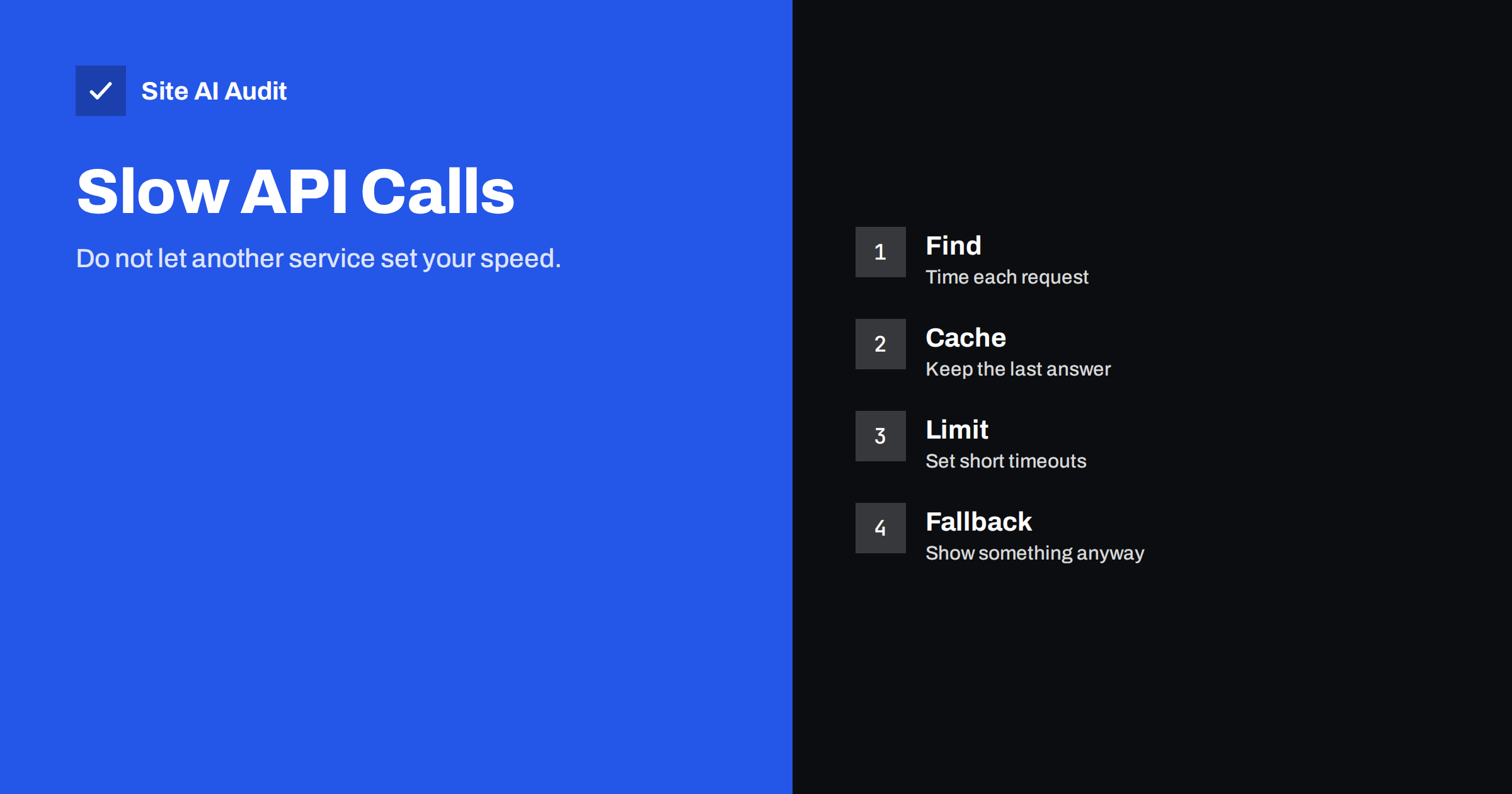
Short answer: If your server asks another service for data before it sends a page, your page can be no faster than that service. A slow weather feed, shipping quote, review service or licence check then becomes a slow website. The cure is to find these calls, keep the answers in a cache, set short timeouts and decide in advance what visitors see when the service does not answer.
What an external API call is
An API is a way for one program to ask another for information. Your website uses them more often than you may think. A shop asks a payment provider to confirm a payment, a shipping module asks a carrier for prices, a news widget asks a feed for headlines, and a plugin asks its own maker whether your licence is valid. Each of these is a request sent over the internet, and your page may wait for the reply.
There are two places where this happens. The first is on the server, in PHP, Node or another language, before the page is built. The second is in the visitor’s browser, through scripts that fetch data after the page has loaded. The server-side kind is more dangerous for speed, because it delays the first byte and everything that follows it.
Why one slow service slows your pages
Think of a waiter who must go to another restaurant for one ingredient before serving your table. If that kitchen is busy, your table waits, however fast your own kitchen is. A server that makes an external request in the middle of building a page does the same. It holds a worker process while it waits, and that worker cannot serve anyone else.
This has two effects. The page is slow for the visitor who triggered the call, and under load the site as a whole slows down, because all workers end up waiting. The guide to PHP workers and busy sites explains why a limited pool of workers fills up so quickly. A slow third party can therefore turn a small delay into an outage.
Typical culprits
- Live prices and rates. Currency conversion, stock levels from a supplier system or shipping quotes requested on every page view.
- Social and review feeds. Widgets that fetch posts or ratings from another service each time the page is built.
- Plugin and theme licence checks. Some plugins contact the vendor on every admin page or even on public pages to check for updates or licences.
- Maps and geolocation lookups. A server that asks a service where a visitor is located, before it shows anything.
- Personalisation and recommendations. Requests to an outside engine to select related products.
- Analytics and tag services called from the server. Server-side tracking that waits for a reply from the tracking endpoint.
WordPress sites are especially prone to this, because its HTTP functions are easy to use and plugins call them freely. By default a WordPress request waits up to five seconds for a reply, which is a very long time for a page that should load in two.
How to find the slow calls
- Look at the server response time. A high time to first byte on uncached pages suggests work done on the server. The article on reducing server response time shows how to measure it.
- Use a profiler or debug plugin. Tools such as the free Query Monitor plugin for WordPress list every outgoing HTTP request on a page, with its address and duration.
- Check the Server-Timing header. If your application reports timings for its parts, you can see how long outside calls take. The guide to the Server-Timing header explains the format.
- Compare logged-in and logged-out pages. Some calls occur only in the admin area, and others only for visitors.
- Test during busy and quiet times. A call that is fast at night and slow at noon points to a shared or overloaded service.
- Look at the browser waterfall. For browser-side calls, the chart described in the guide to reading a waterfall chart shows requests to other domains and how long each one takes.
Fix 1: Cache the answer
Most data does not change every second. Exchange rates, review totals, weather and feed headlines can be stored for minutes or hours. Ask the service once, keep the answer and reuse it for every visitor until it is old.
- Store the result with an expiry. In WordPress, transients and an object cache do this. Be careful with transients in the database, as the article on WordPress transients explains, and use an object cache where you can.
- Choose a lifetime that matches the data. A stock level may need a minute, a company logo a week.
- Serve the old answer while you refresh. When the stored result is stale, show it and update it in the background, so that no visitor waits.
- Cache failures briefly. If a service is down, remember that for a minute or two, so that you do not try again on every request.
Fix 2: Set short timeouts
A timeout is the longest time you will wait for a reply. Default values are often generous, to avoid errors, but for a public page a long wait is worse than a missing widget. Set a connection timeout of one or two seconds and a total timeout slightly longer, and choose lower values for non-essential data. A review widget that does not load is a small problem. A page that hangs for five seconds loses visitors.
Also limit retries. Three quick retries against a service that is down triple the time that a worker is blocked.
Fix 3: Move the call out of the page
- Fetch it in the browser after the page loads. Load a placeholder, then fill it in with a script. The page is fast, and the widget appears when it is ready. Reserve space for it, to avoid layout shifts, as described in the guide to fixing cumulative layout shift.
- Update with a scheduled job. A job that runs every few minutes fetches the data and saves it in your database. Pages then read local data, which is quick. Use a real scheduler rather than relying on visitor traffic, as discussed in the article on WP-Cron.
- Use a queue for actions that are not needed in the page. Sending data to a mailing service or a CRM after a form is submitted can happen after the visitor has seen the thank-you page.
Fix 4: Plan for failure
Every service fails sometimes, so decide what your page does then. Options include showing the last cached value, hiding the widget, showing a neutral message or using a default such as a standard shipping price. Test it by blocking the address of the service on a test copy of the site. Many owners are surprised to see how much of the page breaks.
For critical services, such as payment, keep a clear message for visitors and an alert for you. For optional services, let the page work without them.
Choose and review providers carefully
Before you add an external service, ask how fast it answers, where it runs and what happens when it is down. Prefer providers that publish status pages and response times. Remove services you no longer use, because old widgets and plugins keep sending requests for years. The same principle applies to scripts in the browser, which the article on third-party scripts covers in detail.
How Site AI Audit helps
Site AI Audit does not list the server-side calls your code makes, so it cannot name the slow service. It measures what a visitor feels: server response time, the Google PageSpeed score, Core Web Vitals, compression and page weight. A slow server response on a simple page is a strong sign that something is waiting on the server, and it tells you where to start looking. The free check covers up to 50 pages and needs no sign-up. You can run a free check of your website or see the plans for weekly monitoring and alerts.
Related reading
- How to Reduce Server Response Time (TTFB) for Faster Pages
- PHP Workers Explained: Why a Busy Site Slows Down
- Server-Timing Header: See Where Your Backend Loses Time
- How Third-Party Scripts Slow Down Your Website (and Fixes)
The bottom line
Your site is as fast as the slowest thing it waits for. Find the outside calls, store their answers, limit how long you wait and decide what happens when a service fails. These steps cost little and often cut seconds from uncached pages.
FAQ
How do I know if an API call is slowing my page?
Look for a high server response time on pages that have not been cached, and use a profiling tool that lists outgoing requests with their durations. A request that takes seconds is the likely cause.
Is it safe to cache API responses?
Yes, for data that can be a little old, such as rates, feeds and ratings. Do not cache private data, such as account details, in a way that could be shown to another visitor.
What is a good timeout?
For public pages, one or two seconds for non-essential services is a sensible start. Payment and other essential steps may need more, but they should happen outside normal page loads.
Do browser-side calls matter too?
Yes, but they delay less, because the page can render first. They can still slow interaction and shift the layout, so load them late and reserve space for them.
Can a plugin make outside requests without my knowledge?
Yes. Many plugins check licences, updates or remote settings. A request log or profiler shows them, and you can remove or replace plugins that call out too often.


