 ENEnglish
 LTLietuviškai
 DEDeutsch
 FRFrançais
 RUРусский
 ESEspañol
 PLPolski
 ITItaliano
 UKУкраїнська
 CSČeština
 PTPortuguês
 JA日本語
JA日本語 LVLatviešu valoda
 ETEesti
 HUMagyar
 IDBahasa Indonesia
 TRTürkçe
 HIहिन्दी
 ELΕλληνικά
 ARالعربية
 THไทย
THไทย VITiếng Việt
 RORomână
 MSBahasa Melayu
 BNবাংলা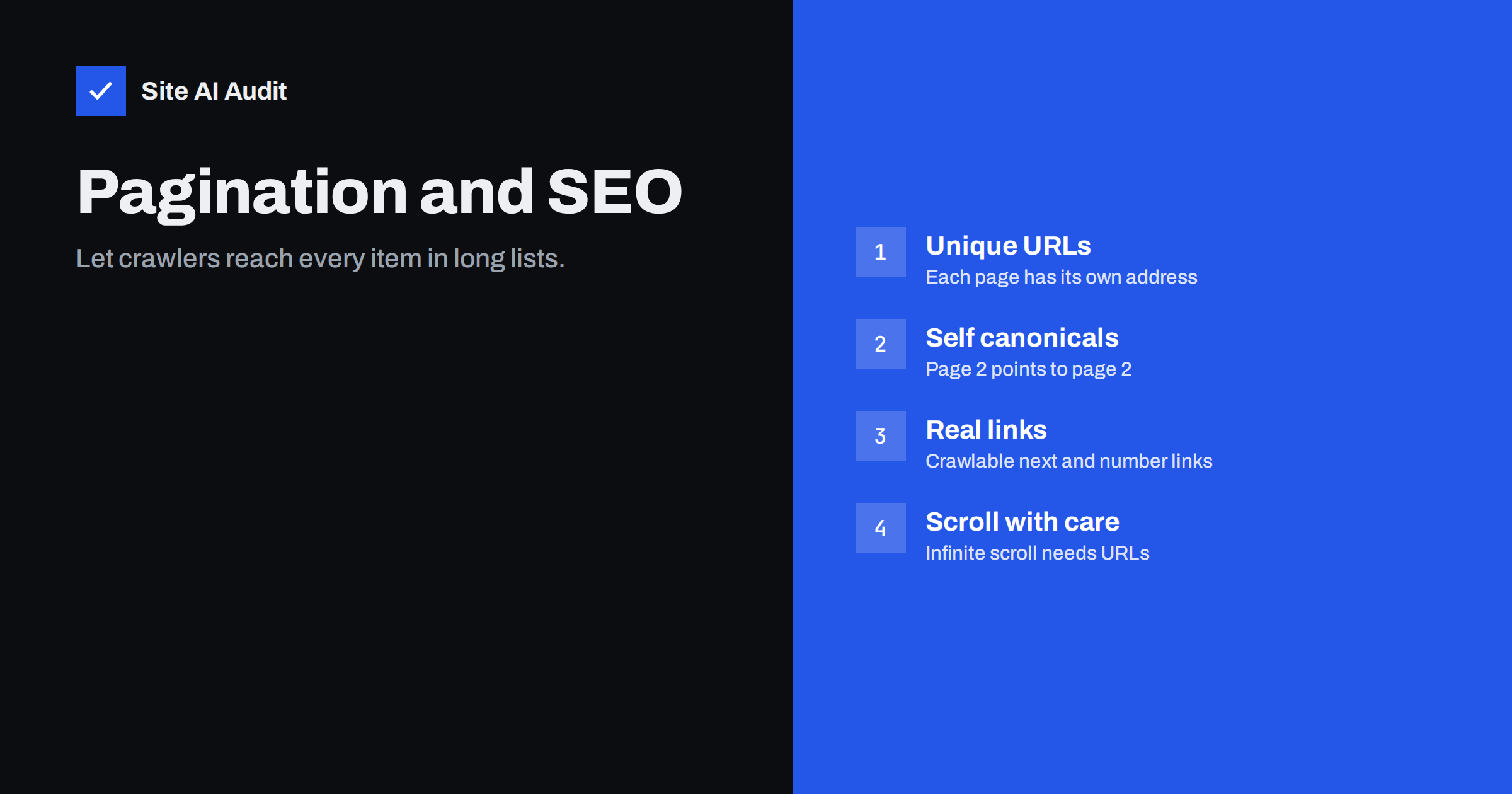
Short answer: Pagination splits long lists, such as product categories or blog archives, across several pages. For SEO, give each page its own URL (for example ?page=2 or /page/2/), link pages with normal crawlable links, let each page have a self-referencing canonical rather than pointing all of them to page one, and keep paginated pages indexable unless you have a clear reason not to. With infinite scroll or “load more” buttons, make sure every set of items is also reachable at its own URL.
What pagination is and why it matters
When a category has 200 products or a blog has 150 posts, showing everything on one page would be slow and overwhelming. So sites show 20 or 30 items per page and add links to further pages: 1, 2, 3, Next. That is pagination.
For search engines, pagination matters because it is often the main way they reach items deeper in a list. A product that appears only on page 7 of a category may have few other links pointing to it. If crawlers cannot move through the pages, or are told that pages 2 to 7 are copies of page 1, those deeper items become harder to discover and appear less important.
How Google handles paginated pages today
For years, sites used rel="next" and rel="prev" link tags to connect paginated pages. In 2019, Google said it no longer uses them as an indexing signal. It now treats each paginated page as a normal page and discovers the series through ordinary links. The tags do no harm and other search engines or tools may still read them, but they are not required.
Google’s guidance on pagination and incremental page loading sets out the current best practices, summarised below.
Best practice 1: A unique URL for each page
Every page in the series needs its own URL, such as /boots/?page=2 or /blog/page/2/. Avoid pagination that changes content without changing the URL, or that uses only a fragment like #page2, because search engines generally ignore fragments.
Keep the first page at the clean category URL. Do not create a separate ?page=1 version that duplicates it; if your system produces one, redirect it to the main URL or canonicalise it there.
Best practice 2: Crawlable links between pages
Link the pages with normal HTML <a href> links. Crawlers follow links; they do not click buttons that run JavaScript. Useful patterns:
- links to the next and previous page;
- numbered links to nearby pages, such as 1, 2, 3 … 10;
- a link back to the first page from every page.
For very long series, consider showing more items per page, or adding links that jump further, so that the last pages are not dozens of clicks away.
Best practice 3: Self-referencing canonicals
A frequent mistake is setting the canonical of every paginated page to page one. It seems logical, since they are “the same category”, but page 2 shows different items than page 1. Canonicalising it to page 1 tells search engines it is a duplicate, and they may ignore the items it lists.
Instead, each page should have a canonical pointing to itself: page 2 to page 2, page 3 to page 3. The exception is a “view all” page: if you offer one that loads quickly with all items, the paginated pages may canonicalise to it. For large categories, a view-all page is usually too slow to be practical.
Best practice 4: Keep paginated pages indexable
Adding noindex to page 2 onwards is sometimes recommended to avoid “thin” or duplicate pages. It has a downside: over time, search engines may crawl noindexed pages less and follow their links less, which weakens discovery of deeper items.
For most sites, the simplest approach is to leave paginated pages indexable with self-referencing canonicals. They rarely rank for anything on their own, and search engines generally show page 1 for category searches. If you do see paginated pages ranking instead of page 1, it usually means page 1 is weaker than it should be, not that pagination is wrong.
Best practice 5: Make page 1 the strongest
Since the first page is the one you want to rank, make it the most complete:
- add a short, useful introduction to important category pages, explaining the range and helping shoppers choose;
- show the most important items, such as best sellers or newest products, on page 1;
- keep unique introductions only on page 1, rather than repeating the same text on every page;
- make titles unique, for example by adding “Page 2” to titles of later pages, so they are not duplicate titles.
Infinite scroll and “load more” buttons
Infinite scroll loads more items as the visitor scrolls; “load more” buttons add items when clicked. Both can be pleasant for users but problematic for crawlers, which do not scroll or click.
To make them search-friendly:
- make sure each batch of items is also available at its own paginated URL, such as
?page=3; - update the URL in the address bar as the visitor scrolls into a new batch, so sharing and reloading land on the right items;
- include normal paginated links in the HTML, even if they are visually replaced by the scroll or button;
- test with the URL Inspection tool that items beyond the first batch can be reached.
If this is too complex for your platform, classic numbered pagination is the safer choice.
Pagination combined with filters and sorting
On shops, pagination multiplies with filters and sort orders: page 3 of “boots, sorted by price, colour brown” is one URL among thousands. Keep this under control:
- paginated pages of the main, unfiltered category should be crawlable and self-canonical;
- filtered and sorted versions should generally canonicalise to the unfiltered category, and sort parameters can be blocked from crawling;
- internal links should point to clean paginated URLs, not to filtered combinations.
Blog and archive pagination
Blogs paginate their main listing, categories and tags. The same rules apply. In addition:
- make sure every post is reachable from at least one category and linked from related posts, so discovery does not rely only on deep pagination;
- consider noindexing thin tag archives entirely, rather than their paginated pages;
- an XML sitemap listing all posts helps search engines find old posts, even if the archive is long.
How to check your pagination
- Open page 2 of a category and look at the address bar. It should show a distinct URL. Reload it; the same items should appear.
- View the source and search for
rel="canonical". On page 2 it should point to page 2. - Search the source for the pagination links. They should be
<a href>elements with real URLs, not only buttons. - Check the title tag of page 2 and beyond; it should differ from page 1, for example by including the page number.
- Run URL Inspection on a deep product or post that is only listed on a late page, to confirm Google has found and indexed it.
- Crawl the site and look for paginated URLs among duplicate titles, redirects or blocked pages.
On WordPress and most shop platforms, standard pagination already follows these rules. Problems usually come from custom themes, page builders that replace pagination with script-driven buttons, or SEO plugin settings that set canonicals or noindex on paginated archives.
Common pagination mistakes
- All paginated pages canonicalised to page 1.
- Pagination links built as JavaScript buttons without real URLs.
- Infinite scroll with no paginated fallback.
- Duplicate
?page=1URLs alongside the clean category URL. - Identical titles and descriptions on every paginated page.
- Paginated pages blocked in robots.txt, cutting off deep items.
- Very long series with dozens of pages and only next/previous links.
How Site AI Audit helps
Paginated pages often show up in audits as duplicate titles and descriptions, or as links that redirect or break when a category shrinks. Site AI Audit crawls your pages by following links, reports those findings along with redirects, broken links and indexing rules, and explains each fix in plain words. Run a free check to see how your category and archive pages look to a crawler.
Related reading
- Canonical Tags Explained: How to Handle Duplicate URLs
- Crawl Budget Explained: Does It Matter for Your Website?
- Product Page SEO: A Checklist for Online Shops
- Internal Linking for SEO: A Practical Guide for Small Sites
The bottom line
Pagination is a crawling path to the items in long lists. Give each page a unique URL, link pages with real HTML links, use self-referencing canonicals, keep paginated pages indexable in most cases and make page one the strongest. If you use infinite scroll or load more buttons, back them with paginated URLs so search engines can reach every item.
FAQ
Should paginated pages be noindexed?
Usually not. Keeping them indexable with self-referencing canonicals helps search engines discover the items they list. Noindex can reduce crawling of those pages over time.
Should page 2 have a canonical to page 1?
No. Page 2 lists different items, so it is not a duplicate of page 1. Each paginated page should have a canonical pointing to itself.
Does Google still use rel=”next” and rel=”prev”?
Google no longer uses them for indexing. They do no harm and may help other tools, but normal links between pages are what matters.
Is infinite scroll bad for SEO?
Not if every batch of items is also available at its own URL with crawlable links. Without that, search engines may only see the first batch.
How many items should a paginated page show?
There is no fixed rule. Enough to be useful without making the page slow. Showing more items per page shortens the series and makes deep items easier to reach.


