 ENEnglish
 LTLietuviškai
 DEDeutsch
 FRFrançais
 RUРусский
 ESEspañol
 PLPolski
 ITItaliano
 UKУкраїнська
 CSČeština
 PTPortuguês
 JA日本語
JA日本語 LVLatviešu valoda
 ETEesti
 HUMagyar
 IDBahasa Indonesia
 TRTürkçe
 HIहिन्दी
 ELΕλληνικά
 ARالعربية
 THไทย
THไทย VITiếng Việt
 RORomână
 MSBahasa Melayu
 BNবাংলা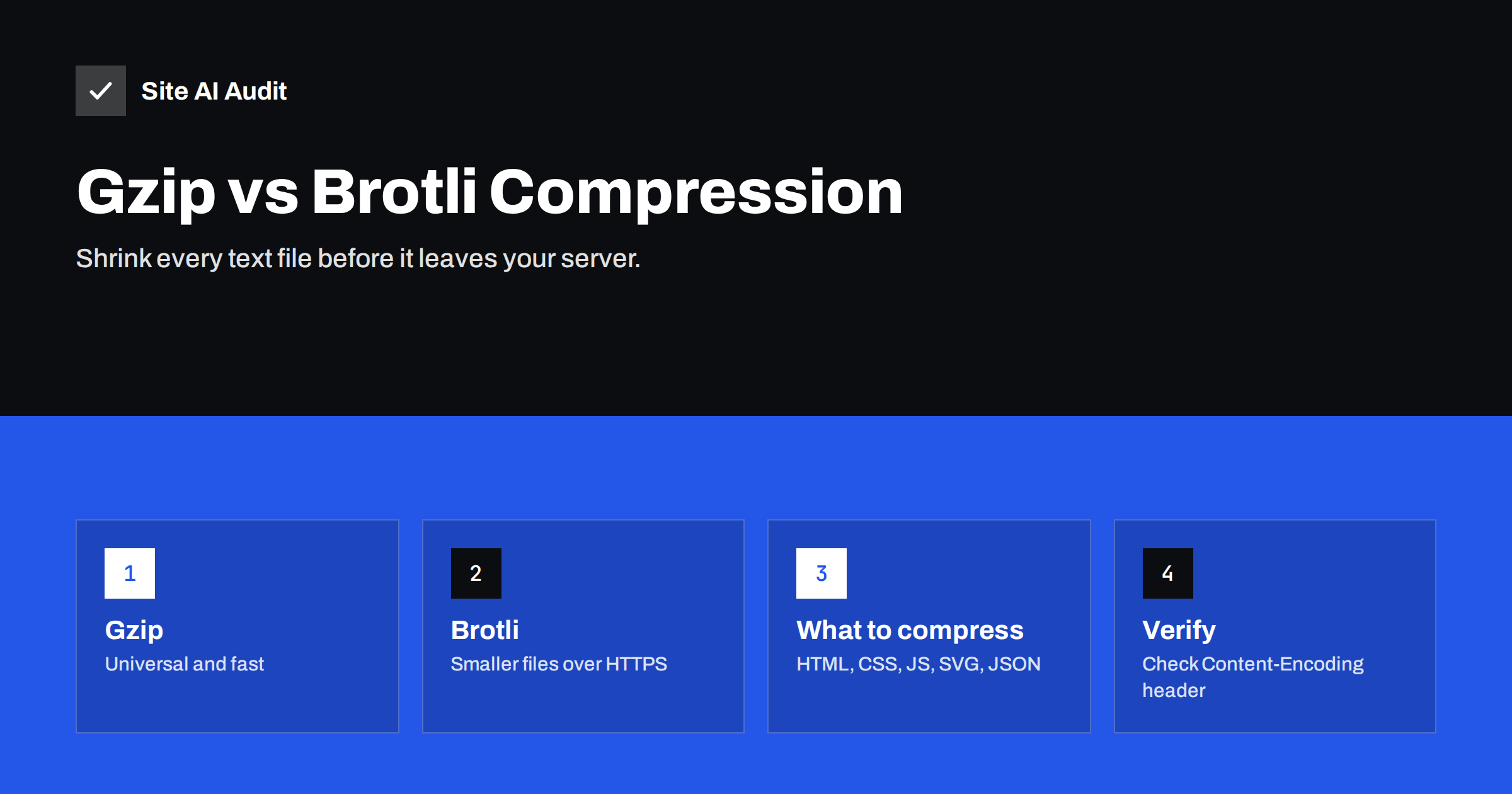
Short answer: Gzip and Brotli are compression methods that shrink text files such as HTML, CSS, JavaScript, SVG and JSON before the server sends them, so pages download faster. Brotli typically produces smaller files than Gzip and is supported by all current major browsers over HTTPS, while Gzip remains the universal fallback. Enable Brotli with Gzip as fallback where your server or CDN supports it, compress only text-based files, and verify it by checking the Content-Encoding response header.
Text compression is one of the oldest and simplest speed optimisations on the web, yet speed audits still regularly find sites that send uncompressed HTML, stylesheets and scripts. It costs nothing in design or content, it usually takes a few lines of server configuration, and it can reduce the size of text files by a large fraction. If a speed test tells you to “enable text compression”, this is one of the easiest recommendations you will ever get.
How HTTP compression works
When a browser requests a file, it tells the server which compression methods it understands in the Accept-Encoding request header, for example gzip, deflate, br, zstd. If the server supports one of them, it compresses the response and names the method in the Content-Encoding response header. The browser decompresses the file before using it. The whole process is invisible to visitors and to the website’s code.
Compression works well on text because text is highly repetitive: HTML tags, CSS property names and JavaScript keywords occur over and over again. It works poorly on files that are already compressed, such as JPEG, PNG, WebP, AVIF, MP4 and WOFF2 fonts, which is why those should not be compressed a second time.
Gzip: the universal standard
Gzip is based on the DEFLATE algorithm and has been supported by practically every browser and server for decades. It is fast to compress and decompress, and it is enabled by default on many hosting platforms.
- Support: universal across browsers, servers, CDNs and proxies.
- Speed: fast enough to compress responses on the fly at moderate levels.
- Savings: text files typically shrink to a fraction of their original size; minified JavaScript and CSS still compress well.
- Levels: 1 (fastest) to 9 (smallest). Levels around 5 or 6 are a common balance for dynamic responses.
Brotli: smaller files for modern browsers
Brotli was developed at Google and standardised in RFC 7932. It uses a combination of modern compression techniques and a built-in dictionary of common web strings, which gives it an advantage on HTML, CSS and JavaScript.
- Support: all current major browsers, advertised only over HTTPS connections.
- Savings: typically smaller output than Gzip for the same text, with the gap depending on the file and the level.
- Levels: 0 to 11. The highest levels produce the smallest files but are slow, so they suit pre-compressed static files rather than on-the-fly compression.
- Decompression: fast in the browser at every level, so higher levels do not burden visitors.
Gzip vs Brotli at a glance
| Gzip | Brotli | |
|---|---|---|
| Browser support | Universal | All current major browsers, over HTTPS |
| Typical file size | Good | Usually smaller |
| Compression speed at high levels | Fast | Slow at levels 10–11 |
| Best for dynamic HTML | Level 5–6 | Level around 4–6 |
| Best for static CSS and JS | Level 9, pre-compressed | Level 11, pre-compressed |
| Server support | Built into all major servers | Module or built-in, depending on server and host |
You do not have to choose one. The standard approach is to offer both: Brotli for browsers that request it, and Gzip for everything else. The server decides per request based on Accept-Encoding.
What should and should not be compressed
Compress text-based formats:
- HTML pages
- CSS stylesheets
- JavaScript files and JSON responses (including REST API responses)
- SVG images
- XML files such as sitemaps and RSS feeds
- Plain text and web app manifests
- Older font formats such as TTF and EOT, if you still serve them
Do not compress formats that are already compressed: JPEG, PNG, GIF, WebP, AVIF, MP4, WebM, WOFF and WOFF2 fonts, ZIP and PDF files in most cases. Compressing them wastes server CPU and can even make files slightly larger. Very small responses of a few hundred bytes also gain little.
How to enable compression
The exact steps depend on your hosting. In order of simplicity:
- Check your hosting control panel. Many hosts have a switch for Gzip or Brotli compression, or enable it by default.
- Check your CDN. If your site runs behind a CDN, it usually compresses text responses to visitors automatically, often including Brotli, regardless of what your origin server does.
- Apache: enable
mod_deflatefor Gzip andmod_brotlifor Brotli (available in Apache 2.4.26 and later), then add output filters for text MIME types. - Nginx: set
gzip on;with agzip_typeslist covering CSS, JavaScript, JSON, SVG and XML. Brotli requires the separate Brotli module, which many managed hosts include. - LiteSpeed: Gzip and Brotli compression are available in the server settings, often enabled by the host.
- WordPress plugins: some caching plugins can add compression rules to your
.htaccessfile on Apache. This only works if the required server modules are available.
Remember that Nginx compresses only text/html by default when Gzip is turned on; you must list other MIME types explicitly. This is a common reason why HTML is compressed but CSS and JavaScript are not.
How to verify compression is working
- Open your site in Chrome, open DevTools and go to the Network panel.
- Reload the page and click the HTML document, a CSS file and a JavaScript file in turn.
- In the response headers, look for
content-encoding: brorcontent-encoding: gzip. - Compare the transferred size and the resource size columns; compressed files show a much smaller transferred size.
- Run PageSpeed Insights and confirm there is no “Enable text compression” recommendation.
From the command line, a request with curl -I -H "Accept-Encoding: br, gzip" https://example.com/ shows the same header.
How much difference does it make?
The effect depends on how much text your pages send. A typical page built with a theme, a page builder and a few plugins loads several hundred kilobytes of CSS and JavaScript, and sometimes more than a megabyte. Text of this kind usually compresses to a small fraction of its original size, so enabling compression on a site that had none can remove a large part of the page’s total transfer size in one step. The benefit is greatest for visitors on slow mobile connections, where every kilobyte adds waiting time, and for first-time visitors who have nothing cached yet.
Switching from Gzip to Brotli on a site that already uses Gzip is a smaller, incremental gain. It is worth doing when your host or CDN offers it with a click, but it will not rescue a slow site on its own. If your page is slow because of heavy images, a slow server or too much JavaScript execution, compression is only one part of the fix.
Common problems and pitfalls
- Double compression. A plugin and the server both try to compress, leading to garbled output or errors. Let one layer handle it.
- Missing
Vary: Accept-Encoding. Without it, a cache in between may serve a compressed file to a client that cannot read it. Most servers add it automatically. - Compressing images. Adding image types to compression lists wastes CPU without benefit.
- Too high levels for dynamic content. Brotli level 11 on every HTML request can slow server response time. Use moderate levels for dynamic pages and pre-compress static files.
- Only the origin is checked. If a CDN sits in front, the visitor receives the CDN’s compression, so test the public URL, not the origin.
How Site AI Audit helps
Compression is one of the speed checks in Site AI Audit: the report shows whether your pages are served compressed and how heavy they are, next to server response time, the Google PageSpeed mobile score and Core Web Vitals. If compression is missing, the finding explains in plain words what to ask your host or change on the server. You can run a free check in about two minutes.
Related reading
- How to Reduce Server Response Time (TTFB) for Faster Pages
- How to Read a PageSpeed Insights Report Without Guesswork
- How to Fix a Slow WordPress Site: A Step-by-Step Guide
The bottom line
Text compression is a small configuration change with a large effect on transfer size. Serve Brotli to browsers that support it and Gzip to the rest, compress all text formats but not images or fonts that are already compressed, and confirm it works by checking the Content-Encoding header on HTML, CSS and JavaScript files.
FAQ
Is Brotli better than Gzip?
For web text files, Brotli usually produces smaller output than Gzip, and browsers decompress it quickly. Gzip is still needed as a fallback for clients that do not support Brotli. The best setup offers both.
Does every browser support Brotli?
All current versions of the major browsers support Brotli, but only over HTTPS. Browsers advertise support in the Accept-Encoding header, and servers fall back to Gzip when Brotli is not listed. That makes it safe to enable.
Should I compress images with Gzip?
No. JPEG, PNG, WebP and AVIF files are already compressed, so Gzip or Brotli saves almost nothing and wastes server resources. Optimise images with the right format and quality settings instead.
How do I know if compression is enabled on my site?
Open your browser’s developer tools, reload the page and inspect the response headers of the HTML, CSS and JavaScript files. A content-encoding value of br or gzip means compression is active. Speed tests also warn when text compression is missing.
Can compression slow down my server?
At very high levels on dynamic responses, it can add processing time. Moderate levels for HTML and pre-compressed static files avoid this. For most sites, the bandwidth saving far outweighs the CPU cost.


