ENEnglish
 LTLietuviškai
 DEDeutsch
 FRFrançais
 RUРусский
 ESEspañol
 PLPolski
 ITItaliano
 UKУкраїнська
 CSČeština
 PTPortuguês
 JA日本語
 LVLatviešu valoda
 ETEesti
 HUMagyar
 IDBahasa Indonesia
 TRTürkçe
 HIहिन्दी
 ELΕλληνικά
 ARالعربية
 THไทย
 VITiếng Việt
 RORomână
 MSBahasa Melayu
 BNবাংলা
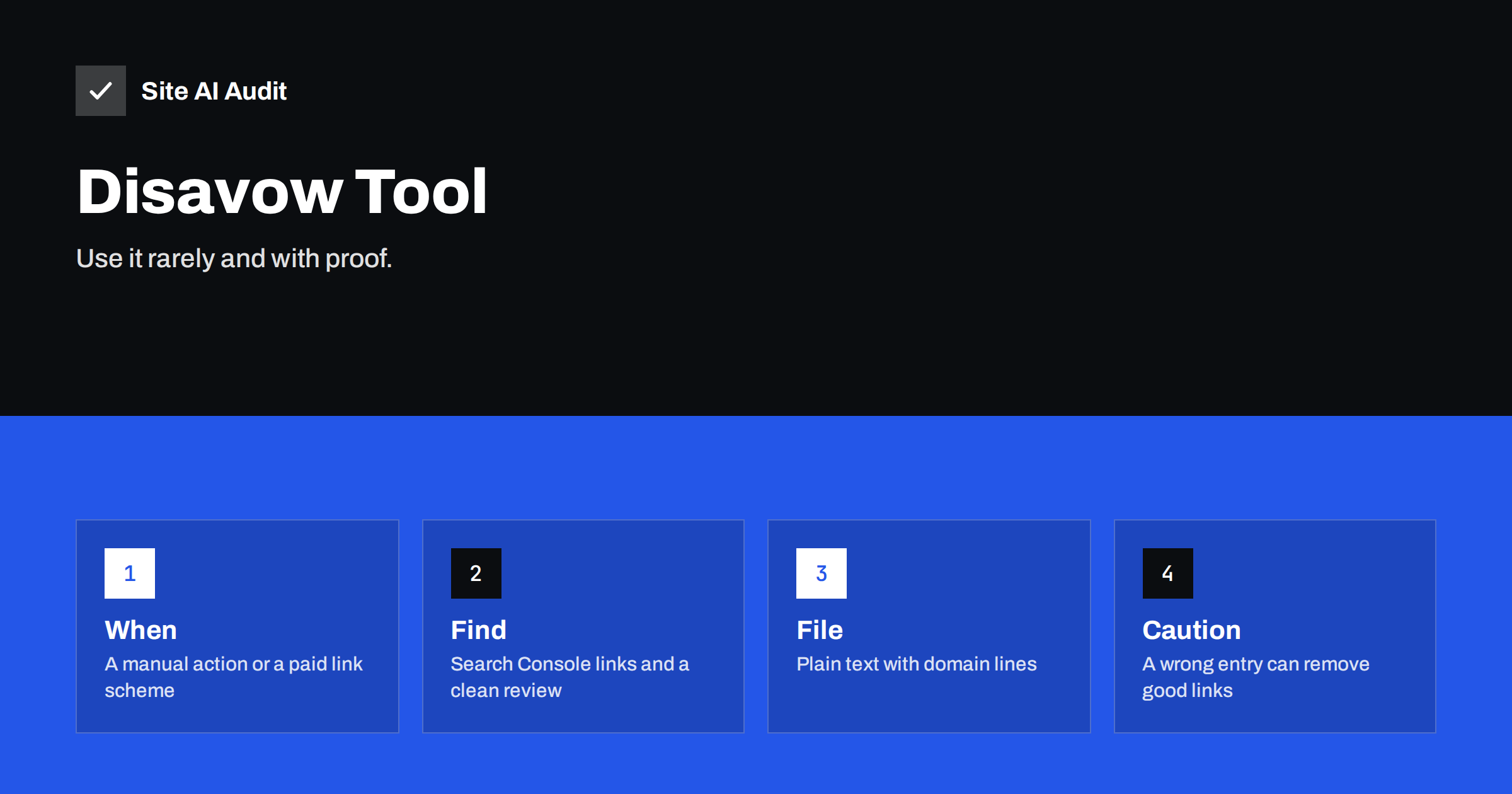
Short answer: The disavow tool asks Google to ignore certain links that point to your site. Most websites do not need it, because Google already ignores the large majority of spammy links by itself. It makes sense when you have received a manual action for unnatural links, or when you or a former agency built a pattern of paid or artificial links that you cannot remove. Use it with care, because a wrong entry can throw away links that were helping you.
What the disavow tool is
A backlink is a link from another website to yours. Good links from relevant sites help search engines understand that your pages are worth showing. Bad links, such as those from spam directories, hacked pages or networks created only to pass on ranking signals, are the kind that site owners worry about. The disavow tool is a feature in Google’s search tools where you upload a text file that lists pages or whole domains whose links you do not want Google to count.
It is a request, not a command. Google says it uses the file as a strong hint. It does not remove the links from the web, it does not change what the other site shows and it does not delete your history. It only tells Google to treat those links as if they did not exist when it assesses your site.
Why most sites should do nothing
Every site that exists for a while collects odd links. Scrapers copy your pages, directories list your address and spam sites link to anything. Search engines have spent many years learning to recognise this noise, and they simply ignore it. The company has stated more than once that most site owners do not need the tool and that a small number of strange links is normal and harmless.
Some automated tools label links with a “toxic” score and tell you to disavow everything above a threshold. Treat these scores as hints for investigation, not as verdicts. They use their own formulas, which Google does not use, and they often mark ordinary links as dangerous. Acting on such a list can do harm. The idea of a numeric authority score has similar limits, as discussed in the article on the domain authority score.
When disavowing is justified
There are two situations where it is reasonable to use the tool.
- You have a manual action for unnatural links. The notice appears in the manual actions report of Search Console, and it says that Google detected a pattern of artificial links pointing to your site. Our guide to manual actions explains how to read and answer such a message.
- You know of a link scheme and expect trouble. This applies when you or a previous agency bought links, joined link exchanges or ran large campaigns of low-quality guest posts, and you cannot get the links removed. Disavowing them is a way to distance your site from the scheme before it leads to a penalty.
It is not justified when your rankings simply fall, when a competitor is said to be “attacking” you with links, or when a tool shows a long list of low scores. Google also says its systems handle negative attacks of this kind well. If traffic drops, the reasons are much more likely to lie elsewhere, a path that the article on diagnosing a traffic drop follows step by step.
How to review your links
Start with the data that Google shows you for free. The links report in Search Console lists the sites that link to you most, the pages that receive the most links and the anchor texts used. The guide to the Search Console links report shows where to find it and how to export the list.
- Look for patterns, not single links. Hundreds of links from unrelated sites with the same anchor text, such as the exact phrase you wanted to rank for, are a warning sign.
- Visit a sample of the sites. Do they look like real publications, or like automated pages full of links and nonsense text?
- Remember what you did. If you paid for links, took part in exchanges or used a cheap service, those links are the ones to examine.
- Check for hacked content. Links that appear after a break-in on your own site are a separate issue and must be cleaned up, as described in the article on the Japanese keyword hack.
- Keep good links. Links from real sites that happen to be small or odd are not a problem.
Anchor text deserves a special look. A natural profile contains your name, your web address, generic phrases and a few descriptive ones. A profile where most links use the same commercial phrase looks planned. The principles are discussed in the guide to anchor text.
Try removal first
If you know who placed a bad link, the better first step is to ask for its removal. Write to the owner of the site, explain which page links to you and ask for it to be taken down. Keep a short record of your messages, because they are useful evidence if you answer a manual action. Many such requests are ignored, which is why disavowing exists as a backup. Do not pay for removal. If the answer is a demand for money, add the domain to your list and move on.
How to prepare the file
The file is a simple text document, saved in plain text with UTF-8 or 7-bit ASCII encoding, with one entry per line. Lines that begin with a hash mark are comments, which you can use to write notes for yourself.
- To ignore a single page, write its full address on a line.
- To ignore a whole site, write the word
domain:followed by the domain name, for exampledomain:spam-directory.example. - Prefer domain lines for sites that are clearly spam, because they also cover pages you did not notice.
- Keep the list short and justified. Add a comment with the date and the reason for each group.
The tool belongs to the property that has the problem, so choose the correct one before you upload. The choice between a domain property and a URL prefix property, covered in the article on Search Console properties, matters here. A new upload replaces the earlier file, so always start from your previous list and add to it.
What to expect afterwards
Google processes the file when it next crawls the linking pages, which can take weeks. You will not see an instant change. If you disavowed links because of a manual action, you must also file a reconsideration request that explains what happened and what you did to fix it. Without that step the action stays in place. If you disavowed links as a precaution, there is usually nothing visible at all, and that is the normal outcome. Do not repeat the process every month, and do not add new entries unless you have a clear reason.
The better investment
Time spent on a disavow file is usually better spent on earning good links and improving your pages. Real links come from useful content, local partners, suppliers, press and customers who recommend you. The article on backlinks for small businesses shows practical ways to earn them. Fixing broken pages that already have links, as described in the guide to reclaiming lost backlinks, often gives faster results than any clean-up of bad links.
Keep proof of your work, whatever you decide. Save the exported list of links, the notes about which ones you asked to remove and the dates of your messages. If a question about your site ever arises, from Google, a new agency or a buyer of your business, this history shows that you acted in good faith and explains what you did and why.
How Site AI Audit helps
Site AI Audit does not analyse your backlinks, and it cannot tell you which links to disavow. It checks the pages that you control: titles and descriptions, headings, alt texts, broken links, redirects, your sitemap, robots.txt and noindex tags, together with speed, security and email authentication. Fixing these basics is often the more valuable step. The free check covers up to 50 pages and needs no sign-up. You can run a free check of your website or see the plans for weekly monitoring and alerts.
Related reading
- Backlinks for Small Businesses: What Helps and What Hurts
- Manual Actions in Search Console: Causes and How to Recover
- Search Console Links Report: Internal and External Links
- Link Attributes on Your Site: nofollow, sponsored and ugc
The bottom line
The disavow tool is a precision instrument for a narrow problem. If you have a manual action or a known link scheme, review your links carefully, try to remove them first and then upload a short, justified file. In every other case, leave it alone and spend your effort on content and honest link building. Google already ignores most of the noise.
FAQ
Do I need to disavow spammy backlinks?
Usually not. Google ignores most spam links by itself. Use the tool only for a manual action or a known pattern of paid or artificial links.
Will the disavow tool remove links from the other site?
No. The links stay on the web. The file only asks Google to ignore them when assessing your site.
How long does a disavow take to work?
Google applies it as it recrawls the linking pages, which can take weeks or months. You rarely see a quick change.
Can competitors hurt me with bad links?
Google says its systems are built to ignore such attacks in almost all cases. Investigate other causes first if your traffic drops.
Can a disavow file hurt my rankings?
Yes, if it includes good links. Keep the list short, base each entry on evidence and keep a copy of every version you upload.