 ENEnglish
 LTLietuviškai
 DEDeutsch
 FRFrançais
 RUРусский
 ESEspañol
 PLPolski
 ITItaliano
 UKУкраїнська
 CSČeština
 PTPortuguês
 JA日本語
JA日本語 LVLatviešu valoda
 ETEesti
 HUMagyar
 IDBahasa Indonesia
 TRTürkçe
 HIहिन्दी
 ELΕλληνικά
 ARالعربية
 THไทย
THไทย VITiếng Việt
 RORomână
 MSBahasa Melayu
 BNবাংলা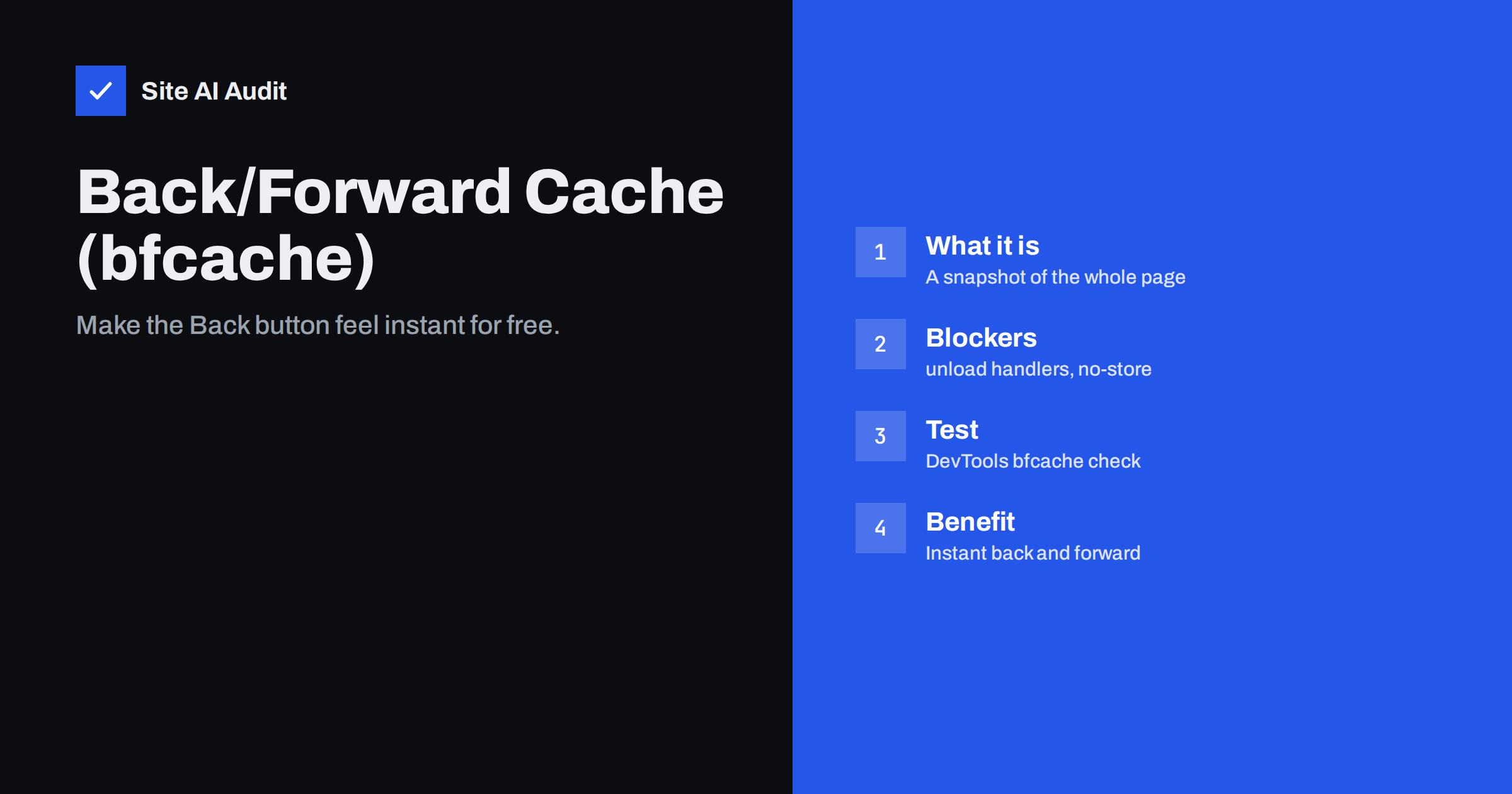
Short answer: The back/forward cache (bfcache) is a browser feature that keeps a complete snapshot of a page in memory when the visitor navigates away, so that pressing Back or Forward restores it instantly instead of loading it again. All major browsers support it, but many pages are not eligible because of things like unload event handlers, Cache-Control: no-store on the HTML, or open connections. You can check eligibility in Chrome DevTools under Application, Back/forward cache, and fix the reported blockers, often without any visible change to the site.
Back and forward navigations are among the most frequent actions on the web. A visitor opens a product, goes back to the category, opens another product, goes back again. Blog readers jump from a post to a linked article and back. Each of those Back presses can either restore the previous page instantly or reload it from scratch, repeating all the network requests and JavaScript. The back/forward cache is what makes the difference, and many sites unknowingly switch it off.
How bfcache works
Normally, when you leave a page, the browser discards it. With bfcache, the browser instead freezes the page in memory: the DOM, the JavaScript state, the scroll position, even partially filled form fields. If the visitor returns with Back or Forward within a certain time, the browser unfreezes the page and shows it immediately, without any network requests.
This is different from the HTTP cache. The HTTP cache stores individual files, so a page reloaded from it still has to parse HTML, run scripts and render. Bfcache stores the entire live page, so restoration is practically instant.
Why it matters for speed metrics
- Real-user experience: back navigations restored from bfcache feel instant, which improves the experience of browsing between listings and details.
- Core Web Vitals: Chrome counts bfcache restores as page views in its field data, and they are typically very fast. Sites that are eligible for bfcache often see better overall LCP distributions as a result.
- Shops and content sites benefit most, because visitors go back and forth between list and detail pages frequently.
What blocks bfcache
Browsers only put a page into bfcache when it is safe to freeze and restore it. Common reasons a page is not eligible:
| Blocker | Why it blocks | Fix |
|---|---|---|
unload event listeners | Browsers cannot guarantee unload runs when caching; Chrome and Firefox often skip bfcache | Use pagehide or visibilitychange instead |
Cache-Control: no-store on the HTML | Signals the page must not be stored | Use it only for truly sensitive pages; browsers are gradually relaxing this rule |
| Open WebSocket or WebRTC connections | Live connections cannot be frozen | Close on pagehide, reopen on pageshow |
Pages opened with window.opener references | Other windows may still interact with the page | Use rel="noopener" on links opening new windows |
| Some in-progress network requests or APIs | Cannot be safely paused | Let them finish or cancel them on pagehide |
The most common blocker on ordinary business websites is an unload listener, frequently added by a third-party script such as an older analytics, chat or advertising library rather than by the site itself.
How to test bfcache eligibility
- Open the page in Chrome and open DevTools.
- Go to the Application panel and select “Back/forward cache” in the left menu.
- Click “Test back/forward cache”. Chrome navigates away and back automatically.
- The result shows whether the page was restored from bfcache, and if not, lists the reasons and whether they are fixable by the site.
Lighthouse also includes an audit that reports pages which prevented back/forward cache restoration, with the same reasons. Test several page types, because blockers often come from scripts loaded only on some templates.
How to fix the common blockers
- Replace
unloadwithpagehide. If your own code usesunloadto save data or send analytics, move that logic topagehideorvisibilitychange, which fire reliably and do not block bfcache. - Update or replace third-party scripts that add
unloadlisteners. Many vendors have removed them in newer versions. - Review
no-storeheaders. Some servers, security plugins or frameworks sendno-storeon every HTML page by default. Keep it for account, checkout and other sensitive pages; for public content it is unnecessary. - Close live connections when the page is hidden, and reconnect when it is shown again.
- Handle restored pages correctly. Listen for the
pageshowevent withevent.persistedbeing true to refresh data that may be stale, such as a cart count or login state.
Things to watch after enabling bfcache
Because the page is restored exactly as it was, some content may be outdated. A mini-cart may show the old number of items; a “logged in as” label may be wrong if the visitor logged out in another tab. Use the pageshow event to refresh such dynamic parts. Analytics tools should count bfcache restores as page views; most modern analytics libraries do this already, but check your reports if the numbers change after fixing blockers.
An example: the shop category page
Picture a visitor browsing a clothing shop on a phone. They open a category with forty products, scroll halfway down, tap a jacket, look at the photos and press Back. Without bfcache, the category page loads again: the HTML is requested, scripts run, images are fetched or read from the HTTP cache, filters are re-initialised and, depending on the implementation, the scroll position may be lost. The visitor waits and then has to find their place again. With bfcache, the category page reappears exactly where they left it, instantly, with the same filters applied. Repeat that for five or six products, and the difference in how the shop feels is enormous.
If the shop’s category page is not eligible because a chat widget registers an unload listener, updating or replacing that widget fixes the problem for every visitor. It is one of the few speed improvements where a single small change affects a large share of navigations without any design work. After the fix, run the DevTools test again on the category page, a product page and a blog post to confirm that all three are now restored from the cache.
Speculative loading: the forward direction
Bfcache makes going back instant. For going forward to a new page, browsers offer a complementary feature: speculation rules, which let a page ask the browser to prefetch or even prerender likely next pages. Recent WordPress versions include conservative speculative loading for front-end links by default. Used together, bfcache and speculative loading can make navigation within a site feel close to instant in both directions, as long as the prefetch rules are kept moderate to avoid wasting visitors’ data.
Bfcache and WordPress sites
WordPress core itself does not block bfcache for ordinary public pages. Blockers usually come from plugins and third-party scripts, or from server headers. Typical suspects are older analytics or statistics plugins, live chat widgets, some consent tools and security plugins that set no-store for all pages. Test a few page types in DevTools, note the reasons shown, and look at which script or header is responsible. Updating the plugin or changing a setting is often enough.
Is bfcache worth the effort?
For most sites, yes, because the fixes are small and the benefit applies to a large share of navigations. It costs nothing in design or content and requires no new infrastructure. It is not a substitute for a fast first load, since the first visit to each page still depends on the server, images and scripts, but it makes browsing within the site feel much faster, particularly on mobile.
How Site AI Audit helps
Site AI Audit focuses on the loading side of speed: it runs Google PageSpeed for mobile and reports Core Web Vitals, server response time, compression and page weight, with fixes explained in plain words and ranked by impact. Once the first load is in good shape, bfcache eligibility is a natural next step to check in DevTools. Run a free check to see where your pages stand first.
Related reading
- Browser Caching Explained: How to Set Cache-Control Headers
- How Third-Party Scripts Slow Down Your Website (and Fixes)
- Core Web Vitals Explained for Small Business Websites
The bottom line
The back/forward cache can make Back and Forward navigation instant at almost no cost. Test your key pages in Chrome DevTools, remove unload listeners, avoid no-store on public pages, close live connections when the page is hidden, and refresh dynamic details on pageshow. Visitors who browse between pages will notice the difference immediately.
FAQ
What is the back/forward cache?
It is a browser feature that keeps a full snapshot of a page in memory after you navigate away. When you press Back or Forward, the page is restored instantly instead of being loaded again.
How do I know if my page uses bfcache?
In Chrome DevTools, open the Application panel, choose Back/forward cache and run the test. It reports whether the page was restored and lists any reasons that prevented it.
Why does the unload event block bfcache?
The unload event assumes the page is being destroyed, which conflicts with keeping it alive in memory. Browsers often skip bfcache for pages with unload handlers. The pagehide and visibilitychange events are safer alternatives.
Does bfcache affect Core Web Vitals?
Chrome includes bfcache restores in its field data, and they are typically very fast. Making pages eligible can therefore improve your overall real-user metrics, especially on sites with frequent back navigation.
Can bfcache show outdated information?
Yes, because it restores the page exactly as it was. Use the pageshow event to refresh dynamic content such as cart counts or login status when a page is restored from the cache.


