 ENEnglish
 LTLietuviškai
 DEDeutsch
 FRFrançais
 RUРусский
 ESEspañol
 PLPolski
 ITItaliano
 UKУкраїнська
 CSČeština
 PTPortuguês
 JA日本語
 LVLatviešu valoda
 ETEesti
 HUMagyar
 IDBahasa Indonesia
 TRTürkçe
 HIहिन्दी
 ELΕλληνικά
 ARالعربية
 THไทย
 VITiếng Việt
 RORomână
 MSBahasa Melayu
 BNবাংলা
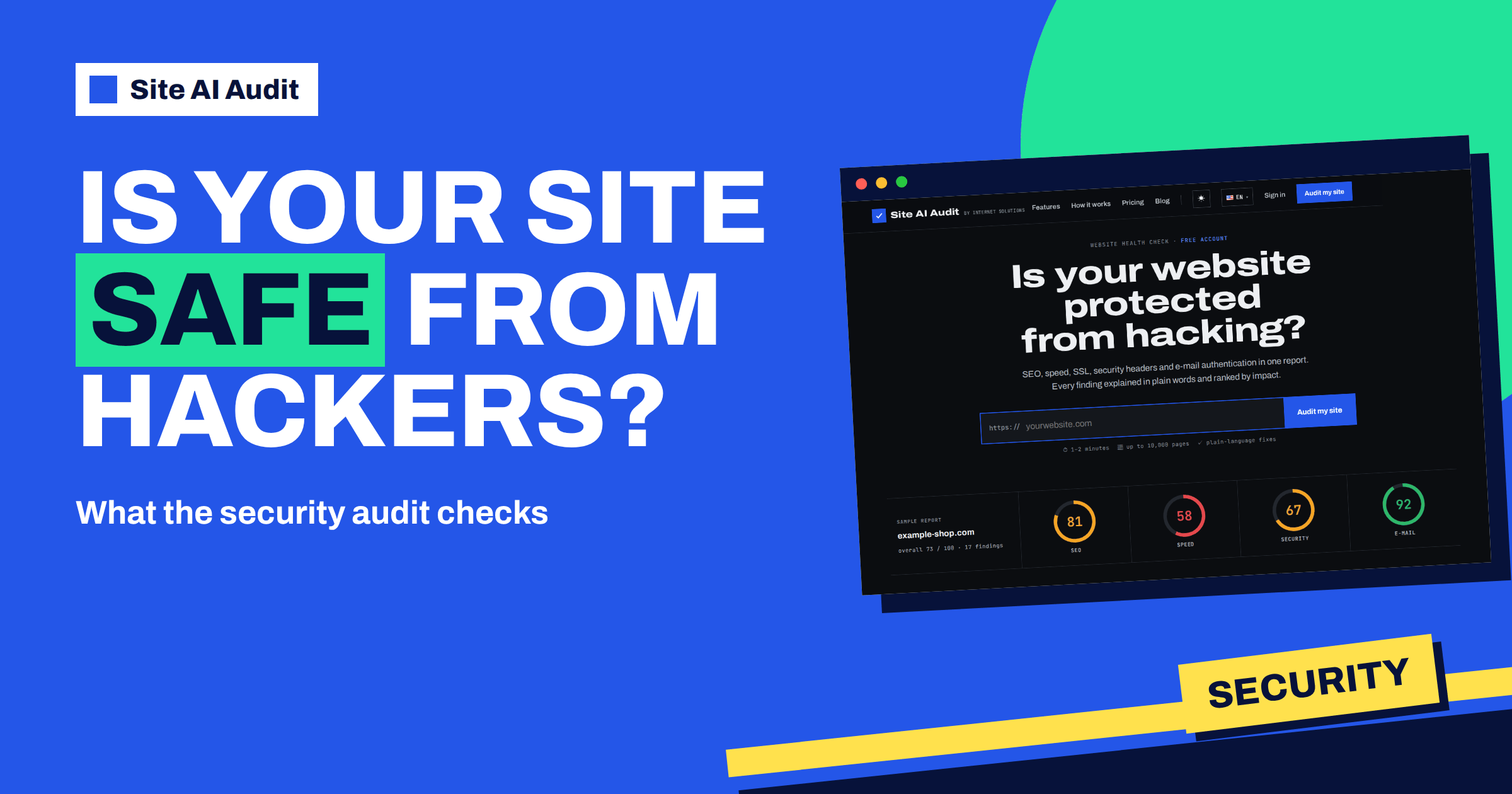
Short answer: Site AI Audit cannot promise that a website is unhackable, and no outside check can. What it does is look for the security gaps that anyone can see from the outside: the SSL certificate, the redirect to HTTPS, insecure resources on pages, missing security headers and software versions that your server shows to the world. Each gap becomes a finding with a severity, a plain-language reason and a concrete step to fix it.
What “protected from hacking” really means
When owners ask whether a site is protected, they usually imagine one yes or no answer. In practice, protection is a long list of small habits: a valid certificate, updated software, sensible server settings, strong passwords and limited access. Attackers rarely invent something new. They run automated tools that try the same known weaknesses against thousands of sites, and the sites that fall are usually the ones with an obvious gap: an expired certificate, an old version of a plugin, a login page open to anyone.
An outside check works the way those tools do, but on your side. It visits the site like a stranger, reads what the server answers and compares it with a list of known good practice. That is useful because most of the gaps it finds take minutes to fix once you know they exist. The security part of the audit is exactly this: a fast, honest look at the things a stranger can see.
What the security check looks at
The security area of a Site AI Audit report is one of four areas, next to SEO, speed and e-mail. In the live progress screen the first step is “Connection and SSL certificate”, and the findings that come from it are the foundation. The security checks cover:
- HTTPS and the certificate. Whether the site works over HTTPS at all, whether the certificate is valid, trusted by browsers, issued for the right domain name and how many days it has left.
- The redirect from http:// to https://. Whether visitors who type the old address are sent to the secure version.
- Mixed content. Pages on a secure address that still load images or scripts over plain http://.
- Security headers. HSTS, X-Content-Type-Options, a rule against embedding your pages in other sites, Content-Security-Policy and Referrer-Policy.
- Exposed versions. A server that announces its software version, a visible PHP version or a visible WordPress version.
Each of these has its own article on this blog if you want the background. This guide is about how the audit presents them and in what order to act.
How a security finding is written
Every finding in the report has the same parts: a title that states the problem, a short explanation of why it matters, a severity label and a “how to fix” instruction. For example, an expiring certificate is reported as a critical finding with the number of days left, an explanation that browsers will block the site with a warning when it expires, and the advice to renew it and make sure automatic renewal works.
The severity labels are critical, warning and notice. As a rule of thumb, critical means visitors or search engines are already affected or about to be, warning means there is a real risk worth fixing soon, and notice means a good-practice improvement. In the security area the labels work like this:
- A site without HTTPS, an expired certificate, an untrusted certificate or a certificate for the wrong name is critical.
- A certificate that expires in under 14 days is critical, and one that expires in under 30 days is a warning.
- A missing redirect to HTTPS and mixed content are warnings.
- Missing HSTS, X-Content-Type-Options, frame protection, Content-Security-Policy or Referrer-Policy, and exposed versions, are notices. An outdated PHP version, below 8.2, is raised to a warning.
The report sorts findings by impact, so the first items you see are the ones to deal with first. You do not need to understand every term to start; the instruction under each finding tells you what to do.
A sensible order of fixes
Do not try to fix everything in one evening. Work down the report in this order:
- Certificate problems. An expired, untrusted or mismatched certificate affects every visitor. Renew or replace it first and turn on automatic renewal. The guide to automating SSL renewal with Certbot explains how to verify that renewal works.
- HTTPS redirect. Make sure the old http:// address sends visitors to the secure one with a permanent redirect; see how to redirect HTTP to HTTPS without loops.
- Mixed content. Change insecure resource links to https://. The findings list the affected pages, which saves a lot of searching, and the article on mixed content errors shows common causes.
- Security headers. Add the small headers in one session. They are usually a few lines in the server or a plugin setting. The guide to adding security headers on Apache, Nginx, WordPress and CDNs has examples.
- Hide versions and update. Remove version details where you can and keep the software updated.
What the check does not do
It is important to be clear about the limits. Site AI Audit checks from the outside, the way visitors and search engines see your site. You do not install anything, which is convenient, but it also means the audit cannot look inside your server. It does not scan files for malware, it does not read your logs and it does not test your passwords. A clean security area means that the visible basics are in place; it does not prove that nobody has broken in.
If you suspect an intrusion, you need other tools and, often, a specialist. The article on what malware scanners catch and what they miss explains why even dedicated scanners have limits, and the website security audit checklist lists the manual checks that go beyond a visible gap. Think of the audit as the smoke detector at the door: quick, cheap and good at the obvious things.
Why the small notices still matter
It is tempting to ignore findings labelled “notice”, because nothing is visibly broken. But notices are where a site becomes harder to attack. Security headers such as Content-Security-Policy and X-Content-Type-Options do not fix a bug; they limit the damage if one appears. If a comment form or a plugin lets someone inject a script, a good policy can stop the browser from running it. If your server announces the exact version of its software, an attacker scanning for a specific old release can find you with no effort. Closing these gaps costs very little and raises the cost of an attack.
The report treats them as lower priority for a reason: fix the certificate first, because it affects every visitor today, and then work through the notices when you have a quiet hour. A good routine is to add all missing headers in a single session so that the next check shows the whole group as done.
A worked example
Imagine a small bakery with a WordPress site. The owner signs in to Site AI Audit with a free account, enters the address and watches the check run for about a minute or two. After a plan unlocks the report, she sees a security area with a score of 67 and four findings. The first is a warning: the certificate expires in 22 days. Her host told her renewal was automatic, but the report explains that automatic renewal sometimes fails silently. She logs in to the hosting panel and finds that renewal had been switched off during a domain change. She turns it back on.
The second finding is a warning about mixed content on three pages: old product photos linked with http://. She edits the three pages and uses https:// for the images. The remaining findings are notices: no HSTS and no Referrer-Policy. She asks her host to add both headers, which takes one message. After the fixes she runs the check again. On a plan with re-checks, this is one of the checks in the monthly allowance; the report now shows no warnings in the security area.
In under an hour, using only the instructions in the report, she removed the most visible gaps. Nothing in the process required her to understand how certificates work internally.
How to keep the result
Security is not a one-time task. Certificates expire, plugins get new versions and a new developer can change a server setting without noticing the effect. After a round of fixes, run the check again and keep the report, so you can compare the next one against it. The Monitor plan includes a PDF report and e-mail alerts when something breaks, and the Business plan adds daily SSL and e-mail checks and report history with trends. A full check starts when you press the button, so a calendar reminder once a month is a good habit.
Run it on your own site
To see where your own site stands, check your website with Site AI Audit. The check needs a free account, and the free account includes one check; the report stays locked until you choose a plan. The plans start at €9 a month for 5 checks, so you can fix, check again and confirm that the findings are gone.
Related reading
- Website Security Audit Checklist: What to Check and in What Order
- HSTS Explained: How to Enable Strict-Transport-Security Safely
- How to Add Security Headers on Apache, Nginx, WordPress and CDNs
- Outdated Plugins and CMS Versions: A Safe Update Strategy
The bottom line
No tool can promise that a site cannot be hacked, but most attacks use gaps that are easy to see and easy to close. The security check in Site AI Audit finds those gaps, ranks them and tells you how to fix each one. Start with the certificate, the HTTPS redirect and mixed content, add the security headers, and check again.
الأسئلة الشائعة
Does the audit tell me if my site has already been hacked?
No. It checks the visible security basics from the outside. It does not scan your files for malware or look for signs of an intrusion, so it complements a malware scanner rather than replacing one.
Do I need to install anything on my website?
No. The check works from the outside, the way visitors and search engines see the site. You only need to sign in and enter the address.
How long does the security check take?
The whole audit takes about one to two minutes, and you can watch each step live. The certificate and connection check is the first step.
Can I see the security findings with a free account?
A free account runs one check, but the report stays locked. A plan unlocks the score, every finding, the affected pages and the fixes.
Which security finding should I fix first?
Fix certificate problems first, then the HTTPS redirect and mixed content. Security headers and hidden versions come next, because they are notices that harden an already working site.


