 ENEnglish
 LTLietuviškai
 DEDeutsch
 FRFrançais
 RUРусский
 ESEspañol
 PLPolski
 ITItaliano
 UKУкраїнська
 CSČeština
 PTPortuguês
 JA日本語
JA日本語 LVLatviešu valoda
 ETEesti
 HUMagyar
 IDBahasa Indonesia
 TRTürkçe
 HIहिन्दी
 ELΕλληνικά
 ARالعربية
 THไทย
THไทย VITiếng Việt
 RORomână
 MSBahasa Melayu
 BNবাংলা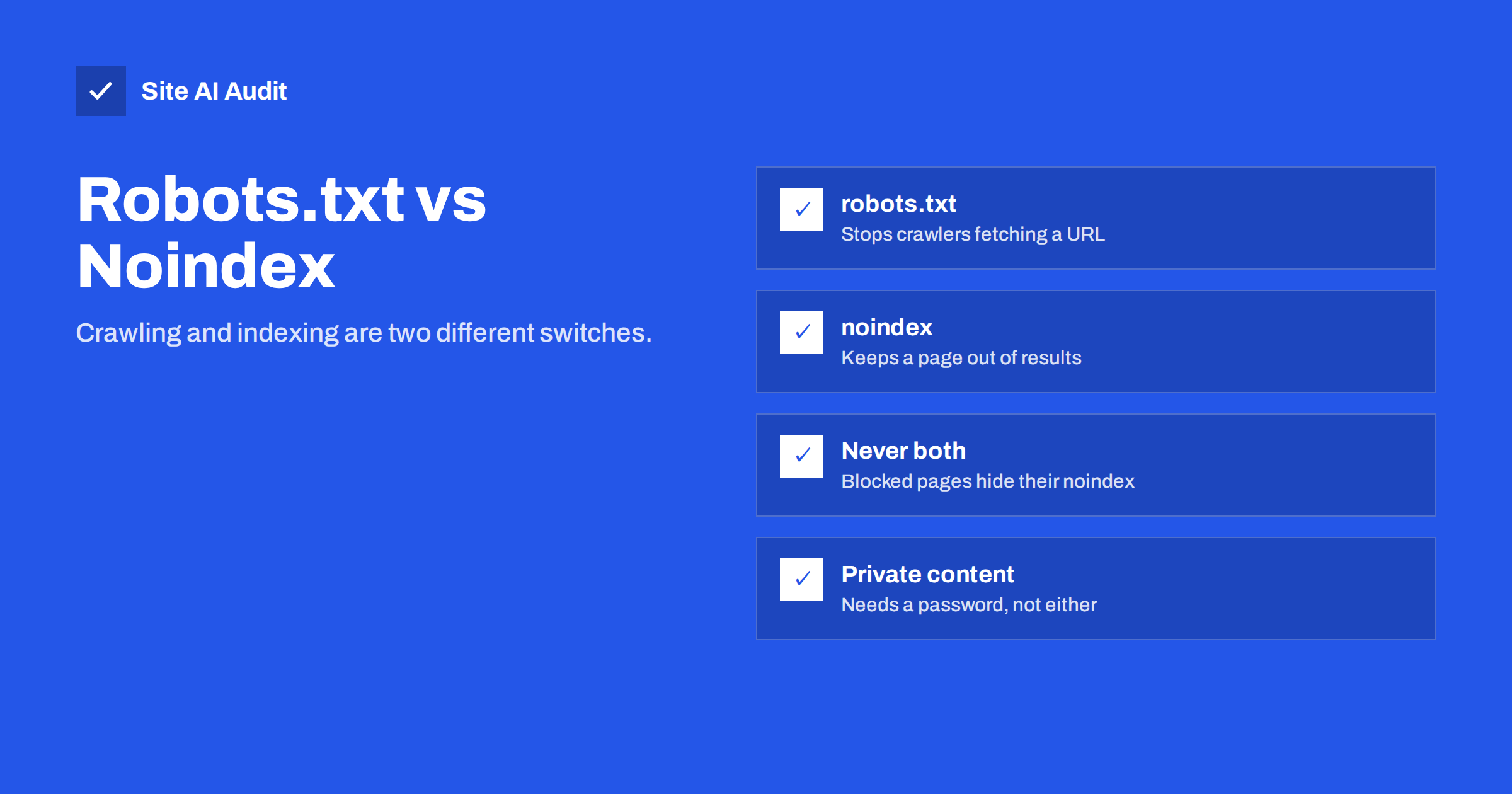
Short answer: Robots.txt and noindex solve different problems. Robots.txt tells crawlers which URLs they may not fetch, which saves crawl effort but does not reliably keep pages out of search results. Noindex tells search engines not to show a page in results, but it only works if the page can be crawled. Use noindex to keep a page out of search, robots.txt to stop crawlers wasting time on large sets of useless URLs, and never both on the same page.
Two different switches: crawling and indexing
Search engines work in stages. First they crawl: a bot requests a URL and downloads the page. Then they index: they process the page and decide whether to store it so it can appear in results. The two tools act on different stages:
- Robots.txt acts on crawling. Before fetching a URL, a well-behaved crawler checks robots.txt. If the URL is disallowed, the crawler does not request it.
- Noindex acts on indexing. The crawler fetches the page, reads the
noindexdirective in the HTML or HTTP headers, and the search engine leaves the page out of its results.
Once you see them as two separate switches, most of the confusion disappears. The key consequence is that a crawler that is not allowed to fetch a page can never read what the page says, including a noindex instruction.
Why the two are so often confused
Part of the confusion is historical. For many years, some search engines unofficially supported a Noindex: line inside robots.txt, and older tutorials still recommend it. Google announced in 2019 that it would stop honouring such rules, and the official standard for robots.txt never included them. Advice written before then can therefore be actively misleading today.
The other part is language. People say “block Google” when they mean “keep this page out of search results”, and the word “block” leads straight to robots.txt. Asking the more precise question, “do I want to stop crawling, or stop showing?”, points to the right tool almost every time.
Side-by-side comparison
| robots.txt Disallow | noindex | |
|---|---|---|
| Where it lives | One file at the root of the domain | Meta tag in each page, or X-Robots-Tag HTTP header |
| What it controls | Whether crawlers fetch the URL | Whether the page appears in search results |
| Keeps page out of results? | Not reliably; URL can be indexed from links | Yes, once the page is recrawled |
| Saves crawl effort? | Yes | No, the page must still be crawled |
| Links on the page followed? | No, the page is not read | Yes, unless nofollow is also set |
| Works for PDFs and images? | Yes, by path | Yes, through the X-Robots-Tag header |
| Applies to many URLs at once? | Yes, with path patterns | Per page, or through templates and server rules |
| Protects private content? | No, the file is public | No, the page is still reachable |
When to use noindex
Noindex is the right tool when a page should exist for visitors but not appear in search results. Typical cases:
- thank-you, confirmation and “order received” pages;
- internal search results;
- login, account and password reset pages;
- thin archive pages, such as tags with only one or two posts;
- landing pages created only for ads or e-mail campaigns, whose content duplicates other pages;
- pages you want removed from the index after they were indexed by mistake.
In each case, the page must remain crawlable, so search engines can see the noindex and act on it. On most platforms you add noindex through an SEO plugin setting or a “hide from search engines” option per page or per content type.
When to use robots.txt
Robots.txt is the right tool when the goal is to stop crawlers from spending time on URLs that have no value and would never be indexed anyway, usually because there are very many of them. Typical cases:
- endless combinations of sorting and filtering parameters on shop categories;
- calendar pages that generate a URL for every day into the future;
- internal search URLs on large sites, once any indexed ones have dropped out;
- cart, checkout and similar functional paths;
- admin areas and system folders that serve no public content;
- staging copies, alongside a password.
For most small websites, crawl effort is not a real constraint, so robots.txt often needs very few rules. It becomes important on large sites and shops, where crawl traps can generate thousands or millions of useless URLs.
Why you should not combine them on the same page
A very common pattern goes like this: a site owner wants to remove a group of pages from Google, adds noindex, and to be extra safe also disallows them in robots.txt. The result is the opposite of what they want. Because the pages are disallowed, Google stops fetching them and never sees the noindex. If other pages or sites link to them, the URLs can remain in the index indefinitely, often shown without a description. Search Console lists them as “Indexed, though blocked by robots.txt”.
The correct order is:
- Add noindex and keep the pages crawlable.
- Wait until Search Console shows them as excluded by noindex, or request recrawling for the important ones.
- Only then, if there are many such URLs and crawl effort matters, add a robots.txt rule.
For a small site with a handful of noindex pages, step 3 is not needed at all.
What neither tool does: privacy
Neither robots.txt nor noindex protects content. Robots.txt is a public file anyone can read, so listing a secret path there actually advertises it. Noindex pages remain fully accessible to anyone with the link. Malicious bots ignore both.
For content that must stay private, such as client documents, internal tools, price lists for partners or staging sites, use authentication: a login, HTTP password protection or IP restrictions. If private content was already indexed, protect it first, then use Search Console’s Removals tool to hide it from results quickly while search engines process the change.
Common scenarios and the right choice
- “I want my thank-you page out of Google.” Noindex. Do not block it in robots.txt.
- “My shop filters create thousands of URLs.” Canonical tags to the main category for filter variants, plus robots.txt rules for sort and filter parameters that have no search value.
- “Old pages were indexed by mistake.” Noindex if the pages should exist, a 404 or 410 if they should not, or a 301 redirect if there is a replacement. Keep them crawlable until they drop out.
- “My staging site appeared in Google.” Password protection first, then noindex headers, then a removal request.
- “I do not want my PDFs in search.” An
X-Robots-Tag: noindexheader for PDF files, configured on the server. - “I want to block one aggressive bot.” A robots.txt group for that bot’s user agent, and server-level blocking if it ignores the rule.
Other robots directives worth knowing
The robots meta tag and X-Robots-Tag header accept more values than noindex. The ones you are most likely to meet are:
- nofollow asks search engines not to follow the links on the page. It is rarely useful on your own pages, because it can stop discovery of the pages they link to.
- nosnippet prevents a text snippet or preview from being shown in results, while still allowing the page to be indexed.
- max-snippet, max-image-preview and max-video-preview limit how much of the page can be shown as a preview.
- noimageindex asks search engines not to index images on the page.
- unavailable_after tells Google to stop showing a page after a given date, which suits time-limited offers and events.
Like noindex, all of these only work when the page can be crawled. A robots.txt block silences every one of them.
How to check what is applied to a page
- Open
/robots.txtand check whether any Disallow rule matches the page’s path. - View the page source and search for
noindex. - Check the response headers in the browser’s developer tools for
X-Robots-Tag. - Use URL Inspection in Search Console, which reports both whether crawling is allowed and whether indexing is allowed.
- Crawl the site to see indexing directives for every page at once.
How Site AI Audit helps
Site AI Audit reads your robots.txt and sitemap and crawls your pages, reporting noindex rules and other things that keep pages out of search results in its SEO section. Each finding names the affected pages and explains the fix in plain words. Its own crawler follows robots.txt, so the check also shows what your rules allow. Run a free check to see how the two switches are set on your site.
Related reading
- Robots.txt Explained: A Beginner’s Guide With Safe Examples
- The Noindex Tag: When to Use It and How to Check It
- Why Is My Page Not on Google? A Step-by-Step Checklist
The bottom line
Robots.txt decides what crawlers fetch; noindex decides what appears in results. To keep a page out of search, use noindex and leave it crawlable. To stop crawlers wasting time on large numbers of worthless URLs, use robots.txt. Do not combine them on the same page, and use real authentication for anything private.
الأسئلة الشائعة
Can robots.txt remove a page from Google?
Not reliably. It prevents crawling, but a blocked URL can still be indexed if other pages link to it. Use noindex, a 404 or a redirect to remove pages.
Does noindex save crawl budget?
No. Search engines must crawl a page to see its noindex. Over time they may crawl noindexed pages less often, but robots.txt is the tool for saving crawl effort.
What does “Indexed, though blocked by robots.txt” mean?
Google indexed the URL based on links without being allowed to read the page. If you want it out of search, remove the robots.txt block and add noindex.
Can I put noindex in robots.txt?
No. Google stopped supporting noindex rules in robots.txt in 2019. Use a meta robots tag or an X-Robots-Tag header.
Which is better for duplicate pages?
Neither is ideal. For duplicates, use a canonical tag or a 301 redirect, which consolidate signals on the preferred page instead of simply hiding the copy.


