ENEnglish
 LTLietuviškai
 DEDeutsch
 FRFrançais
 RUРусский
 ESEspañol
 PLPolski
 ITItaliano
 UKУкраїнська
 CSČeština
 PTPortuguês
 JA日本語
 LVLatviešu valoda
 ETEesti
 HUMagyar
 IDBahasa Indonesia
 TRTürkçe
 HIहिन्दी
 ELΕλληνικά
 ARالعربية
 THไทย
 VITiếng Việt
 RORomână
 MSBahasa Melayu
 BNবাংলা
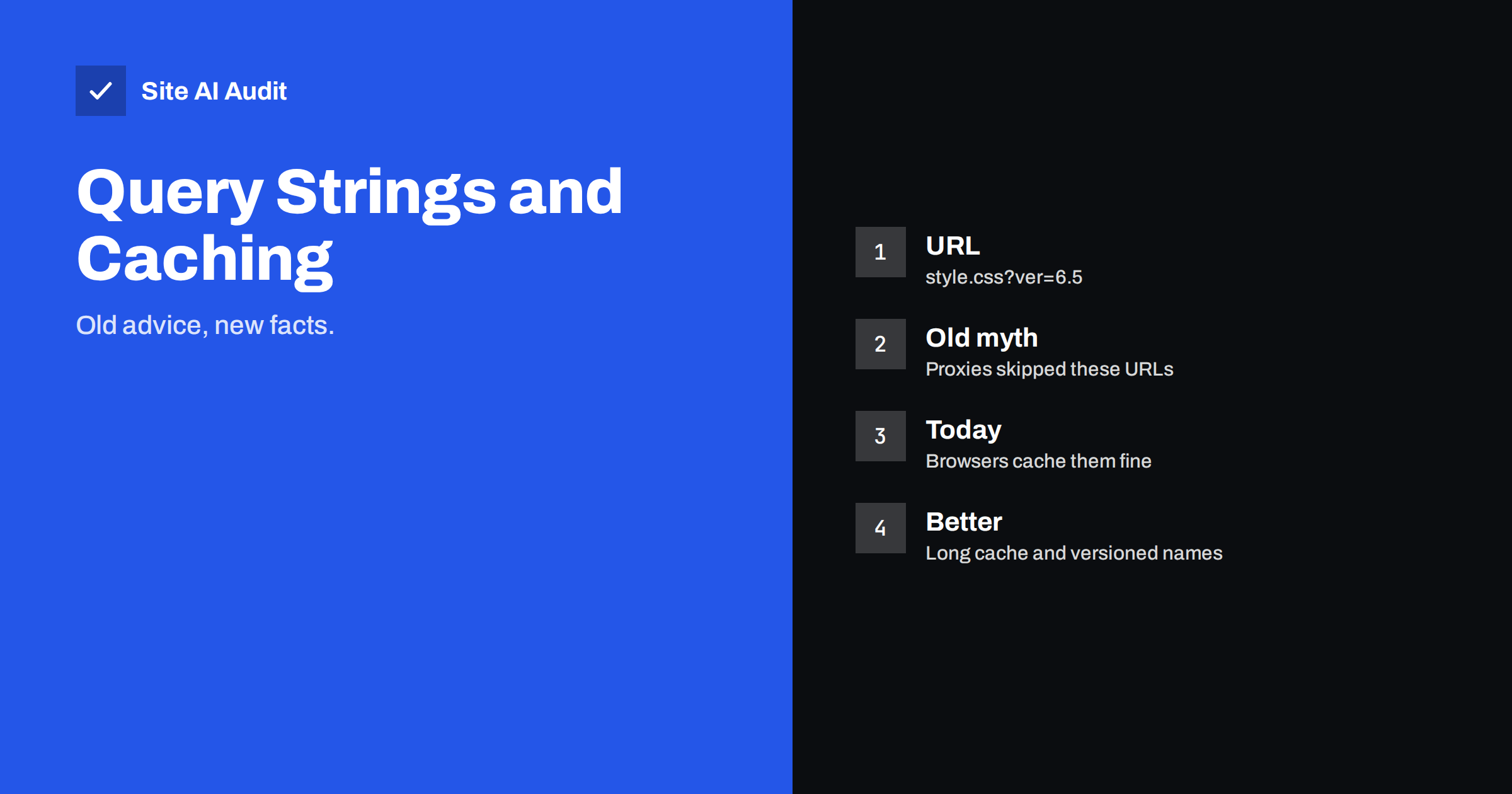
Short answer: A query string such as ?ver=6.5 on a CSS or JavaScript file does not stop modern browsers or CDNs from caching it, as long as the server sends proper cache headers. Removing it rarely makes a site faster, and it can cause visitors to see old files after an update. Spend the effort on caching headers and clear file versions instead.
What a query string on a file is
A query string is the part of an address that follows a question mark. On pages it is often used for searches and filters. On static files such as style sheets, scripts and images, it is usually a version number. WordPress adds one to most of the scripts and styles that it loads, so that the file name looks like style.css?ver=6.5. Many themes and plugins do the same.
The purpose is simple. When the version changes, the address changes, and every browser treats the file as new. Without that change a visitor could keep using an old copy of the file for weeks, with a layout that no longer matches the page.
Where the old advice came from
Years ago, some speed-testing tools recommended removing query strings from static resources. The reasoning was that certain proxy servers and older caches did not store files whose addresses contained a question mark. If a cache skipped those files, every visit would download them again.
That reasoning belongs to an earlier time. Current browsers decide what to cache from the response headers, not from the shape of the address. Major CDNs also cache these files, though some treat the query string as a part of the cache key, which is actually what you want when it carries a version. Today’s main speed tools no longer put this item at the top of their lists, but the advice remains in many older articles and plugin descriptions, so owners still ask about it.
What really controls caching
Caching depends on the headers that your server sends with each file.
- Cache-Control. Tells the browser how long it may reuse the file without asking. A long period, such as a month or a year, is suitable for files that change their name when they change.
- ETag and Last-Modified. Let the browser ask whether the file changed and receive a short “not modified” reply. They are explained in the guide to conditional requests.
- Vary and compression settings. A wrongly set Vary header can make caches store several copies of the same file.
If these headers are missing or too short, files are downloaded again whether or not they have a query string. The practical steps are described in the article on browser caching and Cache-Control headers.
When a query string is actually useful
A version in the address solves a real problem: cache busting. You can set a very long cache time for your files and still be sure that visitors receive the new version after you change something, because the address is different. Removing the version removes that safety.
Here is what can go wrong if you strip it out with a plugin and keep a long cache time:
- Visitors who already have the old style sheet keep it, while the page now contains new markup.
- Menus, sliders or forms that depend on a new script may break only for returning visitors, which makes the problem hard to reproduce.
- You may have to clear caches manually after every update.
For this reason the version is often more helpful than harmful.
A better approach: versioned file names
Some build tools put the version in the file name instead of in a query string, for example style.3f9a2c.css. The name changes when the content changes, so the file can be cached for a long time. This works with every cache, including unusual ones. If your theme or a build process supports it, this is a clean solution. If you use ready-made themes and plugins, you do not need to rebuild anything. Keep the query strings, send long cache headers and make sure the version number changes when files change.
Cases where query strings do cause trouble
There are a few situations in which you should look more closely.
- Random or time-based values. Some code adds the current time to the address, so every request looks new. The file is downloaded each time and the CDN gets no cache hits. Replace the random value with a stable version.
- A CDN that ignores or strips the query string. The CDN may serve one copy for all versions, so updates do not reach visitors. Check the setting for query string handling.
- Tracking parameters on file requests. If marketing tools add parameters to every request, the cache sees many different addresses. Make sure that only the page address carries tracking parameters. The effect on a CDN is described in the article on CDN cache hit ratio.
- Many versions of the same file. If several plugins load their own copy of a library with different version numbers, visitors download all of them. Remove the duplicates rather than the version numbers.
How to check your own site
- Open the browser developer tools and go to the network tab.
- Reload the page twice. On the second load, static files should come from the cache, shown as “disk cache” or “memory cache” or as a short 304 reply.
- Click a file with a query string and read its response headers. Look for Cache-Control with a long period.
- If the file is downloaded in full each time, fix the headers, not the address.
- After you change a style sheet or script, confirm that the version number in the address also changes.
A caching plugin can set headers for you. The article on choosing a WordPress caching plugin explains what to look for, and the guide to page caching shows how it differs from file caching.
It helps to test on a realistic connection. A file that loads instantly on your office network can still be slow for a visitor on a mobile connection, and a missing cache header only shows its cost when the visitor comes back for a second or third page. Compare a first visit with a repeat visit in a private window, and note how many files are downloaded again. A well-cached site transfers only a few small requests on the second page, while a badly cached site repeats most of the first load.
Plugins that combine and minify files can also change the addresses. A combined file usually receives a new name when its contents change, which is a good pattern. If the plugin creates the combined file on every request, or gives it a different name each time, you lose the benefit of caching. Look at the file names across two reloads; stable names that change only after an update are what you want.
Finally, write down what you decided. A short note such as “static files: one year, versions in the address, CDN purge after releases” saves the next person from undoing your work. Developers, agencies and plugin updates all touch these settings over time, and a clear record keeps the setup consistent.
Common mistakes
- Removing versions to please a score. A tool may suggest it, but the real test is whether files are cached and updates arrive.
- Setting a long cache time without versions. Files that keep the same address and the same long cache time can become stale for visitors.
- Forgetting the CDN. Purge the CDN and browser caches after a change, as explained in the article on cache warming after a purge.
- Changing too many things at once. If you change headers, plugins and the CDN on the same day, you will not know which change helped.
How Site AI Audit helps
Site AI Audit looks at speed from the visitor’s side. It reports the PageSpeed result, server response time, text compression and page weight, so you can see whether pages are heavy or slow before you change caching rules. It does not judge whether each file’s query string is right. The first check is free, covers up to 50 pages and needs no sign-up. You can run a free check of your website or see the plans for weekly monitoring and alerts.
Related reading
- Browser Caching Explained: How to Set Cache-Control Headers
- ETag and Last-Modified: How Conditional Requests Save Time
- CDN Cache Hit Ratio: Why Your CDN Is Not Making You Faster
- Minifying CSS and JavaScript: What It Really Saves You
The bottom line
Query strings on static files are not the speed problem that old advice made them. Keep the versions, send long and correct cache headers, and make sure that a version changes whenever a file does. That gives visitors fast pages and fresh files at the same time.
الأسئلة الشائعة
Should I remove ?ver= from my WordPress files?
Usually not. Modern browsers and CDNs cache these files normally, and the version helps visitors receive updated files. Fix the cache headers first.
Why does a speed tool warn about query strings?
Some tools and older articles still carry advice from a time when certain proxies did not cache such addresses. Check the real caching behaviour in the network tab.
Does a query string affect SEO?
Not for CSS, JavaScript and images that only load with the page. It matters for page addresses, where parameters can create duplicates, as covered in the guide to URL parameters.
What is better than a query string?
A version in the file name, created by a build tool. It works with every cache. For ready-made themes, the query string is acceptable.
How long should static files be cached?
A long period, such as a month or a year, is fine for files whose address changes when the content changes. Files with fixed addresses need shorter periods.