 ENEnglish
 LTLietuviškai
 DEDeutsch
 FRFrançais
 RUРусский
 ESEspañol
 PLPolski
 ITItaliano
 UKУкраїнська
 CSČeština
 PTPortuguês
 JA日本語
JA日本語 LVLatviešu valoda
 ETEesti
 HUMagyar
 IDBahasa Indonesia
 TRTürkçe
 HIहिन्दी
 ELΕλληνικά
 ARالعربية
 THไทย
THไทย VITiếng Việt
 RORomână
 MSBahasa Melayu
 BNবাংলা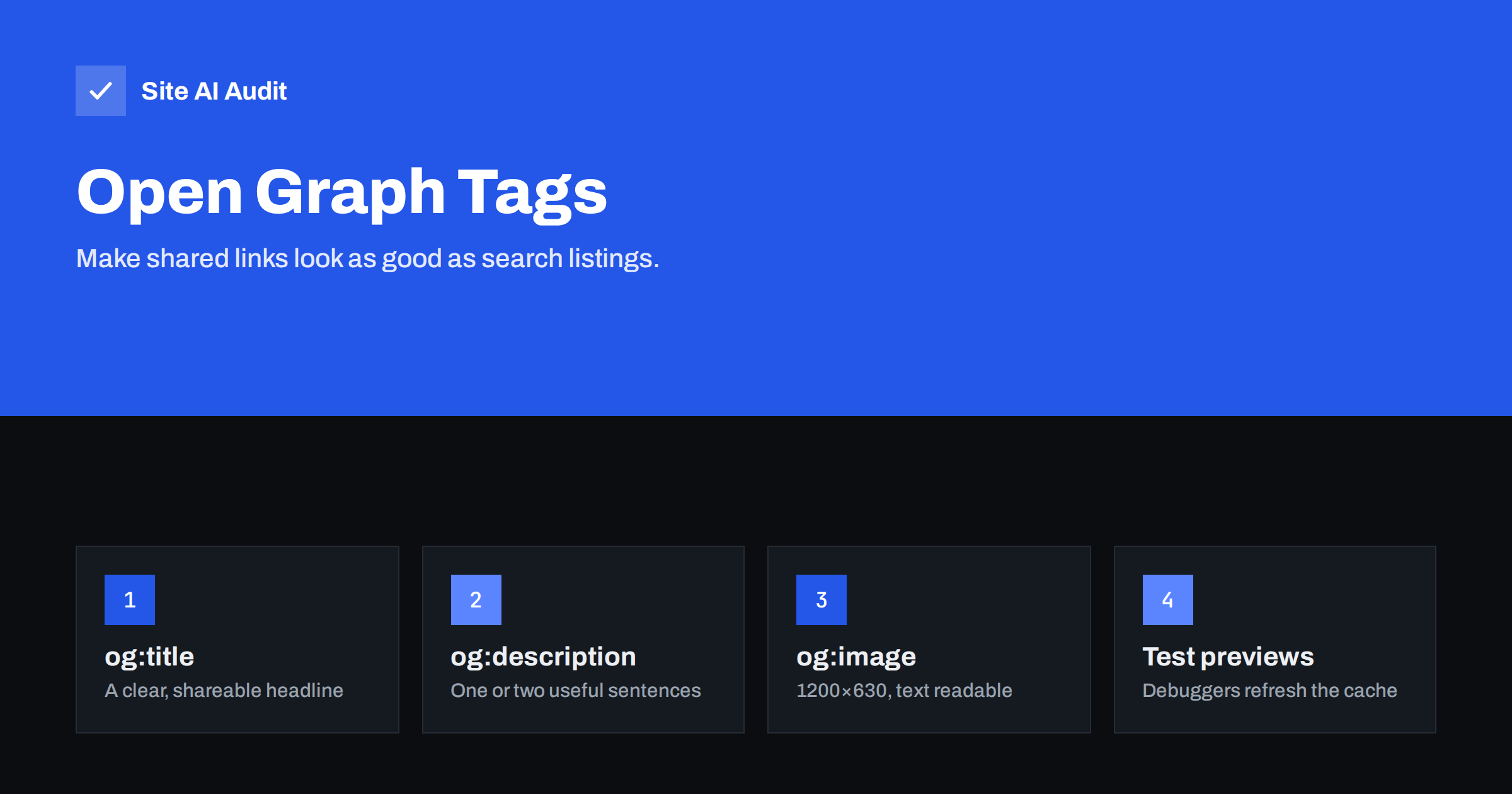
Short answer: Open Graph tags are meta tags in the page head that tell social networks and messaging apps what to show when someone shares a link: the title, description, image and URL. Every important page should have at least og:title, og:description, og:image, og:url and og:type, with an image of about 1200×630 pixels. They do not directly affect search rankings, but they make shared links clearer and more clickable, and they usually come from the same data as your title and meta description.
What Open Graph tags are
Open Graph is a protocol originally created by Facebook that lets any web page describe itself as a rich object when shared. Today, it is read by most social networks and messaging apps, including LinkedIn, WhatsApp, Slack, Telegram, Discord and many others. When you paste a link, the app fetches the page, reads its Open Graph tags and builds a preview card.
The tags look like this in the <head> of a page:
<meta property="og:title" content="How to Store Winter Tyres Safely">
<meta property="og:description" content="Seven simple steps that prevent cracking and flat spots.">
<meta property="og:image" content="https://example.com/images/tyres-og.jpg">
<meta property="og:url" content="https://example.com/store-winter-tyres/">
<meta property="og:type" content="article">
Without these tags, apps guess: they may pick the page title, a random paragraph, the logo or a tiny icon, or show a bare URL with no image at all.
Why they matter for a business website
- Shared links are a big part of discovery. Customers share pages in chats and groups, and your own team posts links on social media and in newsletters. A clear preview earns more clicks than a bare URL.
- They protect your brand. Without control, previews can show outdated images, cookie notices or irrelevant text.
- They support consistency. The title and description people see in search results and in shared links tell the same story.
Open Graph tags are not a ranking factor for Google Search. Their value is in how your links look and perform everywhere else.
The essential tags
| Tag | Purpose | Tips |
|---|---|---|
| og:title | Headline of the card | Usually the page title without the brand suffix; clear and specific |
| og:description | Short text under the headline | One or two sentences; often the meta description |
| og:image | Preview image | Absolute URL, about 1200×630 pixels, under a few megabytes |
| og:url | Canonical address of the page | Match the canonical URL, without tracking parameters |
| og:type | Kind of content | “website” for the home page, “article” for posts |
| og:site_name | Name of the site | Your brand name, consistent everywhere |
| og:locale | Language and region | Such as en_GB; useful for multilingual sites |
X (formerly Twitter) uses its own twitter:card tags but falls back to Open Graph for most values. Adding twitter:card with the value summary_large_image makes it show a large image.
Choosing the preview image
The image makes the biggest difference to how a shared link performs. Practical guidelines:
- Size and ratio: about 1200×630 pixels, a ratio of roughly 1.91:1, works across most platforms. Some apps crop to a square, so keep important content near the centre.
- Readable text: if the image contains text, make it large and short; previews are often small on phones.
- Relevant content: a product photo for a product, a clear cover image for an article, a real photo of your team or premises for the home page.
- Absolute HTTPS URL that loads without login or redirects.
- Reasonable file size so apps can fetch it quickly; very large files may be skipped.
- A default image for pages without their own, such as your logo on a branded background, so no page shares without an image.
How Open Graph relates to titles and descriptions
Search engines use your title tag and meta description; social apps use Open Graph tags. They can be identical, and on most pages they should be very similar. Many SEO plugins fill Open Graph tags automatically from the title and description, with optional fields to override them.
Reasons to make them different:
- the title tag includes the brand name, while the social title does not need it because the site name is shown separately;
- a social description can be more conversational or curiosity-driven, while the meta description is more factual;
- a campaign page may need a specific image and headline for social sharing.
Whatever you choose, keep the promise honest. The card should reflect what the page delivers.
Setting them up on common platforms
- WordPress: most SEO plugins output Open Graph and Twitter card tags, with settings for a default image and per-post overrides in a “Social” tab.
- Shopify, Wix, Squarespace: built-in social sharing settings let you set an image and text, and products use their main image by default.
- Custom sites: generate the tags in the page template from the same data used for the title, description, featured image and canonical URL.
Make sure only one source outputs Open Graph tags. A theme and a plugin both adding them produces duplicate tags, and apps may pick the wrong one.
Why previews look wrong, and how to fix them
- Old image or text still showing. Platforms cache previews. Use the platform’s sharing debugger or post inspector to fetch the page again. Facebook’s Sharing Debugger and LinkedIn’s Post Inspector both do this.
- No image. The og:image tag is missing, uses a relative URL, points to a file that does not load, or the image is too small.
- Wrong image. The app picked another image because og:image is missing or duplicated.
- Preview shows a login or cookie text. The page serves different content to bots, or a consent wall hides the head tags. Make sure the tags are in the initial HTML.
- Preview blocked entirely. A firewall, bot protection or robots.txt rule stops the platform’s crawler from fetching the page.
- Staging URLs in tags after a migration, because the tags were generated with the old domain.
Open Graph for different page types
- Home page. og:type “website”, a title that states what the business does, a description with your main offer and location, and an image that represents the brand: premises, team or a clean branded graphic.
- Service pages. The service name as the title, a description that states the main benefit and area, and a photo of real work rather than a generic stock image.
- Product pages. The product name, a short description with the key attribute, and the main product photo on a clean background. Shops can add product-specific tags that some platforms display, such as price, but the core four tags matter most.
- Blog posts. og:type “article”, the post title, a description that promises the answer, and a cover image with a short, readable headline if you use text on images.
- Campaign landing pages. A tailored image and headline that match the campaign, because these pages are often shared deliberately.
If you publish often, design one or two image templates in your brand colours so creating a preview image takes a minute rather than becoming a design task each time.
Measuring the effect
You can see whether previews matter for your site by adding campaign parameters to links you share yourself and comparing clicks before and after improving the images and text. Analytics also show referral traffic from social networks and messaging apps over time. For many small businesses, the biggest gain is simply avoiding broken or empty previews on the pages people share most, such as the home page, offers and popular guides.
Quick checklist
- View the source of your home page, a service or product page and a blog post; search for
og:. - Confirm each has one og:title, og:description, og:image and og:url.
- Open the og:image URL directly to make sure it loads.
- Paste the links into a sharing debugger and a chat app to see the real preview.
- Set a default image in your SEO plugin or platform.
- Re-check after redesigns, migrations and plugin changes.
How Site AI Audit helps
Open Graph tags usually inherit from your titles and descriptions, so the basics matter. Site AI Audit checks titles and meta descriptions across up to 50 pages on the free check, reporting missing and duplicate ones, along with headings, image alt text, broken links and indexing rules. Run a free check to make sure the text your previews are built from is in good shape.
Related reading
- How to Write Title Tags: A Practical Guide for Small Sites
- Meta Descriptions: What They Do and How to Write Them
- Site Name and Favicon in Google: How to Get Them Right
- Blog Post SEO Checklist: What to Check Before You Publish
The bottom line
Open Graph tags decide how your pages look when shared in social networks and chats. Give every important page a clear og:title, og:description, a 1200×630 og:image and a canonical og:url, set a default image for everything else, output the tags from one source only, and use sharing debuggers to refresh previews after changes. They will not change your rankings, but they make every shared link work harder.
الأسئلة الشائعة
Do Open Graph tags help SEO?
Not directly; Google does not use them as a ranking factor. They improve how links look when shared, which can bring more visitors and awareness.
What size should an Open Graph image be?
About 1200×630 pixels works well on most platforms. Keep important content near the centre in case an app crops the image to a square.
Why does my old preview image still show?
Platforms cache previews. Use the platform’s sharing debugger or post inspector to fetch the page again and update the card.
Do I need separate Twitter card tags?
X falls back to Open Graph for most values, but adding twitter:card with summary_large_image makes it show a large image preview.
Can Open Graph tags differ from my title and meta description?
Yes. They are often similar, but you can tailor the social title and description, for example removing the brand suffix or using a more conversational tone.


