 ENEnglish
 LTLietuviškai
 DEDeutsch
 FRFrançais
 RUРусский
 ESEspañol
 PLPolski
 ITItaliano
 UKУкраїнська
 CSČeština
 PTPortuguês
 JA日本語
JA日本語 LVLatviešu valoda
 ETEesti
 HUMagyar
 IDBahasa Indonesia
 TRTürkçe
 HIहिन्दी
 ELΕλληνικά
 ARالعربية
 THไทย
THไทย VITiếng Việt
 RORomână
 MSBahasa Melayu
 BNবাংলা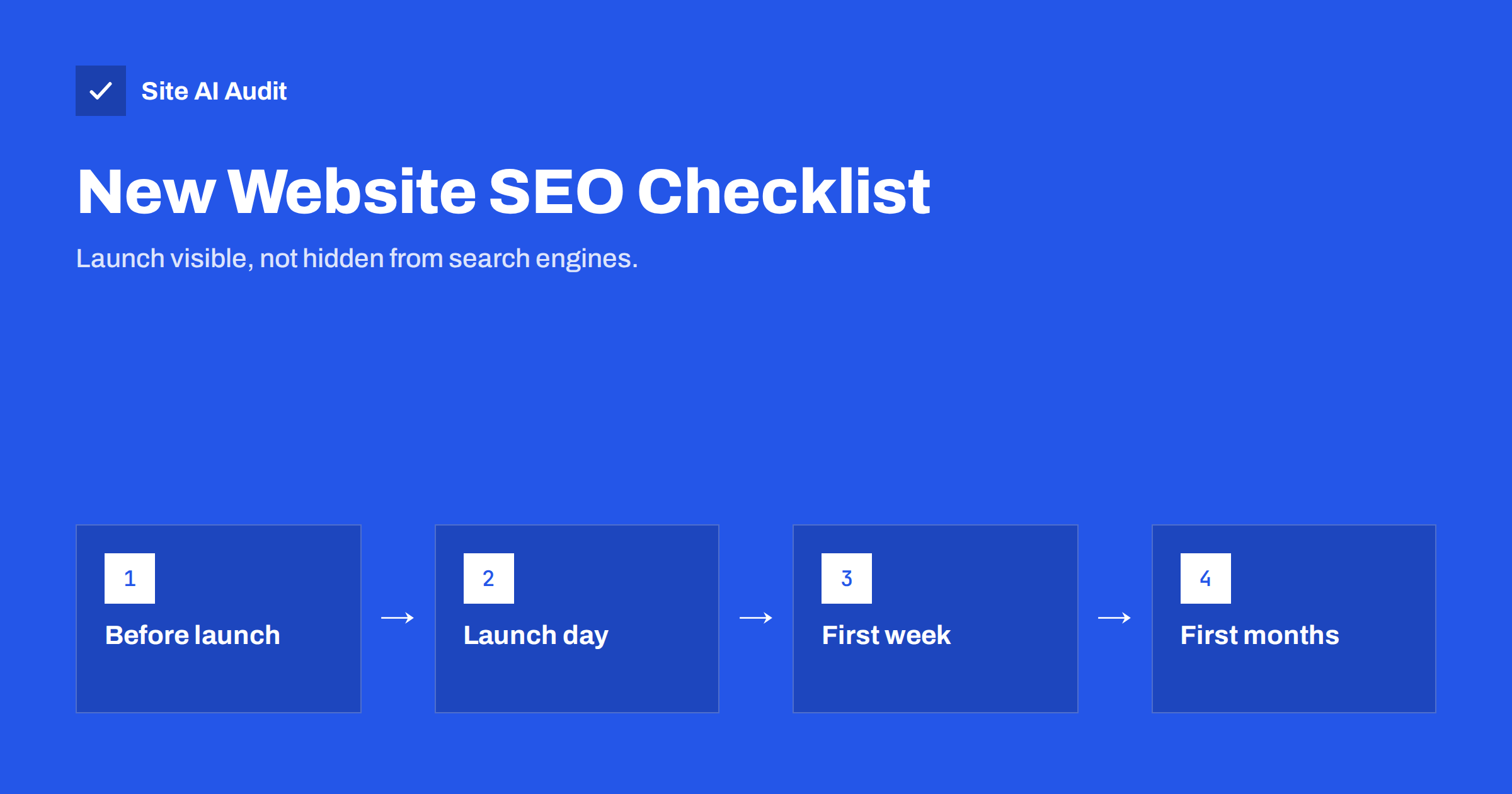
Short answer: A new website needs SEO attention at three moments. Before launch, set clean URLs, unique titles and headings, and a redirect map from any old site. On launch day, remove every “hide from search engines” setting, confirm HTTPS and one preferred domain, and test key pages. In the first weeks, verify Google Search Console, submit the sitemap, request indexing of main pages and watch the indexing reports for problems. Most launch disasters come from a single forgotten setting.
Why launches go wrong
New websites are usually built on a staging server, hidden from search engines so that unfinished pages do not appear in results. That is sensible. The problem is that the hiding mechanisms, such as a noindex setting, a password, or a robots.txt rule blocking everything, sometimes travel with the site to the live domain. The site looks perfect to visitors, but search engines are told to stay away.
The other common launch problem is replacing an existing website without redirects. Old pages that were indexed and linked for years suddenly return errors, and the visibility they built up is lost. Both problems are easy to prevent with a checklist, and hard to notice without one.
Before launch: structure and content
- ☐ URL structure decided. Short, readable, lowercase URLs with hyphens, in a simple folder structure. In WordPress, set permalinks to “Post name” before publishing content.
- ☐ Every page has a unique title tag with its main topic first, around 50–60 characters.
- ☐ Important pages have meta descriptions that describe what the visitor gets.
- ☐ One clear H1 per page, with H2 and H3 headings forming a logical outline. Check that the logo or site name is not coded as H1 on every page.
- ☐ Images have descriptive alt text, sensible file names and reasonable file sizes.
- ☐ Main pages have real content. No placeholder text, “lorem ipsum”, or empty service pages waiting to be written.
- ☐ Theme demo content is deleted. Sample pages, posts, products and testimonials that came with the theme.
- ☐ Contact details are correct and in text: business name, address, phone, e-mail.
- ☐ Legal pages exist where required: privacy policy, cookie information, terms.
- ☐ Internal links work, including menu, footer and buttons. Crawl the staging site if possible.
Before launch: if you are replacing an old website
This part is critical and often skipped. If the domain already had a website, search engines and other sites know its URLs.
- Export a list of old URLs. Use the old sitemap, a crawl of the old site, the Pages report in Search Console and your analytics top pages.
- Map each old URL to its new equivalent. Same content, new address. Where content was merged, map to the merged page. Where content was removed with no replacement, accept a 404.
- Prepare 301 redirects for every mapped URL, ready to switch on at launch.
- Keep old titles and descriptions for pages that performed well, unless there is a good reason to change them.
- Note the pages that bring the most traffic so you can check them first after launch.
Do not redirect everything to the home page. It is treated like a missing page and frustrates visitors who wanted specific content.
Launch day: remove the barriers
These checks take about fifteen minutes and prevent most launch failures:
- ☐ Search engine visibility is on. In WordPress, untick “Discourage search engines from indexing this site” under Settings, Reading. In other builders, check the site-wide SEO or visibility settings.
- ☐ No noindex on live pages. View the source of the home page and a few inner pages and search for “noindex”. Check response headers for
X-Robots-Tag. - ☐ robots.txt does not block the site. Open
/robots.txt. ADisallow: /line must go. - ☐ Staging password removed from the live site, and the staging site itself still protected.
- ☐ HTTPS works with a valid certificate, and HTTP redirects to HTTPS.
- ☐ One preferred domain. Either www or non-www; the other redirects to it in a single step.
- ☐ Canonical tags point to live URLs, not to the staging domain.
- ☐ No staging URLs left in links, images, the sitemap or structured data. Search the source for the staging domain.
- ☐ Old-site redirects are active. Test a sample of old URLs, especially the most visited ones.
- ☐ Forms, checkout and e-mails work from the live domain.
- ☐ Analytics and tag manager are installed on the live site.
First week: introduce the site to search engines
- Verify the site in Google Search Console, ideally as a Domain property verified through DNS. If the old site was already verified, keep that property; its history is useful for comparison.
- Submit the XML sitemap in Search Console and add a Sitemap line to robots.txt.
- Request indexing of the home page and a few main service or category pages with the URL Inspection tool.
- Add the site to Bing Webmaster Tools, which can import from Search Console.
- Update your Google Business Profile and main directory listings with the new website address if it changed.
- Update links you control: social profiles, e-mail signatures, marketplace listings and partner pages.
- Run a full crawl of the live site to catch broken links, redirect chains and missing titles that slipped through.
First months: watch, fix and grow
A new site takes time to be crawled and indexed fully. Use the first months to watch for problems and start building content:
- Weekly: check Search Console’s Page indexing report. Look for important pages under “Not found (404)”, “Excluded by ‘noindex’ tag”, “Blocked by robots.txt” or “Page with redirect”.
- Weekly: for a replaced site, compare search clicks with the same weeks before launch. Some fluctuation is normal for a few weeks; a steep, lasting drop means something is wrong.
- Monthly: review the Performance report to see which searches your pages appear for, and improve titles and content accordingly.
- Ongoing: publish useful content that answers customers’ real questions, and link it to your service pages.
- Ongoing: ask happy customers for reviews and build real links through partners, associations and local organisations.
Who should own each part
Launch problems often happen because everyone assumes someone else checked. Agree in advance who is responsible for what:
- The developer or agency owns the technical switch-over: removing staging protections, redirects, HTTPS, the preferred domain, canonical tags and robots.txt. Ask them to confirm each item in writing on launch day.
- The business owner or marketing lead owns content: titles, descriptions, service text, contact details and the list of old pages that matter most to customers.
- Whoever manages Google accounts owns Search Console, the Business Profile and analytics. Make sure the business, not only the agency, has owner access.
- Someone specific should be named to check the indexing reports weekly for the first two months. A task without a name tends to be forgotten once the launch excitement fades.
A shared checklist document with a column for the person responsible and the date checked is enough. It also becomes a useful record if something goes wrong later and you need to know what changed.
What to expect
A brand-new domain usually takes weeks, sometimes months, to build meaningful visibility, because search engines have little history or external signals to go on. Early on, you may rank mainly for your brand name. That is normal. Specific, useful pages for well-chosen long-tail searches are usually the first to gain traction.
A replaced website with good redirects often sees a short period of fluctuation while search engines process the changes, then settles. If traffic has not recovered after several weeks, go back to the redirect map and the indexing reports; the cause is usually there.
How Site AI Audit helps at launch
Site AI Audit is a quick launch-day check. It connects to your site, checks the SSL certificate and server response, reads robots.txt and the sitemap, crawls up to 50 pages for titles, headings, links, redirects and noindex rules, and also checks speed, security headers and e-mail authentication. The report ranks findings by impact, so a forgotten noindex or blocked robots.txt appears at the top. Run a free check on launch day, and see the plans for re-checks and weekly monitoring afterwards.
Related reading
- SEO Audit Checklist for Small Business Websites
- The Noindex Tag: When to Use It and How to Check It
- How to Set Up Google Search Console for a Small Business
- 301 vs 302 Redirects: Which One to Use and When
The bottom line
Most new-site SEO problems are not about strategy but about forgotten settings and missing redirects. Prepare clean URLs, titles and headings before launch, map every old URL to a new one, remove every search engine barrier on launch day, introduce the site through Search Console and a sitemap, and watch the indexing reports closely for the first months while you build useful content.
الأسئلة الشائعة
How long does it take for a new website to appear on Google?
The home page is often indexed within days of submitting it in Search Console. Full indexing and meaningful rankings for competitive searches usually take weeks to months.
Should I launch with few pages or wait until everything is ready?
Launch when the main pages are complete and useful. Empty or placeholder pages do more harm than good. You can add guides and extra pages after launch.
Will a new website design hurt my rankings?
Not if URLs are kept or redirected properly and content is not reduced. Most losses after redesigns come from missing redirects, removed content or accidental noindex settings.
Do I need to resubmit my sitemap after launch?
Submit it once after launch. Search engines re-read it automatically. Resubmit only if the sitemap address changes.
What is the most common launch mistake?
Leaving search engines blocked, through a noindex setting or a robots.txt rule copied from the staging site. It hides the entire site and is easy to miss because visitors see nothing wrong.


