 ENEnglish
 LTLietuviškai
 DEDeutsch
 FRFrançais
 RUРусский
 ESEspañol
 PLPolski
 ITItaliano
 UKУкраїнська
 CSČeština
 PTPortuguês
 JA日本語
JA日本語 LVLatviešu valoda
 ETEesti
 HUMagyar
 IDBahasa Indonesia
 TRTürkçe
 HIहिन्दी
 ELΕλληνικά
 ARالعربية
 THไทย
THไทย VITiếng Việt
 RORomână
 MSBahasa Melayu
 BNবাংলা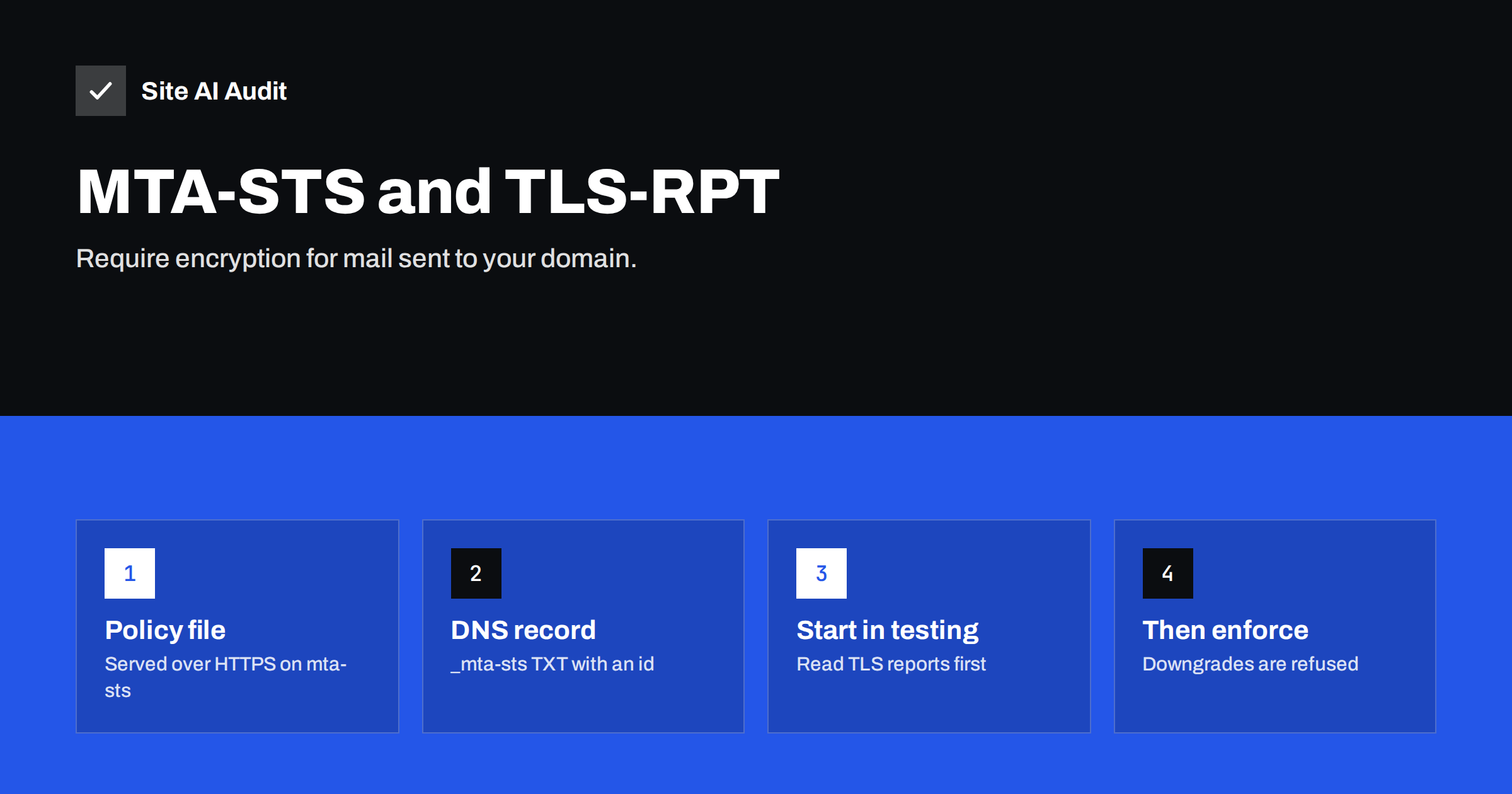
Short answer: MTA-STS (Mail Transfer Agent Strict Transport Security) lets your domain tell other mail servers that mail for you must be delivered over TLS with a valid certificate to the MX hosts you list. You publish a policy file at https://mta-sts.yourdomain.com/.well-known/mta-sts.txt and a TXT record at _mta-sts. TLS-RPT adds a TXT record at _smtp._tls so that senders report delivery problems to you. Start in testing mode, read the reports, then switch to enforce.
The problem MTA-STS solves
Mail between servers is usually encrypted today with STARTTLS: the sending server connects, sees that the receiver supports TLS and upgrades the connection. But STARTTLS is opportunistic. If the upgrade fails, or if an attacker on the network strips the STARTTLS offer from the conversation, most servers simply fall back to sending the message in plain text. They also generally do not check whether the receiver’s certificate is valid for its name.
That leaves two openings: a downgrade attack that forces unencrypted delivery, and an interception attack where a fake server with any certificate receives the mail. Both are hard to pull off, but for organisations that handle sensitive information, “hard” is not the same as “impossible”.
MTA-STS, defined in RFC 8461, closes these gaps for incoming mail. Sending servers that support it fetch your policy, cache it, and refuse to deliver unless they can connect with TLS to one of your listed MX hosts using a valid certificate. Major providers, including Gmail, check MTA-STS policies when sending.
How MTA-STS works
- A sending server that supports MTA-STS looks up the TXT record at
_mta-sts.yourdomain.com. The record signals that a policy exists and carries anidthat changes whenever the policy changes. - If it has no cached policy, or the
idchanged, it fetches the policy file over HTTPS frommta-sts.yourdomain.com. HTTPS with a valid certificate is what makes the policy trustworthy, because an attacker cannot easily fake it. - The policy lists the allowed MX host names, a mode and a maximum cache time.
- When delivering, the sender checks that the MX host it connects to matches the policy, that TLS works and that the certificate is valid for that host name.
- In
enforcemode, if any check fails, the sender does not deliver and retries later. Intestingmode, it delivers anyway but reports the failure through TLS-RPT.
Because policies are cached for the max_age period, an attacker who blocks the policy lookup later cannot trick a sender that already has the policy.
Step 1: check that your MX hosts support TLS properly
Before publishing anything, confirm that every MX host accepts STARTTLS with a certificate that is valid, not expired and issued for the MX host name. With Google Workspace and Microsoft 365, this is the case. With self-hosted servers or smaller providers, verify it: an MX host with a self-signed certificate or a certificate for a different name will fail MTA-STS in enforce mode, and mail will stop arriving.
List your MX host names exactly as they appear in DNS. You will need them for the policy.
Step 2: publish the policy file
Create a plain text file with this structure:
version: STSv1
mode: testing
mx: mx1.mailprovider.example
mx: mx2.mailprovider.example
max_age: 86400
versionmust beSTSv1.modeistesting,enforceornone(used to retire a policy).mxlines list each allowed MX host. Wildcards such as*.mailprovider.exampleare allowed for one label.max_ageis how long senders cache the policy, in seconds. Start short, such as one day, and raise it to weeks once enforce mode is stable. The standard allows up to about one year.
Serve the file at exactly https://mta-sts.yourdomain.com/.well-known/mta-sts.txt, with a valid certificate for mta-sts.yourdomain.com and content type text/plain. You need a DNS record for the mta-sts host pointing to a web server, static hosting or a service that hosts MTA-STS policies. Redirects are not followed, so the file must be served directly.
There are several practical ways to host this small file:
- Your existing web server, with a separate virtual host for
mta-sts.yourdomain.comand a certificate that covers that name. Make sure the main site’s redirects, such as forcingwww, do not apply to it. - Static hosting or a CDN, which is simple, cheap and reliable for a single text file.
- A specialised service that hosts MTA-STS policies and collects TLS reports, useful when you manage many domains.
Whichever you choose, test the URL from outside with a browser or curl and confirm that it returns the policy text with no HTML around it and no certificate warning.
Step 3: publish the DNS records
Add two TXT records:
- MTA-STS: at
_mta-sts.yourdomain.com, the valuev=STSv1; id=20260801T120000;. Theidcan be any alphanumeric string up to 32 characters; a timestamp is practical. Change it every time you change the policy file, or senders keep using their cached version. - TLS-RPT: at
_smtp._tls.yourdomain.com, the valuev=TLSRPTv1; rua=mailto:[email protected]. Reports can also be sent to an HTTPS endpoint if you use a reporting service.
Step 4: read TLS reports in testing mode
TLS-RPT, defined in RFC 8460, makes participating senders send you a daily JSON report summarising successful and failed TLS sessions to your domain, with failure reasons such as certificate name mismatch, expired certificate, STARTTLS not supported or policy fetch errors. Gmail is one of the senders that produces these reports.
Leave the policy in testing for a few weeks. Look for:
- Certificate errors on any MX host.
- MX hosts not listed in the policy, for example a backup MX nobody remembered.
- Policy fetch failures from an unreachable or misconfigured
mta-stsweb host.
Fix every issue before enforcing. A clean report means that senders could have delivered all mail under enforce mode.
Step 5: switch to enforce and maintain
Change mode: testing to mode: enforce in the file, raise max_age (for example to one or two weeks, later longer), and update the id in the TXT record. Keep reading TLS reports.
The ongoing risks are operational:
| Change | What to do first |
|---|---|
| Moving to a new mail provider | Add the new MX hosts to the policy and update the id before switching MX records; or set testing mode during the migration |
| Adding a backup MX or filtering gateway | List its host name in the policy; check its certificate |
| Renewing the mta-sts web certificate | Automate renewal; an expired certificate stops policy updates |
| Retiring MTA-STS | Publish mode: none with a new id and keep it until old caches expire |
The most painful MTA-STS incident is a provider migration where the policy still lists only the old MX hosts in enforce mode. Senders that cached the policy refuse to deliver to the new hosts until the cache expires, which could be weeks with a long max_age.
Is MTA-STS worth it for a small business?
For many small businesses, SPF, DKIM and DMARC come first, because they protect outgoing mail and the domain’s reputation. MTA-STS protects incoming mail in transit, which matters most for organisations that receive sensitive information such as legal, medical, financial or personal data. If your mail is hosted by a large provider and you can host a small static file with a valid certificate, the setup is modest. The TLS reports alone can be useful, because they show certificate problems on your MX hosts that you would otherwise never notice.
Site AI Audit checks the records that come before MTA-STS, SPF, DKIM, DMARC and MX, as well as SSL certificates and their expiry for your website, and explains each finding in plain words. A free check shows whether the foundations are in place; paid plans watch the SSL expiry and e-mail records and send an alert when something changes.
Related reading
- MX Records Explained: How Email Finds Your Mail Server
- SSL Certificate Expired: What Happens and How to Fix It Fast
- Email Spoofing: How to Stop People Sending Mail as Your Domain
The bottom line
MTA-STS turns opportunistic encryption of incoming mail into a requirement, and TLS-RPT tells you when delivery to your servers has TLS problems. Publish the policy over HTTPS, add the two TXT records, run in testing mode while you read reports, then enforce. Update the policy before any MX change, and keep the mta-sts host’s certificate valid.
الأسئلة الشائعة
What is the difference between MTA-STS and STARTTLS?
STARTTLS upgrades a connection to TLS when both sides support it, but falls back to plain text if it fails and rarely validates certificates. MTA-STS tells senders that TLS with a valid certificate is required for your domain.
Does MTA-STS protect my outgoing mail?
No. Your policy protects mail sent to your domain. Whether your outgoing mail is protected depends on the recipients’ policies and whether your provider honours them.
Why does MTA-STS need a web server?
The policy is served over HTTPS so that senders can trust it through the web certificate system. DNS alone could be spoofed, which is the attack MTA-STS is designed to prevent.
What happens if my MTA-STS policy is wrong in enforce mode?
Supporting senders will refuse to deliver to MX hosts that do not match the policy or fail TLS checks, and retry until they give up. Mail can be delayed or bounced, which is why testing mode comes first.
What is TLS-RPT used for?
TLS-RPT asks sending servers to report TLS connection results for your domain, including failures and their reasons. It helps you find certificate or configuration problems before enforcing MTA-STS.
Do I need to change the id every time?
Yes. Senders only refetch the policy file when the id in the TXT record changes or their cache expires. Forgetting to change it means your update is ignored.


