 ENEnglish
 LTLietuviškai
 DEDeutsch
 FRFrançais
 RUРусский
 ESEspañol
 PLPolski
 ITItaliano
 UKУкраїнська
 CSČeština
 PTPortuguês
 JA日本語
JA日本語 LVLatviešu valoda
 ETEesti
 HUMagyar
 IDBahasa Indonesia
 TRTürkçe
 HIहिन्दी
 ELΕλληνικά
 ARالعربية
 THไทย
THไทย VITiếng Việt
 RORomână
 MSBahasa Melayu
 BNবাংলা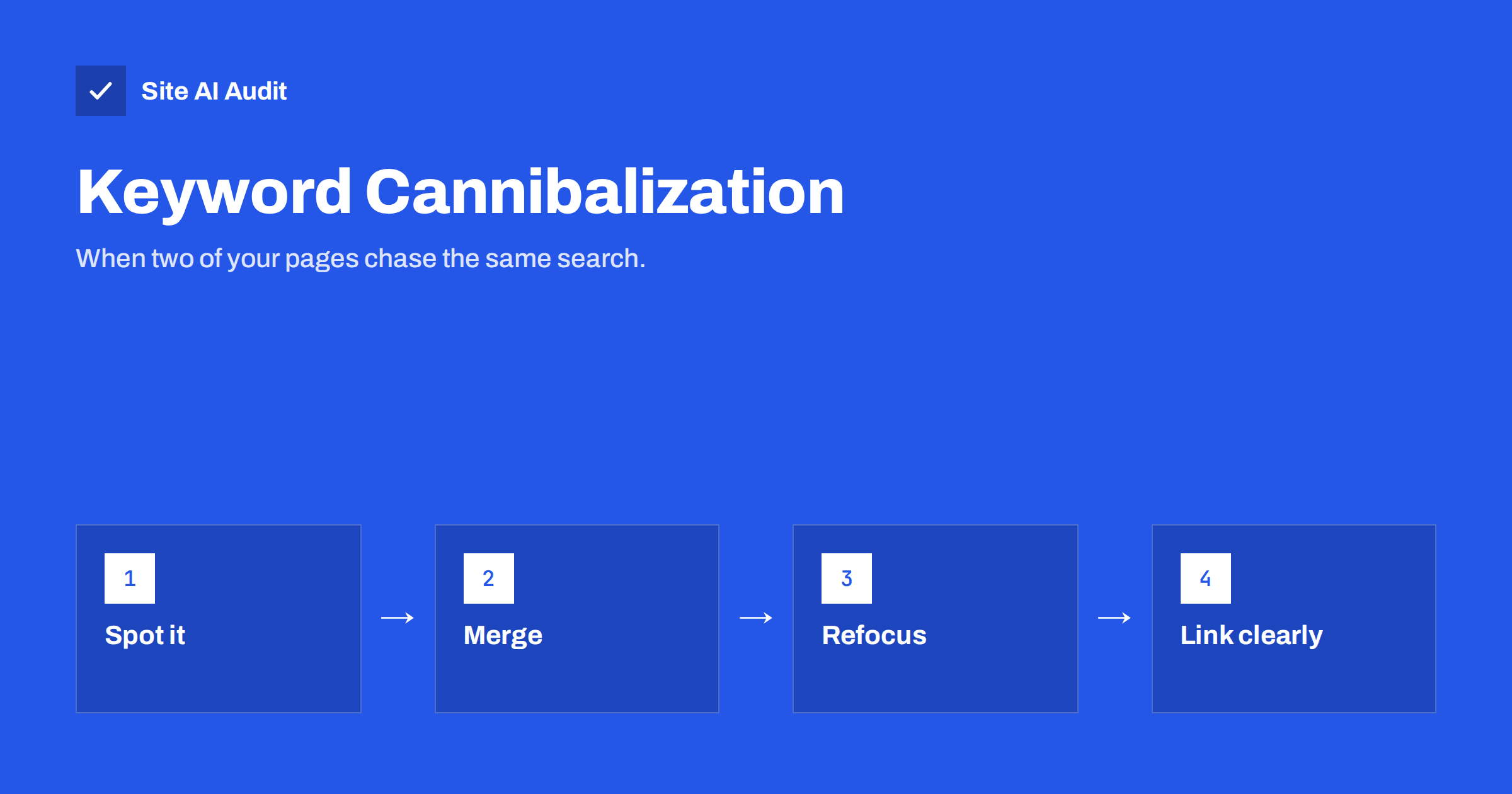
Short answer: Keyword cannibalization happens when two or more pages on your site target the same search with the same intent, so they compete with each other and neither performs as well as one strong page would. Not every overlap is a problem; it matters when pages swap places for an important query, or when the wrong page ranks. Fix it by merging the pages and redirecting, refocusing each page on a distinct topic or intent, or making the main page clearly stronger through internal links and canonical signals.
What keyword cannibalization is
Imagine a garden centre with three pages: “Lawn care tips”, “How to care for your lawn” and “Lawn maintenance guide”, written over several years by different people. All three target people searching for how to look after a lawn. Search engines have to decide which one to show. Often they alternate between them, or show the weakest one, and none of them builds up the strength a single, complete guide would have.
That is keyword cannibalization: your own pages eating into each other’s chances. The term sounds dramatic, and it is sometimes overused. Search engines are good at picking the best page from a site, and showing two results from the same site can even happen for some searches. But real cannibalization is common on sites that have published for years without a content plan.
When overlap is not a problem
Pages naturally share words. That alone is not cannibalization:
- Different intents. A guide “How to fix low boiler pressure” and a service page “Boiler repair in Leeds” both mention boilers, but one answers a DIY question and the other sells a service. They serve different searches.
- Parent and child topics. A category page “Hiking boots” and a product page “Trailmaster waterproof boot” overlap, but one serves broad searches and the other specific ones.
- Different audiences. “Bookkeeping for sole traders” and “Bookkeeping for limited companies” may share content but target distinct searches.
- Both pages rank well. If two of your pages appear together near the top and both get clicks, there is no problem to fix.
The question is not “do these pages share keywords?” but “are these pages trying to do the same job for the same searcher?”
Signs of real cannibalization
- In Search Console, for one important query, two or more of your pages appear, taking turns over time, each with a mediocre position.
- The page you want to rank for a search is outranked by a weaker page on your own site, such as an old blog post instead of the service page.
- Rankings for a query fluctuate strongly week to week while the ranking URL keeps changing.
- You have several short posts on the same topic, none of which performs well.
- Internal links to the topic are spread across several pages with similar anchors.
Why it happens
Cannibalization rarely comes from a single decision. It builds up when several people write for a site without a shared plan, when old posts are never reviewed, when a blog post is written about a topic that already has a service page, or when a redesign creates new pages without retiring old ones. Shops cause it with category and tag pages that list almost the same products under slightly different names. Knowing these causes helps you spot where to look first.
How to find it
- Use Search Console. In the Performance report, filter by a query that matters to you, then open the Pages tab. If several URLs have impressions for the same query, look closer. Use the date comparison to see whether the ranking URL changes over time.
- Search your own site. Use a
site:search with the topic, such assite:example.com lawn care, to see which of your pages cover it. - Review titles. A crawl export of all titles, sorted alphabetically, quickly reveals pages with near-identical titles.
- Map pages to topics. A simple spreadsheet with one main topic per page shows where two pages claim the same topic.
Fix 1: Merge and redirect
When pages cover the same topic for the same intent, merging is usually the best fix:
- Choose the strongest page as the destination, based on clicks, links and URL quality.
- Combine the best, still-accurate content from the others into it.
- Redirect the other URLs to it with 301 redirects.
- Update internal links to point directly to the merged page.
- Remove the old URLs from the sitemap.
The merged page is usually more complete, attracts all the links and signals, and gives search engines one obvious answer.
Fix 2: Refocus the pages
If the pages are worth keeping separately, give each a distinct job:
- change one to target a different intent, such as turning a general post into a comparison or a specific how-to;
- narrow one to a specific audience, situation or subtopic;
- rewrite titles, H1s and introductions so each clearly signals its own focus;
- move overlapping sections to the page where they belong and link between the pages.
For example, “Lawn care tips” could become “Spring lawn care: a month-by-month plan”, while “Lawn maintenance guide” becomes the main evergreen guide.
Fix 3: Strengthen the main page’s signals
When a weaker page outranks the page you want, and both need to exist, make your preference obvious:
- link to the main page from the weaker one, and from other related pages, with descriptive anchor text for the topic;
- use the target phrase in the main page’s title and H1, and avoid it in the weaker page’s title;
- make sure menus, breadcrumbs and the sitemap highlight the main page;
- if the weaker page is a near duplicate that must stay for visitors, add a canonical tag pointing to the main page.
Fix 4: Remove what is not needed
Some competing pages have no value left: outdated announcements, thin tag pages or test pages. Remove them, returning a 404 or 410, or redirect them to the main page if they have links or traffic.
Choosing between the fixes
A quick way to decide which fix fits:
- Same topic, same intent, both pages thin or average: merge and redirect.
- Same topic, different angles that people really search for: refocus each page and link them.
- One page clearly more important, the other still useful to visitors: strengthen the main page’s signals and retitle the other.
- Near-identical pages that must both exist, for example for campaigns: canonical to the main page.
- One page has no remaining value: remove it or redirect it.
After any fix, give search engines a few weeks to recrawl, then check the same query in Search Console. Success looks like one URL consistently appearing for the query, ideally at a better position than either page reached before. If two pages still alternate, look again at titles, internal links and whether the content truly differs.
Preventing it
- Keep a content map with one main topic per page.
- Search your own site before writing a new post; update an existing page if one already covers the topic.
- Plan content by intent: separate guides, comparisons and service pages clearly.
- Review annually, merging or refocusing pages that have drifted together.
Example: a service page losing to a blog post
An accounting firm wants its “Payroll services for small businesses” page to appear for “small business payroll”. Search Console shows the query mostly landing on an old blog post, “Payroll basics for small business owners”, at position 14, with the service page appearing occasionally further down. The post is linked from the blog sidebar and uses the phrase in its title; the service page title is simply “Payroll”.
The fix: the service page gets the title “Payroll Services for Small Businesses | Firm Name” and a fuller description of what is included, pricing basis and process. The blog post is retitled to its real intent, “How Payroll Works: A Guide for New Employers”, and links prominently to the service page. Other posts that mention payroll link to the service page too. Each page now has its own job.
How Site AI Audit helps
Duplicate and near-identical titles are one of the clearest signs of pages competing for the same search. Site AI Audit flags pages that share titles, together with missing descriptions, heading problems, broken links and redirects, and explains how to fix each one. Run a free check to spot overlapping pages quickly.
Related reading
- Keyword Research for Small Businesses: A Simple Method
- Search Intent Explained: Match Your Pages to What People Want
- How to Update Old Content for SEO: Refresh, Merge or Remove
- Duplicate Content in SEO: Common Causes and How to Fix Them
The bottom line
Keyword cannibalization is when your own pages compete for the same search and intent. Check Search Console for queries where several of your pages swap places, then merge overlapping pages with redirects, refocus pages that should stay separate, or strengthen the main page with titles and internal links. Keep a simple content map so each page has one clear job.
الأسئلة الشائعة
Is keyword cannibalization a penalty?
No. It is not a penalty but a self-inflicted dilution: your pages split attention and signals, so none performs as well as one strong page could.
Is it bad if two of my pages rank for the same keyword?
Not if both rank well and serve different needs. It becomes a problem when they alternate at mediocre positions or the wrong page ranks.
Should I use canonical tags to fix cannibalization?
Only for near-duplicate pages that must remain for visitors. For pages with distinct content, merging, refocusing or internal linking are better fixes.
How do I find cannibalization in Search Console?
Filter the Performance report by a query and look at the Pages tab. Several URLs with impressions for the same query suggest overlap worth reviewing.
Can a blog post compete with my service page?
Yes, often. Make the service page clearly target transactional searches, retitle the post around its informational intent, and link from the post to the service page.


