 ENEnglish
 LTLietuviškai
 DEDeutsch
 FRFrançais
 RUРусский
 ESEspañol
 PLPolski
 ITItaliano
 UKУкраїнська
 CSČeština
 PTPortuguês
 JA日本語
JA日本語 LVLatviešu valoda
 ETEesti
 HUMagyar
 IDBahasa Indonesia
 TRTürkçe
 HIहिन्दी
 ELΕλληνικά
 ARالعربية
 THไทย
THไทย VITiếng Việt
 RORomână
 MSBahasa Melayu
 BNবাংলা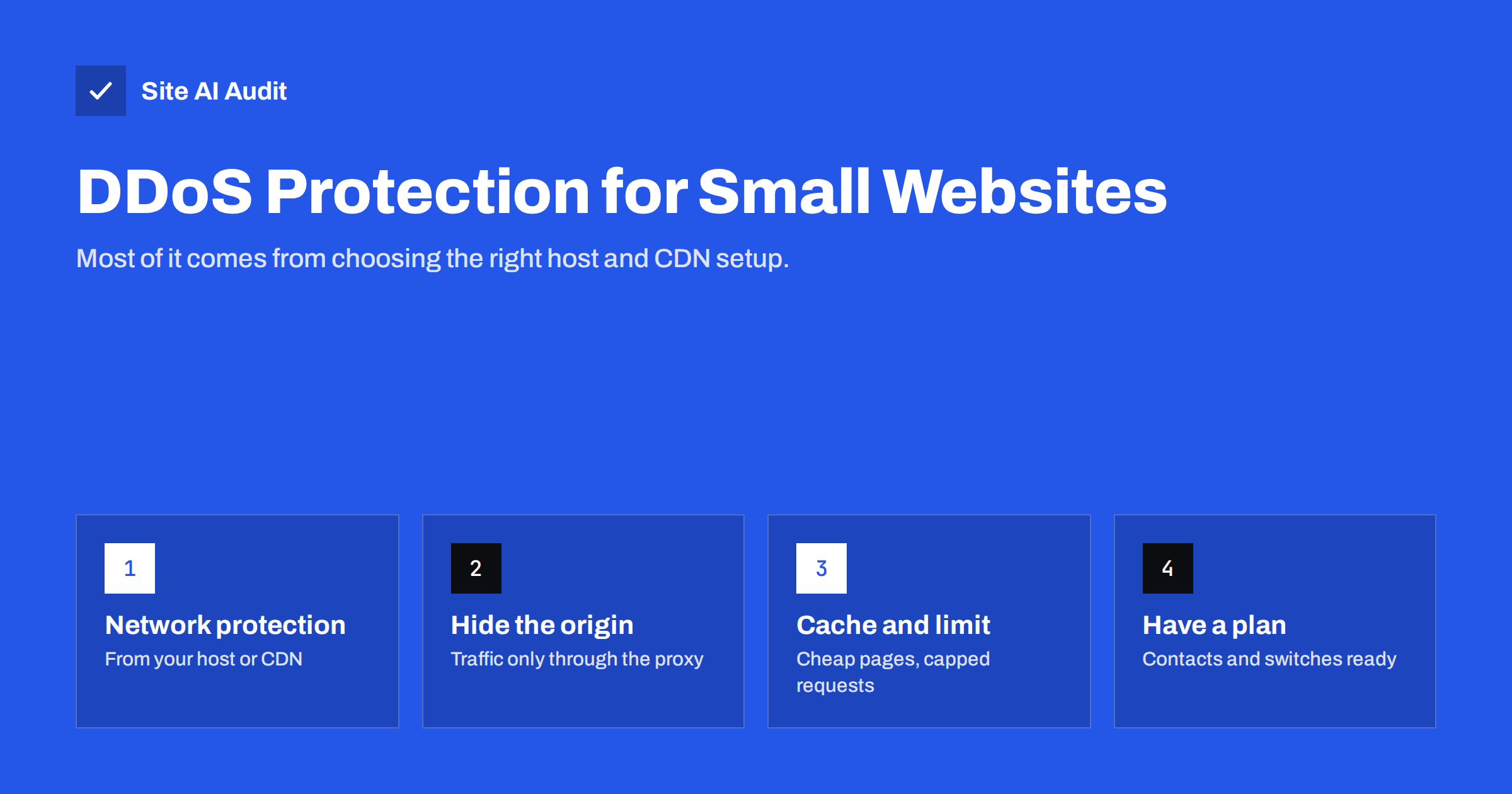
Short answer: A distributed denial-of-service (DDoS) attack floods a website or its server with so much traffic that real visitors cannot get through. For most small websites, practical protection comes from a hosting provider with network-level DDoS filtering, a CDN or reverse proxy in front of the site that absorbs and filters attacks, good page caching, rate limits on expensive pages such as login and search, and an origin server whose IP address is not publicly exposed. Add simple monitoring and a short response plan, and you are covered for the attacks small sites typically face.
What a DDoS attack is
A denial-of-service attack tries to make a service unavailable by exhausting its resources: network bandwidth, server connections, processor time or memory. In a distributed attack, the traffic comes from many machines at once, typically compromised computers, servers and internet-connected devices controlled as a botnet. Because the requests come from thousands of addresses, blocking a single IP does not help.
Attacks come in three broad forms:
- Volumetric attacks send huge amounts of data to fill the network connection. No single web server can withstand a large one; it has to be filtered upstream by the network provider or a large CDN.
- Protocol attacks abuse how network connections are set up, exhausting the connection tables of servers, firewalls or load balancers.
- Application-layer attacks send requests that look like normal page views, but many of them, often aimed at pages that are expensive to generate, such as search results, login or checkout. They need less traffic and are harder to tell apart from real visitors.
Why small websites get hit
Small businesses sometimes assume they are too unimportant to attack. In practice, small sites are affected in several ways:
- Shared infrastructure. On shared hosting, an attack on another customer on the same server or network can slow down or take down your site too.
- Extortion. Criminals sometimes threaten an attack unless a ransom is paid, or launch a short attack as a demonstration.
- Competitors and grudges. Attack services are cheap to hire, and online shops, booking sites and gaming communities are occasional targets.
- Collateral damage. Attacks on a provider, DNS service or network upstream affect everyone behind it.
Many outages blamed on DDoS are actually caused by aggressive bots, scrapers or crawlers that are not trying to cause harm but send too many requests to an unprepared server. The same defences help against both.
The business impact is what matters. For a brochure site, an hour offline is annoying. For an online shop during a sale, a booking system on a busy weekend or a site that takes leads from paid ads, the same hour means lost revenue and wasted advertising spend. Decide how much downtime you can accept, and let that guide how much protection you pay for.
Layer 1: your hosting provider’s network protection
The first question for any site is what protection the host already provides. Most established hosting and cloud providers filter large volumetric attacks at the network level as part of their service. Ask your provider, or check their documentation:
- Is network-level DDoS mitigation included, and for which attack types?
- What happens to your site during a large attack: is it filtered, or is your IP address taken offline to protect other customers?
- How do you contact support during an incident, and how fast do they respond?
The answer to the second question matters. Some providers “null-route” an attacked address, which stops the attack by making your site unreachable, effectively completing the attacker’s goal.
It also pays to check DNS. If your DNS provider goes down, nobody can find your site even if the server is fine, so use a DNS service with a large, distributed network.
Layer 2: a CDN or reverse proxy in front of the site
A content delivery network or security proxy places a large, distributed network between visitors and your server. It absorbs volumetric attacks across many data centres, filters protocol attacks and offers tools against application-layer floods, such as rate limiting, bot detection and challenge pages. Many CDN providers include basic DDoS protection even on free or low-cost plans. Our guide on whether you need a CDN covers the wider benefits.
When you set one up, make sure the connection between the CDN and your server stays encrypted and validated, as explained in our article on CDN SSL modes.
Layer 3: hide and protect the origin server
A proxy only helps if attackers cannot bypass it by sending traffic straight to your server’s real IP address. Common ways the origin address leaks:
- DNS records that point directly to the server, such as a mail, FTP or cPanel subdomain on the same IP.
- Old DNS records from before the CDN was added, which are kept in public DNS history databases.
- E-mail sent directly from the web server, whose headers show its IP address.
- Error pages or services on the server that reveal its address.
After placing a proxy in front of the site, configure the server’s firewall to accept web traffic only from the proxy provider’s published IP ranges. If the origin IP was public for years, consider moving to a new address when you add the proxy. Send e-mail through a separate mail service rather than from the web server.
Layer 4: make requests cheap and limit expensive ones
Application-layer attacks succeed when each request makes the server work hard. Reducing that work raises the amount of traffic your site can survive:
- Cache pages. Cached pages can be served in milliseconds, and pages cached at the CDN do not reach your server at all. Our guide to page caching explains the options.
- Rate-limit expensive endpoints. Login, search, cart, contact forms and API endpoints should accept only a reasonable number of requests per visitor per minute. The same idea protects against brute-force login attacks.
- Use a web application firewall. A WAF can block known malicious patterns and bots before they reach the application.
- Disable unused features. Old APIs, XML-RPC and unused plugins with public endpoints are extra targets.
- Keep the server sized for peaks. A server that is already near its limits on a busy day falls over under the smallest attack.
What to do during an attack
Preparation makes an attack an inconvenience rather than a crisis. Write down in advance:
- How to contact your host and CDN support, including account details and support levels.
- How to switch on stricter protection, such as a challenge mode for all visitors, and who is allowed to do it.
- How to put the site into a simple static or maintenance mode if necessary.
- Who needs to be told: staff, customers, and your payment or booking providers.
During an attack, check whether the site is really under attack or just overloaded by a bot or a traffic spike, enable the stronger protection modes, look at the logs to find the targeted URLs and rate-limit or cache them, and keep your provider informed. Do not pay extortion demands: payment does not guarantee the attack stops and marks you as a willing payer.
What protection costs, and what you do not need
For a typical small-business website, the setup above is often available at low or no extra cost: network protection included with reputable hosting, a CDN with basic DDoS mitigation, a caching plugin or server cache and firewall rules. Specialised enterprise DDoS services, dedicated scrubbing contracts and always-on monitoring teams are designed for large online businesses, banks and services that must never go down. Consider them only if downtime would cause serious losses or you are a known target.
Monitoring is worth having at every level. A simple uptime check that alerts you when the site stops responding, combined with speed monitoring, tells you about a problem before customers do.
How Site AI Audit helps
Site AI Audit is not a DDoS protection service and does not load-test your site. It checks the everyday health that makes attacks easier to survive and spot: server response time, compression and page weight, the SSL certificate, the HTTPS redirect, security headers and exposed software versions. Paid plans add re-checks and weekly monitoring with alerts when the SSL certificate is about to expire or a page breaks. See the plans and what each includes.
Related reading
- Shared Hosting vs VPS: Which Is Faster for Your Website?
- Website Security for Small Businesses: Where to Start
- Website Backup Strategy: How to Back Up So You Can Restore
The bottom line
DDoS attacks can reach any website, but small sites rarely need enterprise tools. Choose a host with network-level protection, put a CDN or reverse proxy in front of the site, keep the origin IP hidden, cache pages and rate-limit expensive ones, and write a short plan for what to do when it happens. That combination handles the attacks and bot floods small businesses typically face.
الأسئلة الشائعة
What is a DDoS attack?
It is an attempt to make a website unavailable by flooding it with traffic from many compromised machines at once, so the server or its network connection cannot serve real visitors.
Do small websites need DDoS protection?
They need basic protection, which usually comes from the hosting provider and a CDN. Specialised enterprise services are rarely necessary for small sites.
Does a CDN protect against DDoS attacks?
Most CDNs absorb and filter many attacks thanks to their large networks, and offer rate limiting and bot controls. They only help fully if the origin server’s IP address is hidden.
How do I know if my site is under a DDoS attack?
Signs include sudden slowness or outages together with a sharp rise in requests, often to one URL, from many addresses. Server and CDN logs show the pattern; your host can confirm it.
Should I pay a DDoS ransom demand?
No. Paying does not guarantee the attack stops and can make you a repeat target. Contact your host and CDN, enable stronger protection and report the extortion to the police.


