 ENEnglish
 LTLietuviškai
 DEDeutsch
 FRFrançais
 RUРусский
 ESEspañol
 PLPolski
 ITItaliano
 UKУкраїнська
 CSČeština
 PTPortuguês
 JA日本語
JA日本語 LVLatviešu valoda
 ETEesti
 HUMagyar
 IDBahasa Indonesia
 TRTürkçe
 HIहिन्दी
 ELΕλληνικά
 ARالعربية
 THไทย
THไทย VITiếng Việt
 RORomână
 MSBahasa Melayu
 BNবাংলা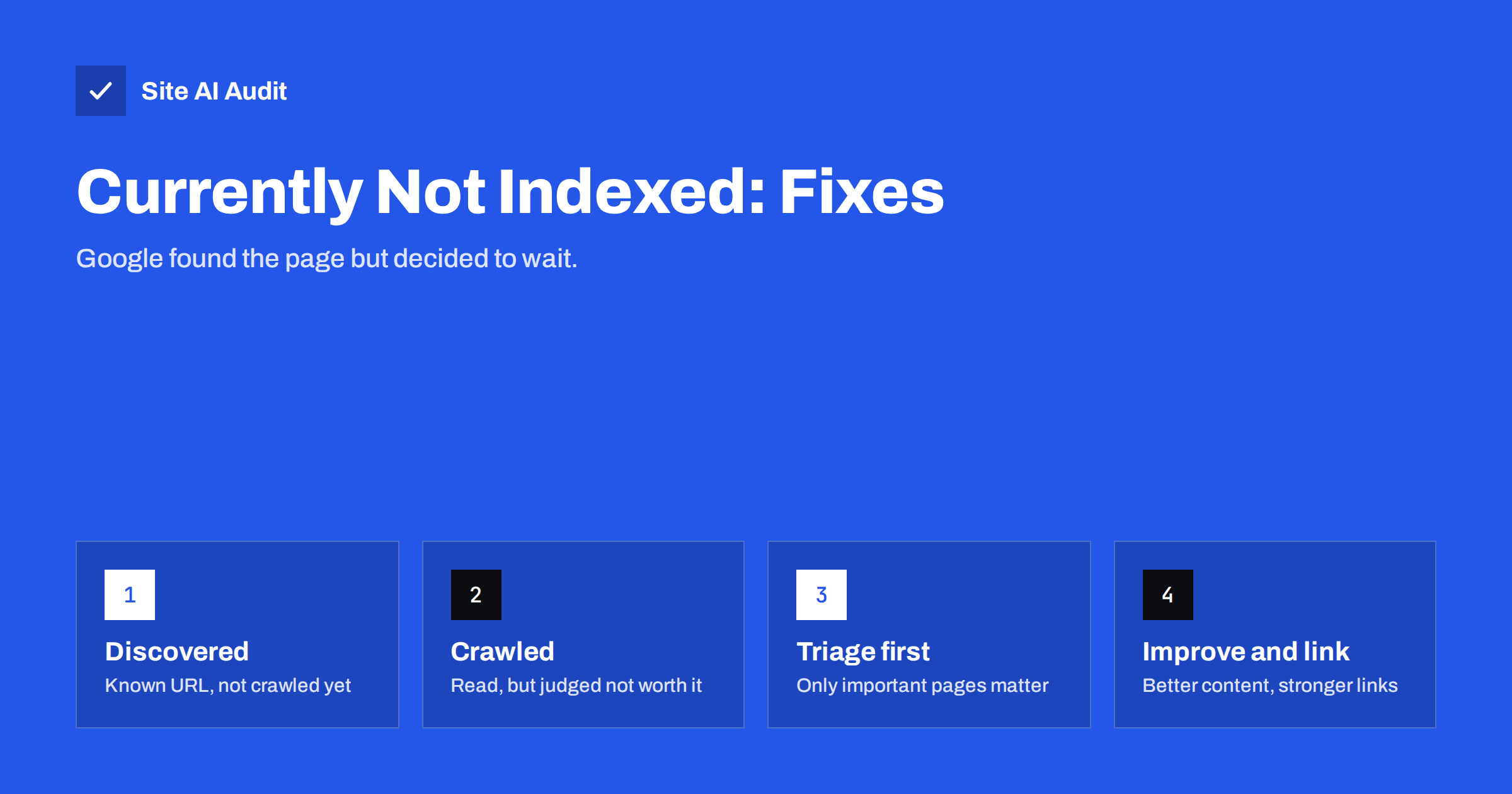
Short answer: “Discovered – currently not indexed” means Google knows a URL exists but has not crawled it yet. “Crawled – currently not indexed” means Google fetched the page and decided not to index it, at least for now. Neither is an error you can switch off. Check whether the affected URLs are pages you actually want in search; for those that are, improve their content and uniqueness, strengthen internal links to them, remove or consolidate low-value pages around them, and then request indexing.
Where these statuses appear
Both statuses appear in Google Search Console, in the Page indexing report under “Why pages aren’t indexed”. Each reason lists example URLs, and the URL Inspection tool shows the status for any single page. They are not errors in the technical sense. Nothing is broken; Google simply chose not to add these pages to its index yet.
It is important to read them in context. Almost every site has some URLs in these groups, and many of them do not deserve to be indexed at all: parameter URLs, feed URLs, thin archives, old attachment pages. The goal is not to empty these lists, but to make sure pages that matter are not stuck in them.
What “Discovered – currently not indexed” means
Google has found the URL, usually through a link or a sitemap, but has not crawled it. Google’s documentation explains that this often happens when crawling the site would have overloaded the server, so the crawl was rescheduled, or when Google does not expect enough value from the URL to prioritise it.
Typical causes:
- A new site or new section. Google has not got round to it yet. Often resolves itself within weeks.
- Too many URLs. Filters, parameters, tags and paginated archives generate far more URLs than the site has real pages, and Google does not crawl them all.
- Slow or unstable server. If the server responds slowly or with errors, Google crawls more cautiously and leaves URLs in the queue.
- Weak internal linking. URLs linked only from the sitemap or from deep pagination look unimportant.
- Low expected value. If similar URLs on the site turned out to be thin or duplicate, Google may deprioritise the rest of that pattern.
What “Crawled – currently not indexed” means
Here Google has fetched and processed the page, and decided not to index it. Google does not give a specific reason, but the decision is usually about value: the page does not add enough compared with other pages already in the index, on your site or elsewhere.
Typical causes:
- Thin content. Pages with very little text, such as a product with a single line, a service page with two sentences, or a blog post of a few paragraphs saying what many other pages say.
- Near duplicates. Location pages that differ only by town name, product variants with identical descriptions, tag pages listing the same posts as categories.
- Boilerplate-heavy pages. The template, menus and sidebars outweigh the unique content.
- Content that loads poorly for crawlers. If the main content depends on scripts that fail during rendering, Google may see an almost empty page.
- Low site-wide quality signals. When a large share of a site’s pages are thin, Google tends to be more selective with new pages from that site.
- Timing. Sometimes a crawled page is indexed a little later without any change. Very new pages can briefly appear with this status.
Step 1: Triage the list
Export the example URLs for each status and sort them into three groups:
- Should not be indexed. Parameter URLs, internal search, feeds, cart pages, thin tag archives, attachment pages. For these, the status is fine. If there are very many, consider reducing them: canonicals for variants, noindex for thin archives, robots.txt rules for pure crawl traps, and removing links that generate them.
- Could be indexed but have little value. Old news posts, very short articles, near-duplicate pages. Decide whether to improve, merge or retire them.
- Should definitely be indexed. Service pages, main categories, key products, important guides. These are your priority.
For small sites, the third group is usually short, which makes the job manageable.
Step 2: Improve the pages that matter
For each important page stuck in “Crawled – currently not indexed”, ask honestly: if I searched for this topic, would this page be one of the best answers? If not, improve it:
- Add specific, useful content. For a service page: what exactly is included, who it is for, how the process works, typical timescales, areas covered, answers to common questions. For a product: original description, specifications, uses, sizing, care and delivery details.
- Make it unique. Rewrite copied manufacturer text and sections duplicated from other pages on your site.
- Merge overlapping pages. Three thin pages on similar topics often become one strong page that gets indexed. Redirect the others to it.
- Check rendering. Use the URL Inspection live test to see the rendered HTML and screenshot. Make sure the main content is present.
- Tidy the title and headings so the topic is obvious.
Step 3: Strengthen internal links
Internal links tell Google which pages you consider important and help it discover and prioritise them:
- Link to the page from the main menu or a hub page if it is a key service or category.
- Add contextual links from related, already-indexed pages, especially popular ones.
- Make sure the page is not buried deep in pagination or reachable only through the sitemap.
- Remove or fix links to low-value URLs that dilute crawling, such as links to every filter combination.
Step 4: Reduce the noise around them
For “Discovered – currently not indexed” in particular, the problem is often not the page itself but the number of other URLs competing for crawl attention. Useful actions:
- keep only indexable, canonical URLs in the XML sitemap;
- canonicalise or block parameter variants;
- noindex or remove thin tag, author and date archives;
- fix server speed and error problems, because a faster, stable server can be crawled more;
- delete or redirect outdated pages that nobody needs.
Step 5: Request indexing and be patient
After improving a page, use URL Inspection and “Request indexing”. Then wait. Re-evaluation can take days to weeks. Requesting repeatedly does not help. You can also use “Validate fix” on the reason in the Page indexing report to ask Google to recheck the listed URLs, which also gives you a progress view.
If an important page remains unindexed after genuine improvements and good internal linking, look wider: the issue may be site-level quality, meaning many thin pages across the site. Improving or pruning those often helps the pages you care about.
A worked example
Imagine a small renovation company with 40 pages. Search Console shows twelve URLs as “Crawled – currently not indexed”. Triage reveals:
- five tag archives, each listing one or two blog posts;
- four town pages with identical text apart from the town name;
- two short blog posts from years ago, each around 150 words;
- one important page: the loft conversion service page, which has a heading, three sentences and a contact form.
A sensible plan: noindex the tag archives, merge the four town pages into one “areas we cover” page with a paragraph per town and redirect the old URLs, merge the two old posts into one updated guide, and rewrite the loft conversion page with a clear description of the service, the process, typical timescales, planning questions and photos of real projects. Then link the loft page from the home page and from the guide, and request indexing. The site ends up with fewer, stronger pages, which is usually exactly what Google was signalling.
What not to do
- Do not submit the same URL for indexing every day.
- Do not create more thin pages to “compensate”; it usually makes the problem worse.
- Do not add pages to the sitemap repeatedly or change their lastmod dates without real changes.
- Do not panic about large numbers of unimportant URLs in these groups.
- Do not use external “indexing services” that promise instant indexing; they cannot change Google’s quality decisions.
How Site AI Audit helps
Site AI Audit checks the technical side of indexing: whether pages are blocked by robots.txt or noindex, whether titles are missing or duplicated, whether headings and alt texts are in place, and whether links and redirects work. That lets you rule out technical causes quickly and focus on content and linking. Run a free check of up to 50 pages.
Related reading
- Why Is My Page Not on Google? A Step-by-Step Checklist
- Internal Linking for SEO: A Practical Guide for Small Sites
- Duplicate Content in SEO: Common Causes and How to Fix Them
- How to Set Up Google Search Console for a Small Business
The bottom line
“Discovered” means Google has not crawled the page yet; “Crawled” means it read the page and chose not to index it. Triage the URLs, ignore the ones that should never be indexed, and for important pages improve content and uniqueness, strengthen internal links, reduce low-value URLs around them and request indexing once. Patience and quality work better than repeated requests.
الأسئلة الشائعة
Is “Crawled – currently not indexed” an error?
No. It is a decision by Google not to index a page for now. It only matters if the page is one you want people to find in search.
How long does it take for these pages to get indexed?
It varies from days to months. Improving the page and its internal links, then requesting indexing, usually speeds up re-evaluation.
Why are my new blog posts not indexed?
New posts may simply need time. If they stay unindexed, check whether they add something new compared with existing pages, whether they are linked from other pages, and whether the site has many thin posts.
Does the sitemap help with “Discovered – currently not indexed”?
A sitemap helps discovery, but these URLs are already discovered. Internal links, server performance and fewer low-value URLs have more influence on whether they get crawled.
Should I delete pages stuck in these statuses?
Only if they have no value for visitors either. Otherwise improve or merge them. Deleting useful pages just because they are not indexed yet is rarely the right move.


