 ENEnglish
 LTLietuviškai
 DEDeutsch
 FRFrançais
 RUРусский
 ESEspañol
 PLPolski
 ITItaliano
 UKУкраїнська
 CSČeština
 PTPortuguês
 JA日本語
JA日本語 LVLatviešu valoda
 ETEesti
 HUMagyar
 IDBahasa Indonesia
 TRTürkçe
 HIहिन्दी
 ELΕλληνικά
 ARالعربية
 THไทย
THไทย VITiếng Việt
 RORomână
 MSBahasa Melayu
 BNবাংলা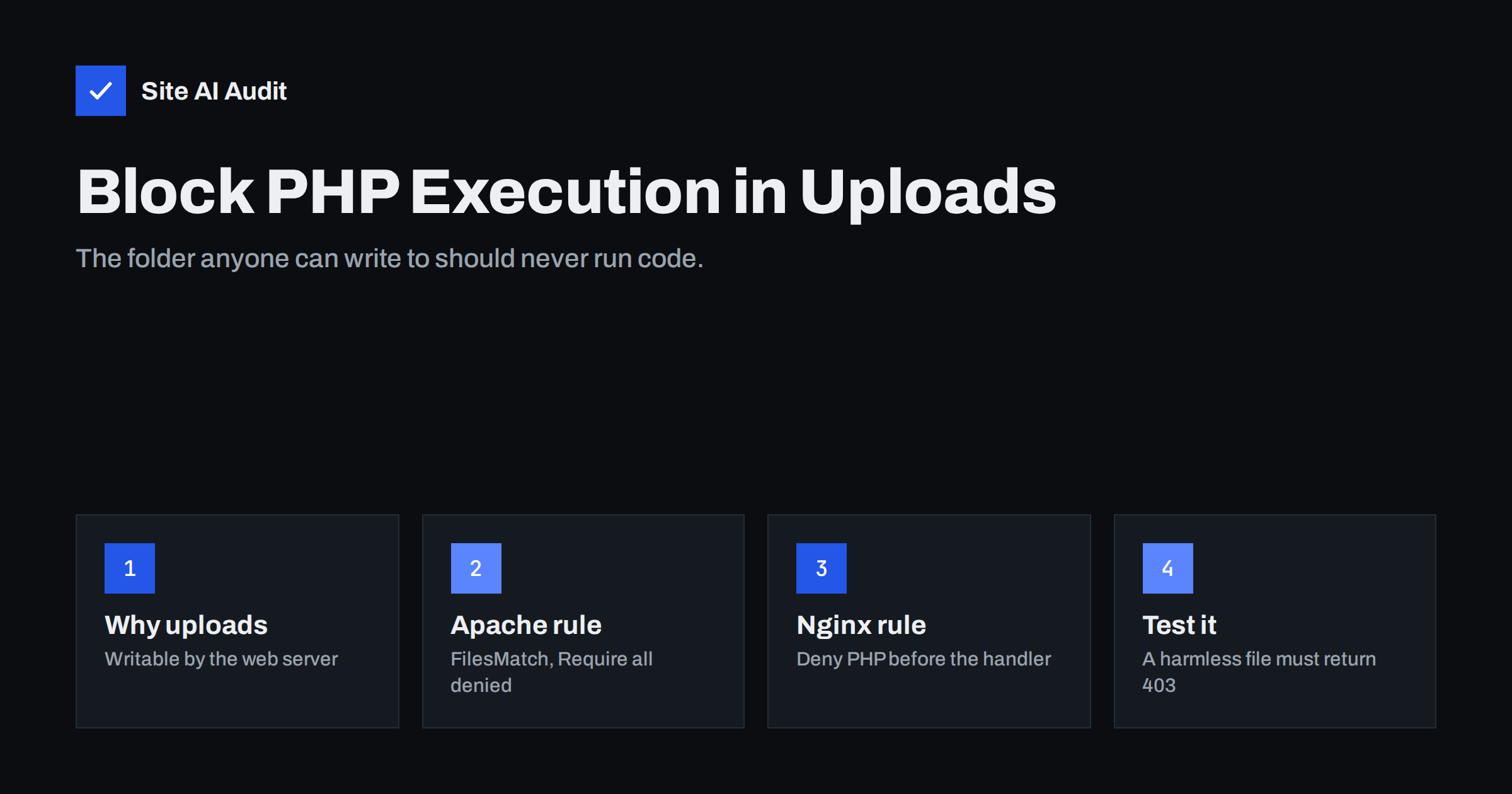
Short answer: The uploads folder is where your website stores images and documents, so the web server must be able to write to it. That also makes it the favourite hiding place for attackers’ scripts. Blocking PHP execution in that folder means that even if a malicious file gets uploaded, the server will refuse to run it. On Apache you add a small rule to the folder’s .htaccess; on Nginx you add a location block that denies PHP files there. Then test with a harmless file and confirm you get a 403 error.
Why the uploads folder is a target
Most parts of a website should be read-only for the web server in normal operation: the core files, the theme, the plugins. The uploads folder is different. Every time an editor adds an image to a post or a customer attaches a file to a form, the server writes a new file there. The folder has to be writable.
That creates an opportunity for attackers. If they find any way to write a file to your server, through a vulnerable plugin, a weak upload form, a stolen editor account or a nulled component, the uploads folder is the easiest place to put it. The file they upload is typically a “web shell”: a small PHP script that lets them run commands, browse your files and upload more malware through a web browser.
A web shell only works if the server executes it. If PHP in the uploads folder is blocked, the attacker’s file sits there as harmless text, and a request for it returns an error. It is a classic example of defence in depth: it does not fix the original vulnerability, but it stops that vulnerability turning into full control of the site.
This is not only a WordPress issue. Every content management system and shop platform that accepts uploads has an equivalent folder, such as images or media in other systems, or sites/default/files in Drupal, which ships with its own protective rules there. The examples below use the WordPress path because it is the most common, but the same principle and the same server rules apply to any writable media folder on any PHP-based site. Adjust the paths to match your platform.
Do legitimate sites need PHP in uploads?
Almost never. Uploads should contain images, PDFs, videos, fonts and similar media. On WordPress, you may find a few index.php files in upload subfolders; those are usually empty placeholders that prevent directory listing and do not need to execute. Blocking them has no visible effect.
Rarely, a poorly designed plugin stores executable scripts in the uploads folder. If one of your plugins does this, that is itself a warning sign. Test after adding the rule, and if something breaks, consider replacing that plugin rather than removing the protection.
First, check what is already there
Before adding the block, look for PHP files that should not exist. If you find any, you may already have a problem to clean up.
- Connect to your server with SSH or your host’s file manager.
- List PHP-like files in uploads, for example with
find wp-content/uploads -type f \( -name "*.php*" -o -name "*.phtml" -o -name "*.phar" \). - Ignore empty
index.phpplaceholders, but open anything else and look at it. Long encoded strings,eval,base64_decode,assertorsystemcalls are red flags. - Also look for files with double extensions such as
photo.php.jpgand for image files that are suspiciously small or contain text.
If you find a web shell, do not simply delete it and move on. Its presence means the site was compromised, and other backdoors may exist elsewhere. Follow a full clean-up process such as our step-by-step recovery plan.
How to block PHP execution on Apache
On Apache servers (and on LiteSpeed, which reads the same files), create or edit a file named .htaccess inside the uploads folder and add:
<FilesMatch "\.(?i:php[0-9]?|phtml|phar|pht)$">
    Require all denied
</FilesMatch>
This tells Apache 2.4 to refuse any request for files ending in those extensions within the folder and its subfolders. A few notes:
- The rule only works if the server allows
.htaccessoverrides for that directory. Most shared hosts do. If you manage the server, you can put the same block in the virtual host configuration inside a<Directory>section instead, which is faster and cannot be overwritten by a plugin. - On very old Apache 2.2 servers, the syntax is
Order Deny,AllowandDeny from all. If your server still runs 2.2, upgrading is a more urgent task. - Some security plugins and hosting panels offer a switch that writes this rule for you. Check afterwards that the file actually contains it.
How to block PHP execution on Nginx
Nginx ignores .htaccess files completely, which is a common source of false confidence: a site moved from Apache to Nginx may still have the old file in place, doing nothing. Add a rule in the server block, before the general PHP handler:
location ~* ^/wp-content/uploads/.*\.(php[0-9]?|phtml|phar|pht)$ {
    deny all;
}
Nginx checks regular-expression locations in the order they appear and uses the first match, so this block must come before location ~ \.php$. Test the configuration with nginx -t and reload. Adjust the path if your uploads live somewhere else.
If you use a managed host where you cannot edit the Nginx configuration, ask support whether PHP execution in uploads is already blocked. Many managed hosts do this by default, but it is worth confirming rather than assuming.
Test that the block works
A protection you have not tested is only a hope. The test takes two minutes.
- Create a file named
test-block.phpin the uploads folder containing only<?php echo "PHP runs here"; ?>. - Open
https://your-site/wp-content/uploads/test-block.phpin a browser, or request it withcurl -I. - You should get 403 Forbidden. If you see the text “PHP runs here”, PHP is still executing. If you see the source code as plain text, the rule is not blocking it but PHP is not executing either; still, a 403 is the cleaner result.
- Try the same with a subfolder, such as a year and month folder, to confirm the rule applies recursively.
- Remove the test file when you are done.
Other uploads hardening worth doing
| Measure | What it prevents |
|---|---|
| Block PHP execution | Uploaded scripts being run as programs |
| Disable directory listing | Visitors browsing every file in the folder |
| Restrict allowed file types | Uploads of scripts, archives or HTML through forms |
| Sanitise or forbid SVG uploads | SVG files carrying JavaScript that runs in visitors’ browsers |
| Send X-Content-Type-Options: nosniff | Browsers treating an upload as a different, dangerous type |
| Correct file ownership and permissions | Other users or processes modifying files |
For the related settings, see our guides on disabling directory listing and the X-Content-Type-Options nosniff header. Also be careful with user-submitted files from contact or job application forms: store them outside the public web folder if possible, so they cannot be requested by URL at all.
Where this fits in your security routine
Blocking PHP in uploads is one layer, not a complete defence. It works best combined with:
- Keeping the CMS, plugins and themes updated, so upload vulnerabilities are patched quickly.
- Using only legitimate components; our article on nulled themes and plugins explains why pirated copies are a common source of backdoors.
- Giving upload rights only to accounts that need them, with strong passwords and two-factor login.
- Regular, tested backups stored away from the server.
- Making sure sensitive files such as backups and configuration files are never in public folders, as described in exposed .env, .git and backup files.
The WordPress security checklist places all of these in a sensible order.
How Site AI Audit helps
Site AI Audit checks your website from the outside the way visitors and search engines see it: the SSL certificate and its expiry, the HTTPS redirect, security headers such as nosniff, and exposed software versions, together with SEO, speed and e-mail authentication. It does not log in to your server or scan files, but it highlights the outward signs of weak configuration so you know where to look. Start with a free website check.
Related reading
- 9 Signs Your Website Has Been Hacked (and How to Check)
- Web Application Firewall (WAF): Does Your Website Need One?
- How to Add Security Headers on Apache, Nginx, WordPress and CDNs
The bottom line
Your uploads folder has to accept new files, so it will always be the easiest place for an attacker to drop a script. Make sure the server never runs one: add the Apache or Nginx rule, test it with a harmless file, and check for PHP files that already exist. It takes a few minutes and turns many potential hacks into failed attempts.
الأسئلة الشائعة
Why block PHP in the uploads folder?
The folder must be writable, so it is where attackers usually place web shells after exploiting a vulnerability. If PHP cannot execute there, those files cannot be used to control your site.
Will blocking PHP in uploads break my WordPress site?
Almost never. Uploads should only contain media and documents. Test after adding the rule; if a plugin breaks, that plugin is storing code where it should not.
Does the .htaccess rule work on Nginx?
No. Nginx ignores .htaccess files. You need a location block in the Nginx server configuration, or confirmation from your host that PHP in uploads is already blocked.
How do I test that PHP execution is blocked?
Place a small test PHP file in the uploads folder and request it in a browser. A 403 Forbidden response means the block works; remove the test file afterwards.
Is blocking PHP in uploads enough to stop hackers?
No. It stops one common technique, but you still need updates, legitimate plugins, strong logins, backups and correct server configuration.


