ENEnglish
 LTLietuviškai
 DEDeutsch
 FRFrançais
 RUРусский
 ESEspañol
 PLPolski
 ITItaliano
 UKУкраїнська
 CSČeština
 PTPortuguês
 JA日本語
 LVLatviešu valoda
 ETEesti
 HUMagyar
 IDBahasa Indonesia
 TRTürkçe
 HIहिन्दी
 ELΕλληνικά
 ARالعربية
 THไทย
 VITiếng Việt
 RORomână
 MSBahasa Melayu
 BNবাংলা
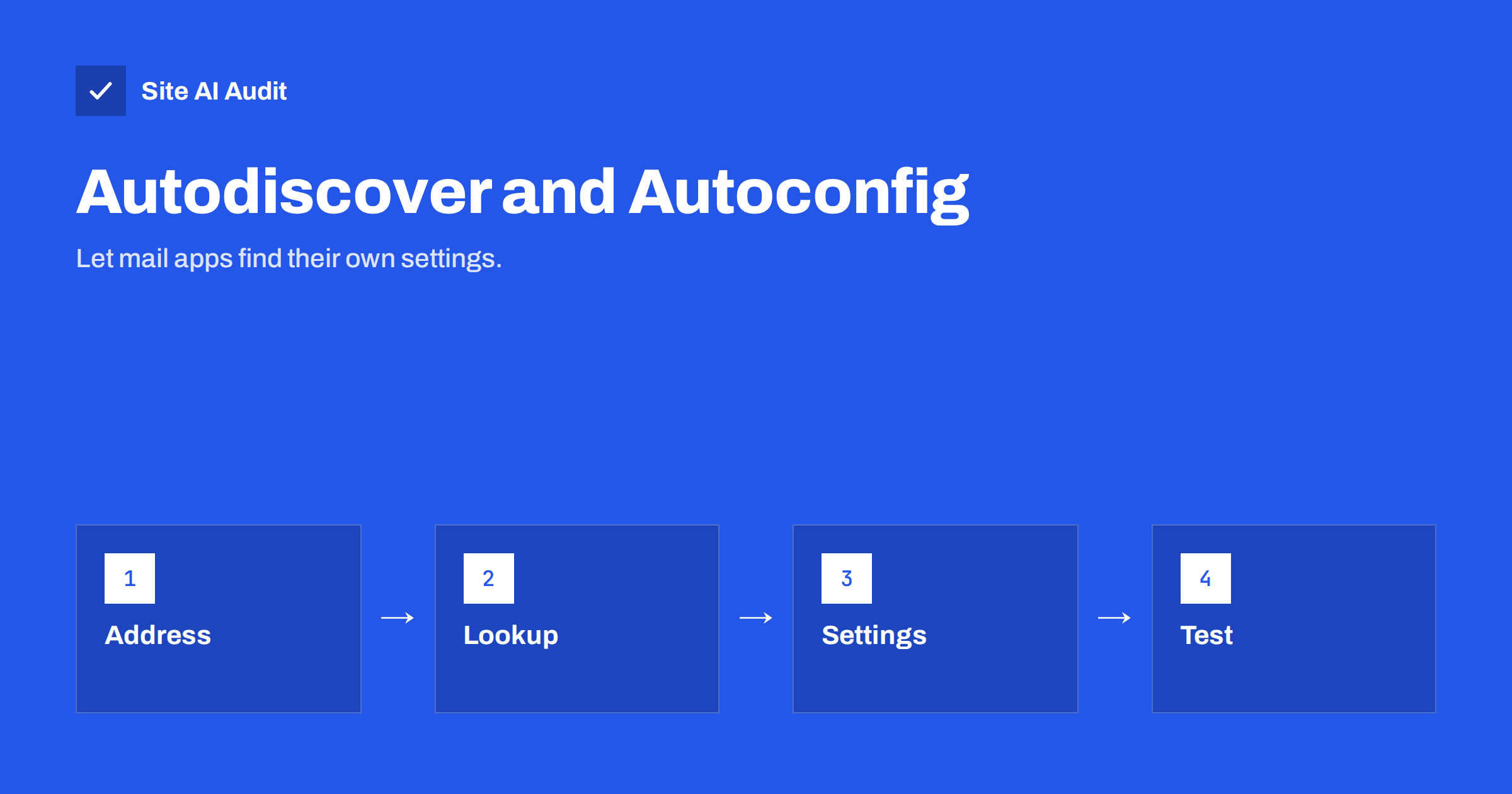
Short answer: Autodiscover and autoconfig are small DNS and web entries that tell an email app where your mail servers are. With them, a person types an address and a password, and the app fills in the server names, ports and security settings by itself. Without them, every new phone or computer needs manual setup, and support requests multiply.
What these records do
When someone adds a mailbox to Outlook, Thunderbird or a phone, the app needs a handful of details: the incoming server, the outgoing server, the ports and the type of encryption. A technical person knows where to find them. Most people do not. To make this easier, mail apps try to find the settings automatically, using the part of the address after the @ sign.
Two main systems exist. Autodiscover is used by Microsoft’s mail software, such as Outlook, with Exchange and Microsoft 365. Autoconfig is used by Mozilla Thunderbird and by other clients that follow the same approach. A third approach, using service records in DNS, is supported by some apps. A well-prepared domain offers the entries for the clients that its users have.
How Autodiscover works
Outlook tries several places in order. For a person at example.com, the usual paths are an address such as autodiscover.example.com on the secure web port, and a service record named _autodiscover._tcp in the domain’s DNS. If a valid answer is found, Outlook reads the settings from it and creates the account.
- Microsoft 365. The usual setup is a CNAME record named autodiscover that points to Microsoft’s autodiscover server. The Microsoft 365 admin centre shows the exact value for your tenant, so copy it from there.
- Other mail hosts. A hosting company or mail provider often supplies its own value, either a CNAME or an address record. Follow its instructions.
- Your own server. You need a web service that answers with the settings and a certificate for the autodiscover name.
How autoconfig works
Thunderbird looks for a small XML file. It tries addresses such as autoconfig.example.com, with a path ending in /mail/config-v1.1.xml, and also the same file on the main domain. It also consults a public database of common providers. If your provider is listed there, no special setup is required. If not, you can publish your own file.
The file names the incoming server, the outgoing server, the ports, the security type and how the user name is formed, for example the full address or only the part before the @ sign. Many mail hosts publish it for you. When you run your own server, you add a host name in DNS and place the file on a web server that answers on that name.
Service records for mail clients
Some mail clients can read service records that name the servers directly. These records, defined in a public standard, use names such as _imaps._tcp for secure incoming mail and _submission._tcp for outgoing mail. Each record states the priority, weight, port and server name. They are optional and not every app uses them, but they are cheap to publish and help some clients. Check your provider’s guidance, because they should match the real servers and ports.
How to add the records
- Find out what your mail provider expects. Open its setup guide and look for autodiscover, autoconfig or “DNS records for mail clients”.
- Open your DNS zone. This is at your domain registrar or DNS host. If you recently moved DNS, check the guide to changing DNS provider without breaking your email first.
- Add the entries exactly as given. A CNAME for autodiscover, a CNAME or address record for autoconfig, and any service records. Do not add the domain name twice. Some panels append it automatically.
- Do not duplicate. A host name can have a CNAME or other records, but not both. If an old autodiscover record exists, replace it.
- Wait for caches. Changes may take time to spread, as described in the article on DNS propagation and TTL.
- Test with a new device. Add the mailbox to a fresh profile or a test phone and confirm that it finds everything without asking for server names.
Certificates and security
Autodiscover answers are fetched over a secure connection. The certificate presented must be valid for the exact name that the app asks for, such as autodiscover.example.com. If it is not, Outlook may show a warning, and the app may refuse to continue. The article on SSL certificate name mismatch explains this error. Providers that handle Autodiscover for you, such as Microsoft 365, manage the certificate on their side, so you only need the DNS record.
Use secure settings in the files and records: encrypted connections for incoming and outgoing mail, and the submission port for sending. The guide to SMTP ports 25, 587 and 465 lists what to use, and the article on TLS and STARTTLS explains encryption between servers and between clients and servers. An autoconfig file that advertises plain, unencrypted ports teaches people to send passwords in the clear.
Troubleshooting setup problems
When a new device cannot find the settings, work through a short list before you blame the app.
- Look up the names. Use a DNS lookup tool to query autodiscover.yourdomain and autoconfig.yourdomain. Confirm that each answers with the value your provider gave you, and that no old record remains.
- Open the address in a browser. For autodiscover and autoconfig, the web address should connect without a certificate warning. A warning or a timeout explains most failures.
- Check the user name format. Some servers need the full address as the login, others only the first part. If the app guesses wrong, enter the login manually once and note the correct form for your help page.
- Test from another network. Some office or school networks block certain ports. A phone on a mobile connection is a good second test.
- Try the manual settings. If setup by hand works but automatic setup does not, the problem lies in the discovery records, not in the mailbox or the password.
- Check multi-factor sign-in. Many providers require an app password or a modern sign-in method. A failed login is not always a failed discovery.
- Look at recent changes. A new DNS host, a certificate renewal or a mail migration are the usual causes of a setup that worked last month and fails today.
Keep a one-page help sheet for your staff with the manual settings, the supported apps and a contact for problems. Even with perfect records, a person with a new phone will sometimes need a clear fallback, and a short page saves everyone time.
It also helps to keep the records tidy over time. Review the zone twice a year, remove names that point to services you no longer use and write down who owns each record. Mail setup entries are small and easy to forget, but they are the first thing a new employee meets when they connect a phone to the company mailbox, so stale ones create the most visible frustration for the least effort to fix.
Common mistakes
- Forgetting the records after a migration. When you switch providers, the old autodiscover entry may still point to the previous one. New devices then fail to set up, while old ones keep working until they restart. Use the checklist in the article on switching email providers.
- Using the wrong value. Providers have different targets. Copying a value from another guide can send clients to the wrong place.
- Mixing a CNAME with other records on the same name. DNS does not allow it, and the panel may silently keep the wrong one.
- Letting a record point to a server that no longer exists. Dangling entries cause timeouts and can be a security problem, as explained in the guide to subdomain takeover.
- Expecting the records to fix delivery. They help with client setup only. They do not affect SPF, DKIM, DMARC or where your messages land, which is the topic of the new business email setup guide.
How Site AI Audit helps
Site AI Audit checks the records that decide how your domain sends and receives email: MX records, SPF with its lookup limit, DKIM signatures and the DMARC policy. It does not look for autodiscover or autoconfig entries, which affect account setup rather than delivery. The first check is free, covers up to 50 pages and needs no sign-up. You can run a free check of your website or see the plans for weekly monitoring and alerts.
Related reading
- MX Records Explained: How Email Finds Your Mail Server
- Microsoft 365 Email Authentication: SPF, DKIM and DMARC Setup
- Email Setup for a New Business Domain: Get It Right on Day One
- Switching Email Providers: A Checklist to Avoid Lost Mail
The bottom line
Autodiscover and autoconfig make mailboxes easy to add and cut down on support requests. Take the exact values from your mail provider, add them once, keep them current after any migration and test with a fresh device.
الأسئلة الشائعة
Do I need autodiscover for Microsoft 365?
Microsoft recommends the autodiscover CNAME record so that Outlook can set up accounts and find settings. Take the value from your admin centre.
What is autoconfig used for?
It lets Thunderbird and similar apps find the mail server settings for a domain automatically, using a small XML file or a public provider database.
Will these records improve email delivery?
No. They help devices connect to your mailbox. Delivery depends on SPF, DKIM, DMARC, reputation and content.
Why does Outlook show a certificate warning at setup?
The certificate for the autodiscover name probably does not match the name used, or it has expired. Fix the certificate or the record that points to it.
Can I use a CNAME on the main domain?
No. A CNAME cannot sit on a name that carries other records, such as the domain itself. Use it on host names such as autodiscover and autoconfig.