ENEnglish
 LTLietuviškai
 DEDeutsch
 FRFrançais
 RUРусский
 ESEspañol
 PLPolski
 ITItaliano
 UKУкраїнська
 CSČeština
 PTPortuguês
 JA日本語
 LVLatviešu valoda
 ETEesti
 HUMagyar
 IDBahasa Indonesia
 TRTürkçe
 HIहिन्दी
 ELΕλληνικά
 ARالعربية
 THไทย
 VITiếng Việt
 RORomână
 MSBahasa Melayu
 BNবাংলা
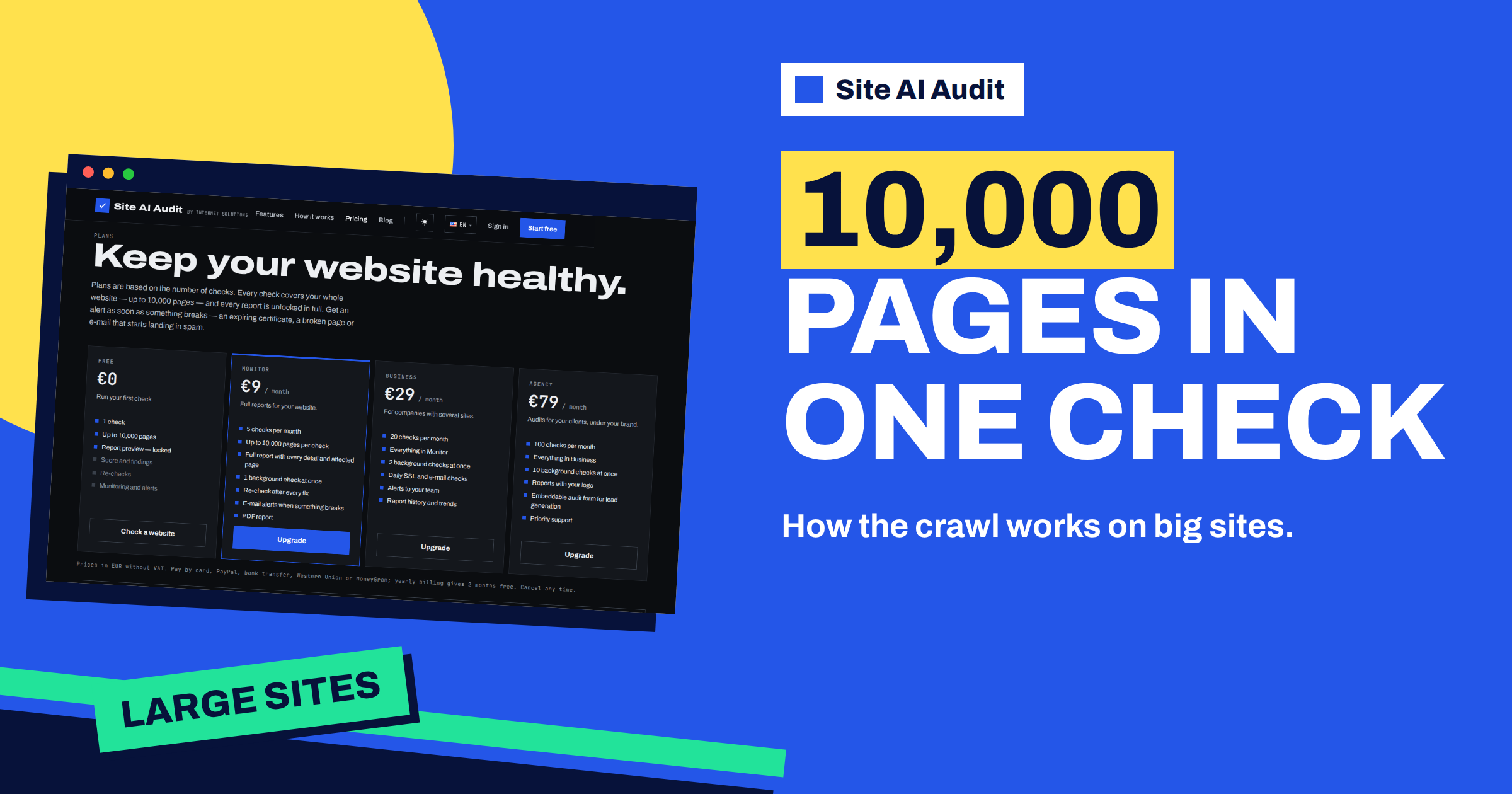
Short answer: Every Site AI Audit check reads up to 10,000 pages of your website, on every plan. The crawler starts at the address you entered, follows internal links from page to page and stops when it has reached the limit. On a larger site the report is based on the pages it reached first, and a notice at the top of an unpaid report says so. Most small business sites are far below the limit, but shops, blogs with long archives and sites with many filter addresses can cross it, and then a few habits make the report much more useful.
What the limit is
The number of pages per check is the same for every plan: up to 10,000. A free account, Monitor, Business and Agency all have the same ceiling. The plans differ by the number of checks per month and by what you get in the report, not by the size of the site. That is why the pricing page says “up to 10,000 pages per check” in each column.
It helps to know what the number is not. It is not a limit on the number of sites you may check, and it is not a limit on the length of a page. It is a cap on how many pages one run reads before it stops and writes the report. A site with 300 pages is read in full, and nothing in this article applies to it.
How the crawler moves through a site
Understanding the route explains why some pages appear in the report and others do not. The crawler, called SiteAuditBot, works like this:
- It starts at the address you entered, after any redirects. For a normal audit that is the home page.
- It reads the page and collects the internal links, meaning links that lead to the same website, with or without www.
- It visits those pages in order of discovery, first the pages linked from the home page, then the pages linked from those, and so on outwards.
- It repeats until it runs out of new pages or reaches the limit.
This means that pages close to the home page are read first, and pages buried deep in a long chain of links are read last. On a site that is larger than the limit, the unread pages are the deep ones.
What the crawler skips
Not every address on a site is a page worth auditing, so the crawler leaves some out on purpose:
- Files that are not pages: images, PDF and office documents, style and script files, fonts, audio, video and archives.
- Technical and private areas: the WordPress admin and login addresses, shopping cart, checkout and account pages, login and logout addresses and feeds.
- Links marked nofollow, which it does not follow, in the same way as Google.
- Pages that your robots.txt file disallows for all robots or for SiteAuditBot. If you do not want a section audited, block it there.
A page that no other page links to is also invisible to this route. The sitemap is read for the sitemap findings, but the crawl itself follows links, so an orphan page that exists only in the sitemap does not enter the report. The same is true for pages that can only be reached through a search box or a form. The crawler does not sign in, fill in forms or open password-protected areas.
How long a big check takes
A typical small site is checked in one to two minutes. The crawler is polite, with about three requests per second at most, so that the audit does not load your server. At that pace a site of several thousand pages needs much longer, and a check that reaches 10,000 pages can take close to an hour. The progress screen shows the number of pages checked, and the check runs in the background, so you do not have to keep the page open. The number of checks that can run in the background at the same time depends on your plan.
The crawl rate is also a reminder to be considerate to your own server. If the site is on weak hosting, a long check can add load, which the article on what the SiteAuditBot crawler does describes in more detail.
The Preliminary report notice
When a check reaches the page limit on an unpaid report, a notice appears at the top: “Preliminary report. This website has more than 10,000 pages, so we checked the first 10,000. The scores and issues below are based on that part of the site.” It is there to prevent a misreading. The scores and findings describe the pages that were read, not the whole site, and the notice says so plainly.
Not everything in the report depends on the number of pages. The certificate, the redirects, the security headers, the e-mail records and the speed test belong to the website as a whole or to its home page, so they are the same however big the site is. What the limit affects is the page-level findings: titles, descriptions, headings, broken links, thin pages and so on.
Getting a good picture of a very large site
Fix by pattern, not by page
On a big site, most page-level findings come from templates. A missing description on 4,000 product pages usually means one template or one setting, not 4,000 separate mistakes. Look at the affected pages in the report, find what they have in common, and fix the template. A sample of 10,000 pages is more than enough to show the pattern.
Reduce the number of useless addresses
If a large share of your 10,000 pages are filter combinations, sort orders, tracking parameters or empty archive pages, the crawler spends its budget on them. That is a sign for you, not only for the audit: search engines have the same problem. The guides to URL parameters and SEO and to crawl budget explain how to cut the waste.
Audit a single page after a fix
When you enter the address of one page, with a path or parameters, the audit checks only that page. This is an easy way to test a repaired template on one example before you run the whole site again. It reads one page, so it is quick.
Keep the sitemap and the links in step
Because the crawl follows links, a healthy internal structure gives a more complete report. If important pages are reachable only through the sitemap, link to them from a category page or a related-pages block. This is good for visitors and for search engines too, and the article on sitemap index files shows how to keep large sitemaps tidy.
Where to start in the report of a large site
A long report on a large site can feel overwhelming, so begin at the top. The section called Fix these first lists the findings with the largest effect, and a finding that covers thousands of pages sits above one that covers three. Work through the critical findings, then the warnings, and leave the notices for last. After each fix, check one example page. When a whole group of findings has been dealt with, run a full check again and compare it with the earlier report, so that you can see what is new, fixed or worse. This keeps the work in small steps and shows progress, which matters when the site is big and the list is long.
A worked example
An online shop with 14,000 addresses, most of them colour and size filters, runs a Site AI Audit. The notice says that the first 10,000 pages were checked. The report shows a warning for pages without a meta description and lists 2,300 of them, all of them filter addresses. The owner realises that the filter pages are generated from one template with an empty description field. Setting a rule for that template fixes thousands of pages in one step, and a one-page check on a sample filter address confirms it. A further change stops the filters from being linked as separate pages, so the next full check reaches the real product and category pages much sooner. The figures are only an illustration, but the steps are the usual ones.
To see how your own site fares, run a Site AI Audit. The check needs a free account, and the plans unlock the full report with every affected page.
Related reading
- SiteAuditBot: What the Site AI Audit Crawler Does on Your Site
- Crawl Budget Explained: Does It Matter for Your Website?
- URL Parameters and SEO: Filters, Tracking and Crawl Waste
- robots.txt and Sitemap Findings in a Site AI Audit Report
The bottom line
Site AI Audit reads up to 10,000 pages per check on every plan, starting at the address you enter and following internal links outwards. On a bigger site the report covers the pages it reached first, and a notice says so. Fix findings by template, cut the useless addresses and use a one-page check to confirm each repair.
الأسئلة الشائعة
Does the page limit depend on my plan?
No. Every plan reads up to 10,000 pages per check. The plans differ by the number of checks per month and by the detail in the report.
Which pages are read first on a large site?
The pages closest to the starting address: those linked from the home page first, then the pages linked from them. Pages deep in the link structure come last.
Are pages that appear only in the sitemap checked?
The sitemap is read for the sitemap findings, but the crawl follows links. A page that no other page links to is not reached.
Can I stop the audit from reading a section of my site?
Yes. The crawler follows the Disallow rules in your robots.txt file that apply to all robots or to SiteAuditBot.
Are the SSL and e-mail findings affected by the limit?
No. They describe the website as a whole, not individual pages, so they are the same however many pages were read.