 ENEnglish
 LTLietuviškai
 DEDeutsch
 FRFrançais
 RUРусский
 ESEspañol
 PLPolski
 ITItaliano
 UKУкраїнська
 CSČeština
 PTPortuguês
 JA日本語
JA日本語 LVLatviešu valoda
 ETEesti
 HUMagyar
 IDBahasa Indonesia
 TRTürkçe
 HIहिन्दी
 ELΕλληνικά
 ARالعربية
 THไทย
THไทย VITiếng Việt
 RORomână
 MSBahasa Melayu
 BNবাংলা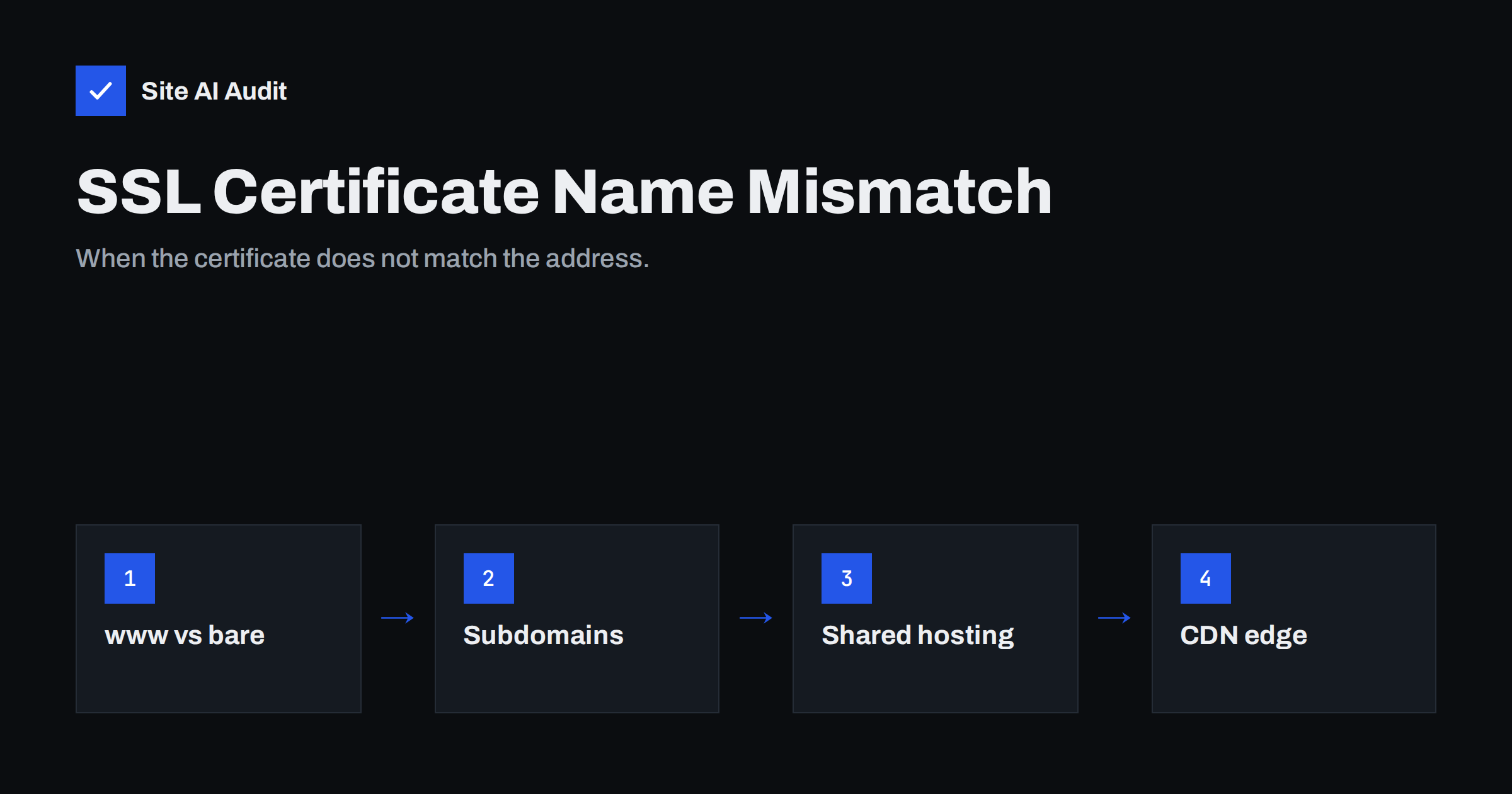
Short answer: A certificate name mismatch (in Chrome, NET::ERR_CERT_COMMON_NAME_INVALID) means the server presented a certificate that does not list the hostname the visitor typed. Typical causes are a certificate that covers example.com but not www.example.com, a subdomain that was never added, a shared server sending its default certificate, or a CDN that does not yet cover a new hostname. The fix is to reissue the certificate with every hostname you use, make sure the server selects it for each name, and redirect unused names to your main address.
Name mismatch errors are frustrating because the certificate is often perfectly valid – just not for the address the visitor used. You might test your site at https://example.com and see a padlock, while a customer who typed www.example.com gets a full-page warning. This guide explains how browsers match names, the situations that most often cause mismatches, and how to find and fix them for good.
How browsers match certificate names
Every certificate contains a list of hostnames in a field called Subject Alternative Name (SAN). When a browser connects, it compares the hostname in the address bar with that list. If there is an exact match, or a matching wildcard, the connection continues. If not, the browser stops with a name mismatch error, even if everything else about the certificate is fine.
A few rules catch people out:
- www is a separate name.
example.comandwww.example.comare two different hostnames and must both be listed. - Wildcards cover one level only.
*.example.commatchesshop.example.combut notexample.comitself and noteu.shop.example.com. - The old Common Name field is ignored. Modern browsers only look at the SAN list. A certificate with the right Common Name but without SAN entries fails.
- IP addresses need their own entries. Opening a site by IP address almost always produces a mismatch, which is expected.
Cause 1: The www or non-www name is missing
This is by far the most common case. Someone requested a certificate for the main domain only, or added www later without reissuing the certificate. Visitors who use the other form of the address see an error – and they will, because people type addresses both ways and old links use both forms.
Fix: reissue the certificate with both names. In most hosting panels, this means ticking both names when issuing the certificate. With Certbot: certbot --nginx -d example.com -d www.example.com (or the equivalent for Apache). Then redirect the name you do not use to the one you do. Note that the redirect only works after the certificate is valid for both names, because the browser checks the certificate before it sees any redirect.
Cause 2: A subdomain was never included
Subdomains accumulate over the years: shop., blog., booking., mail., webmail., old., dev., campaign landing pages. Each needs a certificate covering its exact name. A subdomain that points to your server but is not in any certificate produces a mismatch, because the server falls back to another certificate.
Fix: list all DNS records for your domain and open each hostname over HTTPS. For each one that should work, add it to a certificate. For each one that is no longer needed, remove its DNS record instead of leaving it pointing at a server that cannot serve it correctly. Abandoned subdomains are also a security risk if they point to services you no longer control.
Cause 3: The server sends the wrong certificate
On a server hosting many sites, the browser tells the server which hostname it wants during the connection (a TLS extension called Server Name Indication, SNI). The server then picks the matching certificate. If no virtual host is configured for that name – or the configuration has a typo – the server falls back to its default certificate, which belongs to another site or to the hosting company.
Signs of this cause: the certificate the browser shows names a completely different domain, often the server’s own hostname or another customer’s site.
Fix: make sure the HTTPS virtual host (Apache) or server block (Nginx) lists the hostname in ServerName/ServerAlias or server_name, points to the right certificate files, and is enabled. On shared hosting, add the domain or alias in the control panel and issue the certificate there.
Cause 4: CDN, proxy or load balancer certificates
If your site sits behind a CDN or load balancer, visitors see the certificate presented by that service, not the one on your server. Adding a new hostname in DNS pointing to the CDN does not automatically mean the CDN’s certificate covers it. Some services issue edge certificates automatically for proxied names, others need the name to be added in their dashboard, and some plans limit which subdomain levels are covered.
Fix: check the certificate list in the CDN or load balancer dashboard, add the missing name and wait for issuance. Also check the certificate between the CDN and your origin server; strict modes require the origin certificate to match the hostname as well.
Cause 5: Hosted services on your subdomains
Many businesses point subdomains to external services: a helpdesk at help.example.com, a shop platform at shop.example.com, an e-mail marketing tracking domain, a booking system. If the service has not issued a certificate for your custom domain – or the setup was never finished – visitors get a mismatch showing the service’s own domain.
Fix: complete the custom domain setup in the service’s settings, which usually includes a verification record and automatic certificate issuance. If the service does not support HTTPS on custom domains, use its own address instead of a subdomain of yours.
How to find out which names are covered
Three quick ways to see the names in a certificate:
- Browser: click the padlock or warning icon, open the certificate details and look for “Subject Alternative Name” or “DNS Name” entries.
- Command line:
openssl s_client -connect example.com:443 -servername www.example.com </dev/null | openssl x509 -noout -ext subjectAltNameshows the names the server presents for the hostname in-servername. - Certificate transparency logs: all publicly trusted certificates are logged, and public search tools for these logs show every certificate issued for your domain, which helps discover forgotten subdomains.
Test every hostname separately, because the server can present different certificates for different names.
Preventing name mismatches
| Habit | What it prevents |
|---|---|
| Always issue certificates for both www and non-www | The most common mismatch |
| Keep an inventory of subdomains and their owners | Forgotten names without certificates |
| Remove DNS records for services you no longer use | Mismatches and subdomain takeover risks |
| Add new hostnames to the certificate before announcing them | Errors on launch day |
| Test each hostname from outside after changes | Wrong virtual host or CDN configuration |
Name mismatches and search engines
A mismatch on a hostname that search engines know about is not only a visitor problem. Crawlers that follow old links to the uncovered name cannot fetch the page, and if the uncovered name is the one you declared as canonical, whole sections of your site can drop out of results. Fixing the certificate and redirecting the unused hostname to your main address with a permanent redirect keeps link signals together. Check your search console after the fix for crawl errors on the affected hostname.
How Site AI Audit helps
Every Site AI Audit check starts by connecting to your website and checking whether the certificate is valid for the address, when it expires and whether HTTP redirects to HTTPS. Problems are explained in plain words with the fix. Monitoring on paid plans repeats the check automatically and alerts you when something breaks, which is useful after DNS, hosting or CDN changes – the moments when mismatches usually appear. Run a free check.
Related reading
- What Is an SSL Certificate and Why Does Your Website Need One?
- Why Your Website Says “Not Secure” and How to Fix It
- How to Redirect HTTP to HTTPS the Right Way (Without Loops)
The bottom line
A name mismatch means the certificate is valid, but not for the address the visitor used. List every hostname your business uses, make sure each one is in a certificate and selected correctly by the server or CDN, and redirect the names you do not use. Most mismatches are fixed by reissuing one certificate with the missing name – the harder part is finding every name, which is why an inventory and regular external checks pay off.
FAQ
Why does my site work without www but show an error with www?
The certificate lists only the bare domain. Reissue it with both names and then redirect www to your preferred address, or the other way round.
Does a wildcard certificate cover the main domain?
No. A wildcard for *.example.com covers subdomains one level deep but not example.com itself. Most providers include the bare domain as an extra name, but check the certificate details to be sure.
Can I fix a name mismatch with a redirect?
Not on its own. The browser checks the certificate before it receives any redirect, so the hostname being redirected must also be covered by a valid certificate.
Why does the error show another company’s domain?
The server or hosting platform does not have a configuration for your hostname and falls back to its default certificate. Adding the hostname to your hosting account or virtual host configuration usually fixes it.
Is a name mismatch dangerous for visitors?
It can be a sign of an attack, which is why browsers block the page. In most real cases it is a configuration error, but visitors cannot tell the difference, so it should be fixed quickly.


