 ENEnglish
 LTLietuviškai
 DEDeutsch
 FRFrançais
 RUРусский
 ESEspañol
 PLPolski
 ITItaliano
 UKУкраїнська
 CSČeština
 PTPortuguês
 JA日本語
JA日本語 LVLatviešu valoda
 ETEesti
 HUMagyar
 IDBahasa Indonesia
 TRTürkçe
 HIहिन्दी
 ELΕλληνικά
 ARالعربية
 THไทย
THไทย VITiếng Việt
 RORomână
 MSBahasa Melayu
 BNবাংলা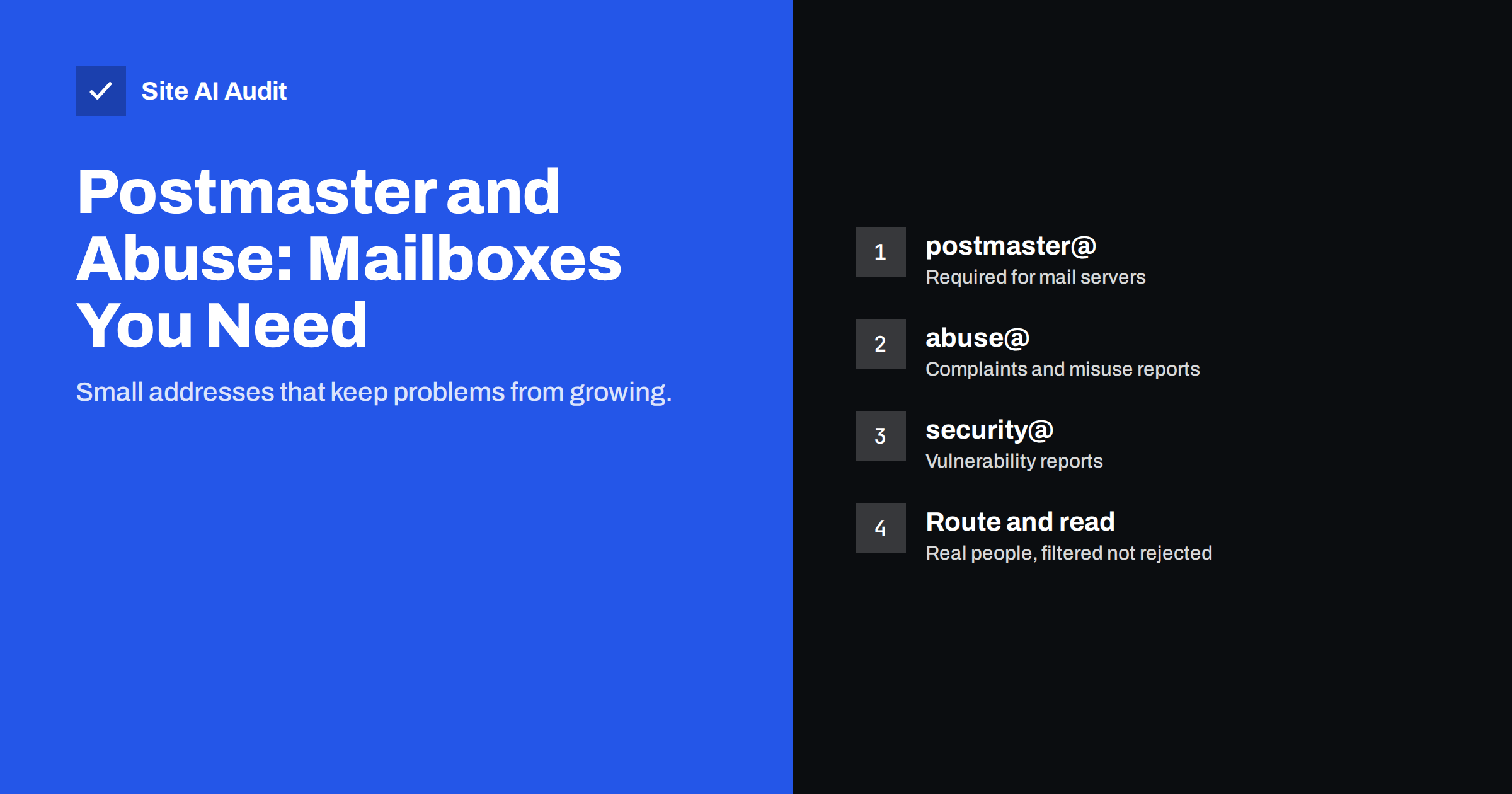
Short answer: Every domain that receives e-mail should accept mail at postmaster@, which internet mail standards require, and it is good practice to also run abuse@ for reports of spam or misuse, and a security contact for vulnerability reports. Other role addresses such as hostmaster@ and webmaster@ are useful for DNS and website issues. Route these addresses to real people, filter spam without rejecting legitimate reports, and never use them for newsletters or account sign-ups.
What role addresses are
A role address belongs to a function rather than a person. Instead of writing to Anna in IT, a mail server administrator elsewhere can write to [email protected] and expect it to reach whoever is responsible for e-mail. That matters because outsiders do not know your organisation, and people change jobs while functions stay.
A few role names are standardised. RFC 2142, published in 1997, lists common mailbox names and what they should be used for, and the core SMTP standard requires one of them, postmaster, for any domain that receives mail.
Role addresses are also a sign of a well-run domain. Mail administrators, hosting providers and security teams who deal with thousands of domains expect these names to work. When they do not, a report that could have been resolved in a day turns into a block, a complaint to your host or a problem that you only discover when customers stop receiving your mail.
The addresses and what they are for
| Address | Purpose | Who should read it | Needed? |
|---|---|---|---|
| postmaster@ | Problems with your mail servers and delivery | Whoever manages e-mail | Required for domains that receive mail |
| abuse@ | Reports of spam, phishing or misuse from your domain or network | E-mail or IT responsible | Strongly recommended |
| security@ | Reports of vulnerabilities in your website or systems | IT or web developer | Recommended, often with security.txt |
| hostmaster@ | DNS problems | Whoever manages DNS | Useful |
| webmaster@ | Website problems | Website owner or developer | Useful |
| info@, sales@, support@ | Customer contact | Relevant teams | Business choice |
For a small business, the minimum sensible set is postmaster@, abuse@ and a security contact, all delivered to the person or provider who looks after e-mail and the website. If an external IT company or agency manages your e-mail, the aliases can deliver to both them and someone inside your business, so reports are acted on and you still know what is happening.
The hostmaster address has a technical connection too: every DNS zone contains an SOA record with a responsible-person field, written as an e-mail address with the @ replaced by a dot. Many DNS providers fill this with their own address or with hostmaster at your domain, so it is worth checking that it points somewhere real.
Why postmaster@ matters
The postmaster address is the contact point for mail problems between organisations. Other administrators use it when your server rejects their mail, when your server sends malformed messages, or when they see something suspicious. Some bounce and error messages also refer senders to the postmaster.
A few practical rules follow from the standard:
- It must accept mail. Rejecting mail to postmaster@ means rejecting the people trying to tell you about a problem.
- It should be case-insensitive. Postmaster@, POSTMASTER@ and postmaster@ should all arrive.
- It should exist on every domain that receives mail, including secondary domains that forward to the main one.
Typical messages to postmaster@ include notices that your server is rejecting a partner’s mail, questions about bounces, reports that your outgoing mail has broken headers, and occasionally warnings that your server is being used to send spam. Each of these describes a problem that affects your own deliverability, so they are worth reading promptly.
Most hosted mail providers create postmaster automatically or allow it as an alias. Check that it exists and that someone actually reads it.
Why abuse@ matters
When someone receives spam or phishing that appears to come from your domain or your server, abuse@ is where they report it. Those reports are valuable:
- They reveal compromised accounts. A hacked mailbox or website contact form sending spam is often first noticed by outsiders.
- They reveal spoofing. Reports of phishing using your name show that criminals are impersonating you, which is a strong reason to enforce DMARC; see how to stop e-mail spoofing.
- They show you care. Networks and mail providers are more cooperative with domains that respond to abuse reports.
When a report arrives, a simple routine is enough: check whether the message in question really came from your systems by reading its headers, change the password of any affected account or protect the abused form, confirm that SPF, DKIM and DMARC are in place, and reply briefly to the reporter that the issue has been handled.
If your mail starts going to spam or your server appears on a blocklist, a working abuse address and a record of acting on reports make the recovery easier. The process is described in how to check blocklists and get delisted.
A security contact for your website
Security researchers who find a vulnerability on your website need a way to tell you. Without an obvious contact, many give up or post the problem publicly. A security@ address, published together with a security.txt file at /.well-known/security.txt, gives them a clear route. Our security.txt guide shows how to create the file.
Keep expectations realistic: most messages will be automated scanner output or requests for “bug bounties”. A polite standard reply and a quick look at each report is enough for a small business, but genuine reports deserve fast action.
How to set them up
- Check what exists. Send a test message to postmaster@, abuse@ and security@ at each domain and confirm where it arrives.
- Create aliases, not separate mailboxes. Aliases that deliver to the right people or to a shared inbox avoid extra licences and forgotten mailboxes.
- Route to more than one person or to a shared inbox, so reports are not lost during holidays or staff changes.
- Cover every domain that receives mail, including older brand domains. Domains that never receive mail can have no MX at all or a null MX instead; see protecting parked domains.
- Make sure your MX records point to the provider that hosts these aliases; MX records explained covers the details.
- Write a short procedure. Who reads the addresses, how often, and what to do with a typical report.
Handling the mail without drowning in spam
Role addresses are well known, so spammers target them. That is not a reason to switch them off:
- Filter, do not reject. Let spam filtering move obvious junk to a folder, but do not configure the server to refuse mail to these addresses.
- Use rules for automated reports. Complaint reports and DMARC reports can be sorted automatically. Aggregate DMARC reports are better sent to a separate address; see reading DMARC aggregate reports.
- Review on a schedule. A weekly check is usually enough for a small business, with alerts for urgent keywords if you like.
- Answer real people. A short reply confirming that you are looking into a report builds trust.
- Keep a simple log. Note the date, the report and what you did. If the same problem returns, the log shows what was tried before and helps your provider or developer find the cause faster.
Common mistakes
- Role addresses that bounce. The most common problem: postmaster@ or abuse@ simply does not exist.
- Delivered to a former employee. Aliases pointing to someone who left are as good as missing.
- Used for sign-ups and newsletters. Registering services with abuse@ or postmaster@ fills them with marketing and hides real reports.
- Added to marketing lists. Sending newsletters to role addresses at other companies is a common source of complaints, because nobody there subscribed personally.
- Ignoring the content. A report of spam from your contact form usually means the form is being abused and needs protection.
- Auto-replying with marketing. An automatic response full of offers to someone reporting abuse looks careless. Keep any auto-reply short and factual.
How Site AI Audit helps
Site AI Audit checks the DNS foundation that these addresses depend on: MX records, SPF with its lookup limit, DKIM and DMARC. If mail to your domain cannot be delivered because MX records are missing or wrong, role addresses cannot work either. You can run a free check of your domain and website to confirm the basics.
Related reading
- How to Reduce Spam Complaints and Keep Your Spam Rate Low
- Google Postmaster Tools: How to Set It Up and Read the Data
- Email Deliverability Checklist: 20 Checks for Small Businesses
The bottom line
Postmaster@ is required for any domain that receives mail, and abuse@ and a security contact are strongly recommended. Create them as aliases on every mail-receiving domain, route them to people who read them, filter spam without rejecting reports, and keep them out of sign-ups and mailing lists.
SSS
Is a postmaster@ address required?
Yes, for any domain that receives e-mail. The SMTP standard requires mail servers to accept messages addressed to postmaster so that other administrators can report problems.
What is the abuse@ address used for?
Other people use it to report spam, phishing or other misuse coming from your domain or network. Reading it helps you spot hacked accounts and spoofing early.
Do I need separate mailboxes for role addresses?
No. Aliases that forward to the responsible people or a shared inbox work well and avoid extra mailbox costs.
Should I block spam to postmaster@ and abuse@?
Filter spam into a folder, but do not reject mail to these addresses outright. Rejecting them can stop genuine reports from reaching you.
Which role addresses does a small business need?
At minimum postmaster@ and abuse@, plus a security contact such as security@ published in a security.txt file. Hostmaster@ and webmaster@ are useful extras.


