 ENEnglish
 LTLietuviškai
 DEDeutsch
 FRFrançais
 RUРусский
 ESEspañol
 PLPolski
 ITItaliano
 UKУкраїнська
 CSČeština
 PTPortuguês
 JA日本語
JA日本語 LVLatviešu valoda
 ETEesti
 HUMagyar
 IDBahasa Indonesia
 TRTürkçe
 HIहिन्दी
 ELΕλληνικά
 ARالعربية
 THไทย
THไทย VITiếng Việt
 RORomână
 MSBahasa Melayu
 BNবাংলা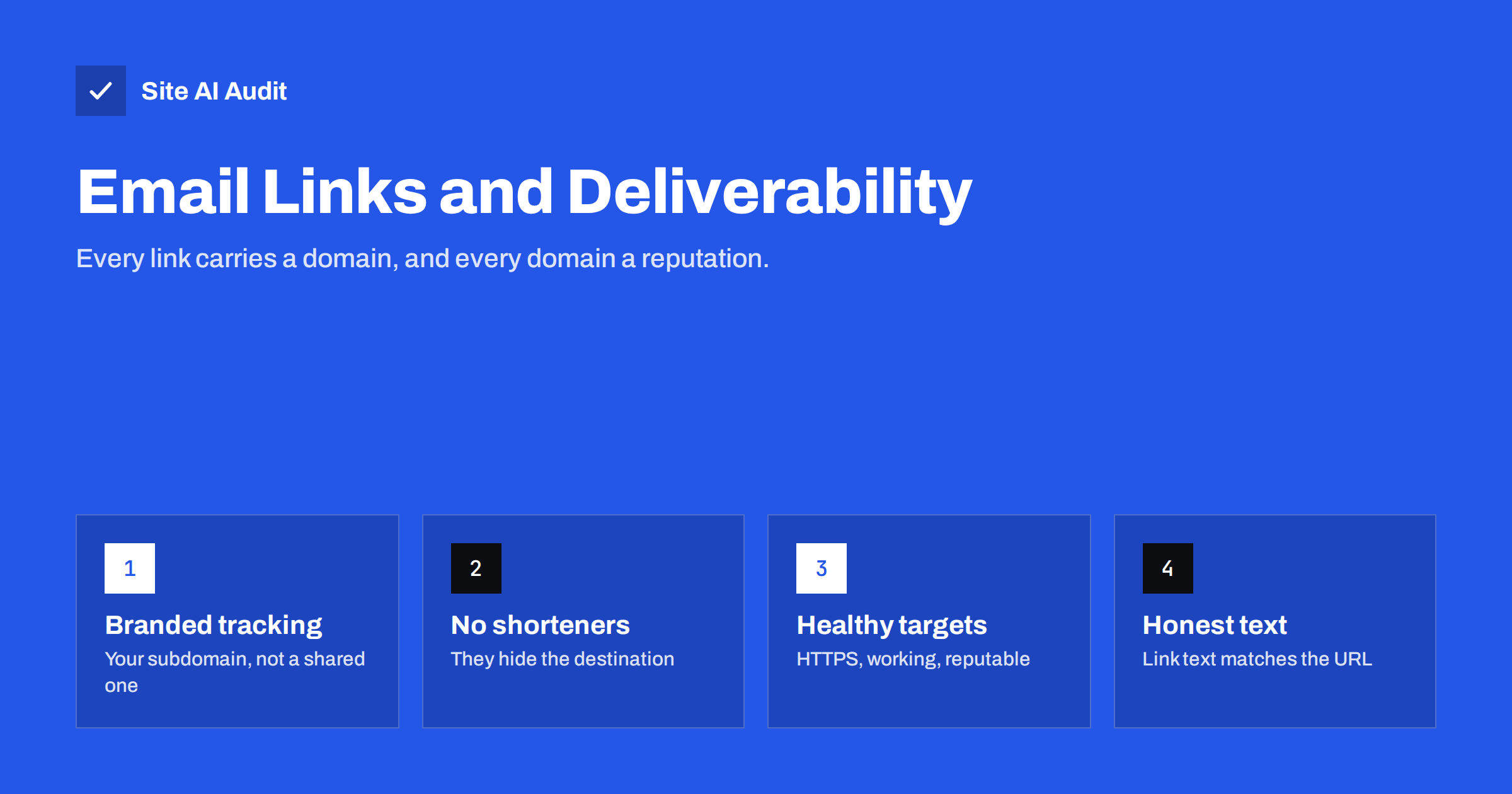
Short answer: Spam filters inspect every link in a message: the domains it points to, the tracking domain used for click measurement, and whether the visible text matches the real destination. Links to domains with a poor reputation, public URL shorteners, broken or insecure pages and shared tracking domains can all push mail towards spam. Use a branded tracking domain on your own subdomain, link directly to your own HTTPS pages, avoid shorteners, and make link text honest.
Why filters care about links
Most harmful e-mail exists to make someone click: to a phishing page, a malware download or a scam offer. Links are therefore one of the most important things a filter examines. Filters check linked domains against their own reputation data and against public domain blocklists, look at how new the domains are, follow redirects, and compare what the recipient sees with where the link really goes.
Filters also look at patterns across many messages. A domain that suddenly appears in large volumes of mail from many unrelated senders, or a brand-new domain that was registered days ago and is already linked in thousands of messages, stands out. Established domains with a steady history are treated with more confidence.
For a legitimate sender, this means your links carry reputation just like your sending domain. A newsletter from a perfectly authenticated domain can still be filtered if it links to a domain that is listed, compromised or associated with abuse.
How click tracking changes your links
E-mail marketing platforms usually rewrite every link so that clicks can be counted. A link to https://yourdomain.com/offer becomes something like https://click.platform.example/abc123, which records the click and redirects to your page. The recipient’s mail filter sees the tracking domain first.
If that tracking domain is shared by all the platform’s customers, its reputation reflects everyone’s behaviour. When another customer sends spam through the platform, the shared tracking domain can end up on blocklists, and your messages inherit the problem through no fault of your own.
A branded (custom) tracking domain solves this. You create a subdomain such as links.yourdomain.com, point it to the platform with a CNAME record, and the platform uses it for your tracked links. Your links then carry your own domain, consistent with your From address and authentication, and their reputation depends on your behaviour only.
Setting up a branded tracking domain
- In your e-mail platform, find settings called “custom tracking domain”, “branded links” or “link branding”.
- Choose a subdomain, for example
links.,click.orgo.followed by your domain. - Create the CNAME record the platform specifies in your DNS.
- Enable HTTPS for the tracking domain. Most platforms provision a certificate automatically once the CNAME is in place; check that tracked links open over HTTPS without warnings.
- Verify the domain in the platform and send a test campaign. Hover over links in the received message to confirm they use your subdomain.
Once the branded domain works, use it consistently in every campaign and automation. Switching back and forth between the branded and the shared domain removes much of the benefit.
If your DNS is behind a CDN or proxy service, make sure the tracking CNAME is configured the way the platform requires, which is often DNS-only, or the platform cannot issue the certificate.
Why URL shorteners are a bad idea in e-mail
Public URL shorteners hide the destination. Because criminals use them for exactly that reason, filters treat shortened links with suspicion, and shortener domains can appear on blocklists because of other people’s abuse. They also add a redirect hop and a dependency on a third party.
The same applies to chains of redirects created by stacking several tools: an affiliate link wrapped in a shortener wrapped in a tracking link. Each hop adds a domain the filter must judge, and each is a point of failure if one of the services goes down or is listed.
In e-mail, there is no need for shorteners: the link text can be anything readable, and the tracking domain already handles click measurement. Link directly to full URLs on your own domain, with a branded tracking domain in front if you track clicks.
Link hygiene checklist
| Check | Why it matters |
|---|---|
| Links point to your own domain where possible | Consistent identity, reputation under your control |
| Every linked page uses valid HTTPS | Insecure or broken certificates look suspicious and harm trust |
| No public URL shorteners | Hidden destinations are a classic spam signal |
| Visible link text matches the destination | Showing one address and linking to another is a phishing pattern |
| No links to compromised or questionable sites | Linked domains’ reputation affects your message |
| Few, purposeful links | Dozens of links to many domains resemble spam |
| All links work | Broken links frustrate readers and can signal neglect |
Images, attachments and other resources
Links are not the only references filters follow. Images in HTML e-mails are loaded from a server, and that server’s domain is visible to filters just like a link. Some platforms host images on their own shared domains, others let you use a branded image or content domain. Where possible, host images on your own domain or a branded subdomain, keep them reasonably sized, and make sure the message still makes sense when images are blocked.
Attachments deserve similar care. Unexpected archives, documents with macros and executable file types are strong risk signals. For invoices and reports, many businesses link to a secure page on their own domain instead of attaching files; if you do attach PDFs, keep them small and send them in a consistent, expected way so recipients recognise them.
Links in transactional messages
Password resets, account confirmations and order updates are among the most important messages you send, and they are also a favourite template for phishing. Their links should be as trustworthy as possible: a direct HTTPS link to your own domain, with a path that clearly belongs to your site, no tracking redirect and, for security-sensitive actions, a short expiry. The visible text can be a simple button, but the underlying address should hold no surprises for a careful recipient who hovers over it. Consistency helps too: if every reset link always points to the same recognisable address, customers learn what genuine messages look like.
Your website’s health affects your e-mail
The domains you link to most often are your own: your website, your shop, your booking pages. If your website is compromised and hosts malicious pages, its domain can be listed on domain blocklists, and every e-mail linking to it suffers. The same happens if the site serves malware through a hacked plugin, or if an expired SSL certificate causes warnings.
Keeping the website secure and healthy is therefore part of e-mail deliverability. Regular updates, security headers, a valid certificate and quick action on any sign of compromise protect both the site and the mail that links to it.
Site AI Audit checks exactly these areas together: the website’s SSL certificate and expiry, security headers, SEO and speed, plus the domain’s e-mail authentication with SPF (including the lookup limit), DKIM, DMARC and MX. Each finding is explained in plain words. A free check covers both sides; paid plans on the pricing page monitor them and alert you when a certificate is about to expire or a page breaks.
Link tracking and privacy
Click tracking is common in marketing mail, but it is worth using deliberately. Some recipients and organisations are wary of tracked links, some security gateways rewrite or pre-scan links, which can create false clicks in your statistics, and privacy rules in some regions affect how tracking data may be used. For transactional messages such as password resets and receipts, consider turning click tracking off entirely: it adds little value there, and a direct link to your own domain is the most trustworthy option.
Automated link scanning by security systems also means click data is no longer a perfect measure of human interest. Look at conversions and on-site behaviour alongside clicks when you judge a campaign.
Related reading
- Why Are My Emails Going to Spam? 12 Causes and Fixes
- Email Blocklists: How to Check Your Domain and Get Delisted
- Should You Send Marketing Email from a Subdomain? Pros and Cons
- 9 Signs Your Website Has Been Hacked (and How to Check)
The bottom line
Links are part of your sender identity. Use a branded tracking domain on your own subdomain, link directly to healthy HTTPS pages on your own domain, avoid public shorteners, keep link text honest, and protect your website, because its reputation travels with every e-mail that links to it.
SSS
Do tracking links hurt e-mail deliverability?
Tracking itself is common and accepted. Problems arise when the tracking domain is shared and has a poor reputation. A branded tracking domain on your own subdomain avoids that.
What is a custom tracking domain?
A subdomain of yours, such as links.yourdomain.com, pointed to your e-mail platform with a CNAME, so tracked links use your domain instead of the platform’s shared one.
Can I use URL shorteners in e-mails?
It is best not to. Public shorteners hide the destination and are often abused, so filters treat them with suspicion.
Can a hacked website affect my e-mail?
Yes. If your domain is listed because the site hosts malicious content, messages linking to it are more likely to be filtered.
Should password reset e-mails use click tracking?
Usually not. Direct links to your own domain are more trustworthy for transactional messages, and tracking adds little value there.
How many links should a marketing e-mail contain?
There is no fixed rule. Keep links purposeful and pointing to a small number of reputable domains, mainly your own.


