 ENEnglish
 LTLietuviškai
 DEDeutsch
 FRFrançais
 RUРусский
 ESEspañol
 PLPolski
 ITItaliano
 UKУкраїнська
 CSČeština
 PTPortuguês
 JA日本語
JA日本語 LVLatviešu valoda
 ETEesti
 HUMagyar
 IDBahasa Indonesia
 TRTürkçe
 HIहिन्दी
 ELΕλληνικά
 ARالعربية
 THไทย
THไทย VITiếng Việt
 RORomână
 MSBahasa Melayu
 BNবাংলা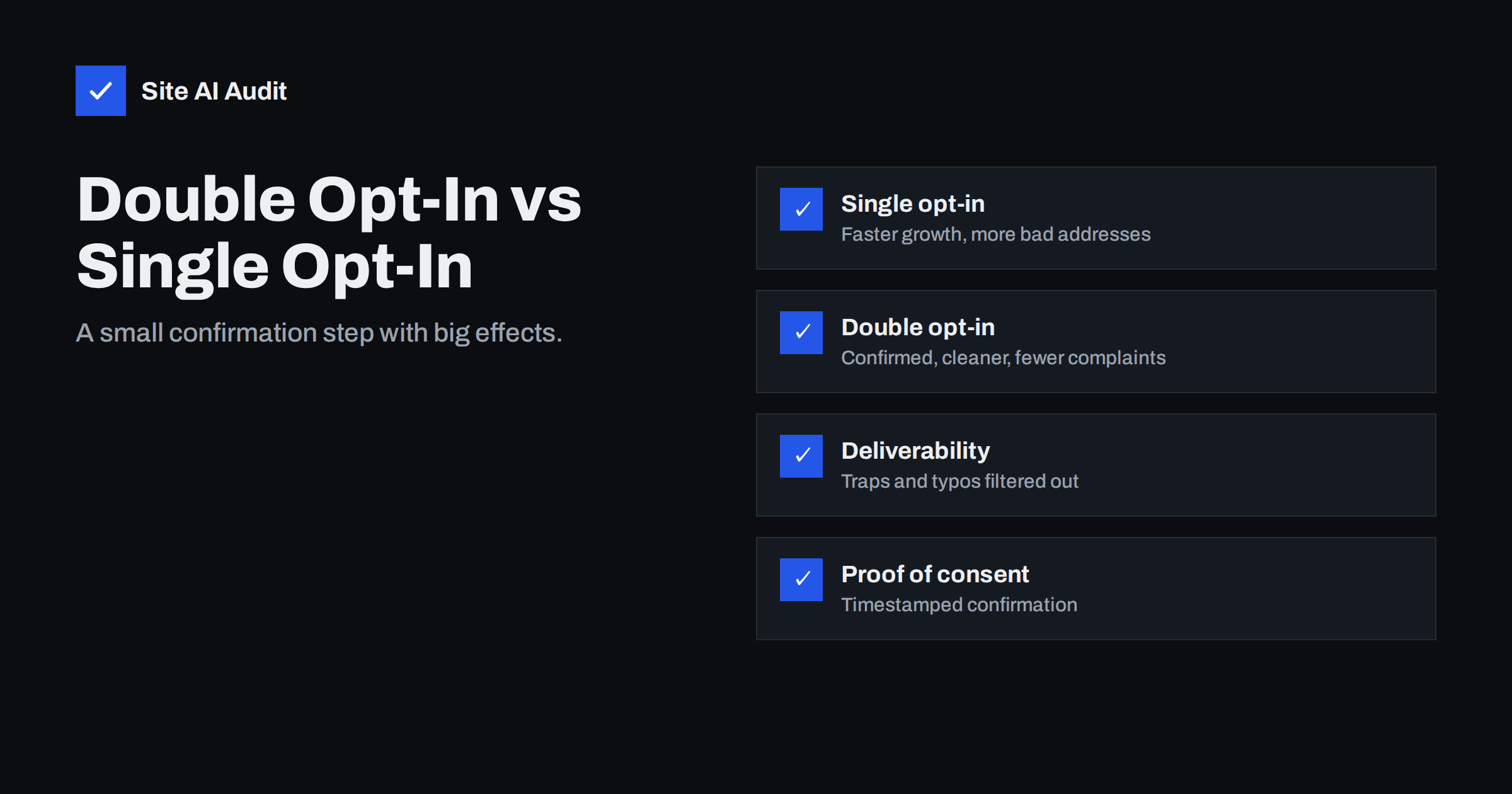
Short answer: Single opt-in adds an address to your list as soon as someone submits a form. Double opt-in (confirmed opt-in) sends a confirmation e-mail first and adds the address only after the person clicks the link. Single opt-in grows lists faster; double opt-in produces cleaner lists with fewer typos, fake sign-ups, spam traps and complaints, plus a clear record of consent. For most businesses that care about deliverability, double opt-in is the safer default, with a well-designed confirmation step to limit drop-off.
How the two methods work
Single opt-in: a visitor enters an address in a sign-up form, ticks a consent box if required, and the address is immediately added to the mailing list. The first newsletter or welcome message goes to whatever was typed, whether that is a real, correctly spelled address belonging to the visitor or not.
Double opt-in: after the form is submitted, the system sends a short confirmation message to the address. Only when the recipient clicks the confirmation link is the address added as a subscriber. Unconfirmed addresses receive nothing further.
Both methods can be combined with a consent checkbox, a privacy notice and a description of what subscribers will receive. The confirmation step is an addition to good form design, not a replacement for it.
The difference is one e-mail and one click. That small step changes who ends up on your list and how mailbox providers perceive your sending.
Why unconfirmed addresses cause problems
With single opt-in, every sign-up form becomes an open door. Several kinds of bad addresses walk through it:
- Typos such as
[email protected]or missing letters. They bounce, or worse, reach a different person who never asked for your mail. - Bots that fill forms automatically, sometimes with real addresses of people who then receive unexpected mail and complain.
- Malicious sign-ups, where someone subscribes another person’s address to many lists to flood their inbox, a practice sometimes called list bombing.
- Spam traps, addresses that exist only to catch senders who mail people without confirmed consent. Some are fed into forms deliberately.
- Throwaway addresses entered to get a discount code, never read again.
Each of these hurts: bounces and trap hits damage sender reputation, and messages to people who did not sign up generate spam complaints. Double opt-in filters out almost all of them, because a bot, a typo or a trap will not click the confirmation link.
Side-by-side comparison
| Factor | Single opt-in | Double opt-in |
|---|---|---|
| List growth speed | Faster, every submission counts | Slower, some people never confirm |
| Typos and fake addresses | Enter the list | Filtered out |
| Spam trap risk | Higher | Much lower |
| Complaint rate | Typically higher | Typically lower |
| Engagement per subscriber | Lower on average | Higher on average |
| Proof of consent | Form submission only | Form submission plus confirmed click with timestamp |
| Protection against list bombing | None | Strong |
The real cost of double opt-in
The main objection is lost sign-ups. Some people submit the form and never click the confirmation: they do not see the message, it lands in spam, they get distracted or they lose interest. The share varies widely between businesses and depends heavily on how well the confirmation step is designed.
It is worth asking what those lost sign-ups were worth. People who do not confirm are, on average, less likely to open future mail, and some of them were typos or bots anyway. A slightly smaller list of confirmed subscribers usually produces better opens, clicks and inbox placement than a larger list padded with addresses that never engage.
There is also a hidden cost on the single opt-in side that rarely appears in growth reports: the time spent handling bounces, complaints, data protection requests from people who say they never subscribed, and deliverability problems that affect every campaign. Those costs are real, even if they are harder to count than sign-ups.
Still, the confirmation rate matters, and it can be improved significantly.
How to design a confirmation step that works
- Tell people what happens next. After the form, show a clear page: “Check your inbox and click the link to confirm.” Mention the sender name and suggest checking spam or promotions folders.
- Send the confirmation immediately. A delay of even a few minutes loses people.
- Make the confirmation e-mail short and obvious. A clear subject such as “Please confirm your subscription to Your Company”, one prominent button and a line explaining why.
- Authenticate the confirmation mail properly. It must pass SPF, DKIM and DMARC and come from a recognisable address, or it may land in spam and never be clicked.
- Send one reminder after a day to those who have not confirmed, then stop. Repeated reminders to unconfirmed addresses defeat the purpose.
- Deliver the incentive after confirmation. If you offer a discount or download, sending it on confirmation motivates the click.
- Protect the form against bots with a CAPTCHA or similar measure, so confirmation messages are not sent to random victims.
Consent, records and the law
Laws on marketing e-mail differ by country. In the European Union and the United Kingdom, marketing to individuals generally requires prior consent, and organisations must be able to demonstrate it. Double opt-in is not always explicitly required by law, but a confirmed click with a timestamp, IP address and the form used is strong evidence of consent. In some countries, such as Germany, confirmed opt-in is widely regarded as standard practice for demonstrating consent. Other jurisdictions follow opt-out models for some types of mail.
Whatever the legal minimum where you operate, keep records: when the person signed up, on which form, with which wording, and when they confirmed. Those records answer complaints and data protection requests quickly. This article is general information, not legal advice; check the rules that apply to your business and audience.
When single opt-in may be acceptable
Single opt-in is not always wrong. It can be reasonable when:
- the address is already verified in another way, for example a customer who created an account and confirmed their address, or completed a purchase and received a receipt;
- the form is protected against bots and the list is monitored closely for bounces and complaints;
- the sign-up happens in a context where typos are corrected, such as a checkout that validates the address.
Even then, watch the numbers. If bounce and complaint rates from single opt-in sources are higher than from other sources, switch those forms to double opt-in.
Switching an existing list to double opt-in
Changing your sign-up forms affects only new subscribers. The existing list stays as it is, so the question is what to do with contacts collected under single opt-in. A pragmatic approach:
- Switch all forms first, including pop-ups, landing pages, checkout options and any integration that pushes contacts into the list from other tools.
- Segment the existing list by engagement. Subscribers who open and click regularly have effectively confirmed their interest through behaviour.
- Run a re-permission campaign for the inactive part, asking people to click to stay subscribed, and remove those who do not respond after one reminder.
- Compare results. Track bounce, complaint and engagement rates for new confirmed subscribers against the older single opt-in cohort. The difference is usually the best argument for keeping the new process.
Expect the list to shrink during this clean-up. That is the point: the addresses that disappear were the ones generating bounces and complaints, and their removal makes every future campaign reach the inbox more reliably. Report the change internally as a quality improvement, not a loss, so that nobody is tempted to re-import the removed contacts later.
Deliverability depends on the whole chain
Double opt-in improves list quality, but the confirmation message itself must reach the inbox, and so must everything you send afterwards. That depends on authentication: SPF, DKIM and DMARC aligned with your domain in the platform that sends the confirmation. Site AI Audit checks those records, including the SPF lookup limit and MX, and explains each problem in plain words. A free check confirms the foundation before you change your sign-up flow; paid plans monitor it afterwards.
Related reading
- How to Reduce Spam Complaints and Keep Your Spam Rate Low
- Email Bounce Codes Explained: Hard vs Soft Bounces and Fixes
- Email Deliverability Checklist: 20 Checks for Small Businesses
The bottom line
Single opt-in grows faster; double opt-in grows cleaner. Confirmed subscribers bring fewer bounces, fewer complaints, less spam trap risk and better proof of consent, which together protect your sender reputation. Use double opt-in by default, design the confirmation step so most people complete it, and reserve single opt-in for addresses verified in other ways.
SSS
Does double opt-in improve deliverability?
Typically yes. It keeps typos, bots and spam traps off your list and reduces complaints, which are major factors in sender reputation.
Is double opt-in required by GDPR?
GDPR does not explicitly require double opt-in, but it requires that you can demonstrate consent. A confirmed click with a timestamp is strong evidence, which is why many EU businesses use it.
How many people fail to confirm a double opt-in?
It varies widely by audience and by how the confirmation step is designed. A clear thank-you page, an immediate, well-authenticated confirmation e-mail and one reminder help most people complete it.
Should existing single opt-in subscribers be reconfirmed?
Not necessarily all of them. Engaged subscribers can stay; contacts who have been inactive for a long time are good candidates for a re-permission campaign.
Why do my confirmation e-mails go to spam?
Usually because the sending platform is not authenticated with DKIM for your domain, or the message looks generic. Authenticate the platform and use a clear subject and sender name.
Is single opt-in fine for customers who just bought something?
Their address has been used for a receipt, which reduces the typo risk, but marketing consent should still be clearly given, and local rules on existing customers vary.


