 ENEnglish
 LTLietuviškai
 DEDeutsch
 FRFrançais
 RUРусский
 ESEspañol
 PLPolski
 ITItaliano
 UKУкраїнська
 CSČeština
 PTPortuguês
 JA日本語
JA日本語 LVLatviešu valoda
 ETEesti
 HUMagyar
 IDBahasa Indonesia
 TRTürkçe
 HIहिन्दी
 ELΕλληνικά
 ARالعربية
 THไทย
THไทย VITiếng Việt
 RORomână
 MSBahasa Melayu
 BNবাংলা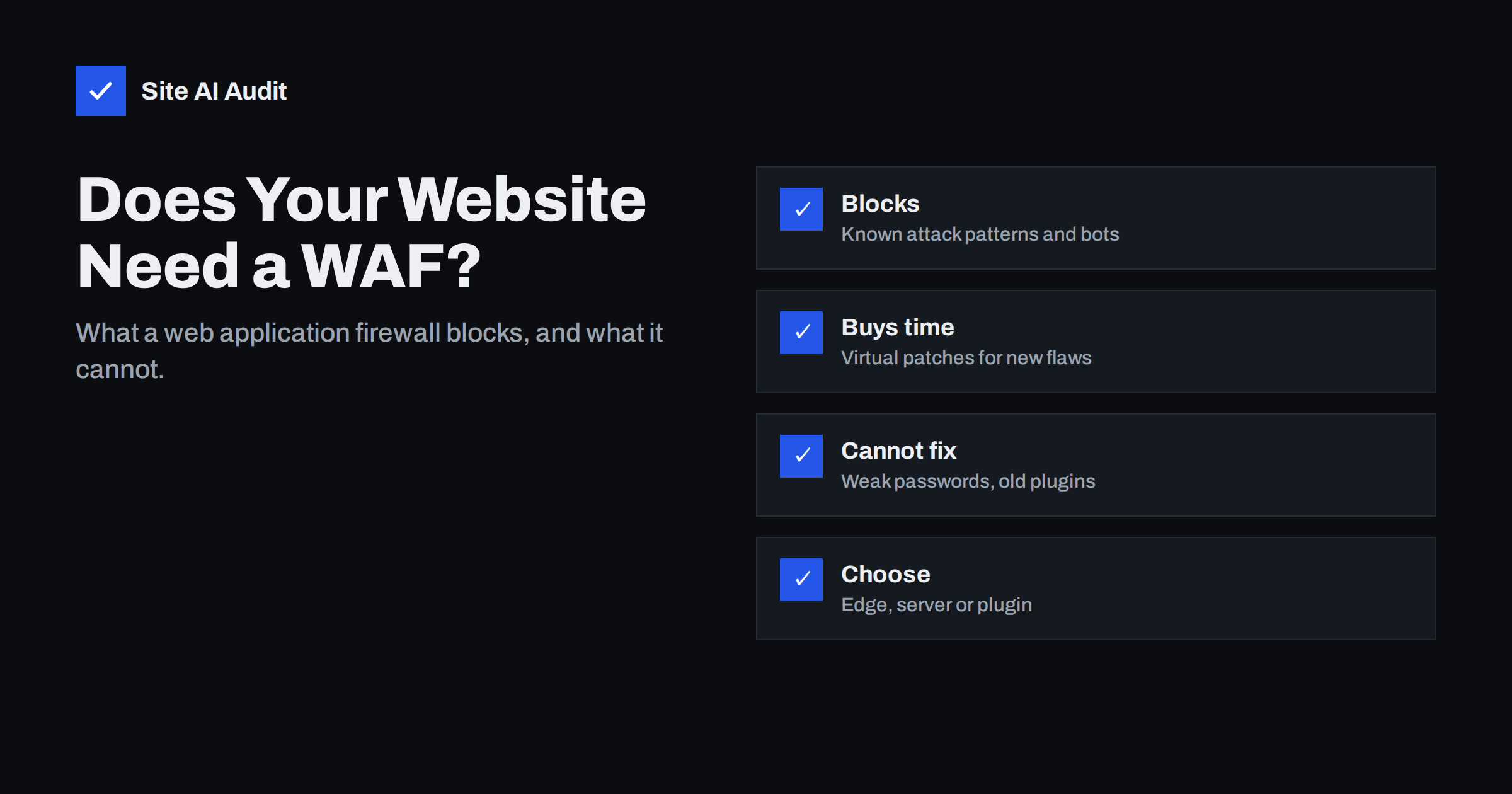
Short answer: A web application firewall (WAF) inspects HTTP requests before they reach your website and blocks those that match attack patterns – SQL injection, cross-site scripting, exploit attempts against known plugin vulnerabilities, abusive bots and login floods. It is a useful extra layer, especially for CMS sites and shops, because it can block attacks against newly published vulnerabilities before you have updated. But it does not replace updates, strong authentication and backups, and a badly tuned WAF can block real customers. Choose between cloud (edge), server-level and plugin-based WAFs based on your hosting and budget.
Hosting companies, CDNs and security plugins all offer “firewalls” for websites, and the term is used loosely. Some are network firewalls that only filter ports; others are genuine application firewalls that understand web requests. This guide explains what a WAF actually does, how the different types compare, where they help most, and the common mistakes that make them either useless or harmful.
What a WAF does – and how it differs from a network firewall
A classic network firewall decides which connections are allowed based on addresses and ports: for example, allow ports 80 and 443 to the web server, block everything else. It does not look inside web requests. A WAF sits at the application layer. It reads each HTTP request – the URL, parameters, headers, cookies and body – and compares it with rules describing malicious patterns. Typical things a WAF can detect and block:
- SQL injection attempts in form fields or URL parameters;
- cross-site scripting payloads;
- path traversal and attempts to read files such as
/etc/passwdor.env; - exploit requests targeting known vulnerabilities in specific CMS plugins or frameworks;
- requests from known malicious IP addresses or botnets;
- excessive request rates against logins, search or checkout;
- unexpected methods, oversized bodies and malformed requests.
Rule sets come from the vendor, from community projects such as the OWASP Core Rule Set, or from your own custom rules. Managed rule sets are updated when new vulnerabilities become public, which is one of the main benefits.
Types of WAF for websites
| Type | Where it runs | Strengths | Limitations |
|---|---|---|---|
| Cloud / edge WAF | At a CDN or security proxy in front of the site | Blocks traffic before it reaches your server; also absorbs floods; easy to enable | Can be bypassed if the origin IP is exposed; less context about the application |
| Server-level WAF | In the web server (for example ModSecurity) or hosting platform | Protects all sites on the server; no extra service needed | Uses server resources; tuning often requires server access |
| Application / plugin WAF | Inside the CMS, as a security plugin | Understands the CMS, users and plugins; easy on shared hosting | Runs only after the request reaches PHP; attackers who disable plugins disable it |
Many sites combine two: an edge WAF from their CDN plus the host’s server-level rules, or a CDN WAF plus a CMS security plugin for login protection.
When comparing products, ask a few practical questions: how quickly managed rules are updated after a new vulnerability is published, whether there is a monitoring mode for testing, how easy it is to see why a request was blocked, whether exceptions can be limited to a single URL or parameter, and whether rate limiting and bot management are included or cost extra. The answers matter more day to day than the length of the feature list.
Where a WAF helps most
Buying time for updates
When a serious vulnerability in a popular plugin is published, automated attacks often start within days. Managed WAF rules can block the exploit pattern for all protected sites at once – a “virtual patch” – giving you time to test and apply the real update. For sites with many plugins or slow update processes, this alone can justify a WAF.
Reducing bot noise and load
Login floods, comment spam, vulnerability scanners and aggressive scrapers consume server resources. Blocking them at the edge keeps the site faster for real visitors and makes logs easier to read.
Protecting custom code with gaps
Custom applications sometimes contain injection flaws nobody has found yet. Generic WAF rules can block many common exploitation attempts, although they are no substitute for fixing the code.
What a WAF cannot do
- Stop logins with stolen passwords. A correct username and password look like a legitimate request. Two-factor authentication is the defence here.
- Fix vulnerable software. Virtual patches cover known patterns; variations and new techniques may pass. Updating remains essential.
- Understand your business logic. A customer viewing another customer’s order by changing an ID is a valid-looking request.
- Protect what it does not see. An edge WAF is useless if attackers connect directly to your server’s IP, and a plugin WAF does nothing for other applications on the same server.
- Clean an already hacked site. Backdoors installed earlier may use requests that look normal.
Setting up a WAF without blocking customers
- Start in monitoring or “log only” mode if the product offers it, and review what would be blocked for a week or two.
- Test critical journeys – forms, search, checkout, payment callbacks, admin actions, API integrations – with the WAF active. Payment provider webhooks and editors saving content with code snippets are common false positives.
- Create narrow exceptions for legitimate traffic that triggers rules, rather than turning off whole rule groups.
- Protect the origin when using an edge WAF: allow web traffic only from the CDN’s IP ranges or use authenticated origin connections, and do not expose the origin IP in DNS.
- Review blocked requests regularly, especially after site changes, and keep managed rules enabled so they update automatically.
Does a small business website need a WAF?
It depends on what the site does and how it is maintained. A simple brochure site on a well-maintained CMS, with few plugins, strong passwords with 2FA and prompt updates, gets modest extra value from a WAF – though the free or low-cost WAF features included with many CDNs and hosts are worth enabling anyway. An online shop, membership site or site with many plugins benefits more, because virtual patching and bot filtering directly reduce risk and load. Sites that have been hacked before, or where updates are slow, should consider one a priority – while fixing the update process at the same time.
Whatever you choose, treat the WAF as one layer in a set: updates, authentication, backups, HTTPS and security headers, monitoring. The OWASP Core Rule Set project is a good reference for how generic WAF rules work and what they aim to catch.
How to tell whether your WAF is working
A WAF that is switched on but never reviewed gives a false sense of safety. A few simple checks show whether it is doing its job. Look at the dashboard or logs for blocked requests: a live site almost always shows a steady trickle of blocked scanner and exploit attempts; zero blocks for weeks may mean the WAF is in monitoring mode, bypassed, or not in front of the traffic at all. Confirm that traffic really passes through it – for an edge WAF, check that your DNS points to the provider and that the origin refuses direct connections. Compare blocked requests with support tickets: if customers report failed forms or checkouts at the same times as blocks, you have false positives to tune. Finally, check that managed rule updates are enabled and recent, since the value of virtual patching depends on rules arriving quickly after new vulnerabilities are published.
How Site AI Audit helps
A WAF filters attacks; Site AI Audit shows the configuration gaps attackers look for in the first place. Each report checks the SSL certificate, HTTP to HTTPS redirect, security headers and exposed software versions from outside, explains every finding in plain words and ranks fixes by impact. Monitoring on paid plans alerts you when something breaks, for example after WAF or CDN changes. Run a free check.
Related reading
- Brute-Force Login Attacks: How to Protect Your Website Logins
- CDN SSL Modes Explained: Flexible vs Full vs Full (Strict)
- Website Security Scan vs Penetration Test: What You Need
The bottom line
A web application firewall is a useful filter that blocks common attacks, bot floods and exploits against known vulnerabilities, and buys time when urgent updates appear. It is not a replacement for updates, two-factor authentication or backups, and it needs tuning so it does not block customers. Enable the WAF features your CDN or host already offers, tune them carefully, and keep the basics in place behind them.
FAQ
Is a WAF the same as a firewall on my server?
No. A network firewall filters connections by address and port, while a WAF inspects the content of web requests and blocks malicious patterns such as injection attempts and exploit payloads.
Can a WAF slow down my website?
Edge WAFs usually add negligible delay and may even speed things up by blocking bot traffic. Server and plugin WAFs use some server resources, which can be noticeable on small hosting plans with heavy traffic.
Do I still need to update plugins if I have a WAF?
Yes. A WAF can block known exploit patterns, but attackers vary their requests and new techniques appear. Updating removes the vulnerability itself, which the WAF cannot do.
Are free WAF options good enough?
For many small sites, the free or basic WAF features included with CDNs and hosting are a good start. Paid tiers add more managed rules, faster updates and finer control, which matters more for shops and busy sites.
Why is my WAF blocking legitimate users?
A rule is matching normal traffic, such as a form field containing code or a payment callback. Check the blocked request in the WAF log and add a narrow exception rather than disabling the protection entirely.


