 ENEnglish
 LTLietuviškai
 DEDeutsch
 FRFrançais
 RUРусский
 ESEspañol
 PLPolski
 ITItaliano
 UKУкраїнська
 CSČeština
 PTPortuguês
 JA日本語
JA日本語 LVLatviešu valoda
 ETEesti
 HUMagyar
 IDBahasa Indonesia
 TRTürkçe
 HIहिन्दी
 ELΕλληνικά
 ARالعربية
 THไทย
THไทย VITiếng Việt
 RORomână
 MSBahasa Melayu
 BNবাংলা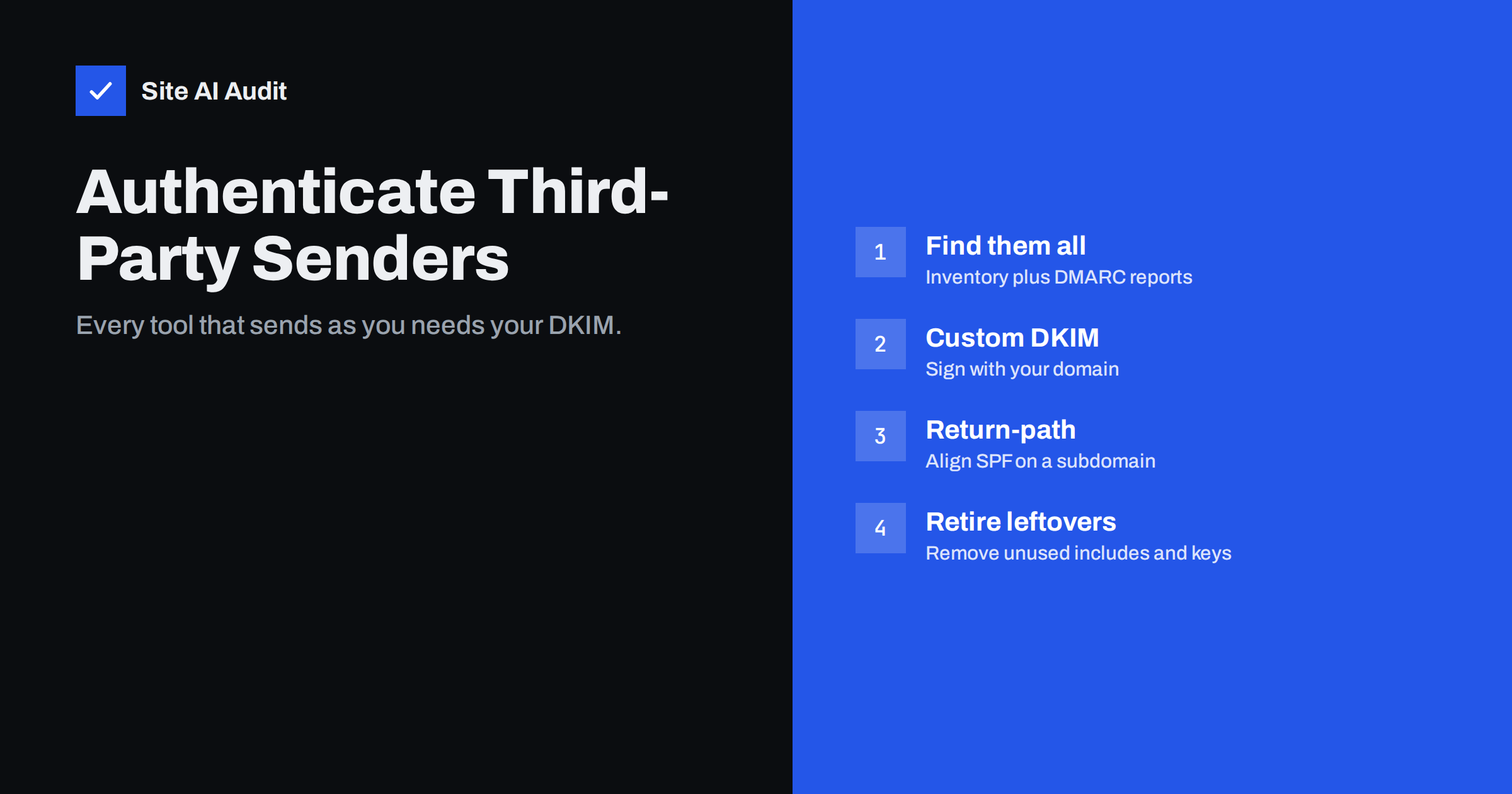
Short answer: Any service that sends e-mail with your domain in the From address, such as a CRM, helpdesk, newsletter platform, invoicing or booking tool, must be authenticated for your domain, or its mail fails DMARC. For each one, set up custom domain authentication: publish the DKIM record it provides so it signs with your domain, and where offered, a custom return-path subdomain so SPF aligns too. Find the services through an inventory and DMARC reports, verify each with a test message, and remove records for tools you no longer use.
Why third-party senders are the usual weak spot
Most businesses set up their main mailbox provider carefully. The trouble starts with everything else. Over the years, teams adopt tools that send mail on their behalf: a CRM for sales sequences, a helpdesk for support replies, a newsletter platform, an e-commerce system, an invoicing app, an appointment scheduler, a survey tool, an HR system. Each of them can put your domain in the From address.
By default, many of these tools send from their own infrastructure, using their own bounce domain and often signing with their own DKIM key. The messages authenticate, but for the vendor’s domain rather than yours. DMARC therefore fails alignment. With p=none, nothing visible happens. When you move to p=quarantine or p=reject, invoices, support replies and booking confirmations start going to spam or bouncing.
There is also a security angle. A tool that sends as your domain without authentication looks, to a receiving server, exactly like a spoofer. Once DMARC is enforced, receivers cannot tell your forgotten booking tool from a criminal, and they treat both the same way.
That is why DMARC projects often stall: the policy cannot be tightened until every third-party sender is aligned, and nobody has a complete list of them.
Step 1: build the inventory
Combine two sources:
- Ask the teams. Sales, support, marketing, finance, HR and operations each know which tools they use to send mail to customers, candidates or suppliers. Ask specifically about automated notifications, not just campaigns.
- Read DMARC aggregate reports. Publish DMARC with
p=noneand a report address if you have not already. After two to four weeks, the reports list every source sending with your domain. Reverse DNS names and DKIM domains in the reports usually reveal the vendor.
For each service, record its name, owner in your company, what it sends, which From addresses it uses, and its current authentication status. Also note services that only send from their own domain, such as a payment provider’s receipts; those do not need your records.
Step 2: set up custom DKIM in each service
Look for settings called “domain authentication”, “sender authentication”, “custom sending domain”, “branded domain” or “DKIM”. The typical process:
- Add your domain (or a subdomain) in the service.
- The service shows one or more DNS records, usually CNAMEs pointing to keys it hosts, or TXT records containing the public key.
- Publish them exactly as given in your DNS.
- Return to the service and click verify.
- Send a test message and confirm
dkim=passwithheader.dshowing your domain.
CNAME-based setups are convenient because the vendor can rotate keys without asking you. TXT-based setups put the key directly in your DNS; watch for long keys being truncated by your DNS panel.
Step 3: align SPF where possible
DMARC needs only one aligned pass, so DKIM alone is often enough. Aligned SPF is a useful backup, especially if messages are sometimes modified in transit and DKIM breaks. Many services support a custom return-path (bounce domain), set up with a CNAME on a subdomain such as bounce.yourdomain.com. The envelope sender then belongs to your domain, and SPF aligns in relaxed mode.
Avoid adding every vendor’s include to your root SPF record by default. It adds DNS lookups, pushes you toward the ten-lookup limit and, if the vendor uses its own bounce domain anyway, does not help alignment at all. Add an include only when the service’s documentation explicitly requires it for your root domain.
Common services and what they usually need
| Type of service | What it typically sends | Usual authentication |
|---|---|---|
| Newsletter and marketing platforms | Campaigns, automations | DKIM CNAMEs, custom return-path, sometimes a dedicated subdomain |
| Transactional mail services | Receipts, password resets, notifications | DKIM record, custom return-path subdomain |
| CRM and sales tools | Sequences, one-to-one mail via the tool | DKIM record; some send through your mailbox provider instead |
| Helpdesk and ticketing | Support replies, ticket notifications | DKIM record, sometimes SPF include |
| Invoicing, booking, HR tools | Invoices, confirmations, candidate mail | Varies; some support custom DKIM, others only send from their own domain |
Some tools offer to send through your own mailbox provider by connecting to your mailbox. That route inherits your provider’s authentication and is a good option when the tool does not support custom DKIM.
Testing each service properly
A green “verified” badge in a vendor’s dashboard only means the DNS records exist. It does not prove that messages are actually signed with your domain, or that every type of message from that tool uses the authenticated setup. Some tools, for example, sign campaign mail correctly but send system notifications from a different pipeline.
For each service, trigger every kind of message it sends: a campaign, an automated notification, a reply sent from inside the tool, a password reset for the tool’s portal if customers use it. Send them to a Gmail or Outlook.com address you control and check the headers. You are looking for three things: dkim=pass with header.d on your domain, dmarc=pass, and a Return-Path on your domain if you configured a custom bounce domain.
Record the results in the inventory, with the date. When a problem appears months later, you will know whether the service ever worked correctly and what changed since.
Who owns the fix?
Third-party authentication touches two areas of responsibility: the team that owns the tool and whoever controls DNS. Projects stall when each side waits for the other. Agree on a simple process: the tool owner requests the records from the vendor and sends them to the DNS owner, who publishes them and confirms; the tool owner then verifies in the vendor dashboard and sends a test. For agencies managing client domains, the same split applies between the agency and the client’s IT contact.
Step 4: handle tools that cannot authenticate
Occasionally a service offers no custom authentication at all. Options, from best to worst:
- Use the service’s own From domain, with your company name as the display name and your address in Reply-To. The mail then authenticates for the vendor, and DMARC for your domain is not involved.
- Route the mail through your provider via SMTP settings, if the tool allows it.
- Use a subdomain with a separate, less strict DMARC policy for that tool only, as a temporary measure.
- Replace the tool with one that supports proper authentication if it sends important customer mail.
Do not weaken the DMARC policy for your entire domain to accommodate a single tool.
Step 5: verify, enforce and maintain
Once each service passes with your domain, watch DMARC reports for a couple of weeks to confirm there are no remaining failing sources. Then move the policy towards p=quarantine and p=reject. After that, keep the inventory alive:
- Add authentication to onboarding. Before a team starts sending from a new tool, its domain setup must be completed.
- Remove records when a tool is retired, including DKIM keys, CNAMEs and SPF includes. Leftover authorisations are a security risk.
- Recheck after vendor changes. Vendors occasionally change their DNS requirements; their notices tend to go to whoever set up the account years ago.
Site AI Audit checks your published SPF (including the lookup limit), DKIM, DMARC and MX records and explains any problems in plain words. A free check confirms the published side; paid plans monitor the records and alert you when something changes, for example when a DNS edit removes a vendor’s DKIM record.
Related reading
- How to Read DMARC Aggregate Reports Without Getting Lost
- DMARC Alignment Explained: Relaxed vs Strict Mode
- SPF Too Many DNS Lookups: How to Fix the 10-Lookup Limit
The bottom line
Third-party tools are where most DMARC failures hide. List every service that sends with your domain, set up custom DKIM for each, add a custom return-path where available, handle tools that cannot authenticate without weakening your whole policy, and keep the inventory current. Then enforcement becomes a safe step instead of a gamble.
FAQ
Why does my CRM’s e-mail fail DMARC?
Most likely it signs with its own domain and uses its own bounce address, so neither SPF nor DKIM aligns with your From domain. Set up custom domain authentication in the CRM.
Do I need to add every service to my SPF record?
No. Many services align through DKIM and a custom return-path subdomain. Adding unnecessary includes wastes SPF lookups and does not help alignment.
How do I find all services that send as my domain?
Ask each team which tools send mail, and read DMARC aggregate reports, which list every source using your domain.
What if a tool does not support custom DKIM?
Use the tool’s own From domain with your company name as display name, route the mail through your own provider, or consider replacing the tool if it sends important mail.
Should I remove records for tools we stopped using?
Yes. Leftover DKIM keys and SPF includes keep authorising services you no longer control, and they clutter your DNS.
Can third-party senders use a subdomain?
Yes, and it is often a good idea. A subdomain keeps the tool’s authentication and reputation separate from your main domain while still aligning in relaxed DMARC mode.


