 ENEnglish
 LTLietuviškai
 DEDeutsch
 FRFrançais
 RUРусский
 ESEspañol
 PLPolski
 ITItaliano
 UKУкраїнська
 CSČeština
 PTPortuguês
 JA日本語
JA日本語 LVLatviešu valoda
 ETEesti
 HUMagyar
 IDBahasa Indonesia
 TRTürkçe
 HIहिन्दी
 ELΕλληνικά
 ARالعربية
 THไทย
THไทย VITiếng Việt
 RORomână
 MSBahasa Melayu
 BNবাংলা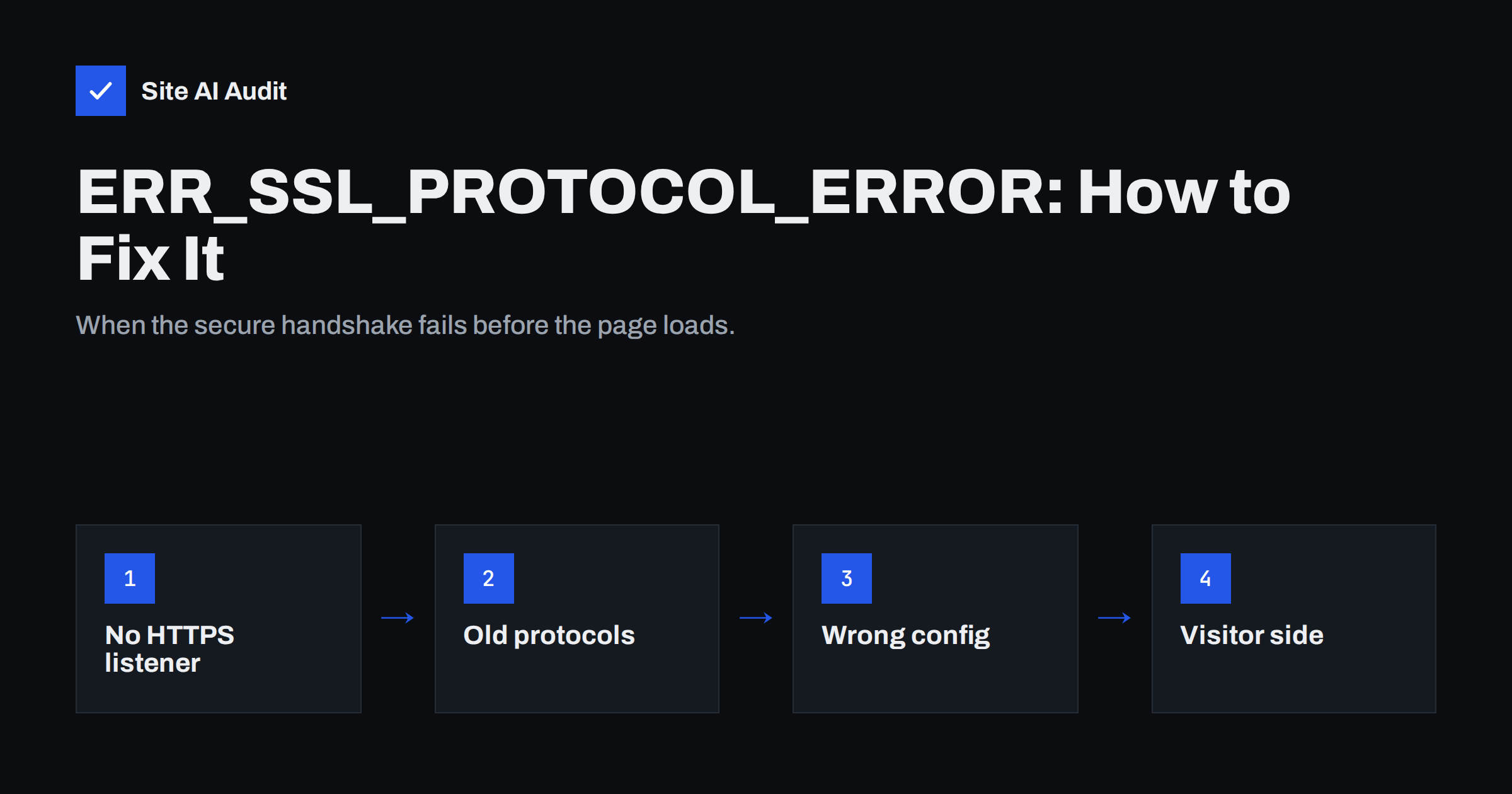
Short answer: ERR_SSL_PROTOCOL_ERROR is shown by Chrome and other Chromium browsers when the TLS handshake fails – the browser and server cannot agree on how to set up a secure connection. When it affects all visitors, the cause is almost always on the server: HTTPS is not actually configured on port 443, the server offers only outdated TLS versions or ciphers, the virtual host for that hostname is missing, or a proxy or CDN is misconfigured. When only some visitors see it, look at their side: wrong system clock, antivirus or network filters inspecting HTTPS, or an outdated browser.
Unlike certificate errors such as “Your connection is not private”, this error does not offer any details or a way to proceed. The page simply says “This site can’t provide a secure connection” and “sent an invalid response”. That makes it confusing for visitors and site owners alike. The good news is that the causes are limited, and a few simple tests usually identify which one you have. This guide walks through them, starting with the server-side causes that affect everyone.
What the error actually means
Before any page content is exchanged, the browser and the server perform a TLS handshake: they agree on a protocol version and cipher, the server presents its certificate, and both derive encryption keys. ERR_SSL_PROTOCOL_ERROR means this handshake broke down at the protocol level – not because the certificate was untrusted (that would be a certificate error), but because the messages exchanged did not make sense or no common ground was found. Common patterns:
- The server answered with something that is not TLS at all, such as plain HTTP.
- The server offered no protocol version or cipher suite the browser accepts.
- The connection was cut off or altered in the middle of the handshake.
First: does everyone see it, or only some people?
This single question splits the troubleshooting in two. Test from at least two different networks and devices – for example your laptop on office Wi-Fi and a phone on mobile data – and in a private window. If everyone sees the error, focus on the server. If only one device or network does, focus on that visitor’s environment.
Server-side causes that affect every visitor
Server-side cause 1: HTTPS is not really configured
The most common cause is that the server listens on port 443 but speaks plain HTTP there, or has no HTTPS configuration for the requested hostname. This happens after:
- adding a domain to hosting without enabling SSL for it;
- a web server configuration with
listen 443;but without thesslparameter (Nginx), or a virtual host on port 443 withoutSSLEngine on(Apache); - a port-forwarding or firewall rule that sends 443 to the wrong service.
Test: curl -v https://example.com. An error such as “wrong version number” strongly suggests the server sent plain HTTP. openssl s_client -connect example.com:443 -servername example.com will fail in a similar way.
Fix: enable SSL for the domain in your hosting panel or configure the HTTPS server block correctly, with certificate and key, then reload the server.
Server-side cause 2: Only outdated protocols or ciphers
Modern browsers accept TLS 1.2 and TLS 1.3 only, with modern cipher suites. A server that still offers only TLS 1.0/1.1, or only old ciphers such as RC4 or 3DES, has no common ground with the browser. Old appliances, legacy Windows servers and long-untouched configurations are typical examples.
Test: openssl s_client -connect example.com:443 -tls1_2 and -tls1_3. If both fail but the server is reachable, it does not support modern TLS. Online TLS testers show the full list of supported versions and ciphers.
Fix: enable TLS 1.2 and 1.3 and modern cipher suites; update the web server and OpenSSL if they are too old to support them.
Server-side cause 3: Missing hostname configuration (SNI)
On servers hosting many sites, the browser sends the hostname during the handshake (Server Name Indication). If no configuration matches that name and there is no sensible default, some servers abort the handshake instead of presenting a certificate. It often affects a newly added subdomain or the www variant.
Fix: add the hostname to the correct virtual host or server block (ServerAlias, server_name), make sure a certificate covers it, and reload.
Server-side cause 4: CDN, proxy or load balancer problems
With a CDN or proxy in front, the visitor’s handshake happens with that service. Misconfigurations include:
- DNS pointing to the CDN before the CDN has issued an edge certificate for the hostname;
- a proxy set to pass TLS through to an origin that does not speak TLS;
- deeper subdomains (such as
a.b.example.com) not covered by the CDN’s certificate plan; - a load balancer listener on 443 configured for TCP or HTTP instead of HTTPS/TLS.
Fix: check the certificate and listener status in the CDN or load balancer dashboard, and wait for edge certificate issuance before moving DNS.
Server-side cause 5: Firewalls and security appliances
Web application firewalls, intrusion prevention systems and DDoS protection can terminate or modify connections they consider suspicious. A rule that is too strict, or an appliance with outdated TLS support in front of a modern server, can break handshakes for everyone or for specific clients. Check the device’s logs and TLS settings.
Visitor-side causes
| Cause | How to confirm | Fix for the visitor |
|---|---|---|
| Wrong date and time on the device | Clock shows a different day or year | Enable automatic time synchronisation |
| Antivirus or security software inspecting HTTPS | Error disappears when HTTPS scanning is paused | Update the software or disable its HTTPS scanning |
| Company proxy or public Wi-Fi filter | Works on mobile data, fails on that network | Contact the network administrator |
| Outdated browser or operating system | Other sites also fail; very old versions | Update the browser and system |
| Browser extensions | Works in a private window without extensions | Disable the extension causing it |
| Corrupted SSL state or cache | Rare; persists only in one browser | Clear browsing data, restart the browser |
If you run a site and receive reports from a few visitors only, ask them to try mobile data and another browser. That quickly shows whether their network or software is responsible.
A quick diagnostic sequence
- Try the site from two networks and two devices.
- Run
curl -v https://example.comand read the error text. - Run
openssl s_clientwith-tls1_2and-tls1_3. - Check that DNS points where you expect (
dig example.com). - Review the web server configuration for the HTTPS listener, certificate files and hostname.
- Check CDN or load balancer certificate status.
- Look at server error logs around the time of a failed request.
Documentation on how TLS negotiation works is available on MDN’s Transport Layer Security page, which helps interpret what each tool reports.
Related errors that look similar
Several other browser errors are easily confused with this one. ERR_SSL_VERSION_OR_CIPHER_MISMATCH is more specific: the browser and server share no protocol version or cipher suite, which points directly to cause 2 above or to a certificate type the client cannot use. ERR_CONNECTION_REFUSED means nothing is listening on port 443 at all, so the problem is the firewall or the web server not running, not TLS. ERR_CONNECTION_RESET or ERR_CONNECTION_CLOSED during the handshake often come from firewalls, filters or overloaded servers. Certificate errors such as NET::ERR_CERT_DATE_INVALID or NET::ERR_CERT_COMMON_NAME_INVALID mean the handshake reached the certificate check and the certificate itself was the problem. Reading the exact code saves a lot of guesswork.
How Site AI Audit helps
The first step of a Site AI Audit check connects to your site and tests whether it is reachable over HTTPS, whether the SSL certificate is valid and when it expires, and whether HTTP redirects to HTTPS. If the secure connection fails, the report tells you in plain words. Paid plans monitor the site and send an alert when something breaks, so a failed HTTPS configuration after a server change is noticed quickly. Run a free check.
Related reading
- TLS 1.0 and 1.1 Are Obsolete: How to Disable Them Safely
- SSL vs TLS: What Is the Difference and Why It Still Matters
- SSL Certificate Name Mismatch: Causes and How to Fix It
The bottom line
ERR_SSL_PROTOCOL_ERROR means the TLS handshake itself failed. If everyone sees it, check that port 443 really serves TLS for that hostname, that TLS 1.2 or 1.3 with modern ciphers is enabled, and that any CDN or proxy is correctly configured. If only some visitors see it, look at their clock, security software and network. A few curl and OpenSSL commands usually reveal the cause within minutes.
FAQ
Is ERR_SSL_PROTOCOL_ERROR the same as an expired certificate?
No. An expired or untrusted certificate produces a certificate error with a warning page. ERR_SSL_PROTOCOL_ERROR means the handshake failed at the protocol level, usually because of server configuration or network interference.
Why does the error appear only on my office network?
A firewall, proxy or content filter on that network is probably inspecting or blocking HTTPS traffic. Testing on mobile data confirms it; the network administrator needs to adjust the filter.
Can clearing the browser cache fix it?
Occasionally, if the problem is a corrupted local SSL state. In most cases the cause is the server or the network, so clearing the cache is worth a try only after checking from another device.
Why did the error appear right after adding a new subdomain?
The server or CDN probably has no HTTPS configuration or certificate for that hostname yet. Add the hostname to the correct configuration, issue a certificate for it and reload.
Does this error hurt SEO?
While it lasts, search engines cannot fetch your pages over HTTPS, just like visitors. A short outage fixed quickly usually has no lasting effect, but a long one can lead to pages dropping out of results.


