 ENEnglish
 LTLietuviškai
 DEDeutsch
 FRFrançais
 RUРусский
 ESEspañol
 PLPolski
 ITItaliano
 UKУкраїнська
 CSČeština
 PTPortuguês
 JA日本語
JA日本語 LVLatviešu valoda
 ETEesti
 HUMagyar
 IDBahasa Indonesia
 TRTürkçe
 HIहिन्दी
 ELΕλληνικά
 ARالعربية
 THไทย
THไทย VITiếng Việt
 RORomână
 MSBahasa Melayu
 BNবাংলা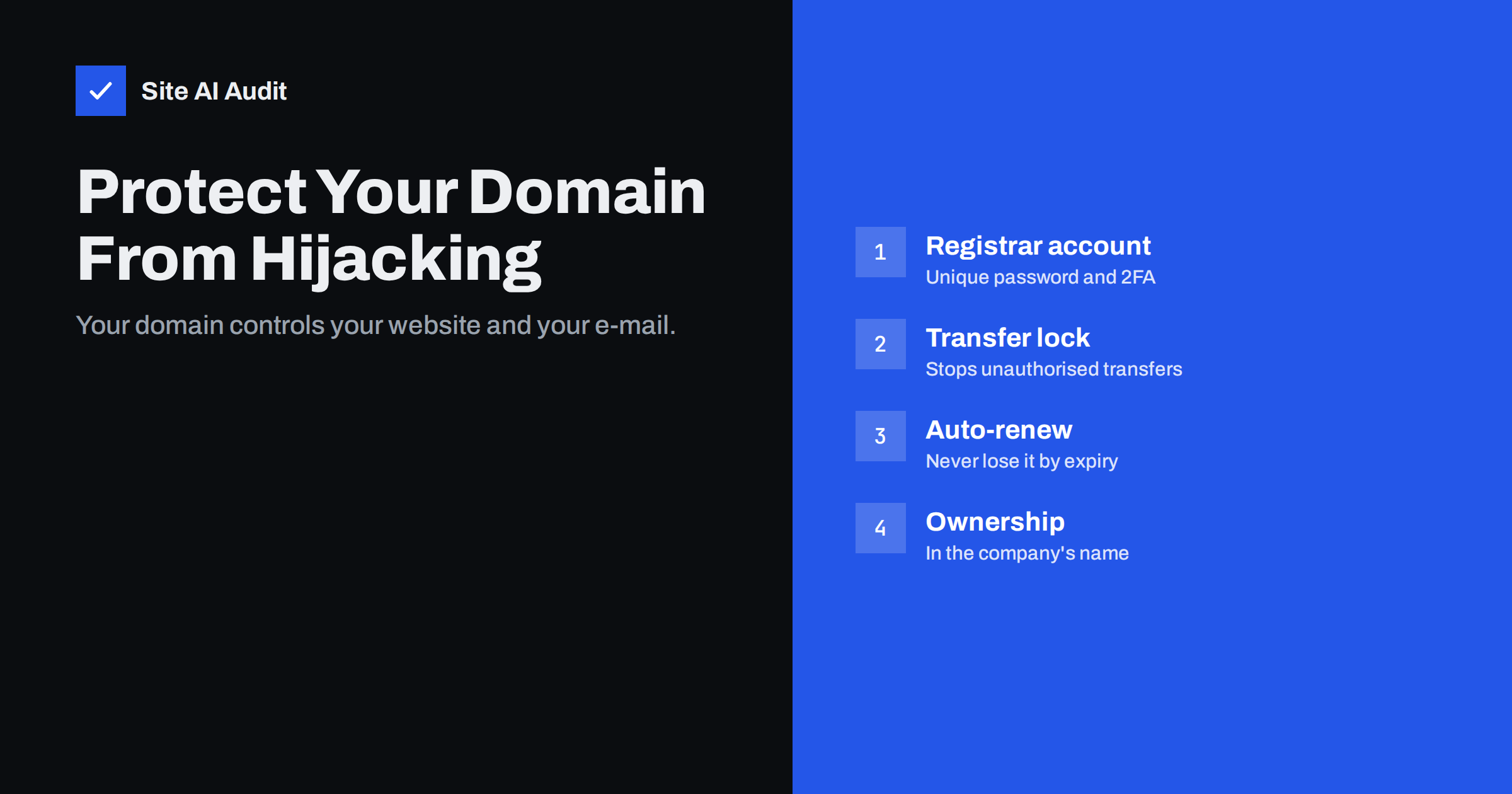
Short answer: Whoever controls your domain name controls your website, your e-mail and every login that relies on “reset password by e-mail”. Domains are lost through hijacked registrar or DNS accounts, social engineering of registrar support, unauthorised transfers, and simple expiry. Protect yours by securing the registrar and DNS accounts with unique passwords and two-factor authentication, enabling the transfer lock (and registry lock for critical domains), turning on auto-renewal with a valid payment method, keeping contact e-mails on a different domain current, and registering the domain in the company’s name.
Website security usually focuses on the server and the CMS. But above all of that sits the domain name. If an attacker changes where your domain points, they do not need to hack your website: they can simply send visitors and e-mail somewhere else. And if a domain expires because a renewal notice went to a former employee’s inbox, the result is the same outage, sometimes followed by someone else registering the name. This guide covers the ways domains are lost and the settings that prevent it.
Why the domain is the most valuable account you have
Your domain’s DNS records decide where the website lives (A and CNAME records), where e-mail is delivered (MX records), which servers may send e-mail as you (SPF, DKIM, DMARC) and which certificate authorities may issue certificates (CAA). Control of DNS therefore means control of:
- Your website – visitors can be sent to a copy with a phishing form.
- Your e-mail – incoming mail can be read, and outgoing mail forged.
- Your accounts elsewhere – many services send password resets to addresses on your domain, so an attacker who receives your e-mail can take over social media, payment and cloud accounts.
- Your certificates – with DNS control, an attacker can pass domain validation and obtain valid certificates for your domain.
How domains are lost
| Route | How it happens | Main defence |
|---|---|---|
| Registrar account takeover | Reused or phished password, no two-factor authentication | Unique password, 2FA, alerts |
| E-mail account takeover | Attacker controls the registrar account’s e-mail and resets the password | Secure contact e-mail, ideally on another domain |
| Social engineering | Attacker convinces registrar support to change details | Registrar with strong verification, registry lock |
| Unauthorised transfer | Domain moved to another registrar using a stolen auth code | Transfer lock, protected auth code |
| DNS provider takeover | Separate DNS account compromised | Same protections as registrar |
| Expiry | Renewal fails, notices unread, payment card expired | Auto-renew, multi-year registration, monitoring |
| Ownership disputes | Domain registered in an employee’s or agency’s name | Register in the company’s name |
Secure the registrar and DNS accounts
- Use a unique, long password stored in a password manager.
- Enable two-factor authentication, preferably an authenticator app, passkey or hardware key rather than SMS.
- Protect the contact e-mail. The address that receives registrar notices and password resets should itself be protected with 2FA. Consider using an address on a different domain, so a problem with your main domain does not also cut you off from the registrar.
- Limit users. Give access only to people who need it, with individual logins where the registrar supports them.
- Enable notifications for logins, contact changes, nameserver changes and transfer requests.
- Consolidate domains at one or two reputable registrars rather than scattering them across many accounts nobody remembers.
Locks: transfer lock and registry lock
Transfer lock (often shown as “Registrar Lock” or the status clientTransferProhibited) prevents the domain from being transferred to another registrar until you unlock it. Most registrars enable it by default; check that it is on. Keep the transfer authorisation code (EPP code) private and request it only when you actually plan a transfer.
Registry lock, offered for many top-level domains through some registrars, goes further: changes to nameservers, contacts or transfers require a manual, out-of-band verification process with the registry. It costs extra and makes legitimate changes slower, which is exactly the point for business-critical domains such as your main brand domain.
You can see a domain’s status codes in a public WHOIS or RDAP lookup.
Never lose a domain to expiry
- Turn on auto-renewal and keep the payment method valid; update it when cards are replaced.
- Register important domains for several years at a time where the registry allows it.
- Make sure renewal notices go to a monitored team address, not an individual.
- Keep a list of all domains the business uses – including country versions, old brand names and campaign domains – with their expiry dates.
- Remember that after expiry, many domains enter grace and redemption periods where recovery is still possible but costly; after that, anyone can register the name.
Ownership and records
The registrant – the legal owner shown in the registry – should be your company, not an employee, freelancer or agency. Agencies can manage the domain under your account or with delegated access. If a domain is currently registered in someone else’s name, arrange a change of registrant while relationships are good; it is much harder during a dispute. Keep the registrant details accurate, as registries may suspend domains with false or outdated information.
Lookalike domains: the neighbour problem
Not every domain attack targets your domain itself. Attackers also register names that look like yours – with a swapped letter, an extra hyphen, a different top-level domain or characters that look alike – and use them for phishing or fake invoices. You cannot prevent every variant, but you can reduce the risk:
- Register the most obvious variants of your main brand domain, such as common misspellings and the key top-level domains in your markets, and redirect them to your site.
- Publish a DMARC policy on your domain so that mail forged in your exact name is rejected; lookalikes cannot be stopped this way, but direct spoofing can.
- Watch certificate transparency logs and brand monitoring services for newly registered names containing your brand.
- Tell customers and staff which addresses you use for invoices and payment requests, and how to verify changes of bank details.
- Report clearly fraudulent lookalikes to the registrar and hosting provider through their abuse contacts.
A domain security checklist
- All business domains listed with registrar, expiry date and owner.
- Registrant is the company, with accurate details.
- Registrar and DNS accounts: unique passwords, two-factor authentication, individual users.
- Contact e-mail monitored and protected with two-factor authentication.
- Transfer lock enabled; registry lock considered for the main domain.
- Auto-renewal on, payment method valid, important domains registered for several years.
- Alerts enabled for logins, contact changes and nameserver changes.
- DNSSEC and CAA configured where supported.
Review it once a year and whenever someone with access leaves the company or an agency relationship ends.
Warning signs and what to do
Signs that something is wrong include unexpected e-mails about contact changes, transfer requests or new logins at the registrar; your website or e-mail suddenly pointing elsewhere; changed nameservers in a WHOIS lookup; or certificate transparency logs showing certificates you did not request. If you suspect a hijacking:
- Contact the registrar’s abuse or security team immediately, using contact details from their official website.
- Regain access to the e-mail account used for the registrar, and change passwords from a clean device.
- Ask the registrar to lock the domain and reverse unauthorised changes or transfers.
- Restore correct DNS records and check MX, SPF and other e-mail records as well as web records.
- Review certificates issued during the incident and request revocation of any you did not order.
- Warn customers if phishing or e-mail interception may have affected them.
ICANN’s guidance on protecting your domain name summarises registrant rights and good practices.
How Site AI Audit helps
Site AI Audit checks what your domain’s DNS actually delivers to visitors and mail servers: the website’s SSL certificate and HTTPS redirect, security headers, and e-mail records including SPF, DKIM, DMARC and MX. Paid plans monitor the site and send alerts when something breaks – such as a certificate problem or changed e-mail authentication – which can be an early sign of trouble at the DNS level. Run a free check.
Related reading
- DNSSEC Explained for Website Owners: Is It Worth Enabling?
- Certificate Transparency Logs: Every Certificate for Your Domain
- Brute-Force Login Attacks: How to Protect Your Website Logins
The bottom line
Your domain is the key to your website, e-mail and many other accounts. Protect the registrar and DNS accounts like your bank login, keep the transfer lock on, consider a registry lock for your main domain, enable auto-renewal with current payment details and monitored notices, and make sure the company owns the domain. These steps take an afternoon and protect against some of the most disruptive incidents a business can face.
BUJ
What is the difference between registrar lock and registry lock?
Registrar lock is a setting you control in your registrar account that blocks transfers. Registry lock is applied at the registry level and requires a manual verification process for changes, making hijacking much harder.
Can I get my domain back after it expires?
Often, if you act within the grace or redemption period, although fees may be higher. After those periods, the domain is released and anyone can register it.
Should my agency register the domain for me?
The agency can handle the work, but the domain should be registered in your company’s name and account, with the agency given access. That keeps ownership clear if the relationship ends.
Does DNSSEC protect against domain hijacking?
No. DNSSEC protects DNS answers from forgery, but if an attacker controls your registrar or DNS account, their changes are signed as genuine. Account security and locks are the defences against hijacking.
How can I check my domain’s lock status?
Run a WHOIS or RDAP lookup for your domain and look at the status codes. Entries such as clientTransferProhibited show a registrar transfer lock; serverTransferProhibited and similar codes usually indicate a registry-level lock.


