 ENEnglish
 LTLietuviškai
 DEDeutsch
 FRFrançais
 RUРусский
 ESEspañol
 PLPolski
 ITItaliano
 UKУкраїнська
 CSČeština
 PTPortuguês
 JA日本語
JA日本語 LVLatviešu valoda
 ETEesti
 HUMagyar
 IDBahasa Indonesia
 TRTürkçe
 HIहिन्दी
 ELΕλληνικά
 ARالعربية
 THไทย
THไทย VITiếng Việt
 RORomână
 MSBahasa Melayu
 BNবাংলা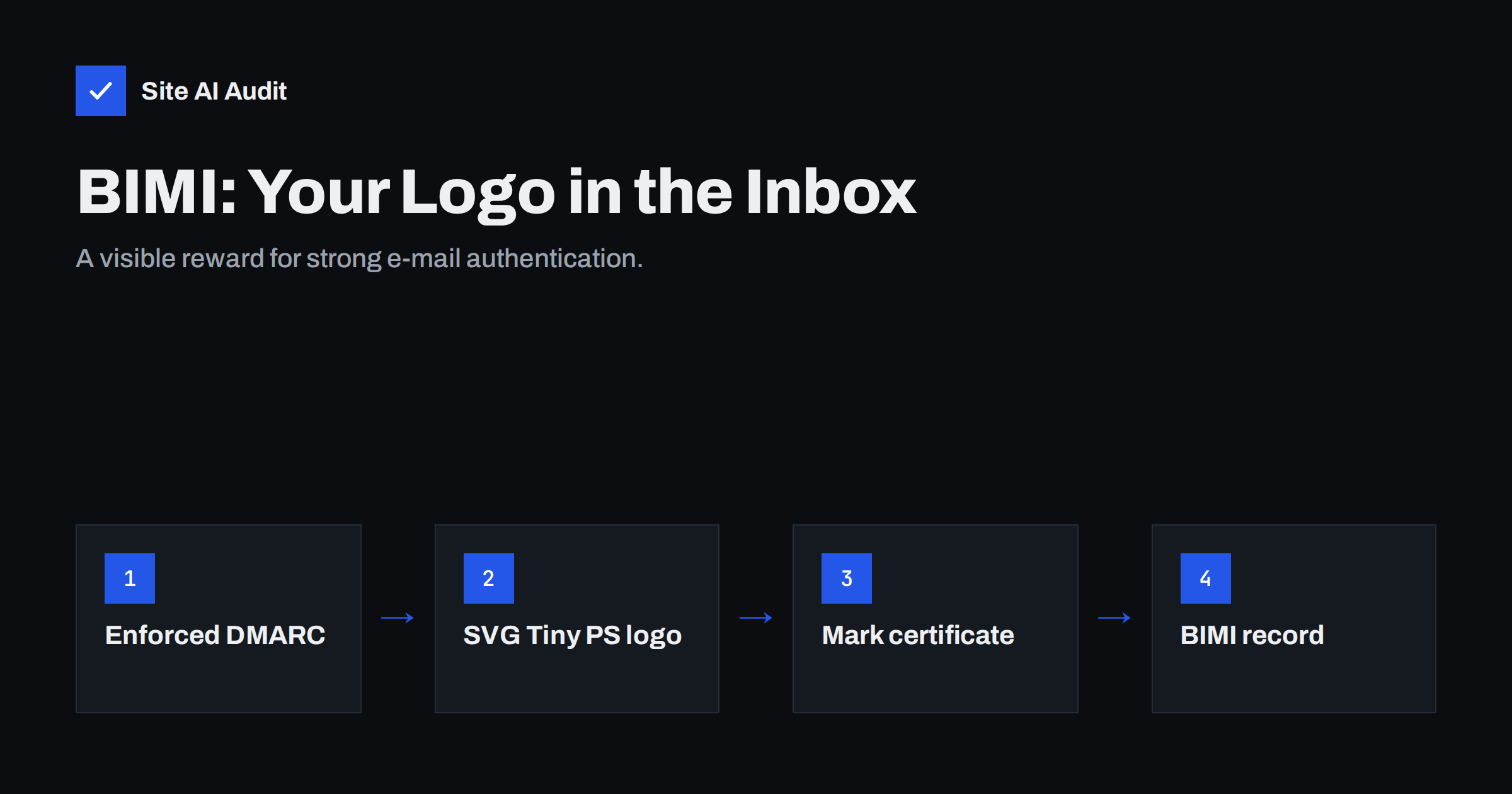
Short answer: BIMI (Brand Indicators for Message Identification) lets supporting mailbox providers show your logo next to messages that pass DMARC. To use it, your domain needs DMARC at enforcement (p=quarantine or p=reject), a logo in the SVG Tiny Portable/Secure format, a TXT record at default._bimi.yourdomain.com and, for Gmail and Apple Mail, a Verified Mark Certificate (VMC) or, in Gmail, a Common Mark Certificate (CMC). It is a visible reward for strong authentication, not a deliverability shortcut.
What BIMI is and what it is not
BIMI is a standard that connects your brand’s logo to your authenticated domain. When a supporting mailbox provider receives a message that passes DMARC with an enforcing policy, it looks up your BIMI record, fetches the logo and, if all requirements are met, displays it as the sender’s avatar in the inbox list and message view.
The idea is simple: criminals cannot display your logo because they cannot pass DMARC for your domain. Recipients get a visual cue that the message is genuine, and your brand becomes more recognisable in a crowded inbox. For marketing teams, a consistent logo across every message is also simply good branding, much like a favicon in a browser tab.
What BIMI is not:
- Not a ranking factor for inbox placement. Providers decide spam placement on reputation and authentication. BIMI only changes how an already accepted message looks.
- Not universal. Only some mailbox providers support it, and each decides when to show logos, sometimes also considering the sender’s reputation.
- Not a replacement for DMARC. It depends on DMARC being fully enforced.
Where BIMI logos appear
Support has grown over the last few years. Gmail displays BIMI logos for senders with a valid VMC or CMC and shows a blue verified checkmark for senders with a VMC. Apple Mail on recent versions of iOS, iPadOS and macOS supports BIMI with a VMC. Yahoo Mail and AOL have supported BIMI for a long time and have shown logos for senders with good reputation even without a certificate. Other providers have announced or tested support at different times.
Because support and exact rules change, check each provider’s current documentation before you invest. The official specification and implementation guide are published by the BIMI Group, the industry working group behind the standard.
Requirement 1: DMARC at enforcement
This is the part that takes the longest for most organisations, and it is the real value of any BIMI project. Your organisational domain must publish a DMARC record with p=quarantine or p=reject. A p=none policy does not qualify. If you use pct=, it should be 100, and the subdomain policy should not weaken enforcement.
Getting there means every legitimate sender is authenticated and aligned: your mailbox provider, marketing platform, CRM, helpdesk and website mail. If you are not there yet, the DMARC rollout is the project, and BIMI is the finishing touch afterwards.
Requirement 2: a logo in SVG Tiny PS
BIMI requires a specific SVG profile, SVG Tiny Portable/Secure (SVG Tiny PS), which removes scripts, external references and other features that could be abused. A normal SVG exported from a design tool will usually not pass validation. The main rules:
- The SVG must declare the Tiny PS profile (
baseProfile="tiny-ps"andversion="1.2"). - It must contain a
<title>element, typically your company name. - No scripts, animations, external links or embedded raster images.
- The logo should be square and designed to look good when cropped to a circle or rounded square, with a solid background.
- File size should be small; the BIMI group recommends keeping it under 32 kilobytes.
- It must be served over HTTPS from a publicly reachable URL.
Designers can convert existing logos, and there are validators that check the SVG against the profile. Do this early: a logo that needs rework can delay a certificate application.
Requirement 3: a mark certificate
To display logos, Gmail and Apple Mail require proof that you have the right to use the logo. That proof is a mark certificate issued by an authorised certificate authority:
| Certificate | What it proves | Typical requirement | Support |
|---|---|---|---|
| Verified Mark Certificate (VMC) | You own a registered trademark for the logo | Trademark registered with a recognised trademark office | Gmail (with verified checkmark), Apple Mail and others |
| Common Mark Certificate (CMC) | You have used the logo publicly for a period of time | Evidence of prior public use of the logo, without a trademark registration | Gmail (logo without checkmark); not all providers |
| No certificate | Nothing beyond DMARC | DMARC enforcement and good reputation | Some providers, such as Yahoo, at their discretion |
Certificates are paid annual products, and validation includes checking your organisation’s identity, so allow time for paperwork. The trademark route requires that the logo in the SVG matches the registered mark.
Requirement 4: the BIMI DNS record
Publish a TXT record at default._bimi.yourdomain.com:
v=BIMI1; l=https://yourdomain.com/bimi/logo.svg; a=https://yourdomain.com/bimi/certificate.pem
v=BIMI1is the version.l=is the HTTPS URL of the SVG logo.a=is the HTTPS URL of the mark certificate in PEM format. Without a certificate, this tag is left empty, and only providers that do not require one may show the logo.
The default selector is used unless a message specifies another one in a BIMI-Selector header, which lets large organisations show different logos for different brands. Host the files on a reliable server with a valid SSL certificate; an expired certificate or a moved file silently removes your logo.
A realistic BIMI project plan
For most organisations, BIMI is a project of several weeks or months, mainly because of DMARC and certificate validation. A realistic order of work looks like this:
- Audit authentication. List every service that sends mail with your domain and confirm SPF and aligned DKIM for each. Publish DMARC with
p=noneand reports if you have not already. - Clean up senders. Use DMARC reports to fix or retire every legitimate source that fails alignment.
- Enforce DMARC. Move to
p=quarantine, watch for problems, then considerp=reject. - Prepare the logo. In parallel, have a designer produce a square SVG Tiny PS version of the logo and validate it.
- Choose the certificate route. Check whether your logo is a registered trademark (VMC) or whether you can document prior use (CMC), and start the application with an authorised issuer.
- Publish files and record. Host the SVG and PEM files over HTTPS, publish the BIMI TXT record and validate it with a BIMI checker.
- Monitor. Put certificate renewal dates in the calendar, and keep an eye on DMARC reports so a new unauthenticated tool does not force you to weaken the policy.
Steps 1 to 3 bring security value on their own, even if you decide later that the certificate is not worth the cost.
Is BIMI worth it for your business?
BIMI makes most sense when:
- you send meaningful volumes of mail to consumers at Gmail, Yahoo or Apple Mail users;
- your brand is often impersonated, so a visual trust signal helps customers;
- you already have DMARC at enforcement, or are close;
- you have a registered trademark or have used your logo publicly for a long time.
It makes less sense for a small business that mainly e-mails other businesses, whose recipients use corporate mail systems that do not display BIMI logos. In that case, getting DMARC to p=reject brings the security benefit, and the certificate cost may not be justified yet. Either way, the DMARC work is never wasted.
Checking the foundations
The most common reason a BIMI project stalls is that the domain is not really ready: DMARC still at p=none, SPF over its lookup limit, or DKIM missing for one platform. Site AI Audit checks those foundations, SPF, DKIM, the DMARC policy and MX records, from outside and explains each finding in plain words, together with the website’s SSL status that also matters for hosting the BIMI files. A free check shows how far the domain is from BIMI readiness.
Related reading
- DMARC Explained: Policies, Alignment and a Safe Rollout
- Email Spoofing: How to Stop People Sending Mail as Your Domain
- How to Read DMARC Aggregate Reports Without Getting Lost
The bottom line
BIMI shows your logo next to authenticated mail in supporting inboxes. It requires enforced DMARC, a strict SVG Tiny PS logo, a BIMI TXT record and, for Gmail and Apple Mail, a VMC or CMC. Treat it as the finishing touch of a solid authentication setup: the enforcement it requires protects your domain whether or not the logo ever appears.
FAQ
Does BIMI improve deliverability?
Not directly. BIMI changes how an accepted message is displayed, not whether it lands in the inbox. The DMARC enforcement it requires does improve trust and protection against spoofing.
Can I use BIMI with DMARC p=none?
No. BIMI requires DMARC at enforcement, meaning p=quarantine or p=reject, applied to all mail.
Do I need a trademark for BIMI?
For a Verified Mark Certificate, yes. Gmail also accepts a Common Mark Certificate, which is based on documented prior use of the logo rather than a registered trademark. Some providers show logos without any certificate.
Why does my BIMI logo not show in Gmail?
Common causes are DMARC not at enforcement, a logo that fails SVG Tiny PS validation, a missing or invalid certificate, or files that are not reachable over HTTPS. Gmail may also take time to start displaying a new logo.
Where is the BIMI record published?
As a TXT record at default._bimi followed by your domain name. It contains the version, the logo URL and, if you have one, the certificate URL.
Can I use a PNG logo for BIMI?
No. BIMI requires an SVG file in the SVG Tiny Portable/Secure profile. A designer or conversion tool can create one from your existing logo.


