 ENEnglish
 LTLietuviškai
 DEDeutsch
 FRFrançais
 RUРусский
 ESEspañol
 PLPolski
 ITItaliano
 UKУкраїнська
 CSČeština
 PTPortuguês
 JA日本語
JA日本語 LVLatviešu valoda
 ETEesti
 HUMagyar
 IDBahasa Indonesia
 TRTürkçe
 HIहिन्दी
 ELΕλληνικά
 ARالعربية
 THไทย
THไทย VITiếng Việt
 RORomână
 MSBahasa Melayu
 BNবাংলা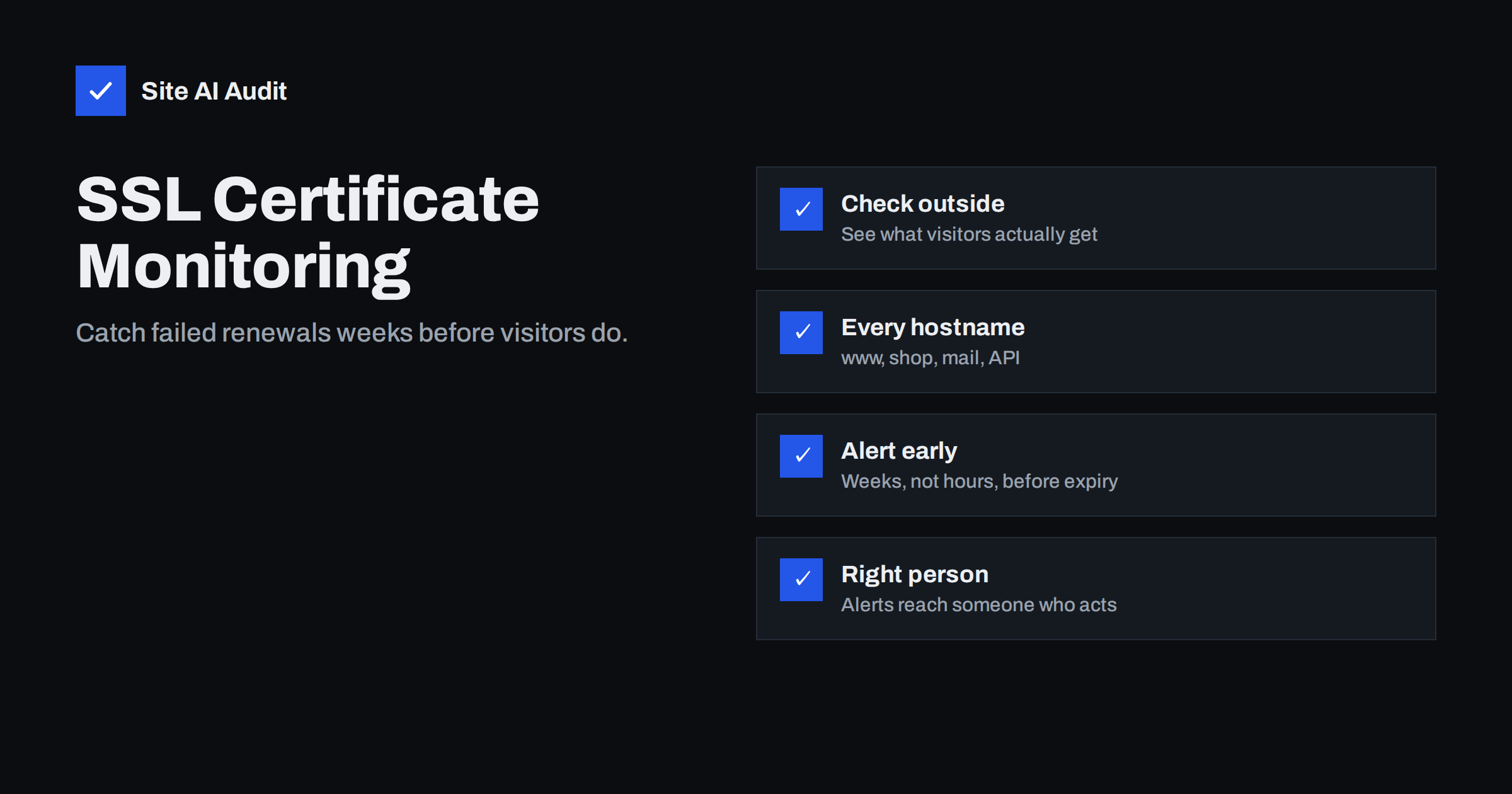
Short answer: SSL certificate monitoring means checking your live certificates from outside, on a schedule, and alerting a responsible person well before anything expires or breaks. Good monitoring connects to every hostname the way a visitor does, checks the expiry date, the names covered, the chain and the HTTPS redirect, and warns you typically two to three weeks before expiry for automated certificates and a month or more for manually renewed ones. It is the safety net that catches silent failures of automatic renewal.
Most certificate outages do not happen because nobody set up renewal. They happen because renewal was set up once, worked for a year or two, and then stopped – after a DNS change, a server move, a new CDN, an expired payment card or a colleague leaving the company. Nobody noticed, because a working renewal and a broken one look the same until the day the certificate expires. Monitoring closes that gap. This guide explains what to monitor, how often, and how to make sure alerts lead to action.
Why “auto-renew is on” is not enough
Automatic renewal is essential, but it can fail in ways that are invisible from the inside:
- Validation fails. After a DNS change or a move behind a CDN, the certificate authority can no longer reach the validation file or record, so renewal is refused.
- The job stops running. A server rebuild, an operating system upgrade or a changed cron configuration silently removes the scheduled renewal.
- Renewal succeeds but the server is not reloaded. The new certificate sits on disk while the web server keeps serving the old one until it expires.
- One of several servers is left behind. Load-balanced setups, separate mail servers or regional servers each need the new certificate.
- Billing or account problems. A paid certificate, hosting plan or CDN plan lapses, and renewal stops with it.
- Renewal notices go nowhere. Expiry warnings are sent to an old e-mail address or an unread shared mailbox.
In each case, only a check that looks at the certificate your visitors actually receive will reveal the problem in time.
What good certificate monitoring checks
| Check | Why it matters |
|---|---|
| Days until expiry | The core metric; alerts should fire well before zero |
| Hostname coverage | Catches certificates that no longer include www or a subdomain |
| Chain completeness | Missing intermediates break apps, phones and integrations |
| Trusted issuer | Detects self-signed or unexpected certificates after changes |
| HTTP to HTTPS redirect | Confirms visitors end up on the secure version |
| Protocol versions | Flags servers that fall back to outdated TLS after a rebuild |
| Issuer or key change | An unexpected change can indicate misconfiguration or tampering |
At minimum, monitor expiry and hostname coverage. The other checks add early warning for the configuration problems that tend to appear together with renewal failures.
Which hostnames to monitor
Monitoring only www.example.com is a common gap. Make a list of every hostname customers, partners or systems use over HTTPS:
- the bare domain and the www version;
- shop, booking, customer portal, API and app backend subdomains;
- mail-related hostnames such as webmail and autodiscover, if you run them;
- country or brand domains that redirect to your main site – the redirect itself needs a valid certificate;
- custom domains pointing to third-party services such as help centres or landing page tools.
Each of these can have its own certificate, issued in a different place, renewing on a different schedule.
When alerts should fire
The right alert threshold depends on how the certificate is renewed:
- Automated 90-day certificates are usually renewed about 30 days before expiry. If one still has fewer than 20 days left, renewal has almost certainly failed. An alert at 14 to 21 days gives time to investigate calmly.
- Manually renewed certificates need earlier warnings – 30 to 45 days – because purchasing, validation and installation take time and may involve other people.
- A second, urgent alert a few days before expiry, sent to more people, is a sensible escalation.
Avoid alerting too often on healthy certificates, or people learn to ignore the messages. One clear alert when action is needed is worth more than a weekly report nobody reads.
How often to check
Expiry dates change slowly, so a weekly check is enough to catch a failed renewal weeks in advance. Daily checks add value for sites where a certificate problem is costly – shops, booking systems, customer portals – and they also catch sudden changes, such as a server accidentally reverting to an old certificate or a CDN configuration change that swaps certificates. Checking more often than a few times a day rarely adds anything for certificates specifically.
Who should receive the alerts
An alert is only useful if it reaches someone who can act. Common failure points and their fixes:
- Send alerts to a person or team with access to the hosting, CDN or certificate account – not only to a marketing inbox.
- Use a role address or a shared channel, so alerts are not lost when someone is on holiday or leaves.
- For agencies, decide per client whether the agency, the client or both receive alerts, and write it into the maintenance agreement.
- Include in the alert what is wrong, for which hostname, and when it becomes an outage, so the recipient does not need to investigate before deciding what to do.
What to do when an expiry alert arrives
An alert with two or three weeks of margin is good news: there is time to fix the cause, not just the symptom. A calm response looks like this:
- Confirm the alert. Check the certificate the server presents for the hostname with a browser or OpenSSL, and compare the expiry date with the alert.
- Identify where the certificate is issued. The issuer name and your hostname inventory tell you whether it comes from the hosting panel, an ACME client on your server, a CDN or a vendor.
- Read the renewal log or panel message. It usually states the reason: failed validation, rate limits, a missing DNS record or a billing issue.
- Fix the cause and renew. Restore validation, re-enable the job or update billing, then trigger renewal manually.
- Reload and verify from outside. Confirm the new expiry date on every server and hostname, including behind load balancers.
- Record what happened. A short note – cause, fix, date – helps the next person and shows patterns, for example that every DNS change breaks renewal.
If the alert arrives with only days left, prioritise getting a valid certificate in place first, even by issuing a new one manually, and investigate the automation afterwards.
Building a simple monitoring routine
- List all HTTPS hostnames and, for each, where the certificate is issued and who owns it.
- Set up external monitoring for each hostname with expiry, coverage and chain checks.
- Configure alert thresholds suited to automated or manual renewal.
- Send alerts to people who can fix the problem, with an escalation route.
- After any DNS, hosting or CDN change, run a manual check and watch the next renewal.
- Review the hostname list every few months and remove services you no longer use.
For a quick manual check between automated runs, echo | openssl s_client -connect example.com:443 -servername example.com 2>/dev/null | openssl x509 -noout -enddate prints the expiry date of the certificate the server presents.
Why shorter certificate lifetimes make this more important
The CA/Browser Forum, which sets the baseline rules for publicly trusted certificates, has approved a gradual reduction of the maximum certificate lifetime over the coming years, from about 13 months today to well under two months by the end of the decade. Every certificate will renew many more times per year, and manual renewal will stop being practical. More renewals mean more opportunities for automation to fail quietly, which makes independent monitoring less of an extra and more of a requirement.
How Site AI Audit helps
Site AI Audit checks your SSL certificate, its expiry date and the HTTP to HTTPS redirect at the start of every audit. The Monitor plan watches a website every week and sends an e-mail alert when something breaks, including a certificate that is about to expire. The Business and Agency plans add daily SSL and e-mail checks, alerts to your team, and several websites per account. See the plans and what each includes.
Related reading
- SSL Certificate Expired: What Happens and How to Fix It Fast
- Incomplete SSL Certificate Chain: How to Find and Fix It
- SSL Certificate Name Mismatch: Causes and How to Fix It
The bottom line
Automatic renewal is necessary, but it fails silently more often than most people expect. External monitoring of every HTTPS hostname – expiry, names, chain and redirect – with early, well-routed alerts is what turns a potential outage into a routine task. As certificate lifetimes keep getting shorter, that safety net becomes a standard part of running a website.
الأسئلة الشائعة
How many days before expiry should I be alerted?
For automated 90-day certificates, 14 to 21 days before expiry is a good first alert, because renewal normally happens around 30 days before. For manually renewed certificates, start at 30 to 45 days to allow time for purchasing and installation.
Is my host’s renewal e-mail enough?
It helps, but it only tells you what the host attempted, not what visitors actually see. External monitoring also catches servers that were not reloaded, hostnames the host does not manage and certificates served by a CDN.
Do I need to monitor subdomains separately?
Yes. Subdomains often have their own certificates issued by different systems or vendors, so each one can expire independently of the main site.
Can monitoring detect a missing intermediate certificate?
Monitoring that validates the chain the way strict clients do can, while a desktop browser often hides the problem. Chain checks are worth including because broken chains affect apps and integrations first.
How often should certificates be checked?
Weekly checks catch failed renewals with weeks to spare. Daily checks are worthwhile for revenue-critical sites because they also catch sudden changes, such as a server reverting to an old certificate.


