 ENEnglish
 LTLietuviškai
 DEDeutsch
 FRFrançais
 RUРусский
 ESEspañol
 PLPolski
 ITItaliano
 UKУкраїнська
 CSČeština
 PTPortuguês
 JA日本語
 LVLatviešu valoda
 ETEesti
 HUMagyar
 IDBahasa Indonesia
 TRTürkçe
 HIहिन्दी
 ELΕλληνικά
 ARالعربية
 THไทย
 VITiếng Việt
 RORomână
 MSBahasa Melayu
 BNবাংলা
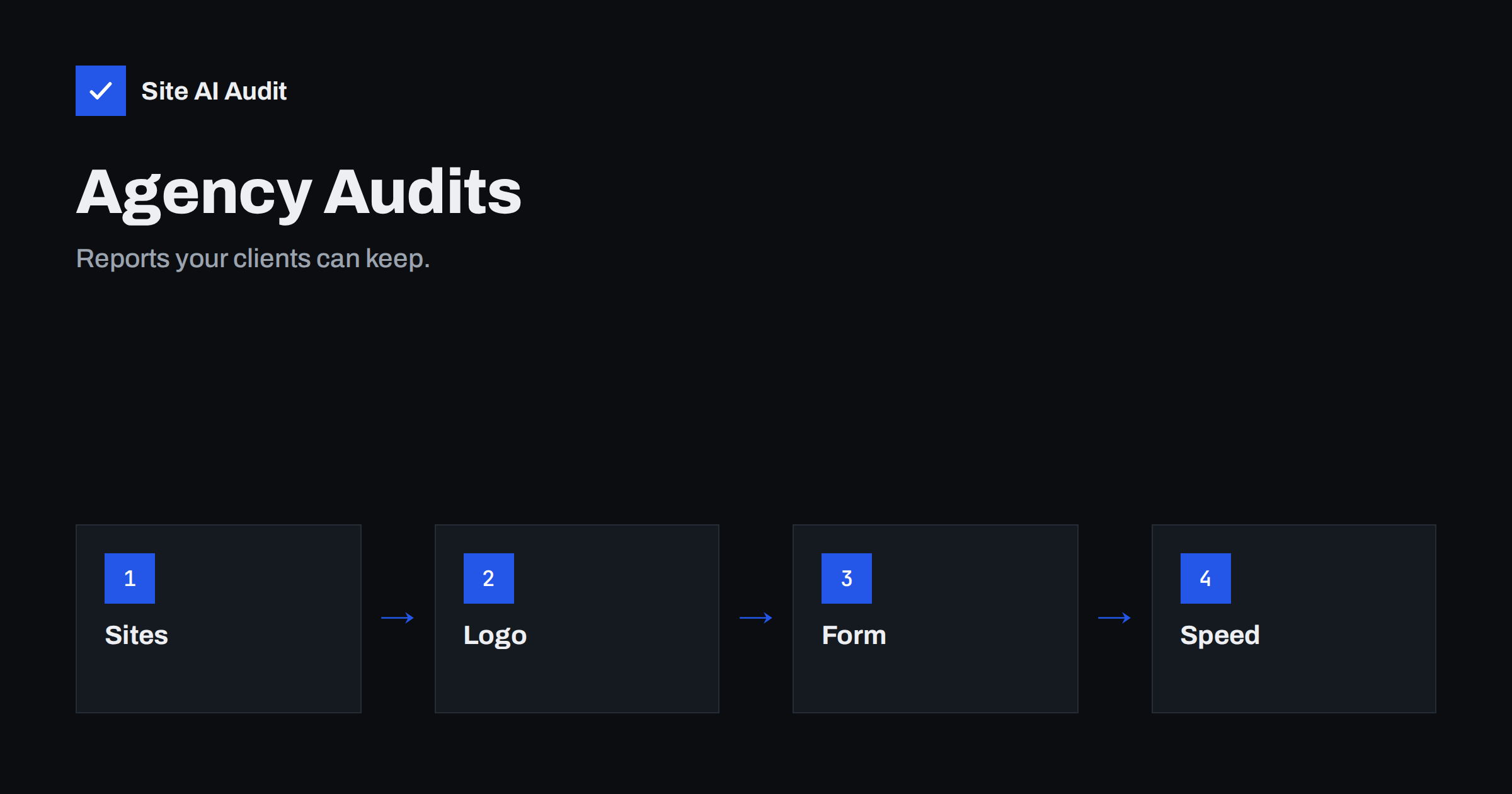
Short answer: The Agency plan of Site AI Audit is built for people who look after other people’s websites. It covers 25 websites, up to 10,000 pages per audit, ten background checks at once and everything in the Business plan, and it adds reports with your logo, an embeddable audit form for lead generation and priority support. It costs €79 a month without VAT, according to the pricing page.
Who the Agency plan is for
Web agencies, freelance developers, marketers and consultants all have the same problem. Clients ask whether their website is healthy, and the honest answer takes time to produce: a crawl, a speed test, a look at the certificate, a check of the e-mail records and a written summary. Doing this by hand for several clients every month eats hours that nobody pays for. The Agency plan turns the checks into a repeatable routine and gives you a report that looks like your own work.
Typical users are a small agency with a dozen clients, a freelancer who maintains websites for local businesses, or an SEO consultant who needs a quick technical overview before a proposal. If you manage only one website of your own, the Monitor plan is the simpler fit. The article on Site AI Audit monitoring explains it.
What is included
The pricing page describes the Agency plan as audits for your clients, under your brand. These are the listed features:
- 25 websites. Enough for most small agencies. A website means one domain, and www and non-www count as one.
- Everything in Business. That includes up to 10,000 pages per audit, unlimited re-checks, daily monitoring, SSL and e-mail checks, alerts to your team, report history and trends, and the PDF report.
- 10 background checks at once. Several client sites can be checked in parallel, so a batch of audits does not queue for long.
- Reports with your logo. The reports you share carry your brand.
- An embeddable audit form for lead generation. You can place a form on your own site, so that visitors can request an audit of their website.
- Priority support. Faster help when you need it.
Prices are in euros without VAT. Yearly billing gives two months free, and you can cancel any time.
How agencies can use it
1. Win new clients with an audit
A good audit is a strong opening for a conversation. Run the free check on a prospect’s site or let them run it themselves, then talk through the findings. Because each finding comes with a plain explanation and a how-to-fix text, you can show value without a long technical talk. The embeddable form on your own website lets prospects ask for an audit by themselves, which brings you leads who already have a problem to solve.
2. Onboard a new client
Before you touch a site, run a full audit and save it as the starting point. It records the state in which you found the website, which protects you when a client later asks why a score is lower than they hoped. It also gives you the list of work for the first weeks.
3. Report on progress
Re-checks are unlimited, so you can run an audit after each round of fixes and show the score moving. History and trends show change across months. A report with your logo makes the work visible to clients who otherwise see little of what you do. The article on how agencies should report website speed gives ideas for explaining numbers in a way that clients understand.
4. Keep watch between projects
Monitoring checks the sites you maintain and warns you when something breaks, for example an expiring certificate or a page that returns an error. The article on security checks for client websites lists what to look at, and the monitoring features cover several of those checks for you.
5. Check e-mail for the client
Each report includes the e-mail area: SPF, DKIM, DMARC and MX records. Many clients do not know that their invoices land in spam because of a missing record. Finding this for them is an easy win. See e-mail deliverability for agency clients.
A simple routine for 25 sites
- Add all client websites and run the first audit for each. Note the scores.
- Sort by lowest score and by critical findings. Those clients need attention first.
- Group findings by type. Many sites share issues like missing DMARC records or large images, which you can solve with one method.
- Fix, then re-check. Use unlimited re-checks to confirm each fix.
- Send the report. Share the PDF with your logo and a short note in plain words.
- Repeat monthly, and respond to alerts as they arrive.
Things to agree with clients
- Scope. Decide who fixes what. A report may list items outside your service, such as hosting settings.
- Expectations. Explain that a score is a guide, not a promise of rankings or sales.
- Access. The audit looks at the public side of a site. Your work may need access to hosting, DNS or the CMS.
- Frequency. Agree how often you will report, for example monthly, and who receives alerts.
What it does not do
Before you buy any tool for client work, it is worth being clear about its edges, so that you promise only what you can deliver.
The audit is a technical health check of the public website. It does not replace a content strategy, a link-building plan or a security test of private areas. It does give you an organised, evidence-based start for each of those conversations, and it saves the time you would otherwise spend collecting the numbers.
A worked example: a freelancer with twelve clients
Imagine a freelance developer who maintains twelve small websites: a bakery, two dental clinics, a few consultants and a small shop. Until now, she has answered “is my site fine?” by hand, usually with a quick look and a short message. With the Agency plan, she adds all twelve domains and runs the first audits on a Monday morning, so that by lunchtime she has twelve reports. Three of them show a critical finding: one certificate that expires in a week, one site with no redirect from HTTP to HTTPS and one clinic whose e-mail has no DMARC record, so that appointment reminders may be going to spam. She fixes the first two the same day, and asks the clinic’s IT contact to add the record, quoting the how-to-fix text from the report.
At the end of the month she re-checks each site, exports the PDF with her logo and sends a short message: this is the score when we started, this is the score now, these are the three things that changed and this is what comes next. Clients who used to ask what they were paying for now see a page that shows it. The ones who ignored her messages start replying. None of this required a special tool for reporting, only a routine and a report that is clear enough to forward.
Using the lead generation form well
An embeddable audit form is only useful if it leads to a conversation. Put it on a page that explains what the visitor will get, for example “Free website health check for your business”, and say clearly what happens afterwards. Follow up the same day while the result is fresh: thank the visitor, point out the one or two findings that matter most and offer to help. Do not send long technical lists to a person who has not asked for them. A short, friendly message that shows you understood their site is far more effective than a pile of numbers. Also tell visitors how their address will be used, in line with your privacy policy and the rules that apply to you, since collecting contact details brings responsibilities.
Try it on a client website
The quickest way to judge whether it fits your workflow is to run a check on a real site. Run a free check of a website and look at the report, then compare the plans on the pricing page. If you want to learn how to read the results with a client, the guide to reading your Site AI Audit report explains the score, the four areas and the findings.
Related reading
- Website Security Checks for Agencies: A Repeatable Client Process
- How Agencies Should Report Website Speed to Clients
- Email Deliverability for Agencies: Managing Client Domains
- How to Prioritise SEO Audit Findings: What to Fix First
The bottom line
The Agency plan packages repeatable audits, unlimited re-checks, monitoring and branded reports for up to 25 websites, and adds a lead generation form for your own site. It will not do your clients’ work, but it gives you a clear and professional way to show what is wrong, what you fixed and what remains.
FAQ
How many websites does the Agency plan cover?
25 websites, each up to 10,000 pages per audit. A website means one domain, with www and non-www counted as one.
Can reports carry my own logo?
Yes. Reports with your logo are part of the Agency plan, according to the pricing page.
What is the embeddable audit form?
A form that you can place on your own website for lead generation, so that visitors can request an audit of their own site.
Can I try it before I pay?
Every website gets one free check, and a free account keeps your reports in one place. You can upgrade later with one click.
How do I pay, and can I cancel?
You can pay by card, PayPal, bank transfer, Western Union or MoneyGram, and you can cancel at any time. Yearly billing gives two months free.


