 ENEnglish
 LTLietuviškai
 DEDeutsch
 FRFrançais
 RUРусский
 ESEspañol
 PLPolski
 ITItaliano
 UKУкраїнська
 CSČeština
 PTPortuguês
 JA日本語
 LVLatviešu valoda
 ETEesti
 HUMagyar
 IDBahasa Indonesia
 TRTürkçe
 HIहिन्दी
 ELΕλληνικά
 ARالعربية
 THไทย
 VITiếng Việt
 RORomână
 MSBahasa Melayu
 BNবাংলা
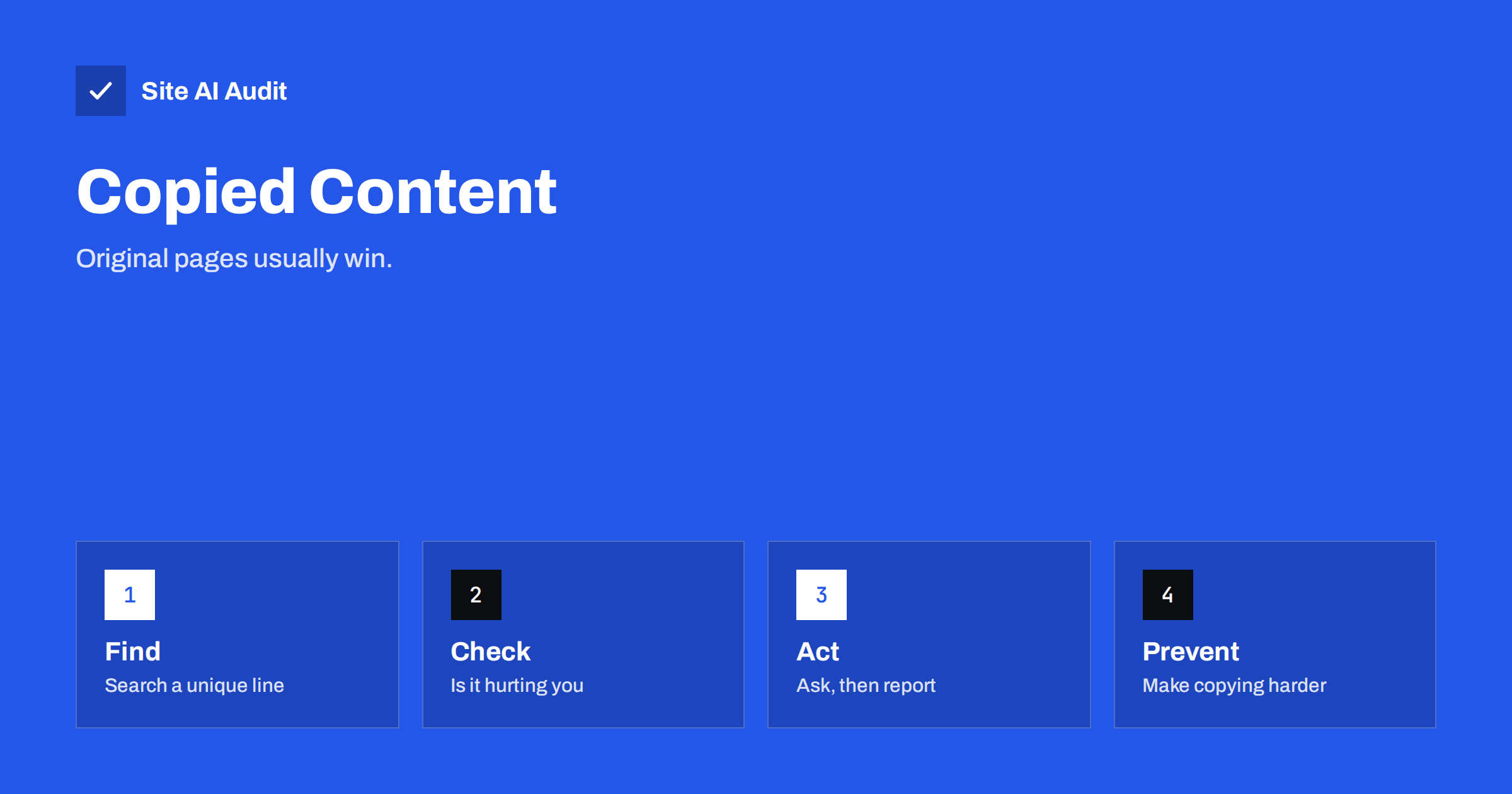
Short answer: If another site has copied your pages, do not panic. Search engines usually recognise the original, and most copies never rank above it. Find the copies, check whether they affect your traffic and act in steps: contact the owner, report to the host or search engine if the law supports you, and strengthen your own pages so that the original stays clear.
What scrapers do
A scraper is a program that visits sites and copies their content to another place. Some copy only a few sentences, some republish whole articles or product catalogues, and some change a few words with software to disguise the copy. Their aims vary. Some want to fill ad-supported pages with free text. Some build fake shops with copied product descriptions. Others want to attract visitors for malware or phishing, or to create low-quality sites that link to each other.
It happens to almost every successful site. It is annoying, and sometimes costly, but it is rarely a disaster. The useful questions are how you find copies, whether they matter and what proportionate action you should take.
How to find copies of your content
- Search for a unique sentence. Copy one distinctive sentence from your page, put it in quotation marks and search for it. Pages with the same sentence appear in the results.
- Search for your unusual phrases. Product names, slogans or codes that exist only on your site help.
- Use a plagiarism checker. Several online services compare a page with the rest of the web. They are useful for important pages.
- Check your backlinks. Scrapers often copy the links inside your text, so they appear in your links report. The guide to the Search Console links report shows how to look at it.
- Look at the logs. A visitor that loads hundreds of pages in a short time, with no scripts or images, is probably a scraper. See reading access logs.
- Set up alerts. A search alert for a distinctive phrase tells you when it appears elsewhere.
Keep a record of what you find: the address of the copy, the date, a screenshot and the original address. You need it for any later request.
Does a copy hurt your rankings?
Usually not. Search engines handle duplicates all the time, and they try to show the original version, using signals such as which page appeared first, which one has more links and which site is more trusted. Google states that duplicate content on its own is not a reason for a penalty, unless it is used to manipulate results. The overview in the guide to duplicate content explains how it chooses.
The risk is higher in some situations.
- Your site is new or weak. A well-established scraper site may be crawled more often and found first.
- The copy is faster. If a site copies your article seconds after you publish, before your page has been crawled, its version may be seen first.
- The copy outranks you for your own title. This is the case in which you should act at once.
- The copies are used for scams. A fake shop with your photos and product text can harm your brand and your customers, whatever the rankings.
Check your traffic. If rankings and clicks for the pages that were copied are stable, the copies are only a nuisance.
Step 1: Make your original clear
Before you contact anyone, strengthen the signals on your own pages. This helps in every case and costs little.
- Use a self-referencing canonical tag. Many scrapers copy the whole HTML, including the canonical tag, which then points to your page. The article on canonical tags explains how it works.
- Use absolute internal links. If a scraper copies your text with the links, they lead back to you.
- Get new pages crawled quickly. Keep your sitemap current and use the tools that tell search engines about new pages. See the guide to IndexNow and Bing Webmaster Tools.
- Show dates and authors. Clear publication dates and bylines show who wrote it first. See author pages and bylines.
- Link between your own articles. Good internal linking makes copied text point back to your site.
Step 2: Contact the site owner
A polite message is often enough, because many site owners do not know that their content came from a scraper. Find a contact address or form on the copying site, or look up its registered contact. State the facts: the address of your original page, the address of the copy, the date of publication and a request to remove the copy by a specific date. Stay calm, and do not make threats that you will not carry out.
Keep the tone professional. If the site republishes your content with permission, such as syndication that you agreed to, ask for a canonical link back to the original. The guide to republishing content elsewhere explains how to do it safely.
Step 3: Report to the host and to search engines
If the owner does not answer, or the site is clearly a scraper, use the next channels.
- The hosting company. Find out who hosts the site using public lookup tools, and send a report to the abuse contact. Hosting companies usually have a procedure for reports of copyright infringement.
- The search engine. Major search engines have forms for requesting the removal of results that infringe copyright. The removal applies to the search results, not to the site itself. See the overview in how to remove a page from Google results.
- Payment and advertising services. If the copy sells goods or shows ads, the providers behind them often have abuse forms too.
Copyright law differs between countries, and a formal notice is a legal statement. Make sure you own the content, give accurate information and consider legal advice for serious or repeated cases. This article is general information and not legal advice.
Step 4: Make copying harder
You cannot stop a determined scraper, but you can raise the cost and slow the casual ones.
- Rate limit and block abusive bots. Limit requests per address and block those that ignore your rules. See the articles on bad bots and rate limiting.
- Protect your images. Prevent other sites from loading your images directly. See hotlinking protection.
- Offer partial feeds. If your RSS feed carries full articles, a scraper can copy them in bulk. A summary with a link is harder to use.
- Add a short credit line to your articles. A line that links to the original site is often copied along with the text.
- Do not rely on blocking the right click or disabling selection. These tricks annoy readers and do not stop automated tools.
An example of proportionate action
Suppose a small publisher finds that a stranger’s site has copied twelve of its tutorials. Search Console shows that traffic to those tutorials has not changed, and the copies appear only on page nine of the results for the exact title. The right response is modest: an email to the site owner, a note in a spreadsheet and a check three weeks later. No lawyer is needed.
Now suppose that a copy of the best-selling product page appears on a fake shop that uses the company’s name and photos, and customers write to say that they paid and never received goods. That is not an SEO problem any more. It calls for immediate reports to the host, the payment provider and the search engine, a warning on your own site and perhaps legal advice. The same technique, copying, leads to very different levels of effort depending on the harm. Decide on the response by looking at the damage, not at the number of copies.
It also helps to agree on a routine. Check for copies of your newest and most valuable pages once a month, log what you find and review the log every quarter. If the same site keeps appearing, escalate. If the log is mostly empty, you can relax and spend your time on writing new pages.
What not to do
- Do not rewrite your original in a panic. Changing a page that is already established loses its history.
- Do not file a formal claim for text that you do not own, or for facts and ideas that cannot be protected.
- Do not harass the site owner or post their personal details.
- Do not spend hours on tiny scrapers with no traffic. Focus on copies that outrank you, copies that deceive customers and copies on strong sites.
How Site AI Audit helps
Site AI Audit does not search the web for copies of your pages, so it cannot find a scraper. It checks the signals on your own site that make the original easy to identify: unique titles and descriptions, headings, redirects, your sitemap, robots.txt and noindex tags, along with speed and security. The free check covers up to 50 pages and needs no sign-up. You can run a free check of your website or see the plans for weekly monitoring and alerts.
Related reading
- Duplicate Content in SEO: Common Causes and How to Fix Them
- Republishing Your Content Elsewhere Without Hurting SEO
- Canonical Tags Explained: How to Handle Duplicate URLs
- Bad Bots and Aggressive Crawlers: How to Control Bot Traffic
The bottom line
Copies of your pages are common and usually harmless to rankings. Find them with a quoted search, make your original clear with canonical tags and good linking, ask politely first and escalate through the host and the search engine if needed. Spend your effort where a copy actually costs you traffic or trust.
FAQ
Will a scraper outrank my original page?
It can happen, mostly on new or weak sites, but it is uncommon. Search engines try to show the original. Strong canonical tags, internal links and quick indexing help.
Can I stop all scraping?
No. You can slow it and limit the damage with rate limits, bot blocking and partial feeds, but a determined scraper can still copy what a visitor can see.
Is rewriting text with software also copying?
Often yes. Spun text that follows your page closely can still be a copy, and search engines can recognise it. Judge it by the meaning and the structure, not only the words.
Should I send a legal notice at once?
Not usually. Start with a polite message, then use the host and search engine channels. A formal notice is a legal step, so use it with care and get advice for serious cases.
Do copied images matter too?
Yes. Product photos and diagrams are copied often. The same steps apply, and you can add hotlink protection so that other sites cannot load your files directly.


